
"AI web scraping" gets sold as one thing, and it's really three. A point-and-click tool that reads a table, a hosted API that turns a URL into clean data, and an AI agent that drives a real browser are all "AI scraping," and they fail at completely different jobs.
AI web scraping is extracting structured data from websites with help from models that read a page's meaning instead of hard-coded selectors, which makes scrapers survive the layout changes that used to break them. It runs on three routes.
No-code scrapers (Browse AI, Simplescraper) let you click to define what you want, fastest to a first result and weakest when a site fights back. Scraping APIs (Firecrawl, ScrapingBee) take a URL and return LLM-ready data at scale, strongest for large public-data pipelines and priced by volume.
Agent-driven browsers (ego (lite), Browser Use) put a model in control of a real browser, most flexible for varied tasks and login-walled pages, where ego (lite)'s free price and inherited logins are the differentiator. Pick by data volume, how often it changes, whether there's a login wall, and your budget.
Three routes, four questions. That's the whole decision.
What are the three routes to AI web scraping?
The three routes differ in who does the work: you clicking, a hosted service fetching, or an agent operating a browser. Read each for the job it's built for, because the wrong route turns a ten-minute task into a fight.
Route 1: no-code AI scrapers.
You point at a page, click the fields you want, and the tool records a flow and re-runs it on a schedule, with AI helping detect fields and adapt to small changes. Browse AI and Simplescraper are representative: both document a click-to-scrape flow, including behind a login.
For a non-developer pulling a product list or a table from one site, it's the fastest path to a first result, sometimes minutes. The limits are structural: recorded flows break when a site redesigns, expressiveness caps out when the page adds interstitials or challenges, and a hosted runner carries your session on its infrastructure, which is a risk decision you're making whether or not you notice.
Route 2: scraping APIs.
You send a URL to a service and get back clean, model-ready data, markdown or structured JSON, with the proxies, rendering, and anti-bot handling done for you. Firecrawl and ScrapingBee are common picks: they're built to feed content into LLM pipelines and to run at volume without you managing browsers. This is the route for scraping thousands of public pages reliably.
Its boundaries: it shines on public data and gets awkward the moment a task needs your own logged-in account, cost scales directly with volume because you pay per page or per credit, and you're extracting content, not performing multi-step actions on a site.
Route 3: agent-driven browsers.
An AI agent drives a real browser, deciding what to click and read from a goal rather than a fixed script, which is what makes it handle dynamic pages, varied one-off tasks, and sites behind a login. Two representatives sit at different points.
Browser Use (open-source, MIT) drives a browser from natural-language goals and is strong on autonomous, open-ended extraction. ego (lite) is the free, real-browser option that inherits your existing logins: import from Chrome once and every site you've signed into stays signed in, then the agent works in an isolated Space driven by any agent that can run a shell command through the ego-browser skill.
That free-plus-inherited-logins pairing is the differentiator for anything behind an auth wall. The tradeoff for the whole route: it's not built for massive fixed pipelines the way an API is, and agent-driven runs can vary, so it fits flexibility over throughput.
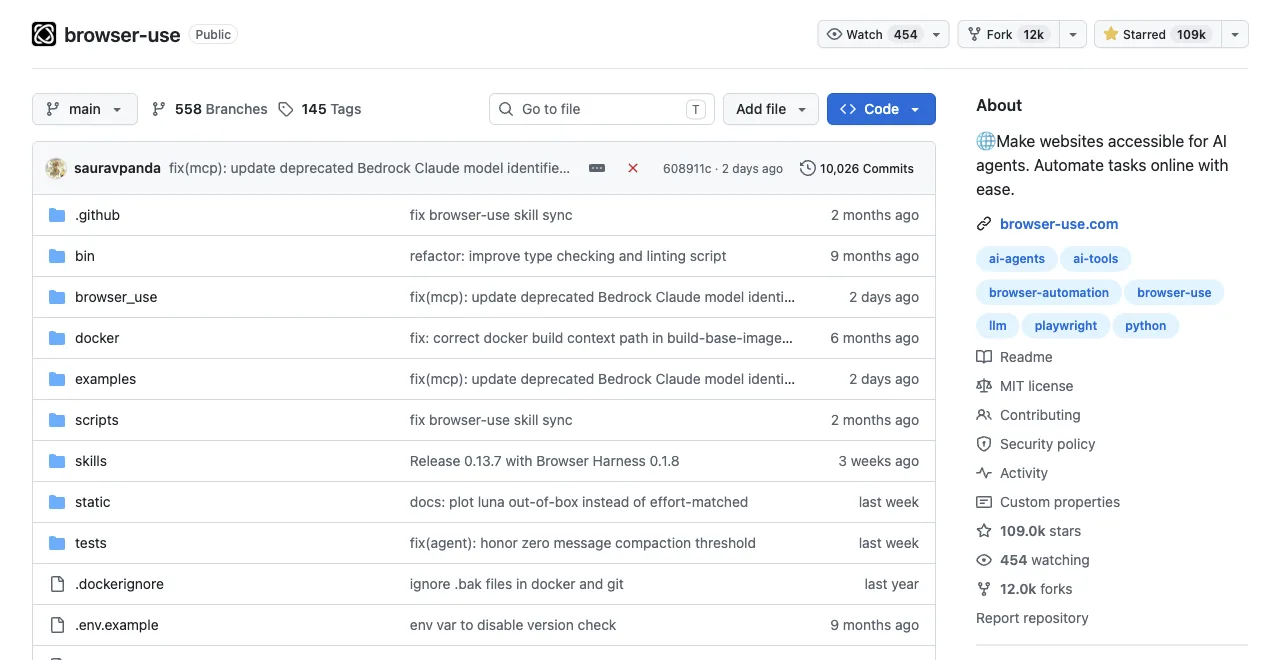
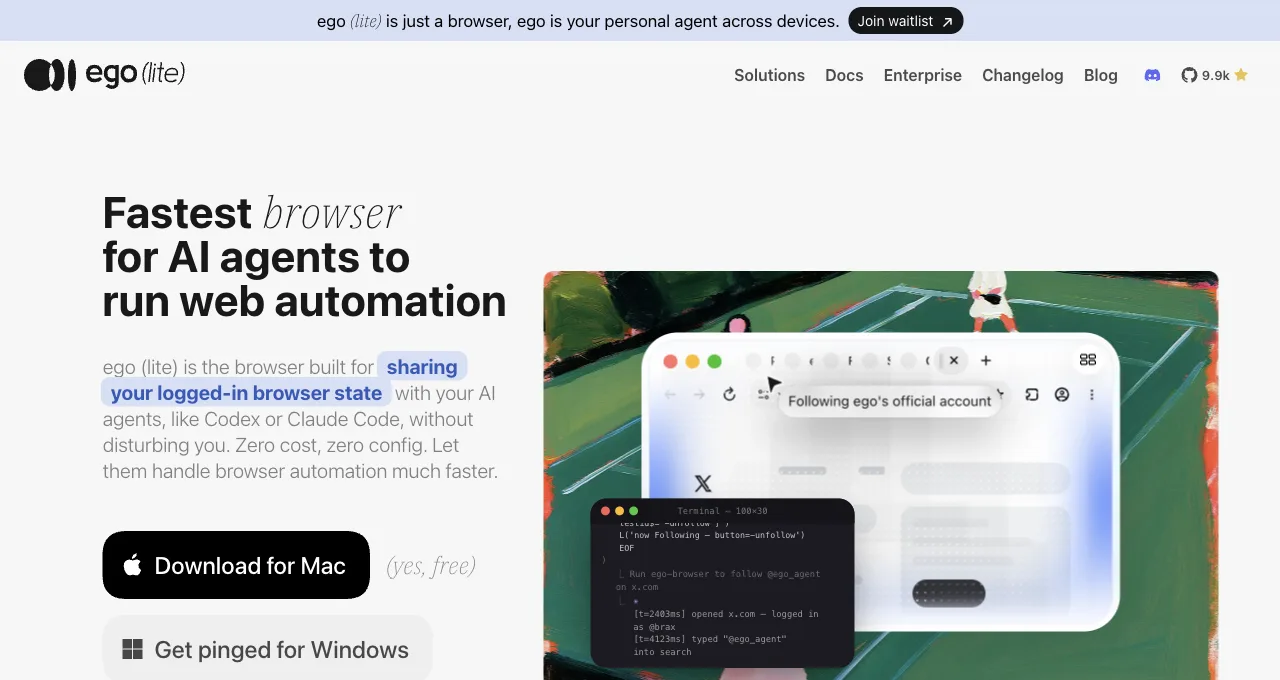
Here's what running each of those actually looks like, same page, same day. Browser Use first, because that's the autonomous end of this route; ego (lite) second, the logged-in scripted end.
Browser Use (0.13.7, gpt-4.1-mini)
# run.py
import asyncio
from browser_use import Agent, ChatOpenAI

async def main():
    llm = ChatOpenAI(model="gpt-4.1-mini")
    agent = Agent(
        task="Go to https://news.ycombinator.com/ and tell me the exact title text of the #1 story on the front page, plus its points count.",
        llm=llm,
    )
    history = await agent.run(max_steps=8)
    print("FINAL RESULT:", history.final_result())

asyncio.run(main())

# Real output:
INFO     [Agent] Starting a browser-use agent with version 0.13.7, with provider=openai and model=gpt-4.1-mini
INFO     [Agent]   ▶️   navigate: url: https://news.ycombinator.com/, new_tab: False
INFO     [tools] 🔗 Navigated to https://news.ycombinator.com/
INFO     [Agent] 📍 Step 1:
INFO     [Agent]   👍 Eval: Successfully located the #1 story title and its points count on the Hacker News front page.
INFO     [Agent]   🧠 Memory: Located the top story on Hacker News with title 'Qwen 3.8 27B' and points count '415 points'.
INFO     [Agent]   🎯 Next goal: Report the exact title text and points count of the #1 story to the user.
INFO     [Agent]   ▶️   done: text: The #1 story on Hacker News front page is titled "Qwen 3.8 27B" with 415 points., success: True, files_to_display: None
📄  Final Result:
The #1 story on Hacker News front page is titled "Qwen 3.8 27B" with 415 points.
INFO     [Agent] ✅ Task completed successfully
FINAL RESULT: The #1 story on Hacker News front page is titled "Qwen 3.8 27B" with 415 points.
ego (lite), same page, targeted extraction
ego-browser nodejs <<'EOF'
const task = await egoBrowser.newTaskSpace('evidence-egobrowser-hn')
console.log({ taskSpaceId: task.id })

await task.page.goto('https://news.ycombinator.com/', { waitUntil: 'load', timeout: 20000 })
const title = await task.page.title()
const topStory = await task.page.locator('.athing .titleline > a').first().innerText()
const points = await task.page.locator('.subtext .score').first().innerText().catch(() => null)
console.log({ title, url: task.page.url(), topStory, points })
EOF

# Real output:
{
  "taskSpaceId": 13
}
{
  "title": "Hacker News",
  "url": "https://news.ycombinator.com/",
  "topStory": "Qwen 3.8 27B",
  "points": "412 points"
}
Same task, same page, minutes apart: ego (lite) hands back a 4-field JSON in one shell call, browser-use spends an LLM step reasoning over the page and reports the answer in prose. Neither is wrong; they're different tradeoffs, targeted extraction versus autonomous reasoning, and the token bill only shows up on the second one.
Download ego (lite) for Mac, free, or see the login-specific routes in AI scraping behind login walls.
Which route fits your job?
Four factors decide almost every real choice: how much data you're pulling, how often the source changes, whether it's behind a login, and what you can spend. Find the column you're weakest on and read down it, because that constraint, not the one you're comfortable with, is what picks the route.
| Factor | No-code scrapers | Scraping APIs | Agent-driven browsers |
|---|---|---|---|
| Data volume | Low to medium; one site at a time | High; built for thousands of pages | Low to medium; task-shaped, not bulk |
| Change frequency | Poor; re-record on redesign | Good on public pages; managed for you | Strong; the model adapts to the page |
| Login walls | Works, but the runner holds your session | Awkward; built for public data | Best; reuses a real signed-in browser |
| Budget model | Flat subscription by row or run | Usage-based; scales with volume | Free tools plus your agent's LLM tokens |
The pattern the table draws: APIs own scale and public data, agent-driven browsers own flexibility and logins, and no-code tools own the fast, non-technical start on a single stable site. A task that lives in two columns usually means two tools, not one heroic pick.
What does each route cost?
Compare the cost model, not a sticker price, because the models scale so differently that today's cheapest route becomes tomorrow's most expensive at a different volume. The magnitudes below are about how cost behaves, not exact figures, which move too often to quote.
| Route | Cost model | Where it gets expensive |
|---|---|---|
| No-code scrapers | Free tier, then a monthly plan by rows or runs | Many sites or high row counts push you up tiers fast |
| Scraping APIs | Usage-based: pay per page or per credit | Cost rises linearly with volume; large crawls add up |
| Agent-driven browsers | Tool often free; you pay your agent's LLM tokens | Token cost per task; hosted-cloud options add infra |
How do you choose? A decision tree
Run the four questions in order and the route usually falls out by the second or third. This is the tree, in plain steps.
Start with the login wall, because it's the sharpest filter. If the data is behind your own login, go straight to an agent-driven browser that reuses a real session (ego (lite) for the free, inherited-logins case), because injected cookies break on 2FA and device checks and APIs aren't built for your personal account. No login wall? Move to volume.
If you're pulling thousands of public pages on a schedule, a scraping API is the route: it's built for that scale and hands you clean, model-ready data without you running browsers.
If the volume is modest, ask about change and skill. A single stable site and no desire to code points to a no-code scraper for the fastest start. A source that changes often, or a task with varied steps rather than a fixed shape, points back to an agent-driven browser, where the model adapts instead of breaking.
Budget breaks ties: at low volume the free agent-driven route costs only tokens, while at high public-data volume an API's per-page price can still beat babysitting anything else.
Try the free, login-aware route with ego (lite), or compare the agent tools directly in the 9 best browser automation tools.
FAQ
What is the best AI web scraping tool in 2026?
It depends on the job. For thousands of public pages, a scraping API like Firecrawl or ScrapingBee is best; for a single stable site with no code, a no-code scraper like Browse AI or Simplescraper; for login-walled or varied tasks, an agent-driven browser like ego (lite) or Browser Use. There's no universal winner, only a best fit per volume, change frequency, login wall, and budget.
Is there a free AI web scraping tool?
Yes. ego (lite) is free to download and reuses your existing browser logins, and Browser Use is open-source and free to run; on both you pay only the LLM tokens your agent uses. Most no-code scrapers and scraping APIs offer a free tier that's fine for small jobs, then charge by rows, runs, or per-page volume as you scale.
How do I do AI web scraping with Python?
Two common paths. Call a scraping API from Python and let it return clean data, which suits public-page pipelines. Or drive a browser from Python with a framework like Playwright and pass the page to a model for extraction, which handles dynamic sites. For pages behind your own login, an agent driving a real signed-in browser avoids the cookie-injection upkeep that raw Python scripts require.
Can AI scrape websites behind a login?
Yes, and the sturdiest way is an agent driving a browser that's already signed in, so nothing is copied out and 2FA becomes a pause rather than a failure. ego (lite) does this by inheriting your existing sessions. No-code tools can record a login flow but hold your session on their runner, and scraping APIs are built for public data, not your personal account. See the login-wall guide for the full comparison and compliance boundaries.
Does AI web scraping break when a website changes?
Less than selector-based scraping, but not never. Model-driven extraction reads a page's meaning, so it survives small layout changes that shatter hard-coded selectors. Recorded no-code flows are the most fragile to redesigns; agent-driven browsers adapt best because the model re-reads the page each run; scraping APIs manage rendering changes for you on public pages. "AI" reduces breakage, it doesn't eliminate it.
Is AI web scraping legal?
It depends on the data, not the tool. Public data and your own account data are the clean lanes; third parties' personal data pulls in privacy law like GDPR and CCPA, and a platform's terms may forbid automation regardless of route. None of this is legal advice, and for personal or commercial-stakes data the right step is a lawyer, not a tutorial.