
The core conclusion first: for browser MCP servers, trimming tool definitions barely moves the bill, because page snapshots dwarf schemas. The savings that matter come from changing the execution model: the official CLI route cuts roughly 4x (27K vs 114K tokens on Microsoft's own figures), and out-of-process scripts keep page data out of context entirely.
That out-of-process route is how ego (lite) runs, free: in our published benchmark it finished the same browser tasks in 44% fewer execution rounds at 21.6% lower cost.
Here's a number that reframes the problem: a single page snapshot from Playwright MCP measured ~12,000 tokens for a dashboard, and 114K for one Salesforce page. The entire tool-schema overhead of that same server is ~4,200 tokens. You could optimize schemas to zero and barely dent the bill.
So this list is ordered honestly: two tactics for the fixed costs, two for response payloads, and the two that actually change the curve. Each comes with numbers and the situations where it applies.
Where does MCP token usage actually come from?
Three buckets, and knowing which one dominates your setup decides which tactic pays.
Fixed costs: every registered server loads its tool schemas into context at session start, used or not. Speakeasy's engineering team measured input schemas at 60-80% of total token usage for static toolsets, and that's before any work happens.
Per-step costs: every tool response lands in context. For search or database MCPs that's result payloads; for browser MCPs it's page snapshots, which scale with page complexity you don't control.
Accumulation: conversations keep every past response. A measured Playwright MCP session carried 60-90K tokens of mostly stale snapshots by step 12-15, and started referencing elements that no longer existed.
Diagnose first, then pick your tactic.
Tactic 1: Register fewer tools
How: audit your MCP config and remove servers you're not using this week; for servers with capability flags, load only the groups you need (Playwright MCP's --caps flag gates vision, pdf, and devtools tools behind opt-in).
Numbers: Playwright MCP alone contributes ~4,200 tokens of schemas across 26+ tools; a typical multi-server setup (browser, GitHub, database, search) multiplies that several times over. Removing two idle servers is often a five-figure token saving per session, for zero functional loss.
Applies when: always. This is the free lunch, and the reason it's tactic 1 despite being obvious is that config rot is universal: servers get added for one experiment and stay for months.
Tactic 2: Slim the schemas (or load them lazily)
How: for servers you build, shorten descriptions, drop redundant enum listings, and flatten nested parameter objects. The bigger version is dynamic toolsets: expose three meta-tools (search_tools, describe_tools, execute_tool) so full schemas load only for tools the model actually plans to use.
Numbers: Speakeasy benchmarked the dynamic approach on toolsets of 40 to 400 tools and measured up to 160x token reduction, with input tokens down 96.7% on simple tasks and 91.2% on complex ones, at 100% task success. The honest trade-off from the same benchmark: 2-3x more tool calls and roughly 50% slower runs.
Applies when: you run large toolsets (dozens of servers or hundreds of API operations). If your problem is one browser server's snapshots, this tactic barely moves the needle.
Tactic 3: Filter what responses return
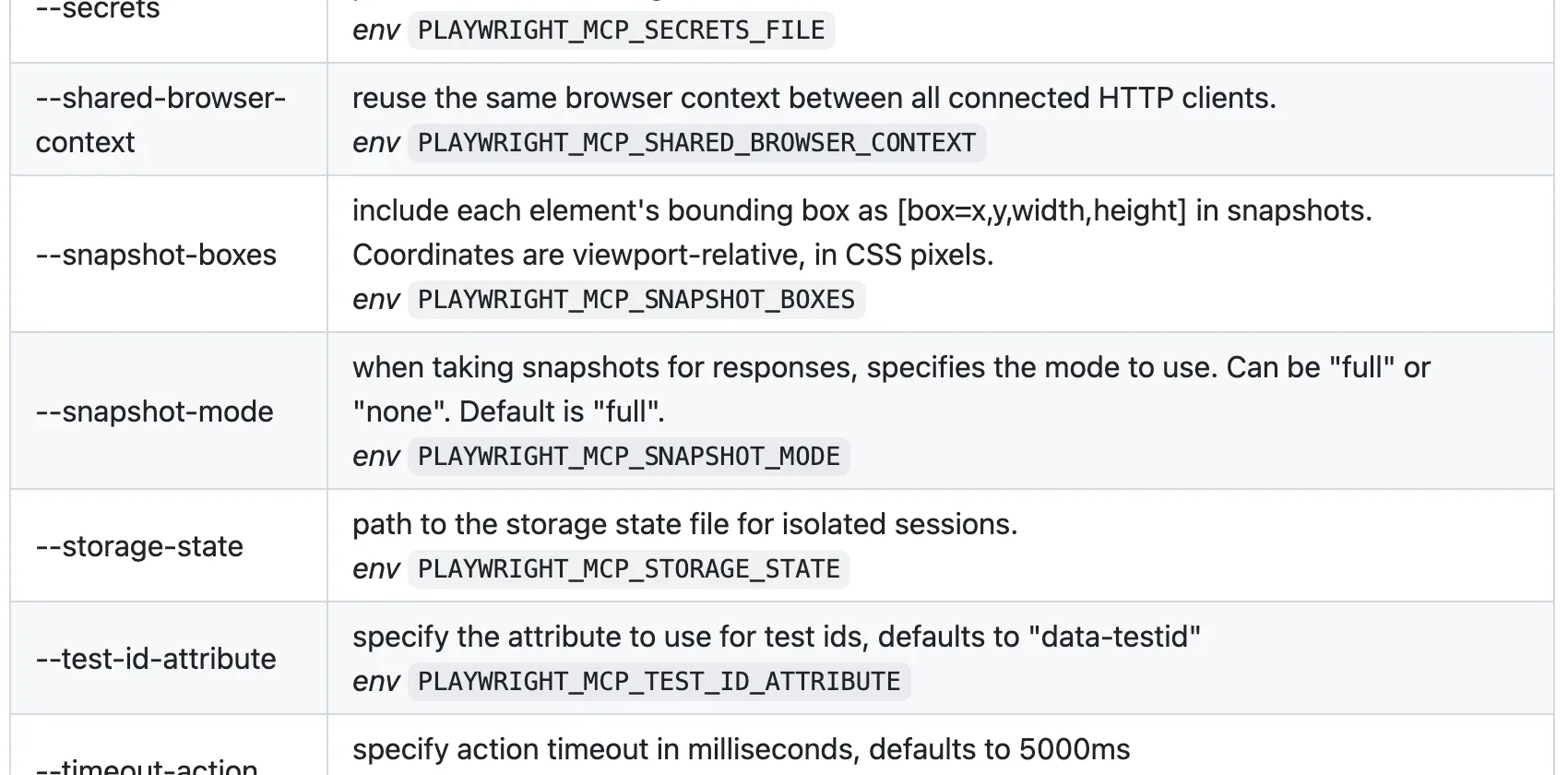
How: use the response-shaping options servers already ship. In Playwright MCP: the filename parameter writes console logs, network dumps, and snapshots to disk instead of into context (the agent reads back only what it needs); browser_network_requests excludes static assets by default and takes a filter regexp; --image-responses omit drops image payloads; --console-level caps log verbosity.
Numbers: this is the difference between a network dump costing hundreds of tokens (a numbered summary list) and tens of thousands (full headers and bodies inline). The disk-then-read-selectively pattern is also exactly why the CLI route in tactic 5 stays flat across 50 steps.
Applies when: your transcripts show big response payloads you didn't ask for. Ten minutes of flags, no workflow change.
Tactic 4: Trim browser snapshots
How: stop attaching the full accessibility tree to every response. Playwright MCP's --snapshot-mode none makes snapshots explicit-only; browser_find locates a single element without capturing the tree (the docs call it cheaper than a whole snapshot); the depth and target parameters scope what a snapshot covers; --mobile requests lighter pages.
Numbers: the default behavior costs ~3,800 tokens on a login form and ~12,000 on a dashboard, per action. Scoped finds and explicit snapshots convert that from every step to only the steps that need orientation, often a 3-5x cut on multi-step tasks.
We ran this ourselves instead of taking the industry figures on faith: a real Chrome DevTools MCP session, one take_snapshot call, on a single moderately simple page.
import asyncio
from mcp import ClientSession, StdioServerParameters
from mcp.client.stdio import stdio_client

async def main():
    params = StdioServerParameters(
        command="npx",
        args=["--yes", "chrome-devtools-mcp@latest", "--headless", "--isolated"],
    )
    async with stdio_client(params) as (read, write):
        async with ClientSession(read, write) as session:
            await session.initialize()
            nav = await session.call_tool("navigate_page", {"url": "https://news.ycombinator.com/"})
            print("navigate_page chars:", len("".join(c.text for c in nav.content if hasattr(c, "text"))))

            snap = await session.call_tool("take_snapshot", {})
            snap_text = "".join(c.text for c in snap.content if hasattr(c, "text"))
            print("take_snapshot chars:", len(snap_text))
            print(snap_text[:700])

# Real output
navigate_page chars: 123
take_snapshot chars: 38285
## Latest page snapshot
uid=1_0 RootWebArea "Hacker News" url="https://news.ycombinator.com/"
  uid=1_1 link url="https://news.ycombinator.com/"
  uid=1_2 link "Hacker News" url="https://news.ycombinator.com/news"
    uid=1_3 StaticText "Hacker News"
  uid=1_4 link "new" url="https://news.ycombinator.com/newest"
    uid=1_5 StaticText "new"
  uid=1_6 StaticText " | "
  uid=1_7 link "past" url="https://news.ycombinator.com/front"
    uid=1_8 StaticText "past"
  uid=1_9 StaticText " | "
  uid=1_10 link "comments" url="https://news.ycombinator.com/newcomments"
    uid=1_11 StaticText "comments"
  uid=1_12 StaticText " | "
  uid=1_13 link "ask" url="https://news.ycombinator.com/ask"
...
38,285 characters, roughly 9-10K tokens, for one snapshot of a page simpler than the login form and dashboard the figures above describe. It's in range, not an outlier, and it's the number those figures never actually showed their work on.
Applies when: you're staying on a browser MCP and your pain is per-step cost. It's the strongest pure-config tactic, and its ceiling is structural: page state still travels through context, so long tasks still accumulate.
Tactic 5: Switch to a CLI route
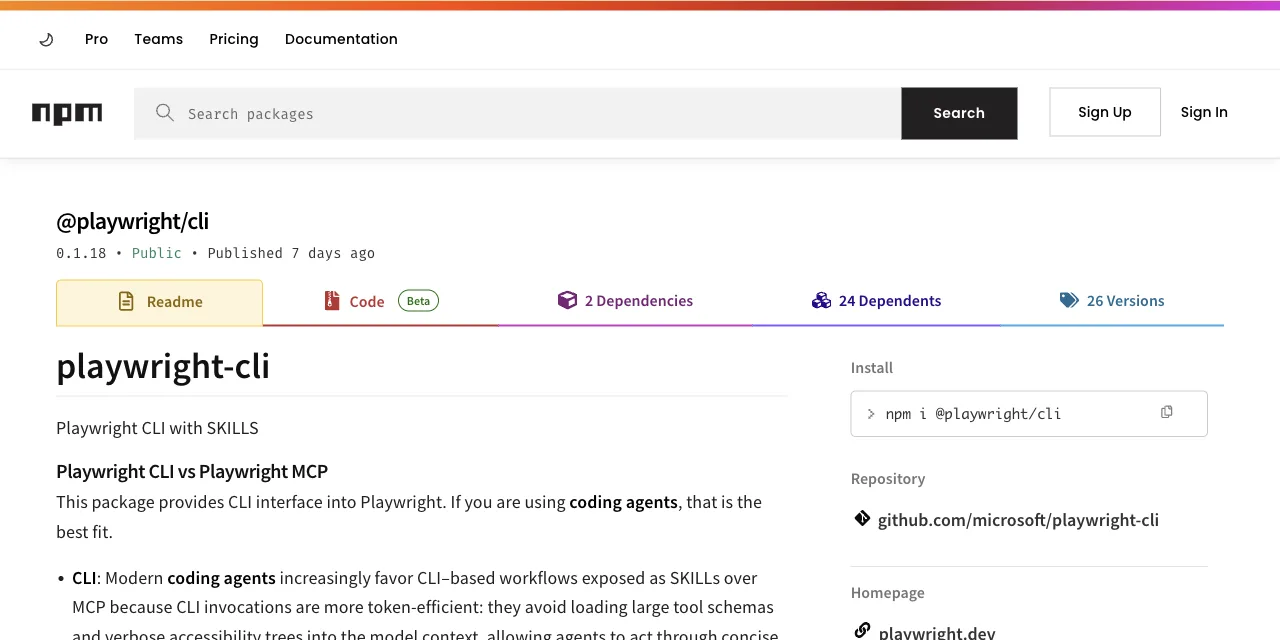
How: replace tool calls with shell commands. Microsoft's official Playwright CLI writes snapshots to YAML on disk and returns file paths; the agent reads selectively. Even the Playwright MCP README now points coding agents this way for token efficiency.
Numbers: 114K tokens per test over MCP vs 27K over the CLI on the figures published with the launch, about 4x. Schema overhead drops from ~4,200 tokens to ~68 (one --help read). An independent 8-step test measured the same shape: ~89K vs ~24K.
Applies when: your agent can write code and run shell commands (Claude Code, Cursor, Codex). That's the gate. We measured this route in detail in the Playwright MCP vs CLI comparison.
Tactic 6: Move execution out of process
How: instead of one command per action, the agent writes one short program describing the whole workflow and pipes it into a local runtime as a heredoc. Loops, waits, and extraction run outside the model; only the final result returns to context. Page data never enters the conversation at all.
Numbers: in our published benchmark of this pattern, heredoc execution finished the same browser tasks in 44% fewer execution rounds, with 35.5% fewer tool calls, at 21.6% lower cost than command-at-a-time execution.
Applies when: you run browser tasks daily and the task is describable as steps. ego (lite), an agent browser for browser automation, implements this route through the ego-browser skill, with one addition none of the tactics above provide: it's a real browser that shares your logged-in state, so workflows start past the login wall. Free, and any agent that can run a shell command can drive it.
Here's what that actually looks like: a real ego-browser session against the same Hacker News page used in the take_snapshot example above, run minutes apart from it today. JavaScript goes in as a heredoc, only the fields that mattered come back.
ego-browser nodejs <<'EOF'
const task = await egoBrowser.newTaskSpace('evidence-egobrowser-hn')
console.log({ taskSpaceId: task.id })

await task.page.goto('https://news.ycombinator.com/', { waitUntil: 'load', timeout: 20000 })
const title = await task.page.title()
const topStory = await task.page.locator('.athing .titleline > a').first().innerText()
const points = await task.page.locator('.subtext .score').first().innerText().catch(() => null)
console.log({ title, url: task.page.url(), topStory, points })
EOF

# Real output
{
  "taskSpaceId": 13
}
{
  "title": "Hacker News",
  "url": "https://news.ycombinator.com/",
  "topStory": "Qwen 3.8 27B",
  "points": "412 points"
}
About 90 characters back to the agent, versus 38,285 for the same page's accessibility tree in the take_snapshot example above. That gap, not the schema-trimming tactics earlier in this list, is what actually moves the token bill for browser work.
The code above runs against the open ego-lite repo, not a black box; read the ego-browser skill source yourself if you want to see what the heredoc runtime is actually doing before you pipe a task into it.
GitHub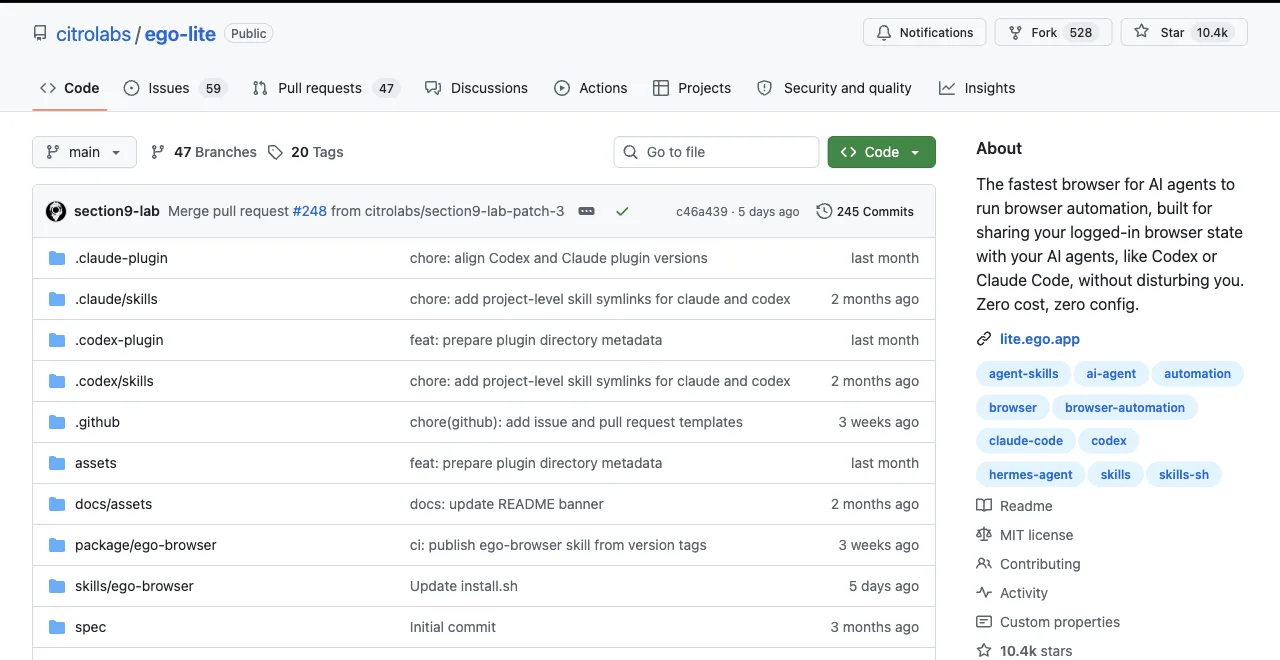
Which tactic should you start with?
Ranked by how often you run browser tasks, because frequency decides whether config tweaks are enough.
| Your usage | Start with | Expected saving |
|---|---|---|
| Occasional MCP use, many servers configured | Tactics 1 + 3 (prune servers, filter responses) | Thousands of tokens per session, zero workflow change |
| Big custom toolsets (100+ operations) | Tactic 2 (dynamic toolsets) | Up to 160x on schema-dominated workloads |
| Browser MCP weekly, staying on MCP | Tactic 4 (snapshot trimming) | 3-5x on multi-step tasks |
| Browser tasks daily with a coding agent | Tactics 5 + 6 (CLI, then out-of-process) | 4x from the CLI; out-of-process keeps page data out of context entirely |
One honest closing note: tactics 1-4 optimize the architecture you have, tactics 5-6 change it. If you find yourself applying all four config tactics and still watching context compaction, that's the signal you're past what flags can fix.
A word on the token-optimizer projects you'll find on GitHub: wrappers that compress or filter MCP responses before they reach the model. They're real savings on the margin, and they inherit the structural limit of tactics 3-4: response data still flows through context on every step, just less of it. Useful as a patch, not a plan.
And if someone tells you tool definitions are the whole problem: true for a 400-operation API gateway, false for a browser server whose single dashboard snapshot outweighs its entire schema block three to one. Measure your own transcript before picking a tactic; the two-minute check is scrolling one session and noting which payloads repeat.
Download ego (lite) for Mac to try the out-of-process route on a real task, or read the full breakdown of where browser MCP tokens go. Both are free.