任务完成率
每个工具拿到的都是同样的 31 个任务:线上网站上的多步骤任务,很多藏在登录墙后面。只有满足全部要求才算完成,没有部分得分。
所用 Agent: pi · 模型: ChatGPT 5.6 Sol · 思考强度: max · 31 个任务
- ego(lite)93.5%
- agent-browser62.9%
Choose the browser environment and workflow you need. Snapshot references and reusable code are available in more than one tool.
| 功能 | ego(lite) | agent-browser |
|---|---|---|
| Execution environment | Visible local ego Chromium browser | CLI browser automation with documented session options |
| Authorized state | Supported import or direct sign-in; verify the site account | Choose the current documented session or connection configuration |
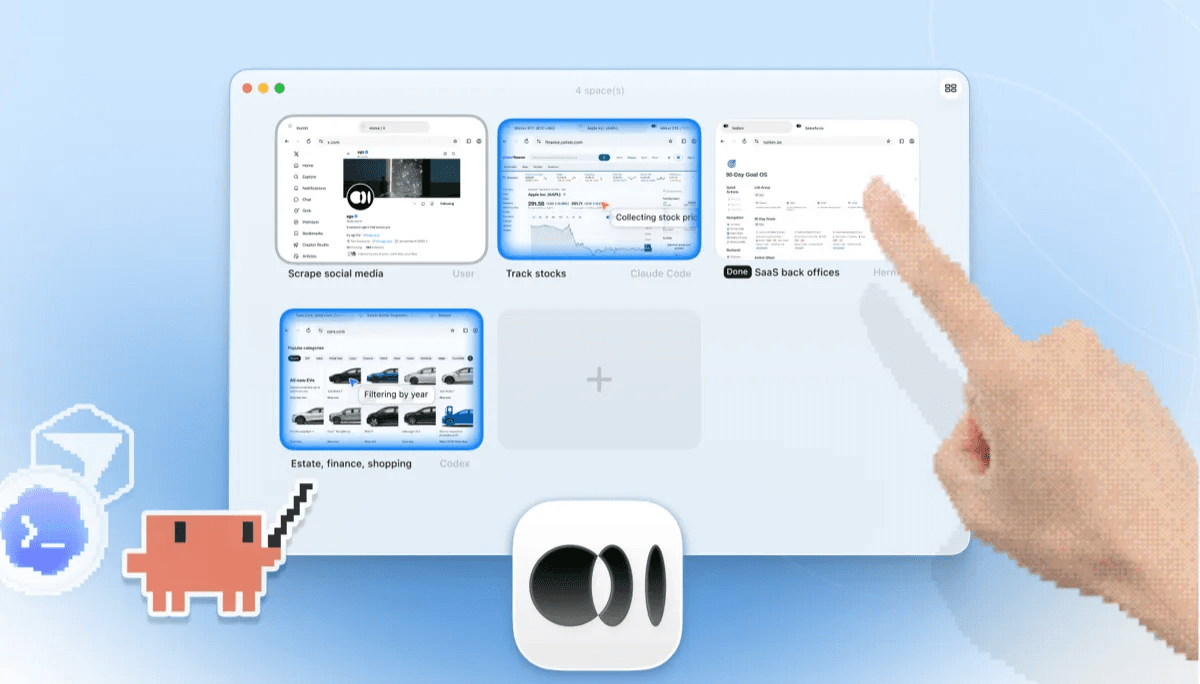
| Task organization | Separate Spaces and result files | Use independent sessions and outputs as documented by the tool |
| Snapshot size | Depends on page and scope | Depends on page, format, and selected operation |
| Current reusable workflow | User-maintained script or Agent Skill | CLI scripts and experimental saved HTTP flows |
| Automatic ego Experience | Limited beta, separate from saving your own script | Do not use a future ego feature as a current comparative result |
| Account restriction | A Space name is not proof of separate credentials | Verify the account and permissions of the configured environment |
| Comparative measurements | Historical benchmark shown with its disclosed conditions | No new complete-task rerun in this documentation update |
最近更新 2026年11月9日




































The published benchmark ran both tools on the same 31 live-site browser tasks. It is separate from the November 9 local documentation fixtures.
所用 Agent: pi · 模型: ChatGPT 5.6 Sol · 思考强度: max · 31 个任务
每个工具拿到的都是同样的 31 个任务:线上网站上的多步骤任务,很多藏在登录墙后面。只有满足全部要求才算完成,没有部分得分。
所用 Agent: pi · 模型: ChatGPT 5.6 Sol · 思考强度: max · 31 个任务
失败的运行一样要付费。这里用模型总花费除以真正完成的任务数,算出的是拿到一个结果的真实成本。越低越好。
所用 Agent: pi · 模型: ChatGPT 5.6 Sol · 思考强度: max · 31 个任务
每千次模型轮次获得的评分细则得分:衡量每次模型调用能换来多少完成的工作。越高越好。
所用 Agent: pi · 模型: ChatGPT 5.6 Sol · 思考强度: max · 31 个任务
全部 31 个任务中每个任务的平均实际耗时。ego(lite) 完成任务的速度比 agent-browser 快 52%。
所用 Agent: pi · 模型: ChatGPT 5.6 Sol · 思考强度: max · 31 个任务
Real-World Bench 是一项开源基准测试:31 个线上网站上的复杂真实浏览器自动化任务,每个工具都由同一个 pi Agent 使用同一个模型(gpt-5.6-sol,思考强度 max)驱动,并由同一个评审模型按每个任务的评分细则打分。每项成绩都覆盖全部 31 个任务,不按单个任务挑选最好的结果。 Historical result under the model, Agent, tool versions, and tasks disclosed by that benchmark. This historical widget does not depict the separate three-run model task added in this update.
ego(lite) provides a visible local Chromium browser with task Spaces. agent-browser provides a CLI automation route with session and workflow options. Compare their current configuration and your task rather than treating default values as capability limits.
In a November 9 controlled task, ego-browser and agent-browser each completed three fresh GPT-6 Sol runs. The task required an account selection, Beta search, screenshot, browser download, and independent CSV verification.Median elapsed time was 65.812 seconds for ego-browser and 108.656 seconds for agent-browser. The existing visible ego application and fresh isolated headless competitor session have different startup conditions. This is one small fixture, not a general speed or cost ranking. The full per-run input, cache, output, retry, and artifact records are available in the context measurement guide.
ego(lite) uses supported imported state or a direct sign-in in its own browser. A website can still expire a session or require verification.Check agent-browser's current session and connection options for the configuration you will use. An empty default session does not prove that existing state is unsupported.
Both a tool's snapshot format and the Agent's chosen observation scope affect context usage. A short extraction can be cheaper than a full document while also omitting information the task needs.Our November 9 local ego fixture measured 743 tokens for a full-page Snapshot, 443 for its viewport, and 46 for selected table rows with o200k_base. These are different observation ranges, not an agent-browser comparison or a complete-task bill.
A user can save and rerun an ego-browser script today. The script still needs parameters, current selectors, login checks, and result verification. Automatic ego Experience remains limited beta.agent-browser's official Skill documents experimental flow save and flow run for recorded HTTP workflows. Check the current restrictions and failure behavior. That does not establish automatic semantic repair or equivalence to future ego Experience.
In our new controlled run, two independent ego-browser invocations returned different records from separate Spaces. Another test verified file selection, a denied record change, a pending change, and a downloaded report.Those are current runtime demonstrations. The published 31-task benchmark below is separate historical evidence and was not rerun as part of this documentation update.
Read all nine model tasks, conditions, and downloadable artifacts
Read the official agent-browser instructions
Run the ego-browser setup and verification task
ego-browser skillKeep the task, account, and expected output the same when trying another browser route.
下载 ego(lite)
Install ego(lite), then select and confirm the intended website account.
用 /ego-browser 运行你的第一个任务
Load ego-browser and run its installed guide.
粘贴到你的 Agent 里
/ego-browser Open https://example.com and return the actual page URL and title
看它开始工作
Use a small read-only task and verify the actual result before moving a recurring workflow.
Save reusable code with explicit parameters and output verification. Keep other tools where their interface fits.
与 Puppeteer、Playwright MCP、Claude in Chrome、Browser Harness 以及另外 7 款工具的逐项对比。

免费使用,运行在你的电脑上,一键导入 Chrome 浏览器配置文件。支持 Claude Code、Codex、Cursor,以及任何能写代码的 CLI Agent。