
The core conclusion first: Antigravity's Browser Subagent drives a local Chrome inside a completely separate profile, and most browser-not-working reports trace to three causes: Chrome missing or stale, the Browser Tools toggle off, or the allowlist quietly blocking the target URL.
The separate profile also means none of your logins are there, by design. Past that edge (your logins, non-Google agents, parallel background tasks), ego (lite) is the free companion rather than a replacement: a browser built for sharing your logged-in browser state with AI agents, driven by any agent that can run a shell command.
Antigravity's browser story is genuinely distinctive: the IDE's agent can "open, read, and actuate a local Chrome browser," and it records what it did as artifacts you can replay: screenshots and action videos attached to the task.
So: the architecture in one section, correct setup, the fix checklist in symptom order, and the boundaries where a different tool is the answer. Everything quoted below comes from Google's own Antigravity docs, so you can verify each claim against the source as the product evolves.
How does Antigravity's browser automation work?
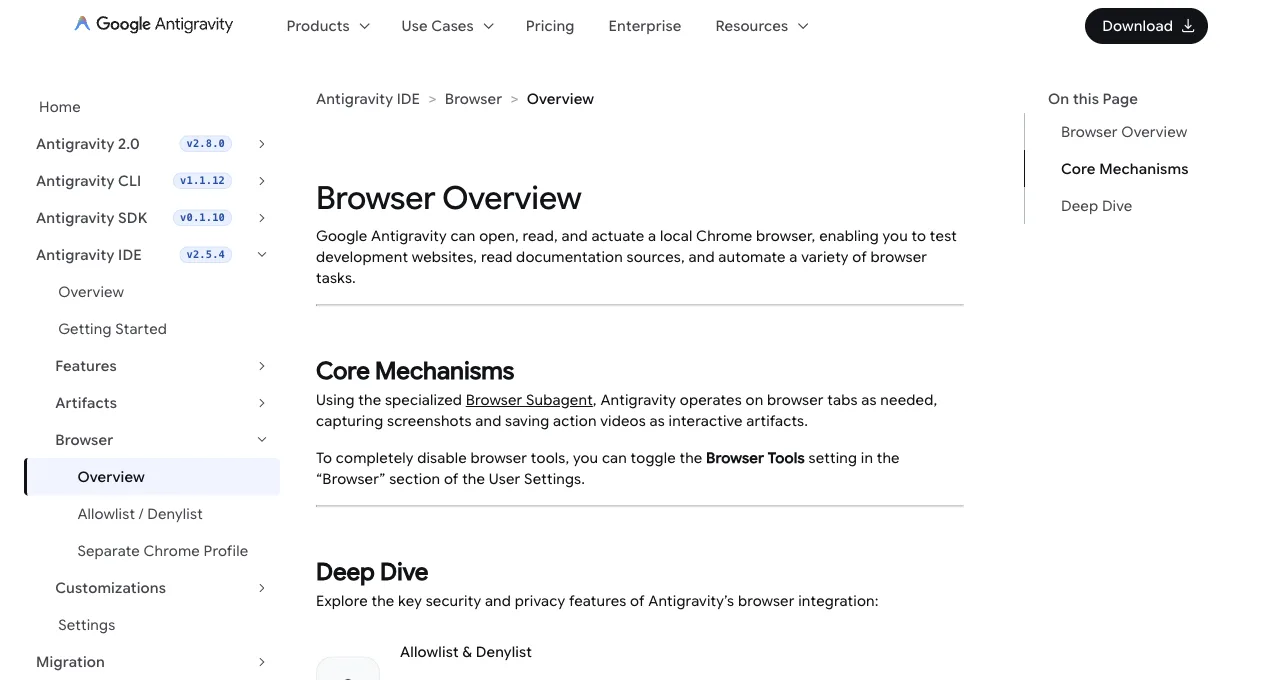
Three pieces, per Google's docs. The driver is a specialized Browser Subagent that "operates on browser tabs as needed": your main agent delegates browser work to it rather than holding the wheel itself.
The surface is a local Chrome, but not your Chrome: work happens "inside a completely separate Chrome profile to protect your personal data," a real security decision with a real consequence we'll get to.
And the output is evidence: the subagent works by "capturing screenshots and saving action videos as interactive artifacts," so every browser task leaves a replayable record in the IDE.
That artifact trail is the feature Antigravity has that most agent browsers don't: verification is built into the medium. When the agent says it tested your signup flow, there's a video.
It changes review culture more than it changes automation. A pull request whose task run includes the recording of the flow being exercised is a different artifact from one with a green checkmark: reviewers watch thirty seconds instead of re-running the branch, and "did anyone actually click through this" stops being a question.
Delegate, isolate, record. That's the design.
How do you set it up correctly?
Four checks make a clean setup, in order. Have Chrome installed and current; the feature actuates a local Chrome, so no Chrome means no browser automation, full stop.
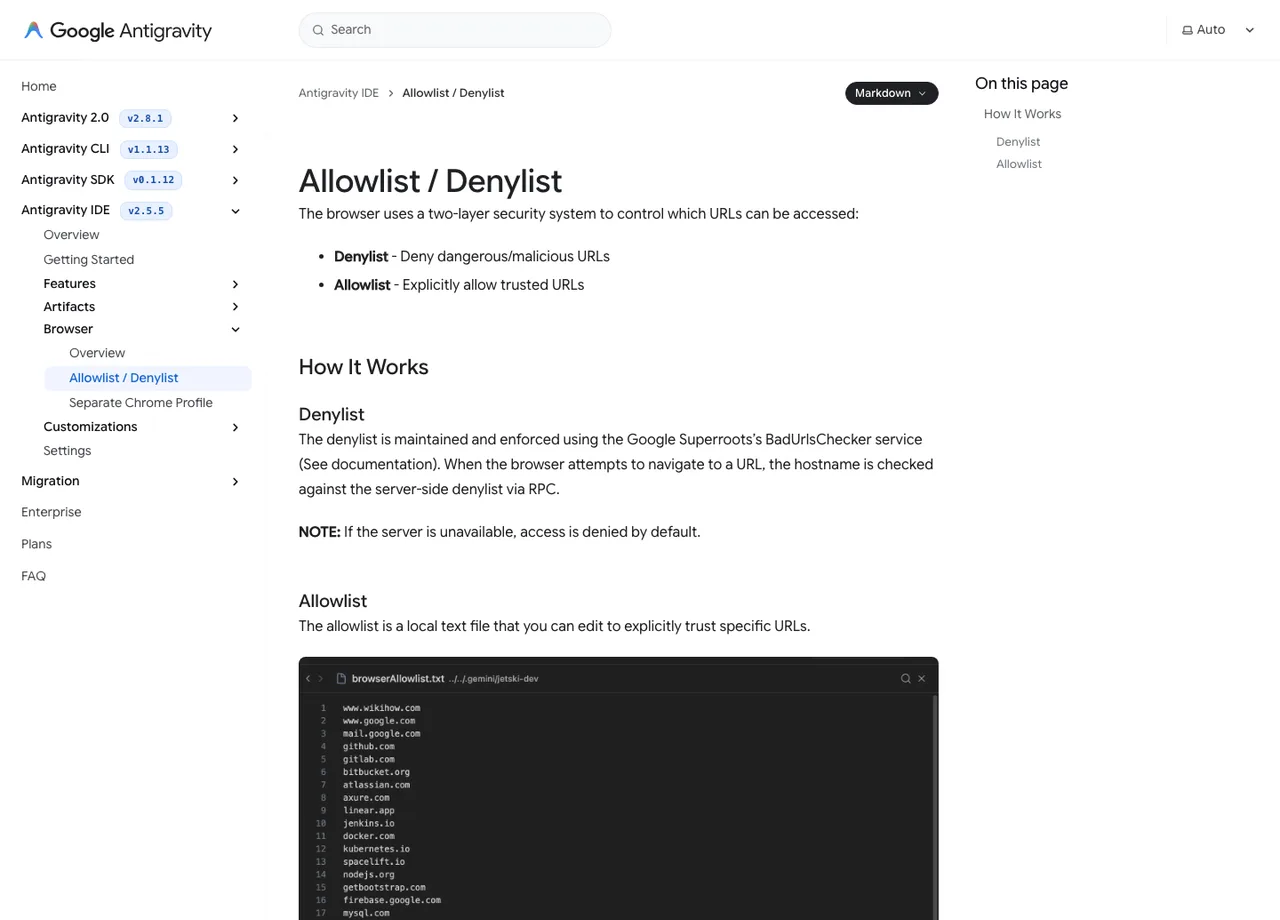
Confirm the master switch: Browser Tools lives in the Browser section of User Settings, and it's the on/off for the whole capability. Review the URL security model: the two-layer Denylist and Allowlist decides which URLs the subagent may touch, and a too-narrow allowlist is indistinguishable from a broken feature when the agent silently can't reach your target.
Then run a first task that exercises the loop end to end: "open localhost:3000, screenshot the landing page, and attach the recording," and confirm the artifacts appear.
If that first task produces a screenshot and a video, your setup is done; everything else is prompting and allowlist management as your targets grow. On the allowlist specifically, resist the empty-list temptation: scoping the subagent to your dev domains and the doc sites you actually use costs one settings visit and converts the two-layer model from a formality into an actual boundary.
Browser not working or won't open: the checklist
Symptom-ordered, cheapest checks first. These map to the architecture above rather than to any secret knowledge, which is exactly why they work.
| Check | Why it's the likely cause |
|---|---|
| Browser Tools toggle is actually on | It's the master switch, it lives in User Settings under Browser, and it reads as "broken" when someone toggled it off |
| Chrome exists, is current, and isn't wedged | The subagent launches a local Chrome profile; a missing, outdated, or crash-looping Chrome fails the launch. Quit all Chrome processes and retry |
| The target URL passes the allowlist/denylist | The two-layer model blocks silently from the user's view; a task that "does nothing" on one specific site is usually this |
| Restart the IDE after Chrome or setting changes | Subagent-to-browser wiring is established at session level; state from before your fix can linger until relaunch |
| Update Antigravity itself | The browser feature is under active development (docs track IDE releases); a version behind can mean known-fixed behavior |
Where does it end, by design?
Three edges, all consequences of reasonable decisions. Your logins aren't there: the separate profile that protects your personal data also means the subagent browses as a stranger, so dashboards, portals, and anything behind your accounts are out of natural scope.
It's Google-stack-shaped: the browser is a capability of the Antigravity IDE and its agent, not a general execution layer other agents can borrow. And it's a dev-loop tool: the artifact system is built around verifying your project's pages, not around running background web tasks all day while you do something else.
Inside those edges (test the app, read the docs, record the proof), it's the only route covered in this series that ships a built-in verification loop with recorded artifacts. The mistake is asking it to be a daily task runner for your accounts, which it was explicitly designed not to be, and which no allowlist entry or profile sign-in genuinely converts it into.
What are the alternatives past those edges?
Match the alternative to the edge you hit.
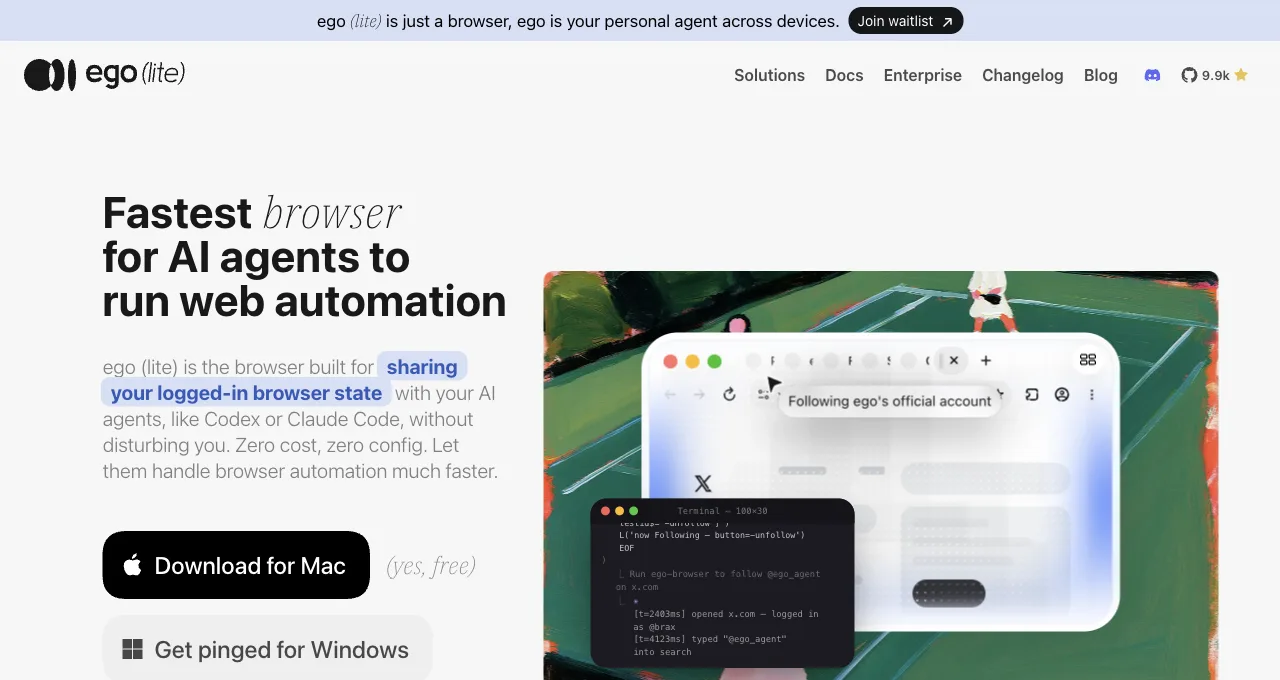
Logged-in daily tasks: ego (lite), an agent browser for browser automation; every site you've signed into stays signed in, the agent works in its own Space without touching your window, and any agent that can run a shell command drives it through the ego-browser skill, which also answers the not-Google-stack edge: Claude Code, Codex, Cursor, and custom agents all qualify.
Deep page diagnosis (traces, heap snapshots): Chrome DevTools MCP, which pairs fine with any of the above. Cross-browser test infrastructure: Playwright, as ever.
The composition, not the replacement, is the realistic endpoint for an Antigravity user: keep the Browser Subagent for the verify-and-record loop it's uniquely good at, and hand the logged-in, parallel, any-agent work to a browser built for that.
In practice that looks like: Antigravity records the proof that the feature works, ego (lite) runs the Monday-morning dashboard pulls that have nothing to do with your codebase, and neither tool is asked to fake the other's shape.
Download ego (lite) for Mac, free, or read the login-wall guide for the session model.
FAQ
Is there a Google Antigravity browser extension?
The documented architecture is a Browser Subagent driving a local Chrome profile, not an extension you install from a store; the IDE manages the wiring itself. If you're searching for an extension because setup failed, the checklist above is the actual fix path.
Can Antigravity's browser use my logged-in accounts?
Not by design: automation runs in a completely separate Chrome profile precisely so your personal data stays out. You can log into sites within that profile manually, but you're then maintaining duplicate sessions; for account-centric work, a session-inheriting browser is the cleaner architecture.
Can I turn browser automation off entirely?
Yes: the Browser Tools setting in the Browser section of User Settings disables the tools, and the denylist can pin specific URLs out of reach even when they're on. Teams wary of agentic browsing get a real off switch.
Can I control which sites the agent browses?
Yes, twice over: the two-layer Denylist and Allowlist governs reachable URLs, and the Browser Tools toggle kills the capability entirely. The practical pattern is a scoped allowlist for daily work plus the denylist for anything that must never be touched, reviewed when your project list changes.
How does it compare to Cursor's built-in browser?
Same category (IDE-managed, isolated, dev-loop-focused), different signatures: Antigravity's artifact system (action videos) is its distinctive strength, Cursor's greppable logs and image-based screenshots are its. Both share the same boundary: neither carries your personal logins, and both hand off to external browsers for that work.