Installing Playwright MCP takes one command per agent. The reason setup guides exist anyway: the errors people hit aren't install errors, they're scope and phrasing surprises that cost an hour each if nobody warns you.
This guide gives you the copy-paste path for Claude Code, Cursor, and Codex, the three failure modes worth knowing in advance, and something most setup posts skip entirely: the three situations where installing Playwright MCP is the wrong call to begin with.
Prerequisites, so nothing below surprises you: Node.js 18 or newer on your PATH, an agent from the list above, and about five minutes. The server itself is Microsoft's, free, and open source under Apache-2.0; nothing here requires an account or an API key.
Five minutes to install. One minute to know when not to.
How do you set up Playwright MCP in Claude Code?
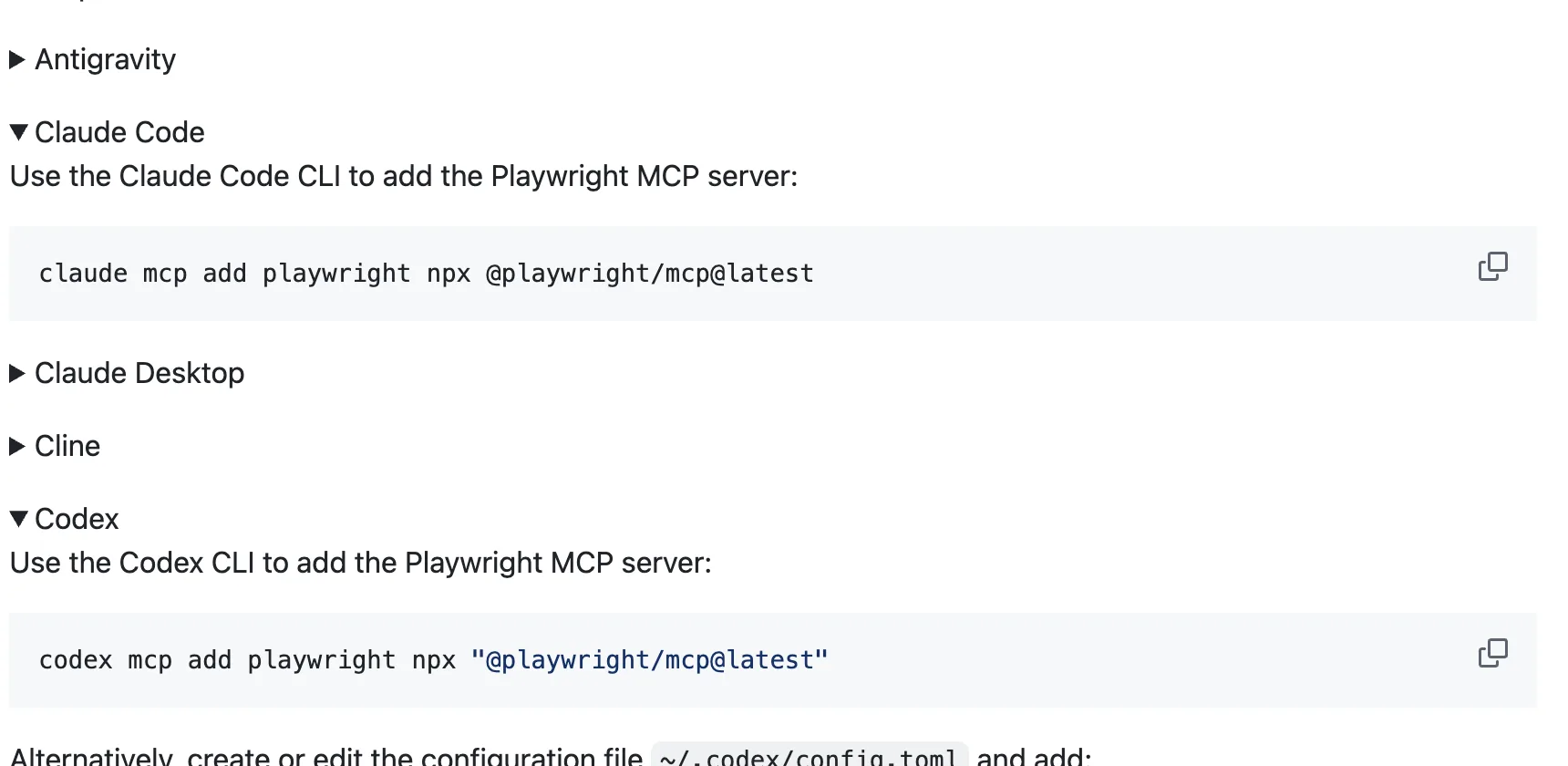
One command in your project directory:
claude mcp add playwright npx '@playwright/mcp@latest'Verify it: start Claude Code, run /mcp, and select playwright. You should see the tool list (25 tools in the current release: browser_navigate, browser_click, browser_snapshot, browser_take_screenshot, and the rest). Then ask for a real action:
Use playwright mcp to open a browser to example.comA visible Chrome window should open. Note the phrasing "use playwright mcp": on first runs Claude sometimes reaches for Bash and raw Playwright instead of the MCP tools, and naming the tool explicitly routes it correctly. Simon Willison's writeup documents both this and the scope detail below.
If you prefer editing config directly, the equivalent entry Claude Code stores looks like this (per project, inside ~/.claude.json):
"mcpServers": {
  "playwright": {
    "type": "stdio",
    "command": "npx",
    "args": ["@playwright/mcp@latest"]
  }
}
How do you set up Playwright MCP in Cursor?
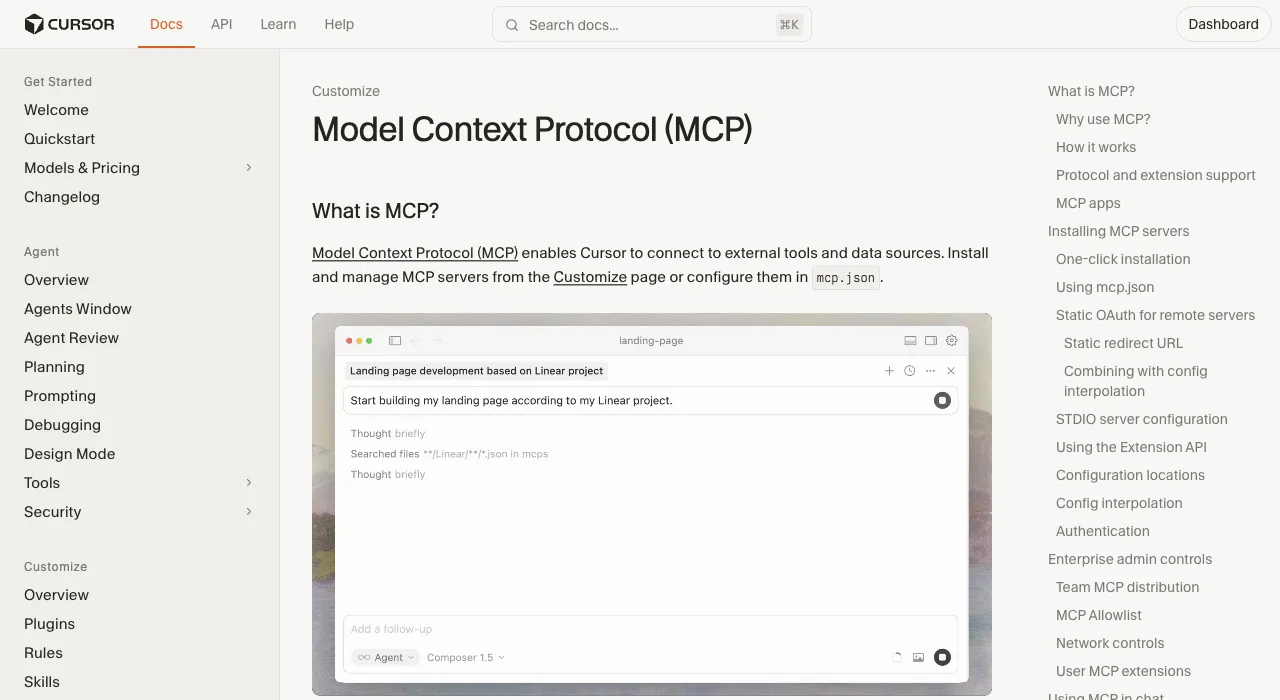
Open Cursor Settings, go to MCP, click Add new MCP Server, and use the standard config block (this same JSON works in VS Code, Windsurf, and most MCP clients):
{
  "mcpServers": {
    "playwright": {
      "command": "npx",
      "args": ["@playwright/mcp@latest"]
    }
  }
}
Verify it: the server should show a green status in the MCP settings list with its tools enumerated. Then in a chat, ask the agent to open a page and take a snapshot; approve the tool call when prompted. If the server shows red, it's almost always Node: check node --version is 18+ in the shell Cursor inherits.
Two placement details save Cursor users a confused restart: the config can live per project (.cursor/mcp.json in the repo root) or globally (~/.cursor/mcp.json), and the project file wins for that workspace. The Playwright docs also ship a one-click install deeplink for Cursor if you'd rather not touch JSON at all.
How do you set up Playwright MCP in Codex?
Codex has a dedicated add command:
codex mcp add playwright npx "@playwright/mcp@latest"This writes the server into Codex's config (~/.codex/config.toml). Verify with codex mcp list, then ask Codex to navigate somewhere and read the page. As with Claude Code, name the tool on first use so the agent doesn't improvise with shell commands.
The TOML equivalent, if you manage the file by hand:
[mcp_servers.playwright]
command = "npx"
args = ["@playwright/mcp@latest"]
Three flags worth knowing on every agent, appended to the args array: --headless for CI and background runs (headed is the default), --browser=firefox or webkit or msedge for cross-browser work, and --isolated when you want each session to start from a clean profile instead of the persistent one. There's also a shared-server mode (npx @playwright/mcp@latest --port 8931) if several clients should drive one browser over HTTP.
What are the three most common errors?
Three failures cover most of the setup threads on Reddit and GitHub. Each has a thirty-second fix.
| Symptom | Cause | Fix |
|---|---|---|
| Agent writes a Playwright script in Bash instead of using the MCP | The model picked its more familiar tool; it can't read your intent | Say "use playwright mcp" explicitly in the first prompt of a session |
| Server missing even though you installed it | Per-directory scope: the config lives under the folder you ran the add in | Re-add in the current project, or use --scope user for a global install |
| First navigation fails with a browser launch error | No browser binary for the runtime npx pulled | Ask the agent to run its browser_install tool, or run npx playwright install chromium yourself |
If you're past these three and it still won't run, check Node (18+ required) before anything else; nearly every remaining GitHub issue in this category resolves there.
Once it's alive, three first prompts that prove the setup end to end, in rising order of usefulness: "use playwright mcp to open example.com and tell me the main heading" (navigation and snapshot), "open our staging site, fill the signup form with a junk email, and report the validation error" (form interaction), and "open the pricing page, take a screenshot, and list every plan name you can see" (screenshot plus extraction).
If all three pass, everything else is prompting, and the remaining question is whether this tool fits your workload at all, which is what the next section is for.
When should you skip Playwright MCP?
Now the part that saves you a reinstall next month. Playwright MCP is the right default for short exploratory sessions on public pages. Three situations break that default, and each points at a differently-shaped tool:
| Your situation | Why MCP is the wrong shape | Use instead |
|---|---|---|
| Token-sensitive: long tasks, tight budgets | Every action returns a page snapshot; measured runs hit 89K-114K tokens per test vs 24K-27K over a CLI | The official Playwright CLI, or ego (lite), an agent browser that pairs the same token economics with your logins via the ego-browser skill |
| Tasks behind logins on your accounts | MCP launches a fresh profile with no cookies; auth is yours to script every time | ego (lite): every site you've signed into stays signed in, and the agent inherits that state |
| Multiple browser tasks in parallel | One sequential browser session by default; parallel agents step on each other | ego (lite) Spaces: agents run tasks each in an isolated workspace, without colliding |
On the ego (lite) rows, the shape difference is worth one more sentence: it's a real browser your agent drives by writing JavaScript through the ego-browser skill, whole workflows run outside the model's context, and it never takes over the browser window you're using.
Its setup fits this guide's copy-paste spirit: one command installs the ego-browser skill, or one prompt hands the whole thing to your agent.
npx skills add citrolabs/ego-litePaste into your agent
Set up ego lite for me: https://github.com/citrolabs/ego-lite Read `skills/ego-browser/references/install.md` and follow the steps to install ego lite.
On complex tasks it finishes up to 3.45x faster than agent-browser, on fewer tokens, and it's free. If your week includes daily tasks on logged-in sites, set that up first and keep Playwright MCP for the public-page exploration it's good at.
Download ego (lite) for Mac or see how it compares with Playwright MCP feature by feature.
FAQ
How do I add Playwright MCP to Claude Code?
Run claude mcp add playwright npx '@playwright/mcp@latest' in your project directory, then verify with /mcp inside Claude Code. Add --scope user if you want it available in every project.
Is Playwright MCP free to install and use?
Yes: Apache-2.0, maintained by Microsoft, installed via npm. The running cost is token consumption, which on long tasks is the reason the skip-it section above exists.
Does Playwright MCP work in headed or headless mode?
Headed is the default, so you can watch the browser work; add --headless to the args for CI or background runs. Cross-browser flags (--browser=firefox, webkit, msedge) work in both modes.
How do I update or remove Playwright MCP?
Updates are automatic with the @latest tag: npx pulls the newest release on each server start. Removal mirrors the install: claude mcp remove playwright, codex mcp remove playwright, or delete the block from Cursor's mcp.json. One caution on auto-updating: issue #889 on the official repo documents a minor version that multiplied token usage 6x, so if costs jump overnight, pin a version in the args.
Can Playwright MCP use my logged-in Chrome profile?
Not your daily one. It defaults to its own persistent profile, and pointing tools at your real Chrome profile runs into profile locks and session conflicts. If inheriting your logins is the point, that's ego (lite)'s core design instead.