Scrape and automate complex websites, even behind a login

Fastest browser for AI agents to run web automation

Used by people at

  • Vercel
  • OpenAI
  • Anthropic
  • TikTok
  • Google
  • DeepSeek
  • Kimi
  • MiniMax

Faster runs, fewer failures, fewer tokens

ego-browser leads on speed, success rate, and cost across complex web automation tasks.

Average time per task, lower is better

  1. ego-browser398s
  2. chrome-devtools-cli587s
  3. agent-browser605s
  4. browser-harness615s
  5. playwright-cli648s

Speed

ego-browser gets your agent through complex web tasks 47% to 63% faster than the other browser tools we measured, so you spend less time waiting on it.

Average time per task, lower is better

  1. ego-browser
    398s
  2. chrome-devtools-cli
    587s
  3. agent-browser
    605s
  4. browser-harness
    615s
  5. playwright-cli
    648s

Success rate

ego-browser sees tasks through to the end. No more babysitting your agent, no more runs dying halfway.

Full success rate, higher is better

  1. ego-browser
    93.50%
  2. browser-harness
    77.40%
  3. playwright-cli
    71.00%
  4. agent-browser
    62.90%
  5. chrome-devtools-cli
    61.30%

Cost

ego-browser makes every task cheaper to run, so handing more of your web work to agents stays affordable.

Average cost per task, lower is better

  1. ego-browser
    $1.64
  2. browser-harness
    $2.43
  3. agent-browser
    $2.66
  4. playwright-cli
    $3.42
  5. chrome-devtools-cli
    $4.95

All the hard parts, already handled

Your agent connects without setup, starts already logged in, works in its own Space, won't hijack your control and can read every part of the page, while your data stays on your computer.

lite.ego.app
lite.ego.app

Any agent, connect via ego-browser

ego-browser is the skill that turns ego(lite) into an agent browser. Install it once, and every agent on your Mac can drive it directly: Claude Code, Codex, Cursor, Kiro, Hermes Agent, OpenClaw, and any other agent that writes code. Once you've finished onboarding, type /ego-browser in your agent and just tell it what you want. Send it, and your agents will run tasks in their own Space. There's no SDK to integrate, and no remote debugging to set up.

lite.ego.app

Wherever you're logged in, your agent is too

Built on Chromium, ego(lite) is the agent browser that imports your entire Chrome setup in one click. It works just like Chrome, so your browsing habits don't need to change at all. Every site you've already signed into stays signed in, and the agent inherits the same logged-in state. It doesn't need to re-authenticate to Gmail, Notion, LinkedIn, or your internal tools every time it runs a task.

lite.ego.app

Your agent works in its own Space, not your tabs

The agent runs inside Space, an isolated workspace in ego(lite). It works in its own area, so your tabs stay untouched unless you explicitly hand one over. It doesn't take over your mouse or steal focus from whatever you're doing. Switch into Space anytime to watch the agent work, or ignore it and keep working in your own window.

lite.ego.app

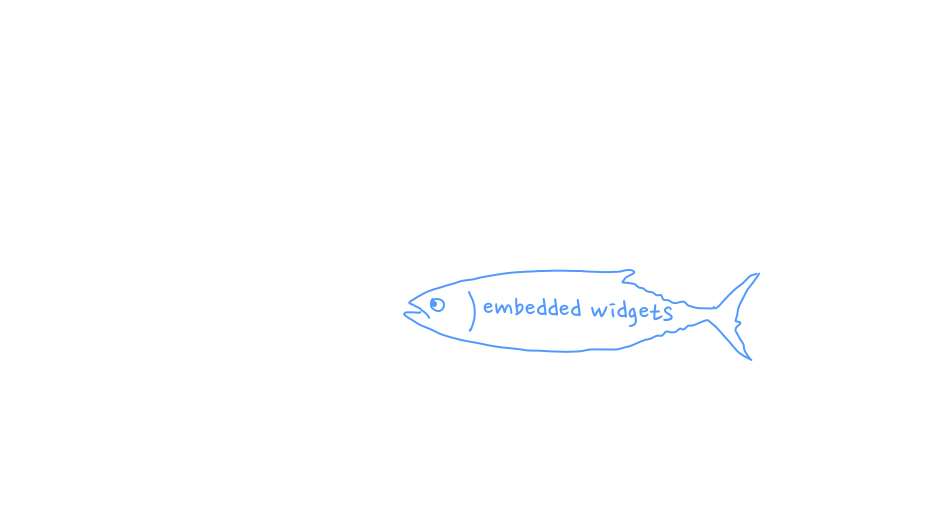
Reaches iframes, shadow DOM, and embedded widgets

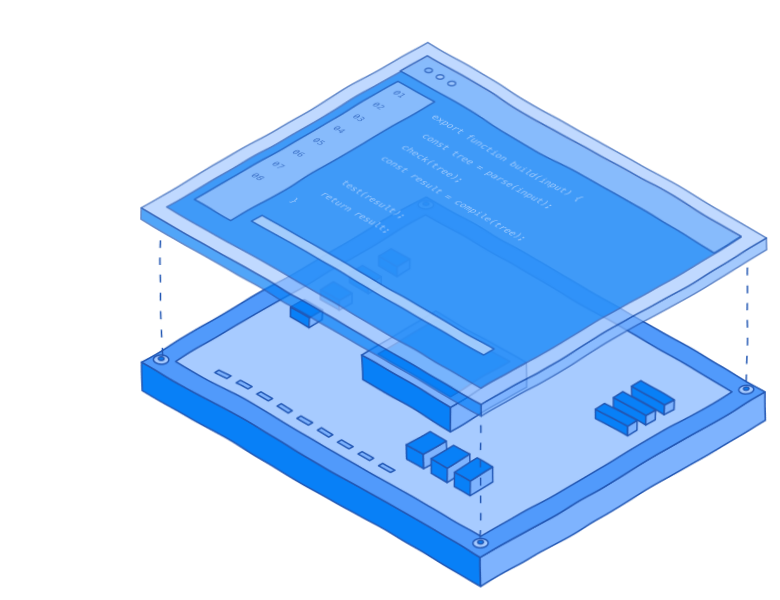
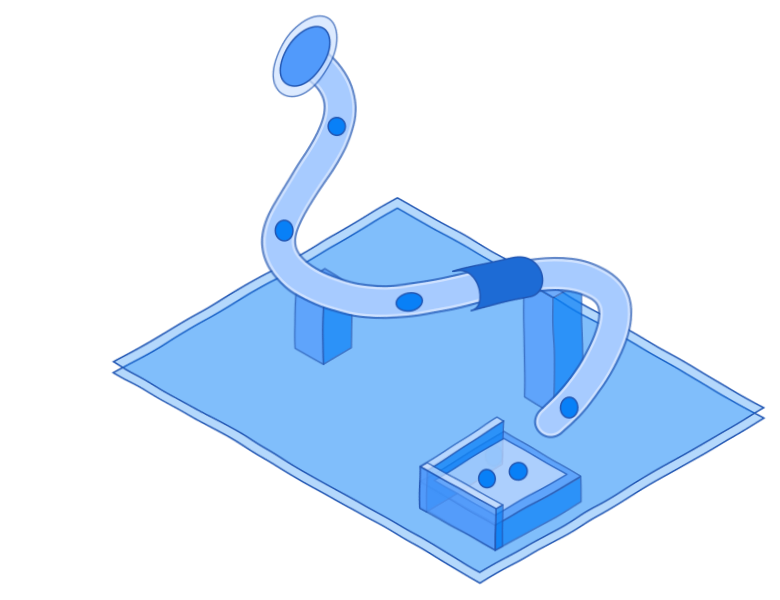
ego(lite) builds its semantic snapshot inside our custom Chromium engine, instead of injecting a script into the page the way many tools on stock Chrome do. Snapshots come back faster, ref actions run more reliably, and they reach into cross-origin iframes, shadow DOM, and third-party SDK widgets like Stripe, Salesforce, Intercom, and React portals. A plain web fetch, or a script injected into the page, usually can't see inside those.

lite.ego.app

Privacy by architecture design

Bookmarks, browsing history, cookies, passwords, every page you load, all stored on your computer, we can't access them. The one thing ego(lite) records during setup is whether you opted into Chrome data migration.

What you can do with ego(lite)

As an agent browser built for browser automation, ego(lite) lets your AI agent do anything you can in a logged-in tab, and run unlimited tasks at once in separate Spaces.

Coding

Playwright-style scripts break whenever the page changes, and headless browsers lack your logins. With ego(lite), your agent tests in your signed-in browser, so you no longer maintain selectors or login scripts.

Sales

Platforms like Sales Navigator and Salesforce show the data but block or charge for exports, so you copy leads manually. With ego(lite), your agent reads what you can see and utilizes it for whatever you need.

Marketing

Competitor research and social listening mean scrolling 100 tabs of social media behind a login. With ego(lite), your agent pulls and analyzes posts with your logins, so you don't spend a whole week on it.

Finance

At month-end you log into Stripe, Shopify, your bank and dozens of other portals to get every invoice. With ego(lite), your agent collects the invoices and matches payouts to orders, and you still approve and pay.

Legal

On case-law sites like PACER, you log in, search and read one PDF after another. With ego(lite), your agent does this with your logins and returns cited filings, so you can focus on judgment and analysis.

Research

Research tools only read the public web, but your answers are in Notion, Confluence, your university's internal sites and other pages behind a login. With ego(lite), your agent reads those pages with your logins and cites its sources.

Stop bouncing between browsers

ego(lite) is the only agent browser that works as both your everyday browser and the browser tool your AI agents need to run browser automation.

Feature comparison of ego (lite) with browser extensions, built-in browsers, cloud browsers, browser CLIs, and AI browsers. Checkmarks mean the feature is supported; dashes mean it is not.
Featureego(lite)Browser extensionsClaude/Codex in ChromeBuilt-in browsersClaude/ChatGPT built-in browserCloud browsersBrowserbase/Browser UseBrowser CLIsplaywright-cli/Browser HarnessAI browsersComet/Dia
Works with any AI agentYesNoNoYesYesNo
Uses your browser loginsYesYesNoNoNoYes
Fewer CAPTCHAsYesYesNoNoNoYes
Works across your whole computerYesNoYesNoYesNo
Doesn't hijack your browserYesNoYesYesNoNo
Parallel multitaskingYesNoNoYesNoNo
Runs large scraping jobsYesNoNoYesYesNo
Works as your daily browserYesYesNoNoNoYes
FreeYesNoNoNoYesNo
Data stored locallyYesYesYesNoYesNo
Reusable skills (coming soon)YesNoNoNoNoNo

What users are saying

Real posts from people using ego(lite).

“I've been able to automate my entire research workflow to: State objective, Claude Code writes a research plan, research via Ego browser, Claude verifies, and I act 🙌”
@imkaikhalid
Open @imkaikhalid's post on X
“Most beautiful changelog goes to @ego_agent”
@imnotchalk
Open @imnotchalk's post on X
“It was installed in just a few minutes, with one-click copying of Chrome's login info—extremely smooth.”
@vista8
Open @vista8's post on X
“This isn't just browser automation. It's a browser where humans and AI agents work side-by-side. The browser might be becoming an agent workspace. 👀”
@DivyanshT91162
Open @DivyanshT91162's post on X
“Every other tool makes you run a separate browser. This one just shares yours.”
@RoundtableSpace
Open @RoundtableSpace's post on X
“@ego_agent browser is the best agent browser i've used”
@1kartikkabadi1
Open @1kartikkabadi1's post on X
“It gives Claude Code, Codex, or any agent its own browser that is already signed into your accounts. Gmail, X, your dashboards, all of it.”
@rryssf
Open @rryssf's post on X
“ego lite itself is all about extreme speed, directly simulating operations with JS code, making it way faster than solutions using MCP.”
@libukai
Open @libukai's post on X

FAQ

What is ego(lite)?
ego(lite) is the agent browser built to share with your AI agents, like Codex or Claude Code. Zero cost, zero config. Let them handle any web automation effortlessly. Existing tools like Browser Use and agent-browser are browser automation frameworks. They need a separate browser to drive, logins never carry cleanly, and you and the agent end up fighting for the same tabs. ego(lite) is one browser designed from the start for the two of you to share — no extra setup, and the agent can always reach your real logins and tabs through ego-browser.
What is an agent browser?
An agent browser is a browser built to be driven by AI agents instead of only a human. It lets users and their AI agents use the browser at the same time without disrupting each other. The agent gets a real window, tabs, and (ideally) your logins, rather than a headless instance it has to configure from scratch. ego(lite) is that agent browser: the same Chromium you use every day, with a Space where Claude Code, Codex, or Cursor can click, fill, and read pages on their own. Compare that to a browser automation framework like Browser Use or Puppeteer, which drives a separate, blank browser instead of the one you're already logged into.
How is ego(lite) different from Playwright or Puppeteer?
Playwright and Puppeteer are browser automation libraries you embed in code. They drive pages through CSS selectors, which break whenever a site reshuffles its DOM. ego(lite) is a real browser plus ego-browser. ego-browser is the connection layer between any agent product (Claude Code, Codex, Cursor, or your own) and ego(lite) — it exposes the browser as a set of in-page JavaScript tools: snapshot, fill, click, wait, navigate, capture. The agent writes a JavaScript snippet that composes several steps using those tools, and ego-browser runs it on the page in one pass, instead of the one-tool-at-a-time round trips Playwright and Puppeteer require. The snapshots cost fewer tokens than HTML, and the @N refs stay stable when class names rotate. There's no SDK to integrate, and nothing to install from the Playwright or Puppeteer ecosystem.
How is ego(lite) different from Browser Use or Vercel's agent-browser?
ego(lite) is a real browser plus ego-browser. Whichever agent you use, whether that's ego, Claude Code, Codex, Cursor, or something else, drives the same browser you use daily. Space keeps the agent's work isolated from yours. Browser Use is an autonomous agent framework. It bundles its own LLM loop and drives a separate browser instance. You can point it at a real Chrome, but only after you fully close it. Extensions don't load by default. And it has its own pricing tier on top of whatever you already pay for. Vercel's agent-browser is a CLI that lets your agent control a browser through shell commands, but it ships no browser of its own. The agent doesn't share your daily browser session, so your real logins aren't available to the running task.
Does ego(lite) work with Claude Code, Codex, and Cursor?
Yes. Any agent that can run a shell command can drive ego(lite) through ego-browser: • ego, Claude Code, Codex, Cursor, Continue, Gemini CLI • Hermes Agent, OpenClaw, OpenCode • Any custom in-house agent you've built ego-browser installs as a skill into your agent's skill directory during onboarding. The agent then calls browser automation commands the same way it runs any other shell tool. There's no SDK to integrate, and you're not locked into a specific model.
Can ego(lite) replace Chrome as my main browser?
Yes. ego(lite) is built on Chromium, so the address bar, tab groups, bookmarks, profiles, extensions, downloads, and incognito mode behave the way they do in Chrome. The difference is Space: an isolated workspace where your AI agent runs web automation alongside you, and doesn't touch your tabs unless you let it.
Can I bring my Chrome bookmarks, passwords, and extensions into ego(lite)?
Yes. ego(lite)'s onboarding migrates the following from Chrome in one click: • Tabs and tab groups you're using • Bookmarks and saved passwords • Browser extensions • Cookies and login sessions • Browser profiles Every site you've already signed into stays signed in, and the agent inherits the same logged-in state. It doesn't need to re-authenticate to Gmail, Notion, LinkedIn, or your internal tools every time it runs a task.
Can I keep using my browser while the agent runs tasks?
Yes. The agent runs inside Space, an isolated workspace in ego(lite). It works in its own area, so your tabs stay untouched unless you explicitly hand one over. It doesn't take over your mouse or steal focus from whatever you're doing. Switch into Space anytime to watch the agent work, or ignore it and keep working in your own window.
How does ego(lite) reduce token usage for browser automation?
What gets cheaper is the whole task, not any single step. The savings come from several features stacking together. The agent can run several actions in the page with a few lines of JavaScript, instead of calling one tool at a time and waiting for each result before deciding the next, the way Playwright, Puppeteer, and most browser automation frameworks work. Combined, complex browser automation tasks complete faster and on fewer tokens overall.
Is my data safe when an AI agent uses ego(lite)?
Yes. ego(lite) doesn't upload your browsing data. Your history, cookies, login sessions, and anything the agent reads stay on your own computer. The one thing ego(lite) records during setup is whether you opted into Chrome data migration.


Start automating today

Download ego(lite) for free and give your AI agents a browser they can actually use.