What is Claude Chrome extension?
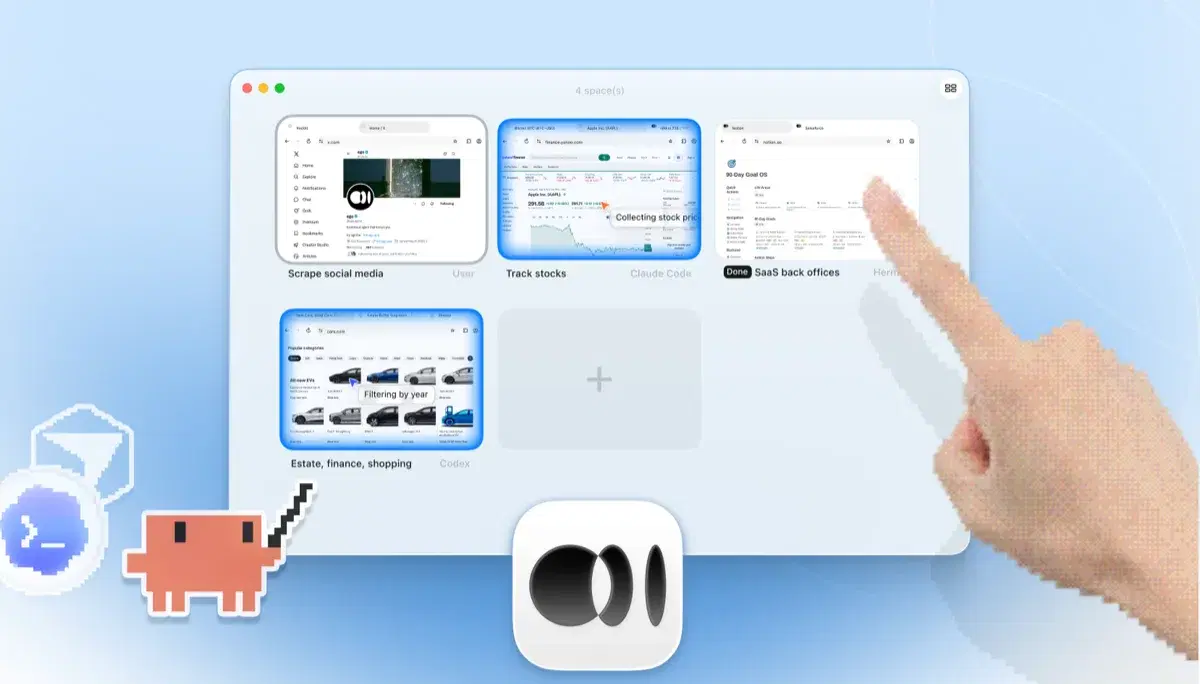
Claude Chrome extension is Anthropic's official way to give Claude control of Chrome (clicking, filling forms, and navigating) using the signed-in browser you connect. Anthropic describes Claude in Chrome as generally available on all paid plans. Claude Code connects from the desktop app or CLI with claude --chrome, provided you use a directly supported Anthropic plan and authenticate with /login rather than an API key; check the current documentation for plan and platform changes. The durable trade-off is window ownership: the agent operates in the connected Chrome window, while ego(lite) puts explicitly provisioned browser state in an isolated Space.
Who can use Claude Chrome extension right now?
Anthropic's current Claude in Chrome page describes it as generally available on all paid plans. Claude Code can use it from the desktop app or the CLI with claude --chrome, but the CLI path requires a direct Anthropic Pro, Max, Team, or Enterprise plan and /login authentication; API-key and third-party-provider sessions do not enable Chrome integration. It operates in your active Chrome window, so choose a separate browser Space when you need to keep your own tabs free or run several tasks in parallel.
Does the Claude Chrome extension work with Claude Code's CLI?
Yes. Install the Claude in Chrome extension, sign in to Claude Code with /login, and launch claude --chrome. Anthropic's current docs say the integration works with direct Pro, Max, Team, or Enterprise plans; an API key, claude setup-token, or third-party provider such as Bedrock or Vertex does not enable it. The extension still drives the Chrome window you are using. ego(lite) also works from the terminal, but runs the agent in its own logged-in Space instead.
Is ego(lite) a good Claude Chrome extension alternative?
If your goal is an agent that does browser work (research, form filling, testing, back-office tasks), it can be a good fit. ego(lite) runs supported tasks in Spaces with browser state you explicitly provision, works with Claude Code (terminal or desktop) and other compatible agents, and the app is free; model or network costs may still apply. If your goal is chatting with the page you're currently reading inside claude.ai's experience, the extension is built for that and ego(lite) isn't trying to replace it.
Is ego(lite) immune to prompt injection?
No agent browser is, and you should distrust any page that claims otherwise. Anthropic's published testing on browser use showed why this matters: hidden instructions on pages can steer an agent, and mitigations reduce but don't eliminate the risk. ego(lite)'s structural difference is that the agent acts in its own Space rather than inside the tabs and session you're actively using, everything is headful, and you can watch or take over at any moment.
Does ego(lite) require a Claude subscription?
ego(lite) itself is a free app with no ego subscription. You bring your own agent, so Claude Code still needs the plan or API access required by its current integration. Model, network, and other usage costs are separate from the browser app.
Can the agent in ego(lite) use my existing logins like the extension does?
It can use browser state that you explicitly provision during onboarding. A selected Chrome profile import may carry some cookies, sessions, or extensions, but individual sites can require re-authentication and policies may limit what transfers. It does not bypass CAPTCHA, 2FA, SSO, or any site access control; pause for a person when verification appears.
How do I stop Claude in Chrome asking for permission before every action?
You cannot safely remove every confirmation. Use Anthropic's documented site-level pre-approvals only for trusted, low-risk work, keep confirmation before irreversible actions, and narrow the site scope. If a custom date picker or dynamic page is failing, capture the last visible state and retry the specific step rather than granting broader access. ego(lite) avoids the extension's per-site pairing prompts by running in its own Space, but sensitive actions still need your approval.
Can Claude Chrome monitor social media and engage with customers?
It can help collect permitted public mentions or prepare a keyword report, but replies, likes, follows, outreach, and customer-record changes are account actions. Keep them paused for a human, follow each platform's terms and rate limits, and use an official API or export when available. An isolated ego(lite) Space is useful for read-and-review work, not for bypassing restrictions or running unsupervised engagement.
Is ego(lite) safer for business data than a Chrome extension?
An isolated Space can reduce accidental exposure to unrelated tabs, but it is not a complete security certification. Use least privilege, a separate work profile, redacted prompts, approved models, and audit logs. Treat page content as untrusted and never place passwords, refresh tokens, or MFA codes in prompts or source files. Review Anthropic's and your organization's policy before enabling either tool on regulated data.
Does Claude Chrome work on Linux and with Claude Code in a terminal?
Claude Code's current integration uses claude --chrome after the extension is installed and the CLI is authenticated with /login on a supported direct Anthropic plan. Check Anthropic's current platform and rollout notes for your operating system. ego(lite) is a separate local Chromium browser and works from a shell-capable agent, so it is the fallback when the vendor extension or desktop bridge is unavailable.
How can I use multiple Claude or Gmail accounts without mixing sessions?
Use separate browser profiles or one ego(lite) Space per account and role, and label each task before it starts. Do not copy cookies between accounts or let one Space inherit a broader profile than needed. Re-authenticate through the normal provider flow when a session expires, and revoke the browser state when a contractor or project no longer needs it.
Can I save a Claude browser session permanently or across devices?
Do not assume that extension history, cookies, or browser sessions are permanent or synchronized across devices. Session lifetime depends on the vendor, browser profile, site, and organization policy. For continuity, record the task state and source URLs, use a dedicated profile or Space, and re-authenticate through the normal flow when required; never copy cookies or refresh tokens between devices.