
The short answer, before anything else: ego (lite) leads this shortlist when token cost and login-state access dominate. Among the five MCP servers, Chrome DevTools MCP wins for debugging, Playwright MCP wins for ecosystem breadth, and Browser MCP wins for zero-setup use of your own profile.
Ask which browser MCP is best and you'll get a list of five servers that all connect an agent to a browser, with no way to tell them apart. They pull apart fast once you score them on what an agent workload actually costs.
Score first. The ranking follows the scores. We make ego (lite), which sits at the top of that ranking.
What separates a good browser MCP from a bad one?
An MCP (Model Context Protocol) server is a standard adapter that exposes a capability, here a browser, to any compatible AI agent. Because the protocol is shared, the servers compete on execution, and four dimensions capture where they win or lose.
Login-state access: can the agent act in sessions you're already signed into, or does it boot an empty browser that meets a login wall at every task. Token cost: how heavy the interface is, because most browser MCPs return accessibility-tree or DOM snapshots that grow with page complexity and quietly dominate the bill on real sites.
Agent compatibility: whether it works with any MCP client or ties to one vendor. Maintenance activity: whether it's actively developed, since browser targets shift and a stale server rots. Score a server on these four and the marketing evaporates into a profile you can actually choose from.
What are the best browser automation MCP servers?
Six options make the shortlist, each strongest on a different dimension. Start with ego (lite), listed first because it answers the structural token cost snapshot-based MCP tools cannot escape, then compare the five MCP servers.
1. ego (lite): best overall for token cost and login state.
ego (lite) is a browser rather than an MCP server, so an agent passes only the fields a task asks for instead of carrying an accessibility-tree snapshot through every turn, and a few lines of JavaScript can run several actions in one page pass rather than one tool call at a time.
Use it when token cost and login-state access dominate the workload. The detailed benchmark, setup steps, and MCP comparison appear below; the remaining five entries cover cases where MCP standardization is required.
Chrome DevTools MCP: best for debugging.
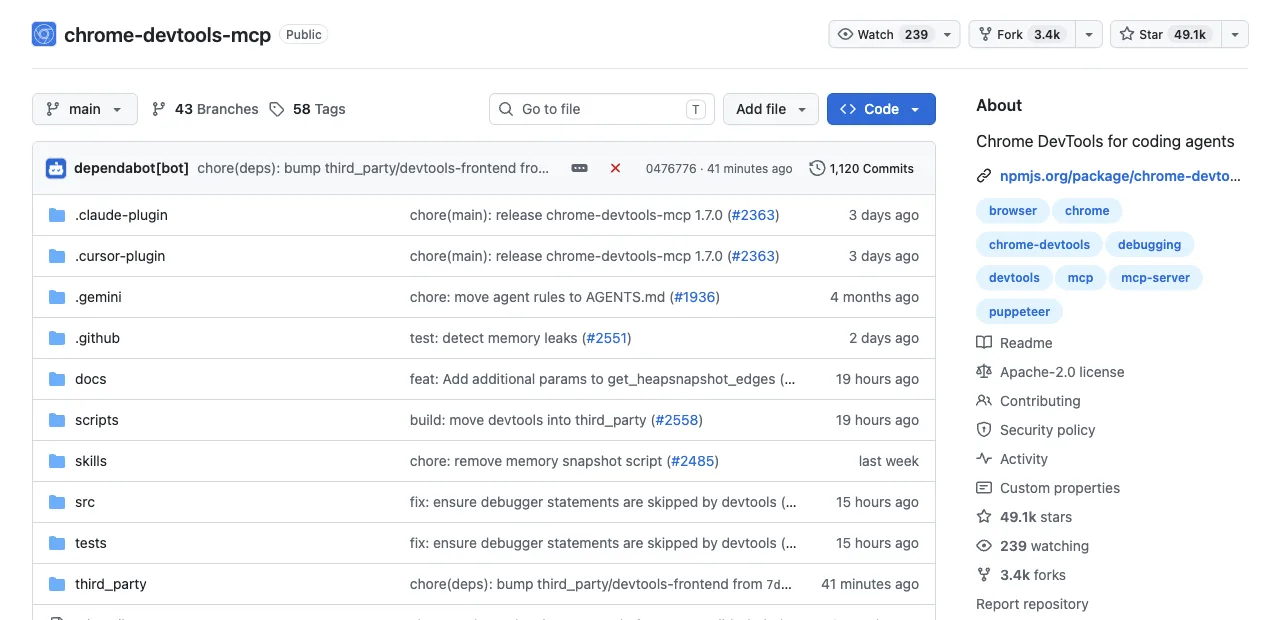
Google's official server exposes the DevTools surface, network requests, console messages, and performance traces, and its --autoConnect flag (Chrome 144+) attaches the agent to the browser you're already signed into.
That makes it strong on login-state and unmatched when the agent needs to inspect rather than just click: diagnosing a failed request, profiling a slow page, reading console errors. It's official and actively maintained. Its narrowness is the tradeoff, it's built around debugging, so as a general-purpose driver it does less than the broader servers.
That narrowness has a measured shape. Real-World Bench (a 31-task suite against live sites, same model, same judge) tested this surface via chrome-devtools-cli, the CLI route to the same DevTools protocol, not the MCP server itself: 61.3% of 31 tasks perfect at $4.95 average per task, which at that completion rate is $8.08 per completed task. A proxy number, and consistent with the advice here: install it for inspection, not as your general driver.
Playwright MCP: best for ecosystem breadth.
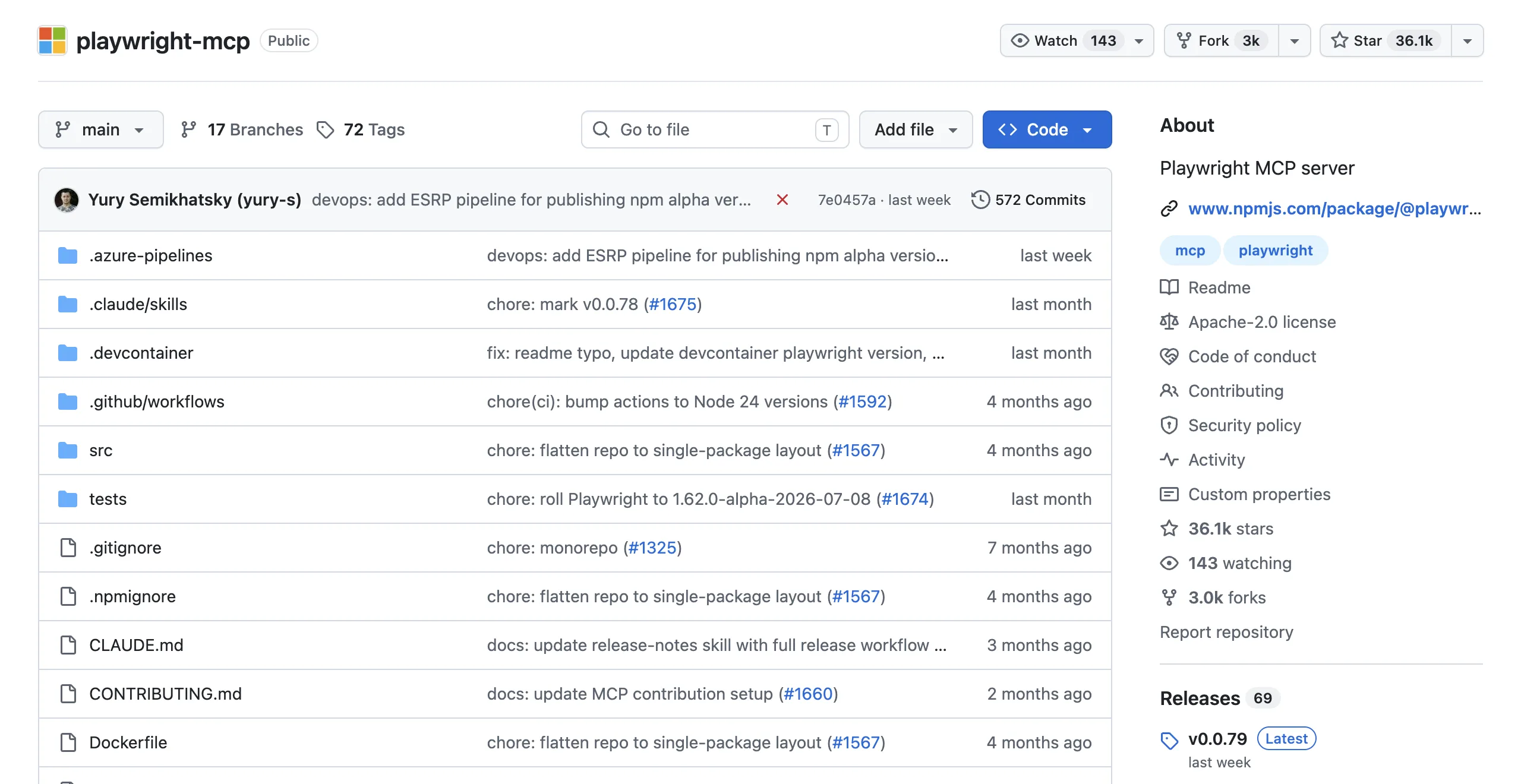
Microsoft's Playwright MCP drives an agent through accessibility-tree snapshots across Chromium, Firefox, and WebKit, backed by the largest tooling ecosystem in browser automation. It's the safe default for compatibility and cross-browser reach, and it's maintained by the Playwright team.
The catch is the one this whole list circles: those structured snapshots get large on complex pages, so token cost is its weak dimension, and heavy users end up looking for a lighter interface for exactly that reason.
For the Playwright route, Real-World Bench measured playwright-cli, the official CLI, not this MCP server: 71.0% of 31 tasks perfect with an 88.9% rubric average, at $3.42 average per task; $3.42 ÷ 71.0% completion is $4.82 per completed task. Treat it as a route-level signal for the same underlying automation stack rather than a score for the MCP server.
Browser MCP: best for zero-setup on your profile.
Browser MCP connects an agent to your existing browser profile with an extension and near-zero configuration, marketing itself on using "your existing browser profile" so your logins come along. That scores well on login-state and setup friction.
The tradeoffs are the extension model's usual ones: it works in the browser you're using, so the agent shares your window, and capability is bounded by what the extension exposes rather than a full automation API.
Selenium MCP: best for legacy and multi-language estates.
An mcp-selenium server wraps WebDriver, bringing Selenium's unmatched breadth of language and browser support into the MCP interface, plus Grid for distributed runs. Choose it when you're bound to existing Selenium infrastructure or a non-mainstream stack. For a new project the newer servers are lighter, but nothing else on the shortlist matches Selenium's compatibility reach when your environment demands it.
Browser Use MCP: best for autonomous tasks.
Browser Use exposes its LLM-driven, natural-language automation through an MCP interface, so an agent can hand off an open-ended goal ("find and compare these listings") rather than a fixed script. It's the pick when the task is genuinely autonomous.
The tradeoff is the same one autonomy always carries: runs vary, so it fits exploration better than anything that must reproduce identically, and that variability is a poor match for MCP clients expecting deterministic tool calls.
The Browser Use stack has a Real-World Bench row too, with the relationship stated: the measured tool was Browser Harness, Browser Use's local version, not the MCP interface or the cloud product. It finished 77.4% of 31 tasks perfectly, second of the five tools measured, at $2.43 average per task ($3.14 per completed task at that rate), while using the most model turns of the five (51.2 per task).
That open-ended handoff is real, not a marketing description: a live browser-use 0.13.7 Agent run (gpt-4.1-mini via OPENAI_API_KEY) given the same target page and the open-ended instruction to report the top story and its points finished in a single step:
INFO     [Agent] 📍 Step 1:
INFO     [Agent]   👍 Eval: Successfully located the #1 story title and its points count on the Hacker News front page.
INFO     [Agent]   🧠 Memory: Located the top story on Hacker News with title 'Qwen 3.8 27B' and points count '415 points'.
INFO     [Agent]   🎯 Next goal: Report the exact title text and points count of the #1 story to the user.
INFO     [Agent]   ▶️   done: text: The #1 story on Hacker News front page is titled "Qwen 3.8 27B" with 415 points., success: True, files_to_display: None
FINAL RESULT: The #1 story on Hacker News front page is titled "Qwen 3.8 27B" with 415 points.
No fixed selector, no script, the model read the page and reasoned its way to the answer in prose. That's the autonomy the tradeoff above describes.
Benchmark and setup evidence for ego (lite).
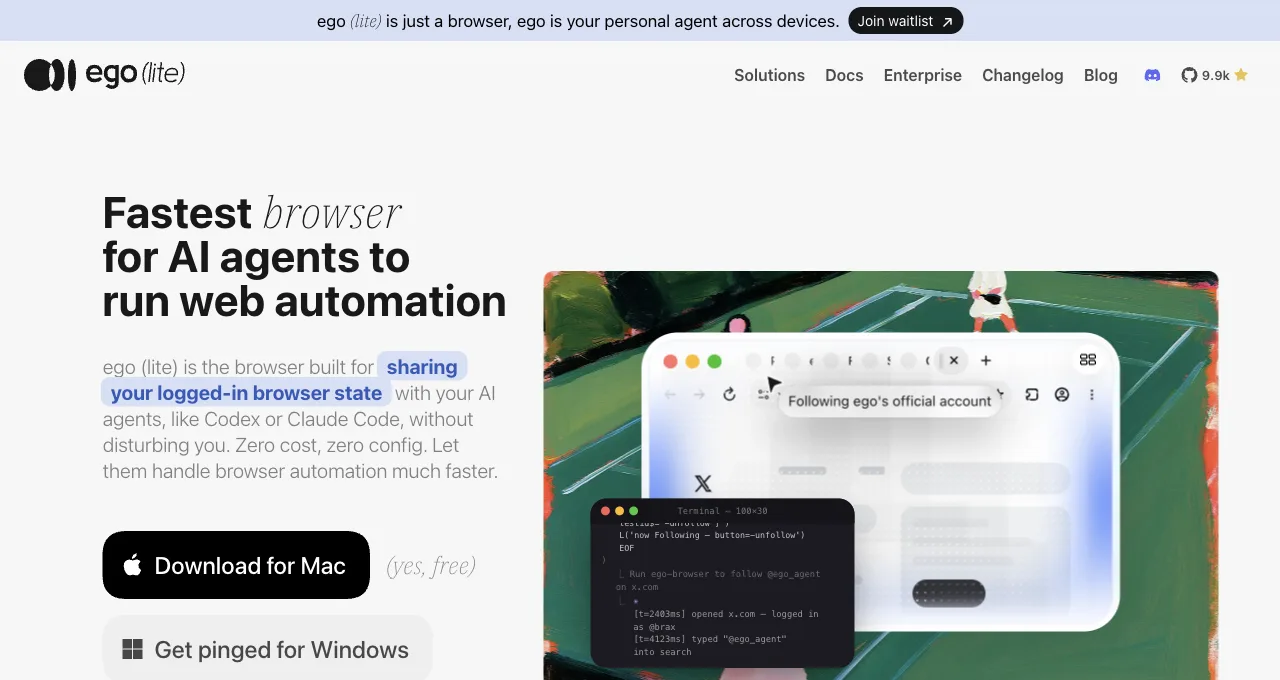
ego (lite) isn't an MCP server; it is the first recommendation because it passes only what the task needs. It is free to download.
On the two dimensions that dominate a real bill, token cost and login-state, it beats the five servers that follow, because the CLI interface sidesteps the snapshot-size problem they share. If you're locked to the MCP standard, pick from those five; otherwise, the honest recommendation is the route that costs less to run.
Unlike the CLI-proxy rows above, this one is a direct measurement. Real-World Bench holds the 31-task set, the model (gpt-5.6-sol), and the judge fixed across all five tools, keeping each tool's better complete run; ego (lite) went 30 for 31 on perfect scores (93.5%) at an average $1.64 per task; $1.64 ÷ 93.5% completion is $1.75 per completed task, the lowest of the five tools measured. It took 30.3 model turns per task against 42.8 to 51.2 for the rest, and, as a closing note, was the fastest of the five at 398 seconds average. Harness and dataset: citrolabs/ego-browser-benchmark-framework.
Here's that claim in a recorded ego-browser session against Hacker News (the story's vote count had moved since the Browser Use session above; both readings are real).
ego-browser nodejs <<'EOF'
const task = await egoBrowser.newTaskSpace('evidence-egobrowser-hn')
console.log({ taskSpaceId: task.id })

await task.page.goto('https://news.ycombinator.com/', { waitUntil: 'load', timeout: 20000 })
const title = await task.page.title()
const topStory = await task.page.locator('.athing .titleline > a').first().innerText()
const points = await task.page.locator('.subtext .score').first().innerText().catch(() => null)
console.log({ title, url: task.page.url(), topStory, points })
EOF

# output:
{
  "taskSpaceId": 13
}
{
  "title": "Hacker News",
  "url": "https://news.ycombinator.com/",
  "topStory": "Qwen 3.8 27B",
  "points": "412 points"
}
One JSON object with four fields, roughly 110 characters, for the same class of task that costs tens of thousands of characters through a snapshot-based MCP tool (the FAQ below records one such measurement on this exact page). Nothing about the page's DOM or accessibility tree entered context, only the four fields the script asked for came back.
Its setup is one command from the official repo, or one prompt to whatever agent you already run:
npx skills add citrolabs/ego-litePaste into your agent
Set up ego lite for me: https://github.com/citrolabs/ego-lite Read `skills/ego-browser/references/install.md` and follow the steps to install ego lite.
So does browser automation for AI agents need an MCP at all? Not always. MCP earns its place when your agent already speaks the protocol and you want a browser tool that's interchangeable with everything else in an MCP client, that's what the five servers above are for.
But if the agent can run a shell command, ego (lite) skips the accessibility-tree snapshot that drives token cost on all five, and it starts from your real logins instead of an empty browser hitting a wall. Pick MCP for standardization. Pick ego (lite) when the bill and the login wall are what you're optimizing.
Download ego (lite) for Mac, free, or read why the CLI route costs fewer tokens in the Playwright MCP token problem.
How do they score against each other?
Stars are a shorthand, not a verdict: five stars on a dimension means it's a genuine strength, one star means it's the weak spot to plan around. Read across a row for a server's shape, and down the token-cost column for the pattern that defines the category.
| Server | Login state | Token cost | Agent compatibility | Maintenance |
|---|---|---|---|---|
| ego (lite), agent browser (skill-driven) | High (inherits real sessions) | High (passes only what's asked) | Any shell-capable agent | Active, free |
| Chrome DevTools MCP | High (autoConnect to live browser) | Medium | Any MCP client | Official, active |
| Playwright MCP | Medium (inject session) | Low (snapshots grow with page) | Any MCP client | Official, active |
| Browser MCP | High (your existing profile) | Medium | Any MCP client | Active |
| Selenium MCP | Medium (inject session) | Medium | Any MCP client | Community |
| Browser Use MCP | Medium | Medium (autonomous, variable) | Any MCP client | Active |
What practical constraints change the choice?
A shortlist is useful only when it includes the constraints that make a browser run safe and repeatable. The eight below are the questions to resolve before installing an MCP server or handing it a production session.
Anti-bot protection and login
A compliant browser automation tool does not defeat Cloudflare, CAPTCHA, fingerprint checks, or rate limits. Use an approved API, a staging environment, or a human handoff when a site asks for verification; never add stealth, proxy rotation, or bypass steps to an agent prompt.
Direct AI-to-browser interaction
MCP lets a model call browser actions directly, while screenshots and accessibility snapshots provide context. Reduce cost by requesting only the DOM, role, text, or screenshot needed for the next assertion, and avoid repeatedly sending full-page images when a targeted locator or page reference is enough.
Reliability and flakiness
Make browser MCP runs predictable with isolated contexts, stable fixtures, role-based locators, readiness waits, bounded retries, and traces on failure. If a server is slow or flaky, capture the exact tool call and page state before changing tools; otherwise a new server only moves the debugging problem.
Real Chrome sessions and cookies
An attach or import route can reuse a signed-in Chrome session, but that is powerful access. Use a dedicated profile or Space, confirm the account and URL before sensitive actions, and keep passwords, cookies, and MFA codes out of prompts and logs. An empty managed browser is safer when inherited identity is not required.
Managed browser APIs
Managed browser automation APIs can simplify deployment, scaling, and remote execution for MCP agents. Compare their region, retention, session isolation, concurrency, browser versions, and pricing—not just the API surface—and verify that your data policy permits sending page content to the provider.
Reliable selectors
Prefer role and accessible-name locators, then labels, unique visible text, and deliberate test IDs. Generated classes, deep CSS chains, and coordinates are brittle on changing sites. Ask the agent to report which element it matched and to stop when multiple candidates appear.
API key safety
Keep MCP and hosted-browser keys in the environment or a secret manager, scope them to the minimum project and action, rotate them, and redact them from traces. A key in a config file, issue, screenshot, or model context should be treated as exposed and revoked.
Execution cost
Estimate cost per completed task, not only cost per request: include model tokens, snapshot size, browser minutes, retries, and failures that need human repair. The Real-World Bench numbers above are route-level evidence with a stated model, sample, and judge; reproduce the measurement on your own pages before committing to a vendor.
Which should you install for your use?
Three use cases cover most of the searches that land here. Match yours and the choice is short.
For debugging and inspection. When the agent needs to read what a page is doing, failed requests, console errors, performance traces, Chrome DevTools MCP is the clear pick, and its --autoConnect to your live browser means it works against the session you're already in. No other server on the shortlist matches its inspection surface.
For scraping and data extraction. Extraction at any real volume makes token cost the deciding factor, which pushes away from snapshot-heavy servers. ego (lite), an agent browser for browser automation, is the low-cost answer and inherits the logins scraping behind an auth wall requires. If you're committed to MCP, Playwright MCP is the capable default, with the token bill as the price you accept.
For daily assistant tasks. For everyday errands across sites you're logged into, the deciding features are inherited sessions and not having the agent fight your window. Browser MCP handles the zero-setup in-profile case; ego (lite) handles the same logins with isolation, so tasks run beside you in their own Space rather than in the tab you're reading. Pick by whether you want the agent in your window or next to it.
FAQ
What is the best browser MCP for automation?
It depends on the dimension you weight. Chrome DevTools MCP is best for debugging and connecting to your live browser; Playwright MCP is best for cross-browser breadth; Browser MCP is best for zero-setup use of your existing profile. If token cost and inherited logins matter most, ego (lite) beats the MCP options, though it isn't an MCP itself.
Why do browser MCP servers use so many tokens?
Because most return an accessibility-tree or DOM snapshot of the page so the model can "see" it, and that snapshot grows with page complexity. On a simple page it's cheap; on a dense app it can dominate the context. It's a property of the snapshot interface, not a bug in one server, which is why CLI or code-driven routes that pass only requested data cost less at scale.
For scale: a single take_snapshot call we ran against Hacker News's front page via Chrome DevTools MCP returned 38,285 characters, roughly 9-10K tokens, for a simple link list. That's the accessibility-tree cost this answer describes, measured rather than assumed.
Can a browser MCP use my logged-in sessions?
Some can. Chrome DevTools MCP attaches to your live browser via --autoConnect, and Browser MCP uses your existing profile through an extension. Playwright MCP and Selenium MCP start from an empty browser and need a session injected and maintained. ego (lite) inherits your real sessions directly, which is why login-walled tasks gravitate to routes that reuse a genuine signed-in browser.
How do these options score on a real-world benchmark?
Real-World Bench runs 31 tasks on live production sites with the same model (gpt-5.6-sol at max effort) and the same independent judge, each task graded on up to 6 binary rubrics (154 across the 31 tasks); a task is perfect only when every rubric passes. Of the routes relevant here: ego (lite) finished 93.5% of 31 tasks perfectly, Browser Harness (Browser Use's local version) 77.4% across 31 tasks, playwright-cli 71.0% across 31 tasks, and chrome-devtools-cli 61.3% across 31 tasks. The Playwright and DevTools rows measured the CLI routes, not the MCP servers, so read those two as proxies for the underlying stacks. Harness and raw data are public in the citrolabs/ego-browser-benchmark-framework repo.
Is ego (lite) an MCP server?
No. ego (lite) is driven by the ego-browser skill, so any agent that can run a shell command controls it without an MCP server in between. It's on this shortlist as the alternative route because it beats the MCP options on token cost and inherited logins, the two dimensions that most affect a real workload. If your setup requires MCP specifically, choose from the five servers instead.
Which browser MCP is best for Claude Code?
Claude Code works with any MCP server, so the choice is task-driven: Chrome DevTools MCP for debugging, Playwright MCP for cross-browser work. Because Claude Code can run shell commands, it can also drive ego (lite) directly through the ego-browser skill, which sidesteps the MCP token cost for scraping and daily tasks. See the Claude Code browser MCP guide for the full setup comparison.
Do I need an MCP at all for browser automation?
Not necessarily. MCP is a convenient standard when your agent already speaks it and you want a browser tool among many. But if the agent can run shell commands, the ego-browser skill does the same job with lower token overhead and direct access to your real sessions. Use MCP for standardization; use the ego-browser skill when cost and logins dominate.