Browser Use Pi: packages, setup, and session tradeoffs


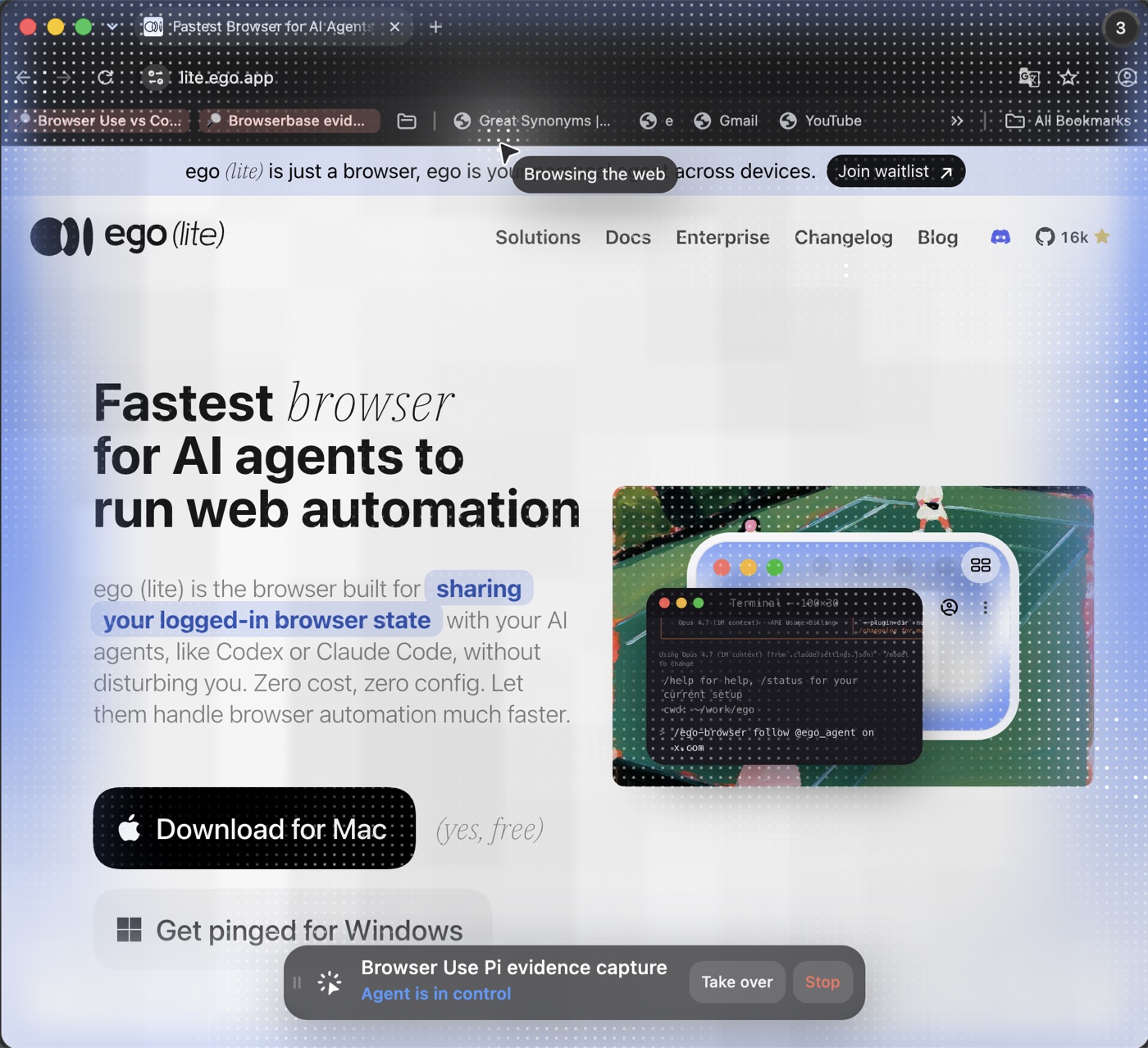
Browser Use Pi gives a Pi coding agent a browser tool by combining a host, an extension, the agent-browser runtime, Chromium, and a model. A different option, ego(lite), is the browser itself, so the agent talks to it directly rather than through a host, an extension and a separate runtime. Website sessions can still expire or require re-authentication.
Our 30-run browser-tool test did not produce a clean sweep, and the Pi path is neither slow nor weak. Both ego(lite) and the agent-browser engine inside pi-agent-browser-native passed all 15 of their runs. ego(lite) held the lower median on login, table extraction, and authenticated reload. agent-browser was faster on the two click-heavy cases. What separates the two routes is not raw speed but how much machinery sits between the instruction and the browser.
Do you need the whole Pi browser stack?
If you already use a compatible coding agent and the task only needs a browser, ego(lite) is the browser itself: install it, point your agent at the open-source ego-browser entry point, and skip the Pi host, Pi extension, and separate agent-browser runtime. If Pi is already your agent shell, its native package may still be the more natural integration.
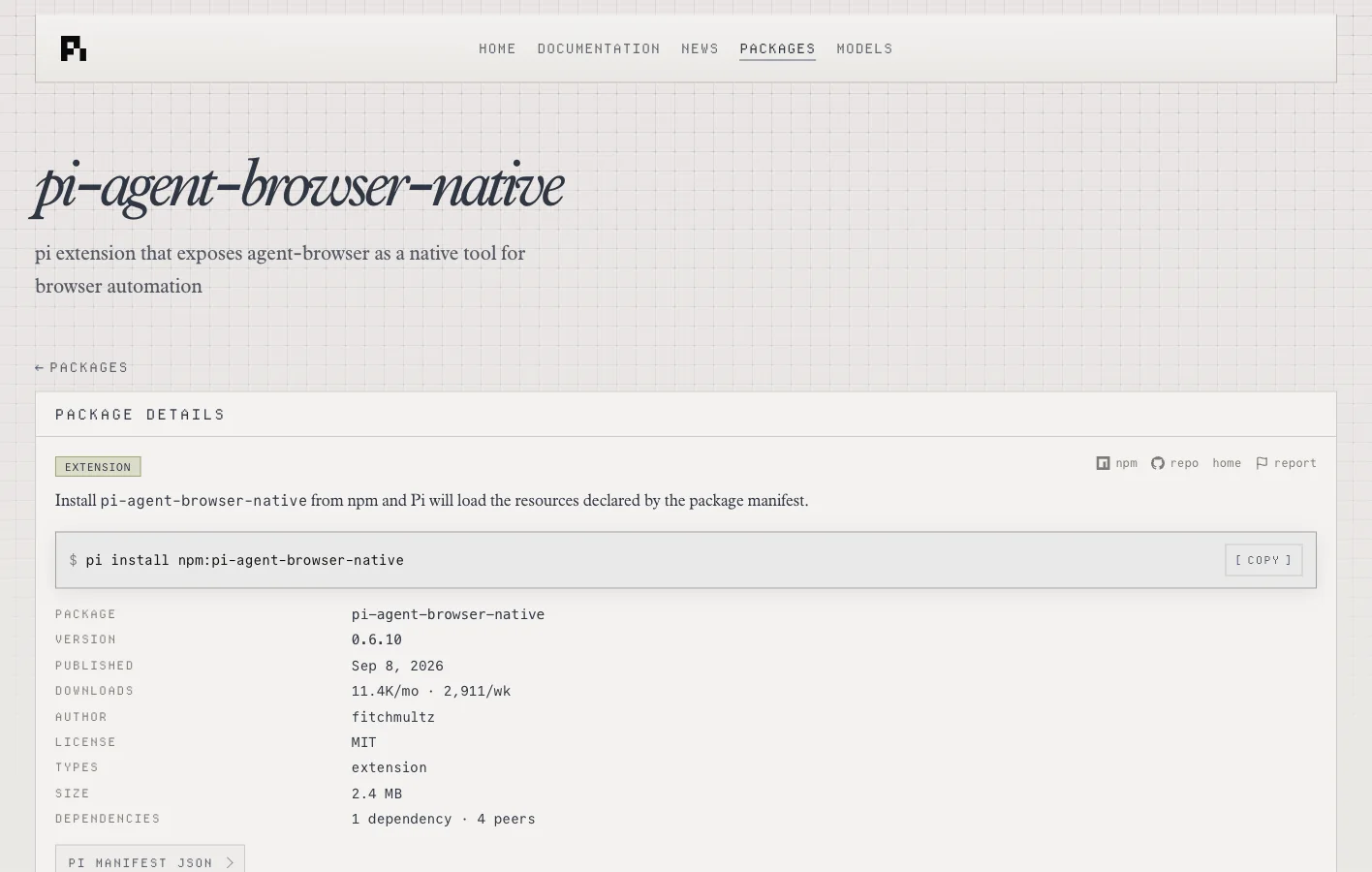
The pi-agent-browser-native package page confirms the extra layers: Pi loads an extension that exposes agent-browser as a native tool. When Pi is already your agent shell, that integration earns its keep. It becomes needless coupling when the real requirement is only to let an agent operate a persistent, visible browser.
What did 30 direct browser-tool runs show?
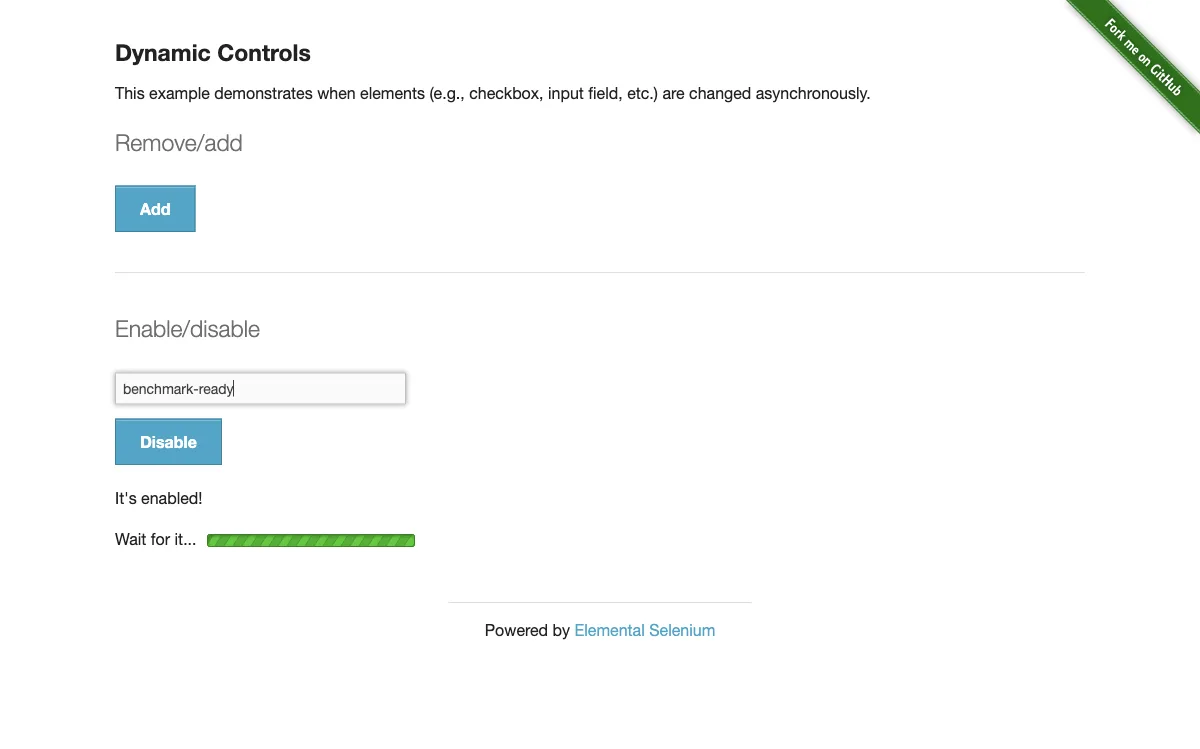
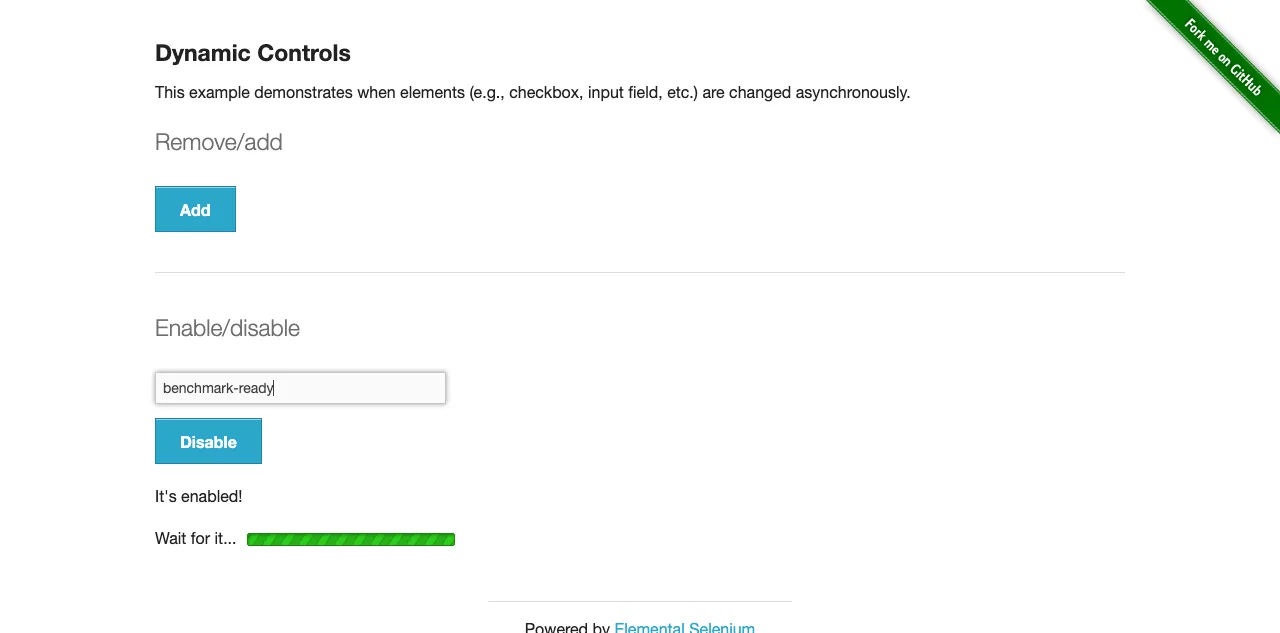
On September 11, 2026, we ran five cases three times through each tool: form login with published test credentials, asynchronous control removal and input enablement, adding and deleting buttons, extracting the highest amount due from a table, and reloading an authenticated page. Timing started after navigation and covered observation, actions, waits, and final-state verification. One of the two tools measured is ego(lite), which we make.
| Case | ego(lite) | agent-browser 0.37.1 |
|---|---|---|
| Form login | 3/3 · 887 ms | 3/3 · 1,016 ms |
| Dynamic controls | 3/3 · 7,412 ms | 3/3 · 6,852 ms |
| Add/remove elements | 3/3 · 4,244 ms | 3/3 · 1,435 ms |
| Table extraction | 3/3 · 7 ms | 3/3 · 368 ms |
| Authenticated reload | 3/3 · 343 ms | 3/3 · 664 ms |
The result is a split decision. ego(lite) led three cases, including the two state-heavy ones where browser-native evaluation and an already-owned session matter most. agent-browser led the asynchronous and repeated-click cases. Both tools passed every final assertion. Because no single latency number settles the comparison, the rest of this article compares execution model and operating cost instead.
Where do the two routes actually differ?
| Dimension | ego(lite) | Browser Use Pi path |
|---|---|---|
| Product boundary | Local Chromium agent browser with per-task Spaces | Pi host + extension + agent-browser + Chromium |
| Agent choice | Works with multiple compatible agent harnesses | Native to the Pi coding-agent shell |
| Human handoff | Take over and Stop are visible beside the live page | Depends on the Pi host, browser launch mode, and wrapper UI |
| State ownership | Lives in the selected ego(lite) Space and user-provisioned browser state | Lives in agent-browser sessions, profiles, or restore files configured through the stack |
| Setup surface | Install the browser and connect the agent skill | Align Pi, extension, Node, agent-browser, and Chromium requirements |
Teams already standardized on Pi should keep the native package; it is a sensible integration. For ordinary browser automation, which includes logged-in navigation, extraction, QA, and tasks that may need a person to step in, ego(lite) leaves fewer moving parts between the instruction and the visible browser.
Which Browser Use Pi package do you mean?
Start with which package you are installing. The native package adds a typed tool and Pi-specific diagnostics around agent-browser. The other extension stays closer to command forwarding. The difference shows up in setup, in error messages, and in how much output the agent receives.
| Package | What it can do | What it does not remove |
|---|---|---|
| pi-agent-browser-native | Expose a native Pi browser tool with compact results and Pi-specific checks. | The separate agent-browser runtime, Chromium installation, or host-version requirements. |
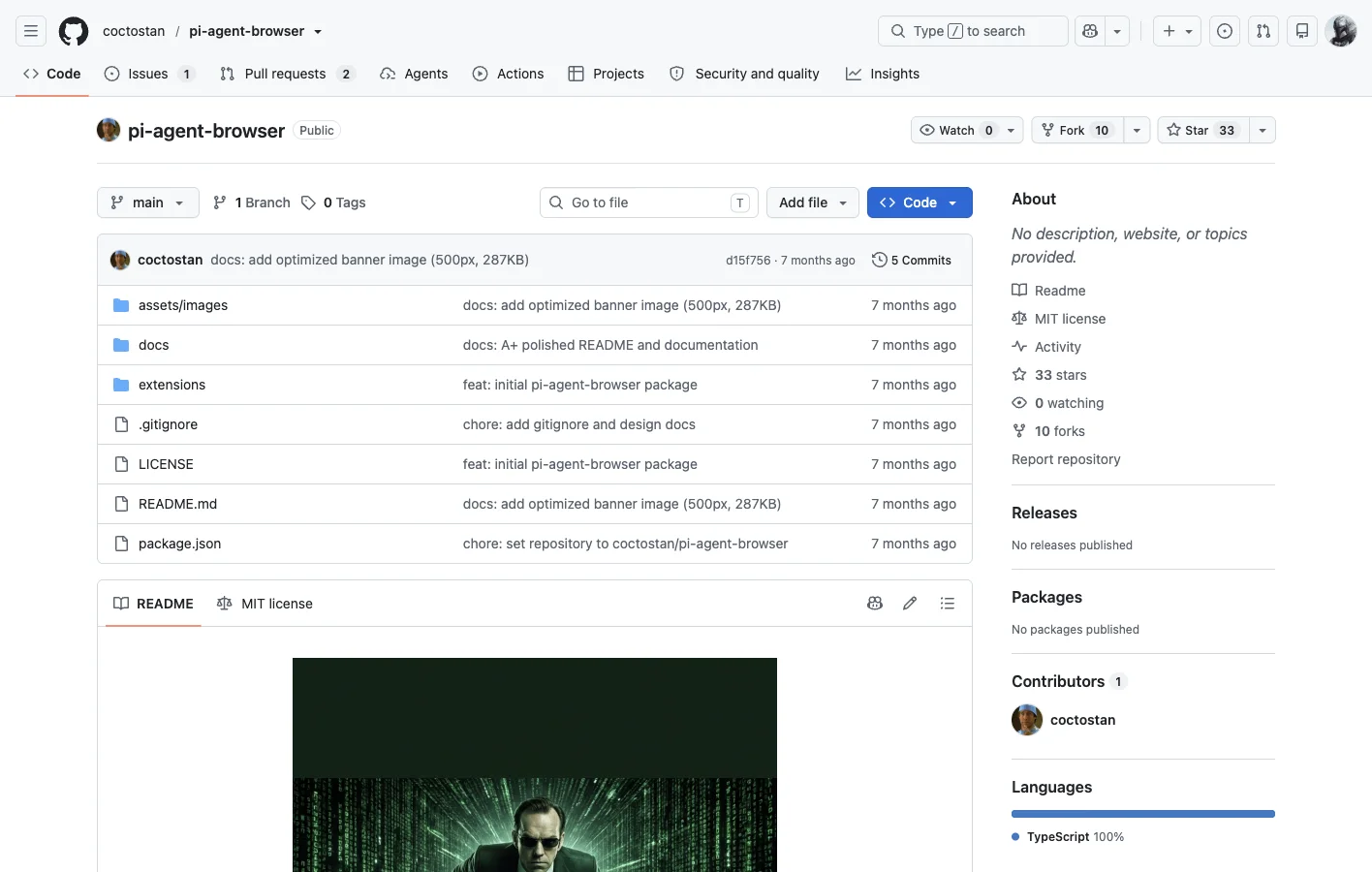
| pi-agent-browser | Forward valid agent-browser commands and keep one Chromium session alive. | CLI command semantics, browser dependencies, or session cleanup after an abnormal exit. |
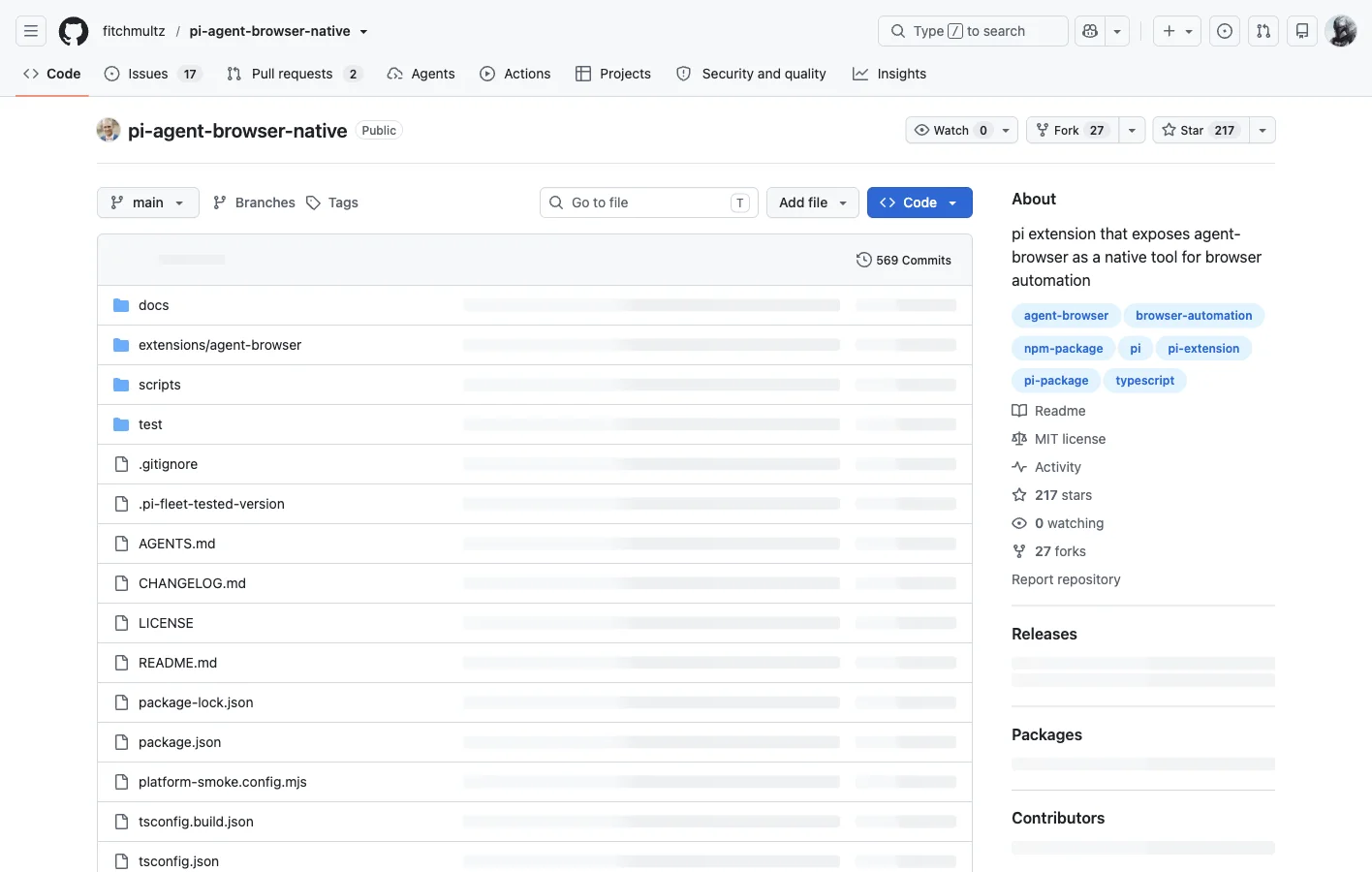
The maintenance record confirms that the two packages are not interchangeable. At capture time, the native repository showed 569 commits, 99 tags, 17 open issues, and an active release history. Those numbers will move, but they show which project currently carries the deeper implementation and documentation.
How does the native browser path work?
The native path is a wrapper stack, not one model call. Pi invokes the extension, the extension translates the request for agent-browser, and agent-browser controls Chromium. Page snapshots and artifacts then travel back up the same path.
Debugging gets easier when you can see the wiring. A failed call can come from the Pi host, from extension validation, from the agent-browser binary, from Chromium, or from the target site. Treat the whole stack as one black box and the first error looks mysterious. Knowing the layers tells you where to look.
How do you install a Pi browser extension?
For the native package, the documented Pi command is pi install npm:pi-agent-browser-native. Its current package page requires Pi 0.84.0 or newer, recommends agent-browser 0.37.0, and accepts stable agent-browser versions at or above 0.35.0. Check those constraints again before installation because both projects are moving quickly.
For the separate extension, the repository documents pi install npm:pi-agent-browser for installation and pi -e npm:pi-agent-browser for a trial that does not add the package to Pi settings. Its README also documents manual agent-browser and Chromium installation when automatic setup fails.
How do sessions and login state work?
A persistent Chromium session can retain browser state between calls, and the native package also documents persistent profiles for authenticated applications. Persistence means a session can be reused once it has been established. It does not grant access to an account or turn a login challenge into agent permission.
Keep the division of labor explicit. The user signs in, grants the intended scope, and handles CAPTCHA or 2FA. The agent then works inside that authorized state. A target site can still block automation, expire cookies, or change its interface.
How do community and cost change the decision?
The ego(lite) browser is a free download, and its public harness and skill are MIT-licensed. An external agent or model controlling it can still cost money. The Pi packages are MIT-licensed as well, but an end-to-end Browser Use Pi workflow still depends on the Pi host and whichever model you select. Neither route makes model inference free. The practical difference is that ego(lite) avoids the additional Pi host and extension stack; Browser Use Pi may still be the better fit when Pi is already your agent shell.
Community activity points to a wider browser layer around ego(lite). On September 11, 2026, the public ego(lite) repository showed 15,694 stars and 820 forks, while the pi-agent-browser-native repository showed 217 stars and 27 forks. ego(lite) also has a public Discord community with about 522 members at capture time, plus third-party projects such as dsh-ego-browser and ego-to-skill. Repository popularity is not proof of reliability, but it does show that other people reuse the browser layer outside a single host integration.
The non-fit case matters just as much: if your workflow is already built inside Pi and depends on its native agent_browser contract, use the Pi package. ego(lite) fits when one visible local browser needs to work with several compatible agents. Space separation keeps task tabs and control apart; it is not a remote tenant-security boundary.
What are the current limits?
Three limits are worth stating plainly. The first is naming: Browser Use Pi currently points readers toward several packages, and a command copied from the wrong README can install a different wrapper than expected. The second is version coupling between Pi, the extension, agent-browser, and Chromium.
The third limit is benchmark scope. We did run a controlled browser-tool test, but not an end-to-end Pi prompt benchmark. The results measure the direct agent-browser engine and ego-browser after navigation. They say nothing about model planning quality, tokens, Pi extension rendering, CAPTCHA, MFA, checkout, or arbitrary production sites.
FAQ
Is Browser Use Pi one official package?
No single package currently owns every result using that label. Verify whether a guide refers to pi-agent-browser-native, pi-agent-browser, or another Pi integration before copying its commands.
What does pi-agent-browser-native do?
It exposes agent-browser through a native Pi tool contract and adds compact results, diagnostics, artifacts, and Pi-specific configuration around the browser engine.
What does pi-agent-browser do?
It is a separate Pi extension that forwards browser commands to agent-browser and keeps a Chromium session alive between tool calls.
Which Pi version does the native package require?
The package page checked on September 11, 2026 documents Pi 0.84.0 or newer. Confirm the current requirement on pi.dev before installing.
Does Browser Use Pi include Chromium?
The wrappers still depend on agent-browser and a browser runtime. One extension can offer automatic setup, while the native package documents explicit prerequisites and health checks.
Can it keep a login session?
A persistent session or profile can retain state after the user establishes it. This does not bypass login challenges, account permissions, or site policy.
Does it bypass CAPTCHA or 2FA?
No. CAPTCHA and 2FA remain human-controlled gates, and the user must authorize access to the account and task.
Is Browser Use Pi a testing framework?
No. It can help an agent interact with a browser, but it does not replace the assertions, fixtures, repeatability, and reporting expected from a dedicated test framework.
When is ego(lite) the better fit?
ego(lite) is the better fit when you want the browser itself without the Pi host, the extension and a separate runtime in between. It is not a substitute for a Pi-native tool contract when the workflow explicitly depends on Pi, and it is not a remote sandbox for elastic or multi-tenant workloads.
Was this guide performance-tested?
Yes, at the browser-tool layer. We completed 30 timed runs on five deterministic cases. We did not run Pi's selected model end to end, so the article makes no claim about prompt-to-result latency, token consumption, or model reliability.
Browser Use Pi is a credible route when Pi is already the center of your agent workflow. ego(lite) is the more direct option when the browser itself must stay local, visible, and user-controlled, and when explicitly provisioned browser state should be reusable across compatible agent runtimes. Session expiry, site policy, and re-authentication still apply.