Codex Computer Use vs ego(lite): browser benchmark


We ran Codex Computer Use and ego(lite) through five browser tasks on September 11, 2026. Both completed every timed run. ego(lite) posted the lower median mechanical execution time in each case and kept the work inside a dedicated local browser Space.
The comparison covered 15 runs per path, 30 in total. ego(lite) used browser-level semantics; Codex observed and controlled native Chrome through macOS accessibility and screenshots. That distinction helps explain the timing gap, but the results apply only to this browser suite. We did not measure per-task model or credit cost.
When is ego(lite) a better fit for browser automation?
ego(lite) is a complete local Chromium browser for people and AI agents; in product-category terms, it is an agent browser. It is a better fit when the job stays in the browser and benefits from user-provisioned state or a dedicated visible Space. In this controlled five-case suite, that browser-specific path recorded lower median execution times than the native Codex Computer Use path; the result is not a universal speed or reliability ranking.
Codex Computer Use remains useful when a workflow must leave the browser and operate desktop software. That is a different product requirement. For routine form filling, extraction, authenticated navigation, or repeatable browser workflows, its general desktop-control path may add observation overhead that a browser-specific tool does not need.
How did we run the benchmark?
We used an Apple-silicon Mac running macOS 26.5.1, ChatGPT/Codex app 26.903.61454, and ego 0.5.1.2 with Chromium 152.0.7977.54. The target was The Internet, a public browser-automation test site. Every case ran three times, and every dispatched action had to end in a verified page-state change.
For Codex Computer Use, we created isolated native Chrome processes and used the macOS accessibility tree plus window screenshots for observation and control. For ego(lite), we used one dedicated Space with semantic browser locators and snapshots. Timers started after the target page loaded and included observations, actions, waits, and final verification. They exclude initial navigation and model deliberation, so these are observed end-to-end control-path timings, not prompt-to-answer latency or raw browser-engine speed.
Which browser automation cases did we test?
The suite intentionally combines direct DOM work with stateful and asynchronous behavior. It is small enough to reproduce but broad enough to expose more than a single happy-path click.
| Case | Task | Pass condition |
|---|---|---|
| Form login | Fill the published test credentials and submit. | The secure URL and success message both appear. |
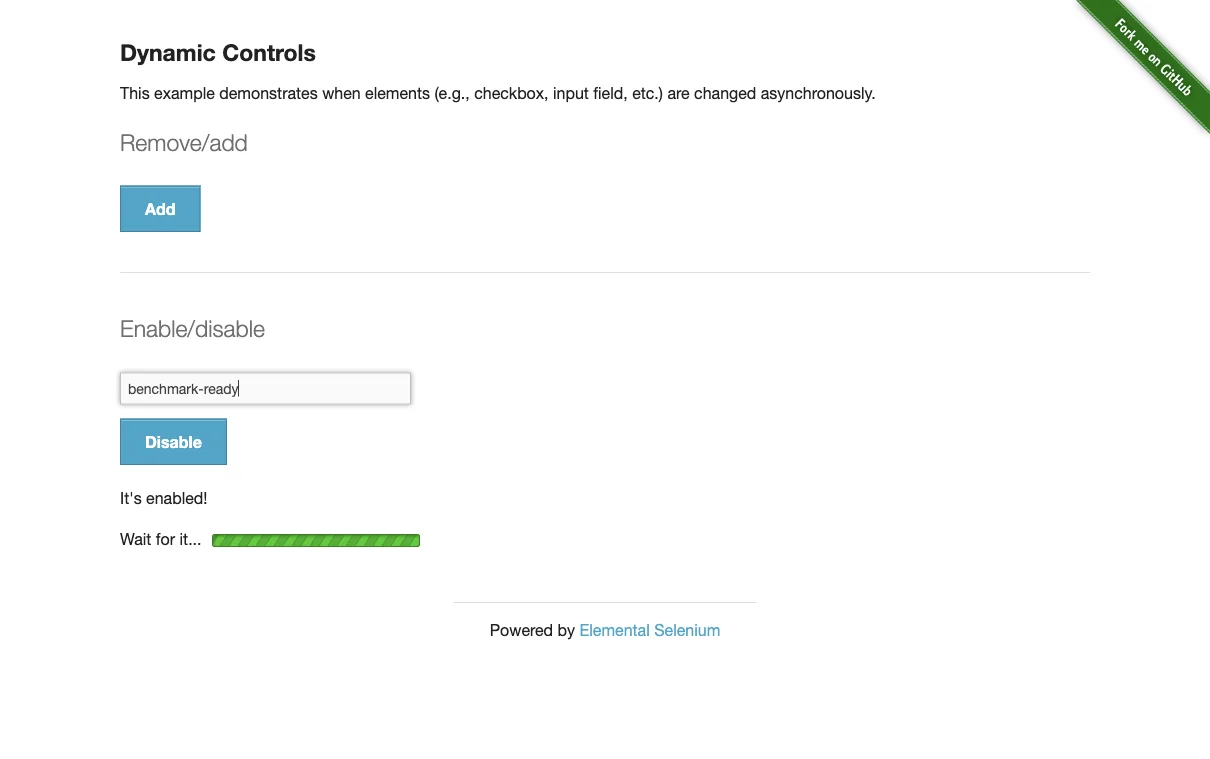
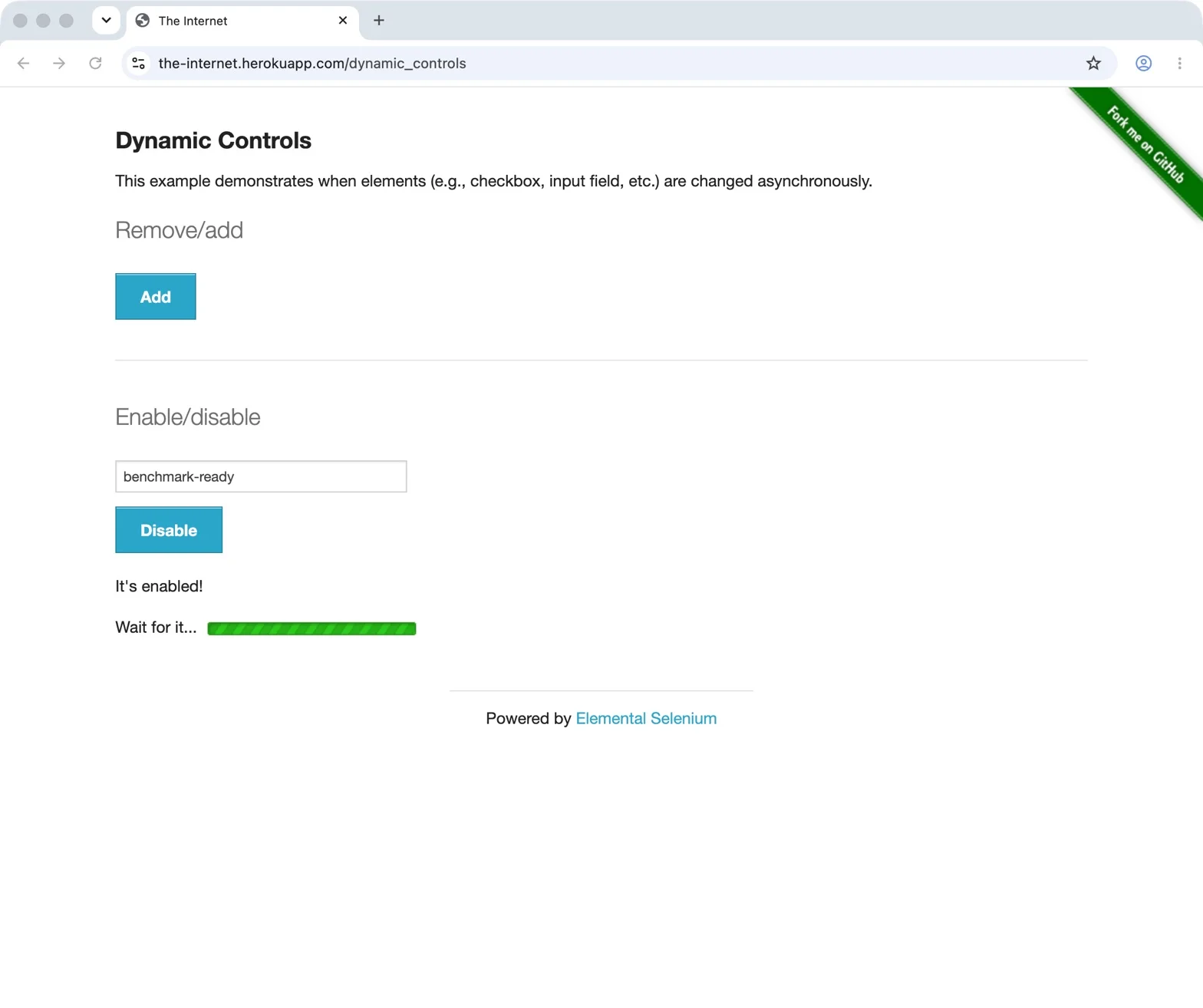
| Dynamic controls | Remove a checkbox, enable a delayed input, and enter benchmark-ready. | The checkbox is gone and the enabled input contains the value. |
| Add/remove | Add three Delete buttons, then remove two. | Exactly one Delete button remains. |
| Table extraction | Return the person with the highest amount due. | Jason Doe, jdoe@hotmail.com, $100.00. |
| Session reload | Reload an authenticated secure page. | The session remains authenticated after reload. |
What did the 30 benchmark runs show?
Each path passed all 15 timed runs. ego(lite) recorded the lower observed median mechanical execution time in all five cases. The largest absolute median gap appeared in repeated add/remove actions: 1.806 seconds for ego(lite) versus 15.346 seconds for native Computer Use. In this setup, the native path included accessibility observation and verification around state changes.
| Case | ego(lite) | Codex Computer Use |
|---|---|---|
| Form login | 3/3 passed · 1.076 s median | 3/3 passed · 9.685 s median |
| Dynamic controls | 3/3 passed · 7.431 s median | 3/3 passed · 13.012 s median |
| Add/remove | 3/3 passed · 1.806 s median | 3/3 passed · 15.346 s median |
| Table extraction | 3/3 passed · 9 ms median | 3/3 passed · 284 ms median |
| Session reload | 3/3 passed · 450 ms median | 3/3 passed · 2.358 s median |
All individual timings, environment details, pass assertions, and excluded pilots are available in the benchmark data file.
What does the pricing evidence show?
There are two cost layers. The ego(lite) browser is a free download, and its agent-facing harness and skill are MIT-licensed. The external agent is separate: Codex, Claude Code, or another model may still require a subscription or API usage. Because we did not record a credit meter for each run, this test establishes a timing difference, not a fixed saving.
As of September 11, 2026, OpenAI's Pro tier documentation lists Pro $100 at five times the Plus usage allowance and Pro $200 at twenty times Plus. OpenAI temporarily paused new Pro $200 purchases on September 10, while existing subscriptions continued. These are larger allowances, not unlimited Computer Use. OpenAI also states that Work and Codex share an agentic allowance whose consumption varies by task, context, reasoning, speed, model, and tools. Eligible accounts can use purchased credits after included usage is exhausted. These documents show that Computer Use draws from paid plan capacity; they do not price one browser action.
OpenAI's current Business and Enterprise/Edu rate card estimates a typical GPT-5.6 Sol Codex task at 5–30 credits, charges Astra Fast at 2.5 times Standard, and puts average Codex usage at $100–$200 per developer per month. Actual use varies substantially. Those enterprise estimates cannot price a personal-plan browser click; that would require matched model and credit records.
How does ego(lite)'s open harness extend the browser layer?
The ego(lite) control layer can evolve independently of one model vendor. A GitHub API snapshot on September 11, 2026 showed 15,691 stars, 820 forks, and 10 contributors. The public repository exposes the harness, agent skill, issues, pull requests, and Discussions under an MIT license. The browser application is a separate free download, so the entire product should not be described as open source.
Third-party projects already extend that control layer. dsh-ego-browser brings ego-browser and reusable site memory to another agent harness; ego-to-skill turns recorded interactions into reusable automation skills. The public ego Discord invite reported about 522 members and 66 online at research time. The counts will change; they are a dated snapshot of support and skill sharing beyond the repository.
How does ego(lite) differ from Codex Computer Use?
ego(lite) is a complete local Chromium agent browser, not a general mouse-and-screen operator. A compatible agent controls it through ego-browser and works inside a dedicated local Space with browser-native semantics, user-provisioned state, and visible takeover controls. Codex Computer Use observes the operating system so it can leave Chrome and continue into desktop apps; that broader surface is valuable outside the browser but added observation overhead in this browser-only test.
| Dimension | ego(lite) | Codex Computer Use |
|---|---|---|
| Primary surface | A dedicated local Chromium browser Space | macOS or Windows graphical applications, including browsers |
| Observation | Browser snapshots, semantic locators, and page-level state | Screenshots and operating-system accessibility state |
| Browser state | Lives in the selected ego(lite) Space and user-imported browser state | Depends on the selected app, built-in Browser, or extension path |
| Human handoff | The Space exposes agent control, Take over, and Stop in the browser UI | App permissions and approvals govern control |
| Incremental tooling cost | Free browser download and MIT-licensed harness; external model usage still applies | Included allowance or purchased credits under the selected ChatGPT or API plan |
| Ecosystem model | Browser layer for multiple compatible agent harnesses, with public skills, issues, forks, and third-party integrations | First-party Codex capability tied to OpenAI's models, plans, and permissions |
| Best fit | Repeatable browser work where local session continuity and takeover matter | Tasks that leave the browser or depend on desktop-only UI |
One native Chrome run displayed a leaked-password warning after the benchmark had already reached the successful login state. Continuing in that window required dismissing the warning. This was an environment-specific browser interruption, not evidence that Codex is less reliable or that ego(lite) avoids every browser warning, so it was excluded from the timed pass/fail result and is reported only as an operational observation.
Why are Codex Browser paths not the same product as ego(lite)?
The ego(lite) product provides one complete local Chromium browser for both the user and compatible AI agents. It combines browser execution, explicitly provisioned or imported browser state, parallel task Spaces, and visible pause and takeover controls. OpenAI splits comparable needs across three paths: its built-in Browser uses a profile separate from a person's regular browser, the extension connects an existing supported browser tab, and Computer Use provides broader GUI control. Matching one feature does not make the products equivalent; each path still has its own permissions, session model, and operating boundary.
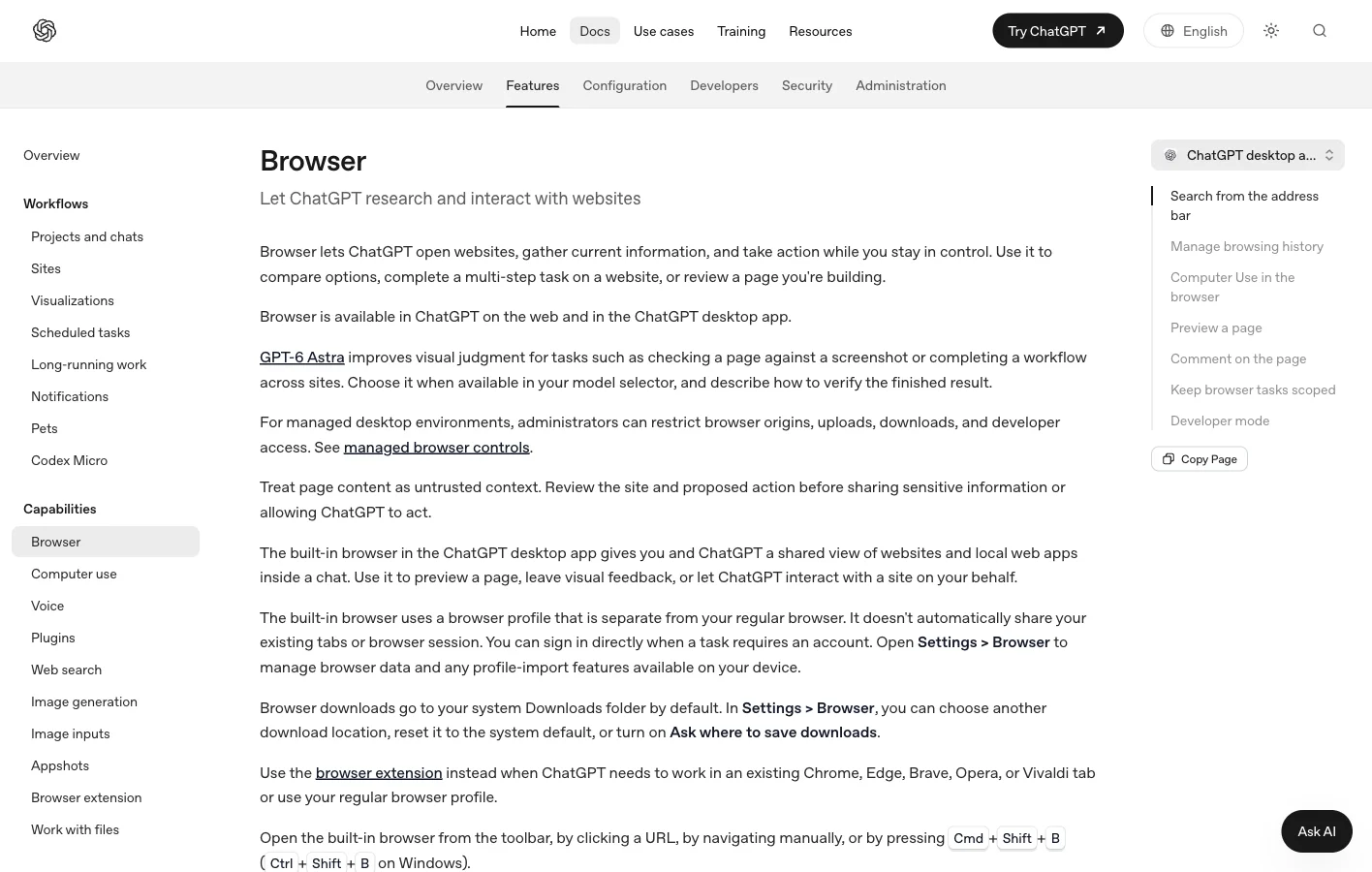
The current official setup and permission details are in OpenAI's Computer Use documentation and Browser documentation. The reproducible test target remains available at The Internet.
What are the limits of this benchmark?
The observed timing difference applies to this browser-only suite, not every interface. Five deterministic cases and three runs per case cannot represent the open web. We did not test CAPTCHA, MFA, checkout, uploads, anti-bot systems, canvas-only interfaces, cross-app workflows, mobile emulation, or multi-hour tasks. We also did not compare model-planning quality because the task scripts and pass conditions were fixed in advance. The retained record does not establish fully matched cold-start, cache, or process-reset conditions.
What the data establishes is narrower: both paths completed every timed run, and ego(lite) recorded lower medians in these five cases. Its path did not include the operating-system accessibility observation used by the native Codex path, and its dedicated Space kept session state and human takeover inside the browser workflow. Codex Computer Use covers a broader surface and may be the better fit when a task needs desktop applications as well as the browser.
FAQ
Did Codex Computer Use actually control Chrome in this test?
Yes. The primary Codex benchmark used isolated native Google Chrome processes controlled through macOS accessibility and screenshots. The built-in Browser was checked separately and was not substituted for the native Computer Use result.
What did the test show about speed and reliability?
Both paths passed 15/15 timed runs, while ego(lite) posted the lower median in all five cases. The sample is too small and controlled to establish reliability on production websites or a universal speed ranking.
Did the benchmark prove ego(lite) costs less?
No. The ego(lite) browser is free and its harness is MIT-licensed, but the controlling model may still cost money. We did not record matched credit or API usage, so the test supports a timing comparison rather than a fixed savings claim.
When should I choose Codex Computer Use or ego(lite)?
Choose Codex when the workflow depends on desktop software, system settings, or interfaces outside the browser. Choose ego(lite) for browser-centered work that benefits from a dedicated local Space, user-provisioned state, browser-native automation, and immediate takeover.