Playwright MCP vs Browser Use: which does your agent need


The short answer, before anything else: Playwright MCP and Browser Use aren't rivals in one category. Playwright MCP is a protocol tool your coding agent drives step by step; Browser Use is an autonomous framework that runs its own LLM loop on a task you describe in plain English. Pick by task shape, and the choice mostly makes itself.
One blind spot they share: neither uses your daily browser's logged-in sessions by default. For task-explicit work behind logins, a coding agent driving ego(lite) covers that gap, free: it reuses the sessions you already opened, so nothing gets signed out and no credentials get scripted.
People keep asking "Browser Use vs Playwright MCP" as if it's Coke vs Pepsi. It's closer to comparing a power drill with a contractor. Here's the comparison on the four dimensions that actually differ.
Why aren't these the same kind of tool?
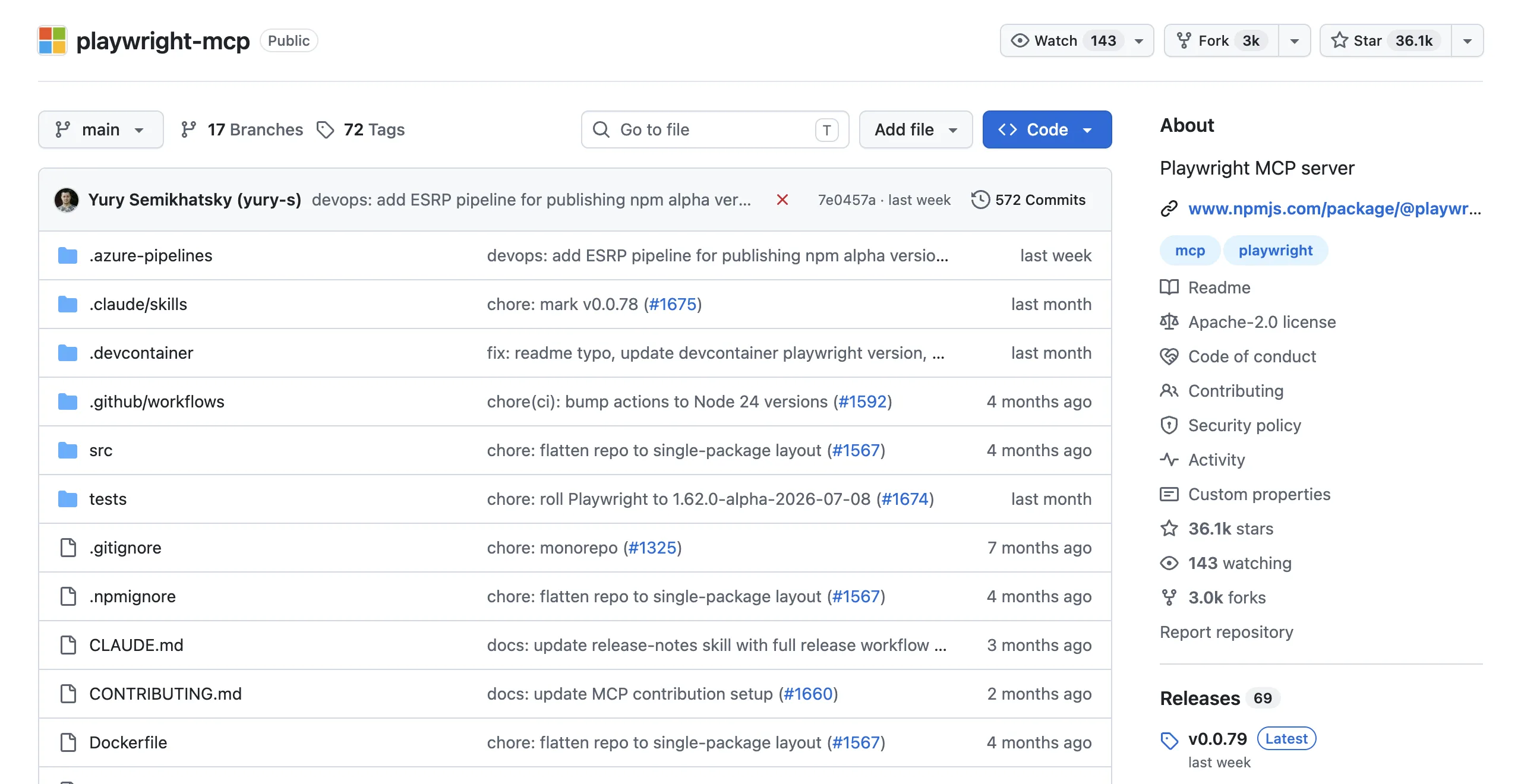
Playwright MCP is an open-source MCP server from Microsoft that exposes browser primitives (navigate, click, fill, snapshot) to whatever agent you already run. The intelligence lives in your agent: Claude Code or Cursor reads each accessibility snapshot, decides the next action, and calls the next tool. Setup is one line, and there's no separate LLM bill because it uses the model you're already talking to.
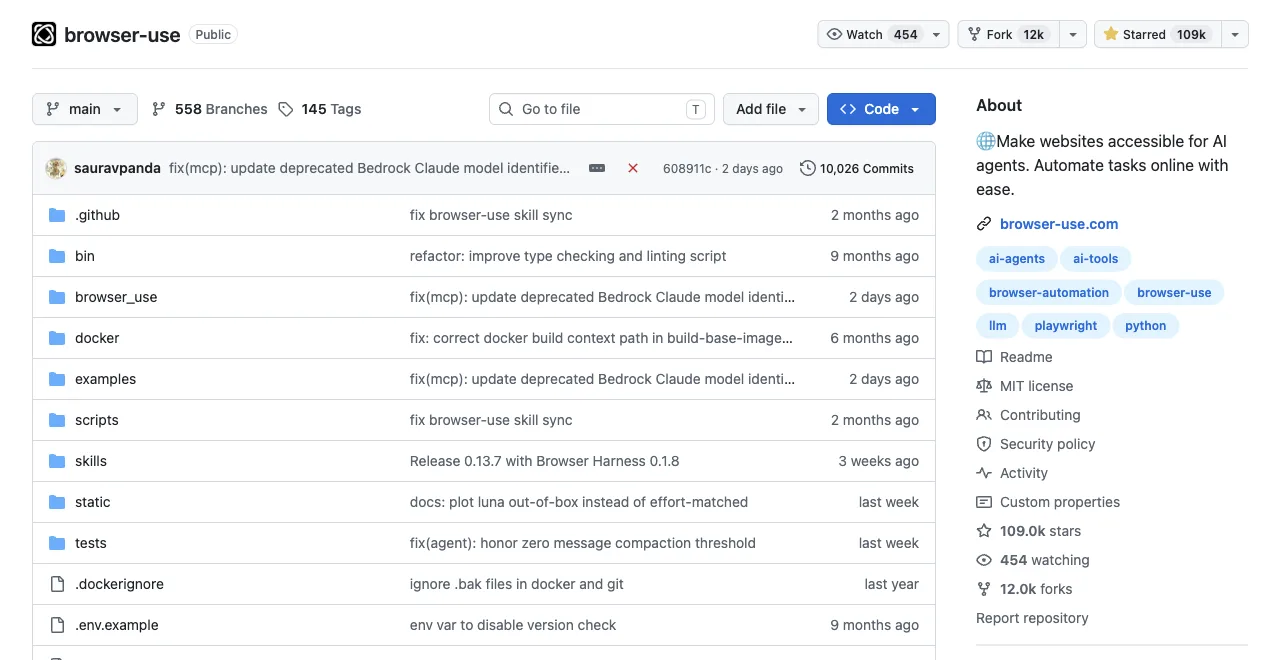
Browser Use is an open-source Python framework (MIT license, around 110K GitHub stars) that ships the whole agent. You write Agent(task="find the cheapest flight", llm=...) and call run(); it perceives the page, plans, acts, and retries on its own until the task ends. It brings its own model calls, its own retry logic, and lately its own hosted models and cloud browsers with CAPTCHA handling and proxy rotation.
Here's what that loop actually looks like when you run it: a real Browser Use 0.13.7 agent, gpt-4.1-mini via OPENAI_API_KEY, recorded in August 2026 against a live page.
# Browser Use: real Agent run, browser-use 0.13.7, gpt-4.1-mini via OPENAI_API_KEY
import asyncio
from browser_use import Agent, ChatOpenAI

async def main():
    llm = ChatOpenAI(model="gpt-4.1-mini")
    agent = Agent(
        task="Go to https://news.ycombinator.com/ and tell me the exact title text of the #1 story on the front page, plus its points count.",
        llm=llm,
    )
    history = await agent.run(max_steps=8)
    print("FINAL RESULT:", history.final_result())

asyncio.run(main())

# Real output (trimmed to the meaningful lines):
INFO     [Agent] Starting a browser-use agent with version 0.13.7, with provider=openai and model=gpt-4.1-mini
INFO     [Agent]   ▶️   navigate: url: https://news.ycombinator.com/, new_tab: False
INFO     [tools] 🔗 Navigated to https://news.ycombinator.com/
INFO     [Agent]
INFO     [Agent] 📍 Step 1:
INFO     [Agent]   👍 Eval: Successfully located the #1 story title and its points count on the Hacker News front page.
INFO     [Agent]   🧠 Memory: Located the top story on Hacker News with title 'Qwen 3.8 27B' and points count '415 points'.
INFO     [Agent]   🎯 Next goal: Report the exact title text and points count of the #1 story to the user.
INFO     [Agent]   ▶️   done: text: The #1 story on Hacker News front page is titled "Qwen 3.8 27B" with 415 points., success: True, files_to_display: None
INFO     [Agent]
📄  Final Result:
The #1 story on Hacker News front page is titled "Qwen 3.8 27B" with 415 points.

INFO     [Agent] ✅ Task completed successfully
FINAL RESULT: The #1 story on Hacker News front page is titled "Qwen 3.8 27B" with 415 points.
So the real question isn't which is better. It's: do you already have an agent you trust, or do you want to delegate the whole loop?
Tool for your agent, or agent in a box.
How do they compare on reliability, cost, control, and debugging?
Four dimensions separate them in day-to-day use. The table gives the verdict; the examples below give the evidence.
| Dimension | Playwright MCP | Browser Use |
|---|---|---|
| Reliability | Deterministic per action, but long sessions degrade: measured runs started referencing vanished elements around step 12-15. | Adapts to page changes, but can loop: users report agents stuck at Step 1, and CDP instability causing indefinite hangs. |
| Token cost | Snapshot-driven: ~12K tokens for a dashboard, up to 114K for one Salesforce page. Cost tracks page complexity. | Loop-driven: every step is an LLM call with page context; users report ~50K tokens per step on heavy pages and ~1M tokens across 20+ tasks. Cost tracks step count. |
| Control | Full: your agent approves every action, so you can stop, redirect, or bound it. Can't self-drive. | Delegated: you set the goal, it picks the steps. Can't guarantee the path it takes. |
| Debugging | Every step is a visible tool call in your agent transcript. Boring, in the good way. | You debug an autonomous loop: users describe silent LLM API failures as "like throwing requests into a black hole." |
Two concrete examples to make the failure modes real. An MCP failure looks like this: by step 14 of a long form-filling session, the context carries 60-90K tokens of stale snapshots and the agent clicks a login-page element that hasn't existed since step 2. A Browser Use failure looks like this: the agent opens the page, reports Step 1, and never advances, or invents form data like "123 Main St" when it can't find the real value.
Different architectures, different ways to burn an afternoon.
Anecdotes are cheap, so here's how often each architecture actually finishes. Real-World Bench ran the same 31-task suite (most on live production sites: an Expedia fare search, the X engagement pull, Amazon review mining, government data portals, plus a deterministic local ticket site for the stateful checkout flow), through five tools with the same model (gpt-5.6-sol, max effort) and the same independent judge. Two rows map onto this comparison, each with a caveat worth stating plainly: the Playwright row measured playwright-cli, the official CLI route, not the MCP server; the Browser Use row measured Browser Harness, which is Browser Use's local version, not the cloud product.
Real-World Bench: perfect completion rate across the 31-task suite
Same model (gpt-5.6-sol, max effort), same judge, run 2026-08-19
Why do AI agents fail on real web pages?
Most failures are state and feedback failures, not a lack of intelligence: a dynamic UI has not rendered, a locator points at a hidden element, a login or consent step changed the page, or the agent receives a huge snapshot without the context it needs. CAPTCHA and bot-protection pages can also make a successful navigation look like an empty result.
Make the boundary explicit. Start from a known URL and account, wait for a semantic condition rather than a fixed sleep, record the current URL after every navigation, and return blocked when a human challenge appears. Do not loop on a CAPTCHA, add stealth or proxy rotation, or claim success from a page that never rendered the expected state.
How do you build a reliable AI agent for UI testing?
Give the agent a short test contract: fixture, route, actions, assertions, evidence to save, timeout, and stop conditions. Keep one user journey per run, isolate accounts and browser contexts, and make every assertion observable in the DOM, accessibility tree, console, or network. Both Playwright MCP and Browser Use become easier to debug when the task is this explicit.
Use a deterministic coded suite for release gates and an agent-driven run for exploratory or newly changed paths. Require pass, fail, or blocked for each check, preserve a screenshot or source reference only when it explains the result, and rerun the same contract after a fix.
How do you prevent locator and selector breakage?
Prefer role, label, visible text, and test IDs that express intent over generated class names. Ask the agent to quote the element it found before clicking, and fail when multiple candidates are equally plausible. This prevents a model from hallucinating a locator or silently clicking a nearby control after a redesign.
When a locator breaks, capture the old and new DOM, screenshot the state, and review the expected behavior before changing the test. Self-healing is useful as a proposed patch; it is unsafe as an unreviewed way to turn every failure green.
How should an agent self-correct after a tool error?
Return the current state and valid next actions with every tool error. If a click timed out, first inspect whether navigation actually succeeded; if a locator matched zero nodes, refresh the semantic snapshot and verify the page URL; if the same call fails twice, stop and report the evidence instead of repeating it.
A bounded retry policy is better than an infinite loop: one retry after re-reading state, one alternate locator when the intent is unambiguous, then a blocked result with logs. Keep the model's proposed correction separate from the test's original assertion so reviewers can see what changed.
How should browser agents persist and recover session state?
Persist only the state a test is authorized to reuse: a named browser profile, a test account, and a known starting URL. Save checkpoints such as the current route and completed assertion, not raw cookies or passwords. On restart, verify the account and URL before continuing; if the session expired, pause for human login or reset to the fixture.
Playwright contexts are strong for reproducible isolated runs; Browser Use and other frameworks may attach to CDP or a hosted browser with different persistence guarantees. Test recovery explicitly rather than assuming a reconnect preserved the same tab, storage, or permissions.
When is lightweight local scraping better than a heavy browser stack?
If the task is a small, authorized read of public HTML, a local fetch or compact browser script can be cheaper than sending a full accessibility snapshot on every action. Extract only the fields you need, keep the source URL and timestamp, and validate that the page is real content rather than a login or challenge response.
Use Playwright or Browser Use when you need interaction, JavaScript rendering, or an autonomous loop. Use a lightweight local route when you need a bounded export and already know the pages; scale, freshness, and platform terms still determine whether an official API is the better choice.
How do you verify visual and frontend changes with an agent?
Capture a baseline and post-change screenshot at the same viewport, device scale, route, and data state. Ask the agent to describe the visible difference and pair it with DOM, console, and network evidence so a layout shift is not confused with a content change.
Agent vision is useful for triage and a quick review; pixel-perfect regression gates still benefit from a maintained baseline tool and human inspection of intentional changes. Record browser version and font or fixture differences before treating a screenshot diff as a product bug.
The autonomous loop's adaptivity shows up here: Browser Harness finished 77.4% of 31 tasks perfectly against playwright-cli's 71.0% across 31 tasks, and both trail ego(lite)'s 93.5% across 31 tasks. Money follows the same order once you count what failure costs, since a failed run isn't free: $1.64 average per task ÷ 93.5% completion = $1.75 per completed task for ego(lite), against $3.14 for Browser Harness and $4.82 for playwright-cli, computed the same way. ego(lite) was also 47% to 63% faster than the other four tools measured, averaging 398 seconds per task against 587 for chrome-devtools-cli, 605 for agent-browser, 615 for Browser Harness, and 648 for playwright-cli.
When should you use each one?
Playwright MCP fits when your coding agent is already the center of your workflow. Two scenarios where it's clearly right: letting Claude Code verify its own UI changes against staging (short session, deterministic steps, transcript you can audit), and exploratory automation where you want to watch and steer each action. The integration cost is genuinely zero: claude mcp add playwright npx @playwright/mcp@latest and you're running.
Browser Use fits when there's no coding agent in the loop at all. Two scenarios where it's clearly right: a Python pipeline that needs "go check 40 supplier pages and pull lead times" as a background job, and product teams building autonomous features on top of a framework with retries, hosted models, and cloud browsers already packaged.
Its own docs draw the same line: one-off tasks through an agent go to the CLI, repeatable automation in code goes to the Python library.
And plenty of teams run both without conflict: Playwright MCP wired into the coding agent for development-time checks, Browser Use deployed in the product for autonomous features. The mistake isn't using either one; it's using the autonomous loop for a task you could have written as ten lines of explicit steps, and then paying LLM prices for every one of them.
What's the blind spot they share?
Here's the part both camps skip: by default, neither works in the browser where you're actually logged in. Playwright MCP launches a fresh profile with no cookies. Browser Use can technically attach to a real Chrome, but users report that connecting to an existing profile following the official docs doesn't work reliably, and the founder has acknowledged the feature is unstable.
Either way, the moment your task lives behind a login wall (a dashboard, a CRM, your email), you're scripting credentials or babysitting auth.
That's the slot ego(lite) is built for. It's a free browser built for sharing your logged-in browser state with AI agents like Claude Code and Codex: every site you've already signed into stays signed in, and the agent inherits that state.
Your coding agent drives it by writing JavaScript through the ego-browser skill, so it keeps the protocol route's control and beats its token bill: the whole workflow runs outside the model as one script, and only results come back.
Here's what that skill call looks like, from a recorded ego-browser session against Hacker News: a task space opens, navigates, and returns only the fields asked for.
ego-browser nodejs <<'EOF'
const task = await egoBrowser.newTaskSpace('evidence-egobrowser-hn')
console.log({ taskSpaceId: task.id })

await task.page.goto('https://news.ycombinator.com/', { waitUntil: 'load', timeout: 20000 })
const title = await task.page.title()
const topStory = await task.page.locator('.athing .titleline > a').first().innerText()
const points = await task.page.locator('.subtext .score').first().innerText().catch(() => null)
console.log({ title, url: task.page.url(), topStory, points })
EOF

# real output
{
  "taskSpaceId": 13
}
{
  "title": "Hacker News",
  "url": "https://news.ycombinator.com/",
  "topStory": "Qwen 3.8 27B",
  "points": "412 points"
}
About 150 characters back to the agent. Compare that with a 38,285-character take_snapshot we measured on the same page via Chrome DevTools MCP (a different server, but the same snapshot-per-action design), and you can see why this route beats the snapshot school's token bill without putting that tree in context.
The agent works in its own Space, so it never hijacks the window you're using. In our published benchmark it finished the same tasks in 44% fewer execution rounds, 35.5% fewer tool calls, at 21.6% lower cost versus command-at-a-time execution.
See the full ego(lite) vs Browser Use comparison, or download ego(lite) for Mac and point your agent at one logged-in task. Free.
FAQ
Is there a Browser Use MCP server?
Yes. Browser Use ships MCP integration alongside its CLI and Python library, so you can expose its capabilities to an MCP client. Note what that changes: run it as an MCP server and your agent does the deciding, which makes the comparison in this article (protocol tool vs autonomous loop) the right frame for that mode too.
Which costs more to run?
Shapes differ more than totals. Playwright MCP's cost scales with page complexity (one heavyweight page can be 114K tokens), Browser Use's scales with step count (~50K tokens per step reported on DOM-heavy pages, and roughly 1M tokens over 20+ tasks in one user report). Long autonomous runs on complex pages are expensive in both. Measured end to end on Real-World Bench, the Browser Use side came out cheaper per outcome: Browser Harness averaged $2.43 per task, which is $2.43 ÷ 77.4% completion = $3.14 per completed task, against playwright-cli's $3.42 ÷ 71.0% = $4.82.
Can Browser Use handle CAPTCHAs and login walls?
Its cloud offering advertises CAPTCHA handling and stealth browsers, and community threads still report CAPTCHA problems as ongoing. For your own accounts, the cleaner pattern is inheriting a session you already opened in a real browser rather than automating a fresh login, which is how ego(lite) approaches it.
Do I need Python for either tool?
Browser Use yes for the library path (Python 3.11+), no for its CLI. Playwright MCP needs only Node 18+ and an MCP client. ego(lite) needs neither: any agent that can run a shell command can drive it.