Browser extensions vs shared agent browser: which is better?

Choose a separate task browser when you want visible Agent pages outside your daily browser. Extensions such as Claude for Chrome, Codex for Chrome, and Browser MCP can operate an existing browser after setup and permission grants. ego(lite) provides a separate local browser with task Spaces. Both approaches require an account check, and both can need the user's attention.
An existing-browser extension can reduce migration because the account is already signed in. A separate browser requires its own supported import or sign-in, but lets the task use different pages from the user's daily browser.
We build ego(lite). The comparison below distinguishes the connection, page organization, session state, and user intervention each task needs.
How can an Agent work while another app stays in front?
We choose ego(lite) for a visible local task that needs an authorized session, local files, and a browser the user can inspect. If the only requirement is keeping browser windows out of the way, a headless Playwright MCP configuration can already meet it. The useful comparison is the complete workflow, including how the user intervenes when a website needs them.
On November 9, 2026, we ran five form searches through ego-browser while sampling the operating system's frontmost application. Nine samples fell within the browser-action interval and showed Claude or Safari in front, not ego(lite). This is a limited focus observation on macOS with ego(lite) 0.6.3.6. It does not establish continuous keyboard-focus behavior, every permission prompt, or an across-platform guarantee.

A second check ran two independent runtime invocations in different Spaces and verified distinct records. Their pages stayed separate, while another session-state check showed that a synthetic account change was visible across Spaces. Page organization and authorization need different evidence.
| User requirement | Relevant route |
|---|---|
| Operate the current Chrome tab | A supported extension or live browser connector avoids migrating that tab. |
| Run headless testing without a visible window | Use a documented headless configuration. |
| Use a visible local task browser with human participation | Use ego(lite) Spaces and verify the selected account. |
| Continue after the computer shuts down | Use a separately hosted execution environment. |
Run a separate task Space and manage control
Check Playwright MCP headless, isolated, and extension modes
What are the two architectures?
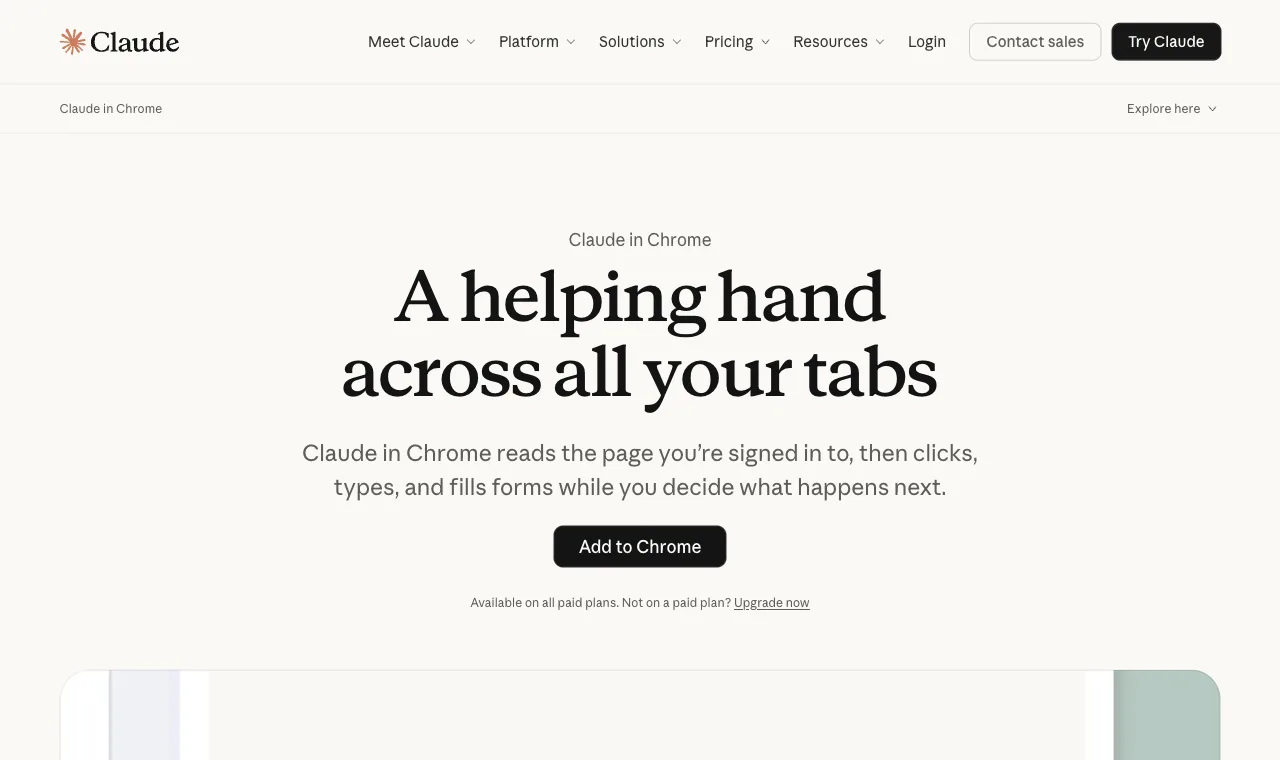
The vendor extension architecture installs the agent into your daily browser. Claude for Chrome and Codex for Chrome are the flagship implementations, Browser MCP the protocol-flavored one; all three act on your real tabs with your real sessions, guarded by permission prompts.
An extension can use a browser the user already knows and has signed into. Setup and page contention depend on the extension, the granted permissions, and which tabs the task uses.
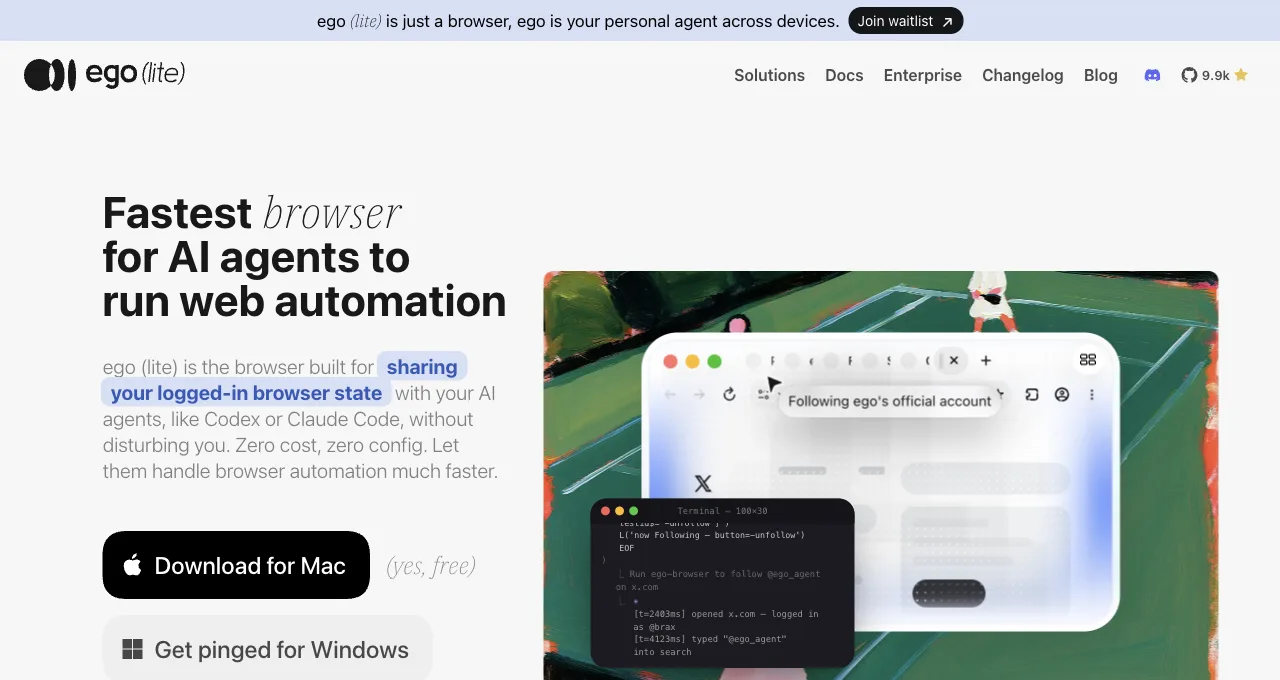
The shared agent browser architecture gives the agent a separate browser that carries your logged-in state without being your window. ego(lite) is itself the browser, so there is no relay to install, pair, or keep connected; the agent then works in a Space, a workspace with its own tabs. Separate work tabs reduce interference with your browsing; they do not establish a tested concurrency limit or independent account credentials.
ego(lite) provides a different browser for the task. Login prompts, permission requests, and handoffs can still require the user to switch attention.
Note what's not the difference: login access. Both architectures solve that. Window ownership is one difference. Permission scope, profile state, and the local agent's host access are separate decisions.
"Any agent that can run a shell command" shouldn't be taken on faith either. Here's a recorded ego-browser session: a shell heredoc opening a task space, driving the page, and handing back exactly the four fields asked for, not a window, not a tab, not your attention.
Current API example, checked October 25, 2026 with the installed ego-browser guide v2.1.0. The extraction below was replayed once on public Hacker News inside this maintenance task. The standalone example names its own task and closes it at completion; a longer workflow should resume its existing Space. This run establishes API compatibility for this read, not a login, concurrency, latency, or model-cost result.
ego-browser nodejs <<'EOF'
const task = await taskSpace('public-headline-check');
const page = task.page('p1');
await page.goto('https://news.ycombinator.com/');
await page.waitForSelector('.titleline > a');
console.log(await page.evaluate(() => ({
  title: document.title,
  url: location.href,
  topStory: document.querySelector('.titleline > a')?.textContent?.trim() ?? null,
  points: document.querySelector('.subtext .score')?.textContent?.trim() ?? null,
})));
await task.finish({ keep: [] });
EOF
{
"title": "Hacker News",
"url": "https://news.ycombinator.com/",
"topStory": "Meta Ignores Brazilian Court Order to End Bolsonaro Favoritism",
"points": "333 points"
}The same architecture has been measured, not just demonstrated: on Real-World Bench, a public 31-task suite run against live sites with the same model and judge across five tools, ego(lite) finished 93.5% of 31 tasks perfectly, the highest completion rate of the five, and ran 47% to 63% faster than the other four tools measured. The suite runs errands of exactly this article's shape, work that sits in a Space while your window stays open: carrying Bankrate compound-interest results into an online spreadsheet, or pricing out a Houzz mood board's pieces at Home Depot.
A hybrid exists and clarifies the spectrum: DevTools-style auto-connect attaches an external agent to your live Chrome. It behaves like architecture 1 for our purposes (your window, occupied) while installing like architecture 2, which is why debugging guides love it and daily-task guides don't. The window question, not the install mechanism, is the load-bearing one.
What happens to your browser during one task, each way?
Take one ordinary task: "pull this month's invoices from our three vendor portals into a summary."
Extension architecture, from your chair: the agent opens the first portal in your browser; your tabs shift; you watch it navigate, or switch to another app and lose sight of what it's approving; a permission prompt lands mid-task and waits for you; nine minutes later your browser is yours again, with a few new tabs to close. The task succeeded. You were also, functionally, its supervisor for nine minutes.
In the separate-browser example, the Agent uses its own task pages and the user can keep another browser open. An imported session may still need verification. If the site requires a login code, the user completes that step before the Agent resumes. No nine-minute timing is claimed for this illustrative workflow.
This is an illustrative workflow comparison, not a timed experiment. Check the actual tool's tab handling and handoff before assuming either approach blocks the user's work.
Where do the daily collisions happen?
These are possible sources of interference to test in your own workflow: page contention, focus changes, parallel tasks, account changes, and requests for user input.
The mid-email hijack: you're writing in one tab while the agent navigates in another, and a focus steal or tab switch drops your cursor mid-sentence.
The two-task queue: you want the agent checking prices while also filing a form, but one browser means one task; the second waits. The watching tax: because it's acting in your real profile, you feel obliged to watch, converting delegation back into supervision.
The interrupted handback: you grab your browser for something urgent mid-task, and the agent's run breaks or pauses; resuming costs more than the task saved. And the end-of-day tab archaeology: agent-opened tabs mixed into your own, in whatever state the last task left them.
Extensions can mitigate interference through tab groups, dedicated windows, permissions, or task-specific controls. BrowserOS community requests for a detached assistant mode show one demand signal; they do not establish how every extension behaves.
How should enterprises govern agents and extensions?
Enterprise governance starts with an inventory of approved agents, browser extensions, data scopes, and owners, with explicit site and account boundaries. Require an installation source, version tracking, least-privilege site permissions, a documented business purpose, and a way to revoke access. Security and IT teams should review extension changes and keep an audit trail of which agent acted in which environment.
A shared browser can make the boundary easier to see because agent work happens in a named Space rather than inside an employee's active window. That is a workflow boundary, not a compliance product: pair it with identity controls, endpoint management, DLP, logging, retention rules, and human approval for sensitive actions.
What can an agent see, and how do you limit access?
Browser access depends on the connector and profile you grant. A shell-capable local agent may also have filesystem or network access outside that browser. Use a dedicated account or profile when credentials must differ, check the actual connector permissions, and review screenshots or logs for secrets before sharing them.
Never paste passwords, recovery codes, private keys, or one-time tokens into a prompt. Keep MFA, payments, account recovery, deletion, and messages behind a human handoff. If a tool requests broader permissions than the task needs, stop and choose a narrower context; a permission prompt is a decision point, not an obstacle to bypass.
Window ownership is not an access boundary
Before connecting Claude, Codex, or another local harness, record three answers: which tab or sites can this connector reach, which account does that browser profile represent, and which host capabilities does the agent already have? An extension and a CLI can both carry broad access; their packaging does not answer those questions.
| Connection boundary | What it grants | What to verify |
|---|---|---|
| Chrome activeTab | Temporary access after the user invokes the extension. Same-origin navigation can retain access; another origin or closing the tab revokes this grant. | Other declared permissions can grant additional access. activeTab is not a claim about every vendor extension. |
| Declared API and host permissions | The extension combines API permissions with permitted host patterns for operations such as script injection. | Review the installed extension and current site access. Do not infer permission scope from its sidebar or store name. |
| Profile and account | The browser profile determines the stored account state available to the chosen connection. | A task workspace is not automatically a separate cookie jar. Confirm the visible account and tenant before a consequential action. |
| Local harness and data handling | A CLI-capable agent can have separate shell, file and network permissions. | Check host permissions and the model/provider data policy separately from browser window ownership. |
Chrome documents the exact activeTab lifetime
Chrome distinguishes API, host, and optional permissions
For ego(lite), the useful fit here is work in a separate Space with observable tabs and a human handoff when needed. Treat that as workflow separation. If the task requires a different account or restrictions on a local shell, establish those boundaries explicitly before starting.
How do you isolate multiple accounts and sessions?
Give accounts that must remain separate distinct browser profiles or credentials, and verify the active identity before every consequential step. A Space name alone does not establish an independent account session. Do not rely on a tab title alone: check the visible account name, organization, and destination URL, and close or reset the context when the task ends.
Extensions running in one daily profile make cross-contamination easy when tabs, cookies, or autofill overlap. Separate Spaces organize work tabs and reduce window contention. They do not by themselves guarantee separate cookies or application accounts, and they do not replace identity confirmation before sending, purchasing, or changing data.
What data risks come with browser extensions?
A browser extension with broad host permissions may read page content, form fields, or messages on every permitted site. That does not prove a particular vendor sells data, but it does mean you should evaluate the publisher, privacy policy, requested permissions, update history, and data-retention terms before installing it. A tool that can read ChatGPT conversations or work email should be treated as access to sensitive business data.
Reduce exposure with least-privilege permissions, separate work and personal profiles, approved extension allowlists, and regular permission reviews. A separate agent browser limits window collisions, but you still need to understand what is imported into its session and where traces, screenshots, and prompts are stored.
How portable is agent context across platforms?
Portable context comes from explicit artifacts, not an agent silently remembering everything. Keep a short task brief, the source URLs, decisions, credentials policy, and the last verified result in a project-controlled document or ticket. Pass only the relevant excerpt to the next agent or platform, and label assumptions so a stale session is not mistaken for current truth.
A shared browser preserves useful login state within its imported context, while the ego-browser skill gives shell-capable agents a consistent way to open a Space. That is continuity of browser state, not universal memory: context still expires, permissions differ, and sensitive data should never be copied into an unapproved platform.
What happens when a session expires?
Session expiry should produce a clear pause and re-authentication handoff, not a guessed success. Design automations to detect redirects, sign-in prompts, and missing account identity; save the current URL and failure evidence; then ask an authorized person to refresh the session. After re-authentication, rerun the original assertion from a known checkpoint.
Extension scripts are especially sensitive to browser restarts, native-host disconnects, and expired cookies because they depend on the one profile you are using. Separate Spaces make the failure easier to contain, but no architecture can make an expired session valid or safely automate MFA without your approval.
Which agent interaction mode fits the task?
Use live-tab watching when you need to supervise a sensitive action in the exact page you already have open. Use a separate input channel or agent window when you want to keep typing and browsing while the task runs. Use a dedicated Space for repeatable, parallel work that should leave your tabs, focus, and history unchanged.
Choose the mode by the account permissions, page access, and user intervention the task needs. An extension can reuse a current browser; a separate task browser can organize Agent pages elsewhere. Neither choice alone establishes authorization isolation.
How do you decide, concretely?
Start with task frequency. An occasional task may fit an extension you already use; recurring tasks can justify a separate browser. Frequency alone does not determine which has lower setup or interruption cost.
Do tasks run while you work, or instead of you working: parallel means architecture 2, sequential supervision means either. Is more than one agent or task ever active: extensions serialize on your one browser; Spaces parallelize.
And who are you setting this up for: a non-technical user gets real value from the extension's install-and-go, while anyone running a coding agent already has the shell the shared browser needs.
And the disclosure that colors this piece, stated plainly: we build ego(lite), the shared-browser side of this argument. The argument stands on the scenarios; check them against your own week rather than taking our word. If your week contains none of the five collisions, the extensions are genuinely fine, and this article was a taxonomy rather than a pitch. Where ego(lite) earns its place is the week that does, when the work happens while your own window stays yours.
Download ego(lite) for Mac, free, or compare it against the flagship extensions: Claude for Chrome and Codex for Chrome.
FAQ
Is the Claude Chrome plugin the same as Claude for Chrome?
Yes; "plugin," "extension," and "Claude in Chrome" all name Anthropic's browser extension, installed from the Chrome Web Store on paid plans. It's the flagship of the vendor-extension architecture this article describes.
The extension says site-level permissions are disabled for this site. What now?
That message means the site is excluded from agent actions under your current permission settings: some categories are restricted by the vendor's policy (sensitive and financial sites), others by your own site-level choices.
Review the extension's permission settings for that site; if it's policy-restricted, that's the guardrail working as designed, and the task belongs on a surface you supervise directly. What it isn't: a bug to work around, or a reason to grant allow-all.
My extension disconnected from the app. Quick fixes?
Extension-to-app pairings (both vendors use a desktop-app bridge) recover with the boring sequence: confirm the desktop app is running and current, restart the browser so the native-host connection re-establishes, and re-approve the pairing prompt if one appears. Persistent failures usually trace to the app having updated while the browser stayed open.
Is a shared agent browser the same as a multi-profile or antidetect browser?
No; different goals entirely. Multi-profile browsers exist to run many separate identities; a shared agent browser exists to give an agent your one real identity's sessions in a workspace that isn't your window. The isolation in Spaces is about tasks not colliding with each other or with you, not about disguising anything.
Doesn't a second browser waste memory?
It costs what a browser costs, and buys back the window you work in. For a few tasks a week, that trade can reasonably go either way; for daily parallel work, the five collisions above cost more attention than a browser process costs RAM. Also worth naming: the extension route runs its tasks in your browser's memory footprint anyway.