
"Browser use" and "computer use" sound like the same feature at different zoom levels. They're actually two technical routes with different physics, and picking wrong costs real money per step.
Browser-native agents (Browser Use the framework, and the category around it) read page structure (DOM, accessibility trees) and send browser commands. Screen-native agents (Anthropic's Computer Use tool, OpenAI's Operator lineage) look at screenshots and move a cursor by coordinates, exactly like a human at the glass.
One route is faster and cheaper but stops at the browser's edge; the other reaches any pixel on the desktop and pays for that reach. Here's the split, with the public numbers attached and their vintage labeled honestly.
What are the two routes, mechanically?
Browser-native: the agent receives page structure (DOM, accessibility tree, or extracted text), reasons over it as text, and emits browser-level commands (click this node, fill that field). Because input is structure, it can be filtered and compressed; because output is a command, execution is precise. The route only exists inside a browser.
Screen-native: the agent receives a screenshot, reasons over pixels with a vision model, and emits coordinates and keystrokes. Anthropic's Computer Use tool (beta) describes exactly this loop: screenshot capture to see the screen, mouse and keyboard control to act on it, on any application the desktop shows.
Because input is an image, nothing about the target needs to be a webpage; because output is a coordinate, precision depends on the model's vision.
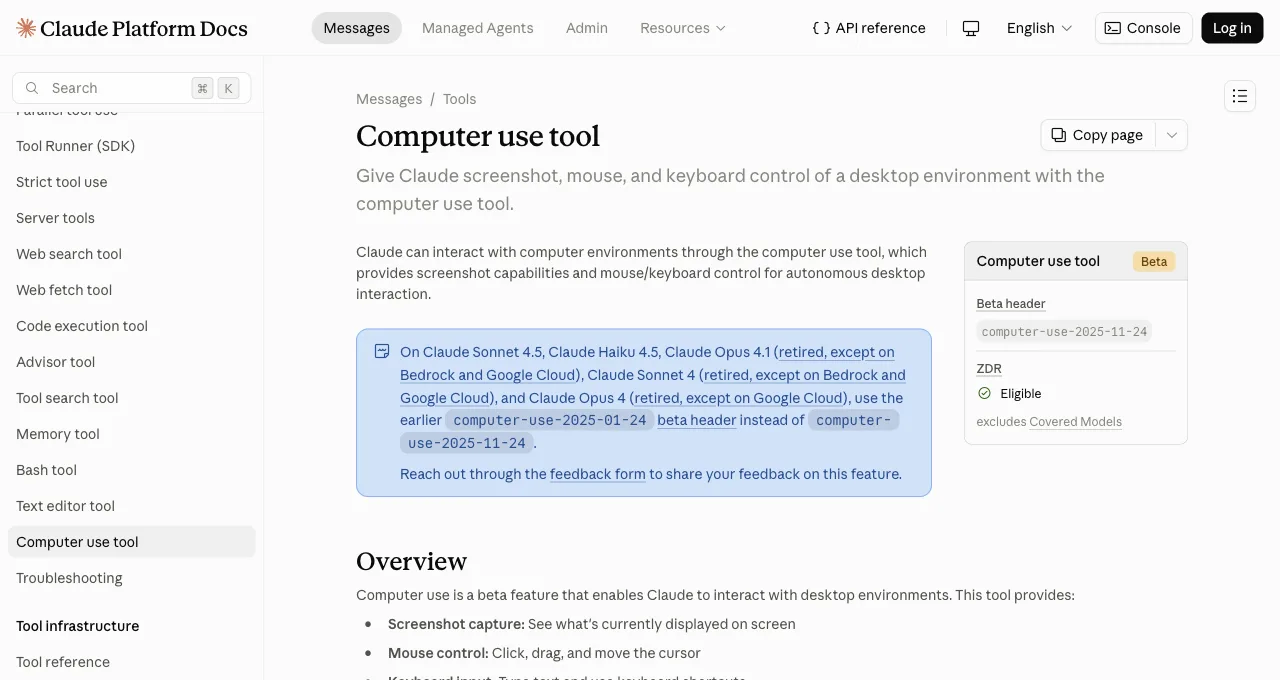
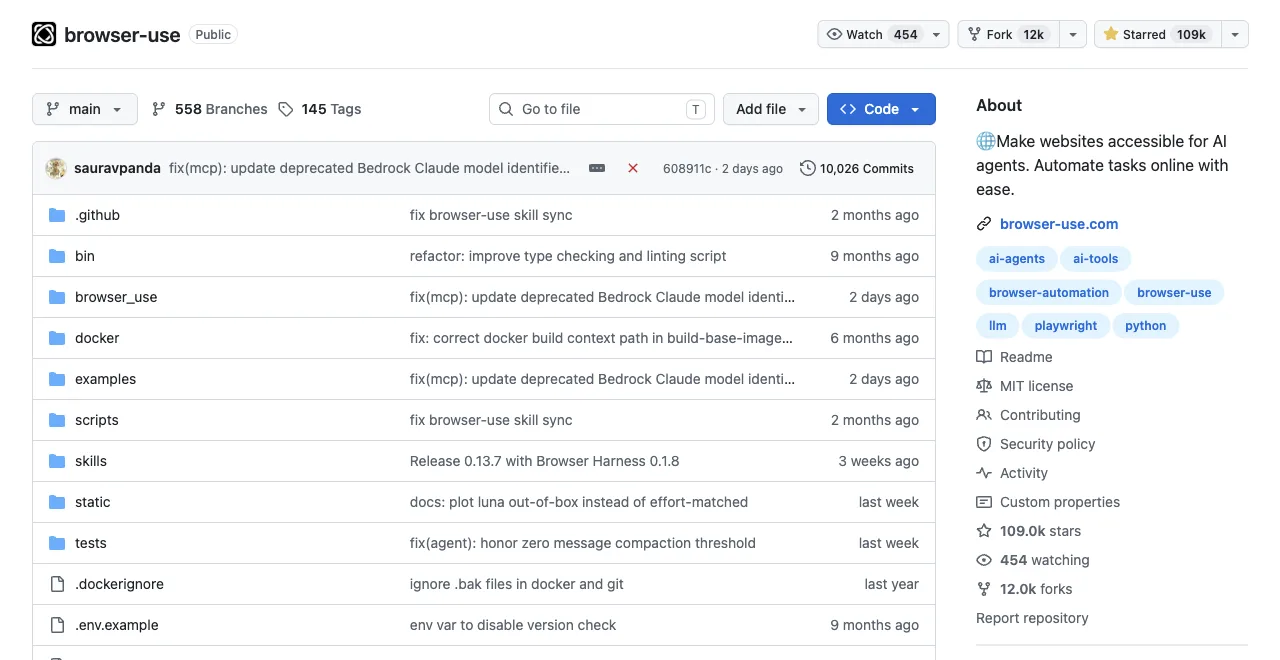
Read the DOM and command, or read the pixels and point. Every other difference follows from that sentence.
The routes side by side, strengths and stop-signs together:
| Property | Browser-native | Screen-native |
|---|---|---|
| Model input | Filtered page structure as text; compressible | Screenshots; payload scales with resolution |
| Reach | Web pages only; can't touch desktop apps | Anything on screen; can't be scoped below the display |
| Typical tools | Browser Use, Playwright-driven agents, ego (lite) via ego-browser | Anthropic Computer Use (beta), OpenAI's CUA/Operator lineage |
| Error style | Structural; catchable by validation | Spatial; looks like human slips, harder to detect |
How do they compare on cost, scope, and errors?
Three metrics decide real deployments. First, the most-cited public accuracy numbers, with their vintage stated plainly:
WebVoyager web-task success rate (%), as publicly reported
Higher is better; figures from each vendor's published reports, 2025 era
Cost per step: a browser-native step sends compressed page structure; a screen-native step sends one or more screenshots to a vision model and typically needs more steps for the same flow (look, move, verify, adjust). Same task, image-sized payloads and extra rounds: that's why the screen route runs roughly an order of magnitude pricier on web work, and why nobody publishes a flat number, since it moves with resolution and model.
Scope: browser-native ends at the browser chrome; it cannot click your email client or a desktop dialog. Screen-native scores on OS-level benchmarks precisely because it's the only route that can (OSWorld: 22% for early Computer Use, 38.1% for Operator's lineage, low absolute numbers that are still infinitely more than the browser route's zero).
Error style: browser-native errors are structural (wrong node, missing element), which retries and validation catch. Screen-native errors are spatial (clicked 30 pixels off, misread a button), which look like human slips and are harder to detect programmatically.
Which scenarios belong to each route?
Browser-native owns: web data collection at any volume (structure extraction is its home game), form-heavy workflows on websites (precise field targeting), and logged-in web tasks, where ego (lite)'s row in this category matters: it's a free browser built for sharing your logged-in browser state with AI agents like Claude Code and Codex, so the agent starts past the sign-in instead of at it, working in its own Space rather than your window.
Three scenarios, one common property: the target is structure, and structure is what this route reads natively.
Screen-native owns: workflows crossing into desktop software (the browser-to-Excel-to-ERP chain), legacy or canvas-rendered interfaces where the DOM says nothing useful, and QA of what humans literally see, since it tests the pixels rather than the markup.
When do you use both together?
The routes compose better than they compete. The clean pattern: run everything web-shaped on the browser-native route (cheaper, faster, structurally verifiable), and hand off to screen-native only for the segments that leave the browser: the desktop approval dialog, the legacy client, the spreadsheet paste. Cost concentrates where capability requires it.
A concrete daily-work version: your coding agent drives ego (lite) to pull numbers from three logged-in dashboards (browser-native, one script, no per-step vision bill), and a screen-native session handles the one legacy desktop app the numbers must be typed into.
If your week contains no desktop-app leg, you don't need the screen route at all yet, and web-only users adopting screen-native for web tasks are paying vision prices for structure work.
One prediction worth planting: as screen-native models improve, the tempting mistake will invert. Teams will route everything through the general tool because it can do everything, then rediscover that specialized routes are cheaper and steadier for the ninety percent of knowledge work that lives in a browser. Reach is not the same as fit, and the split in this article survives better models on both sides.
Download ego (lite) for Mac, free, or see how it compares with Browser Use on the browser-native side.
FAQ
Is Browser Use better than Computer Use?
On web tasks, browser-native approaches have led every published benchmark (WebVoyager: 89% vs 56% in the era's most-cited figures). On anything outside a browser, Computer Use isn't worse, it's the only contender. Different questions, different winners.
Why is screen-native so much more expensive?
Every step ships screenshots to a vision model, and flows need more steps (act, re-screenshot, verify). Browser-native sends filtered text structure instead, and out-of-process script execution (ego (lite)'s route) goes further by keeping page data out of the model loop entirely.
Is Operator browser-native or screen-native?
A hybrid lineage: OpenAI's CUA models reason over screenshots (screen-native perception) but operate inside a managed browser (browser scope). Its 87% WebVoyager alongside 38.1% OSWorld shows the blend: near browser-native on web tasks, screen-native reach when needed.
Are the WebVoyager and OSWorld numbers still current?
Treat them as era markers, not scoreboard: the 89/87/56 WebVoyager and 22/38.1 OSWorld figures come from 2025-era vendor reports, and screen-native models have improved meaningfully since. What hasn't changed is the shape they illustrate: browser-native leads on web-task efficiency, screen-native alone reaches the desktop, and both routes' costs still scale the way this article describes.
Can computer use agents work in my logged-in browser?
They can click whatever's on your screen, including your open browser, which puts them in the same seat you're sitting in: shared window, shared focus, and vision-model precision on your real accounts. For logged-in web work specifically, a browser-native setup that inherits your sessions in an isolated workspace (ego (lite)'s Spaces) gives you the login access without handing your whole desktop to a beta.
Which route works with the agent I already use?
Screen-native runs through vendor APIs and beta headers (Anthropic's computer-use beta, OpenAI's offerings). Browser-native is where bring-your-own-agent lives: Browser Use takes any LLM key, and ego (lite) attaches to any agent that can run a shell command, Claude Code and Codex included, free.