
Browser use or computer use? We tested three tools on everyday tasks, here is what we found out


For web tasks, the browser-use tool ego-browser passed more tasks and cost less than the two computer-use tools we tested. We ran ego-browser, agent-desktop and Cua Driver on seven everyday tasks: LinkedIn and Amazon searches, data extraction from long pages, and web app testing. ego-browser passed five tasks, agent-desktop four and Cua Driver two. Where ego-browser and agent-desktop both passed, ego-browser was much faster, 193.5 seconds per task against 690.8. In terms of cost, ego-browser cost less because it requires fewer steps to finish the same task.
ego-browser also runs without taking over your screen. agent-desktop brought its window to the front in six of seven attempts, and Cua Driver was recorded asking for foreground access in two. ego-browser sent no such commands. For a longer task, you can keep working in your own window while ego-browser runs.
| Tool | Success rate | Spend per passed task |
|---|---|---|
| ego-browser | 71.4% (5/7 attempts) | $0.063 |
| agent-desktop | 57.1% (4/7 attempts) | $0.174 |
| Cua Driver | 28.6% (2/7 attempts) | $0.352 |
The tools
ego-browser
ego-browser is the browser-use tool in this test. It runs on ego(lite), an agent browser built on Chromium. The agent writes a short script per step, and the script runs in the page with JavaScript, so one call can read a large part of the page. Each agent task runs in its own Space, which is a separate workspace, and it doesn't take over your mouse or focus.
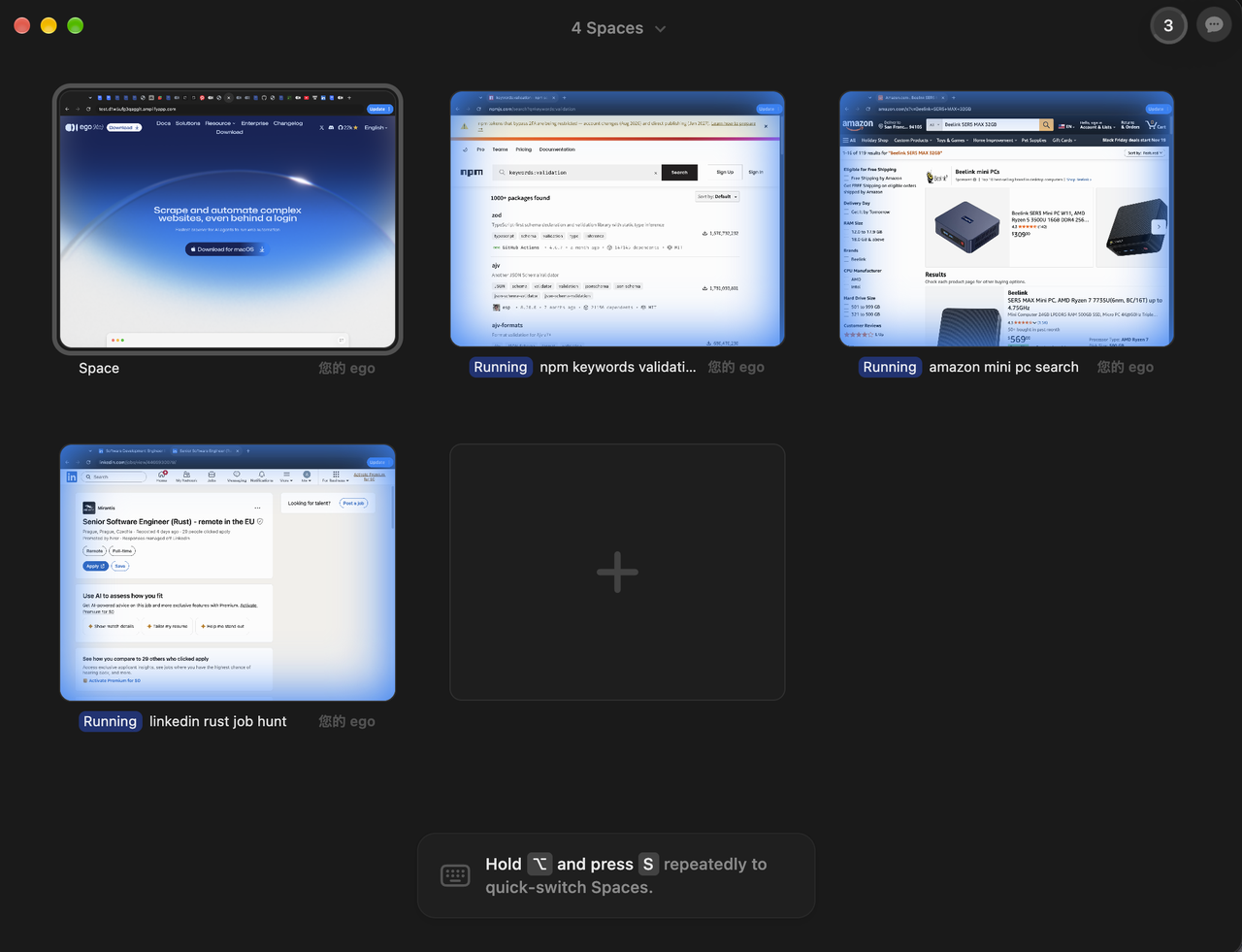
Install the free tool ego(lite) on macOS with the install script in the ego-browser skill. On Windows, download the installer from the ego(lite) site. The app's onboarding adds the ego-browser command, and then the skill is loaded into your agent harness.
In our runs, ego-browser passed 5 of 7 tasks at $0.063 per passed task. It made 26.3 calls per task on the three tasks it shared with agent-desktop, against 87.7.
agent-desktop
agent-desktop is a computer-use tool from Vercel Labs. It reads a desktop app's accessibility tree and returns it as JSON, with a ref for each element the agent can act on. The agent clicks or types on a ref, then reads the UI again to check the result. It ships as a CLI, so no model runs inside it.
It is headless by default, so ref actions use the accessibility API without moving the pointer or taking focus. Its global --headed flag allows physical input and focus changes. In our runs six of seven attempts used focus-window to bring the Chrome window forward, and five used --headed.
Install it with npm install -g agent-desktop, or with Homebrew on macOS and Linux. Then grant it Accessibility access (agent-desktop permissions --guide walks you through it) and load its skill.
In our runs agent-desktop passed 4 of 7 tasks at $0.174 per passed task. It passed the npm task that ego-browser did not, and it made 87.7 calls per task on the three tasks it shared with ego-browser.
Cua Driver
Cua Driver is Cua's tool for operating native desktop apps and browsers on macOS, Windows and Linux. It connects through the CLI, MCP or a typed SDK. Background delivery lets an agent work without moving your pointer or taking focus, when the app and platform support it. Foreground delivery is the fallback.
Install it on macOS or Linux with /bin/bash -c "$(curl -fsSL https://cua.ai/driver/install.sh)", or on Windows with irm https://cua.ai/driver/install.ps1 | iex.
In our runs Cua Driver passed 2 of 7 tasks at $0.352 per passed task. In the two tasks it passed, it used 111.0 calls per task, against 32.5 for ego-browser.
Searching and saving jobs on LinkedIn
This is the closest task to a daily chore. The agent got a candidate profile: five years of Rust and Go, based in Berlin, EU-remote only, at least €90k. It had to find postings from the past week, read each description before deciding, save five and create a job alert.
With ego-browser, the model read about a dozen postings by its own count, saved five and set the alert in 399 seconds, with 44 calls and $0.056 of tokens. With Cua Driver it did the same in 670 seconds, with 107 calls and $0.109. With agent-desktop it made 140 calls, reached the 900-second limit and never wrote its list.

For a flow with filters, saved items and an alert, start with ego-browser. Cua Driver finished it too, so the job works there, but expect more than twice the calls.
Pulling data out of long pages
The OpenRouter task asked the agent to turn a long model catalogue into a CSV. The tools were asked to find models that meets our requirements in context window length, cost, tool support and multimodal support. Then they need to organize the information into required format. ego-browser returned all 36 matching models in 662 seconds, using 55 tool calls. agent-desktop and Cua Driver both reached the 900-second limit without producing the CSV. In this task, ego-browser was the only setup that turned the filtered catalogue into a list the user could work with. However, the price fields provided by ego-browser still needed checking: 5 of the 36 input prices were wrong answers.
What failed attempts look like
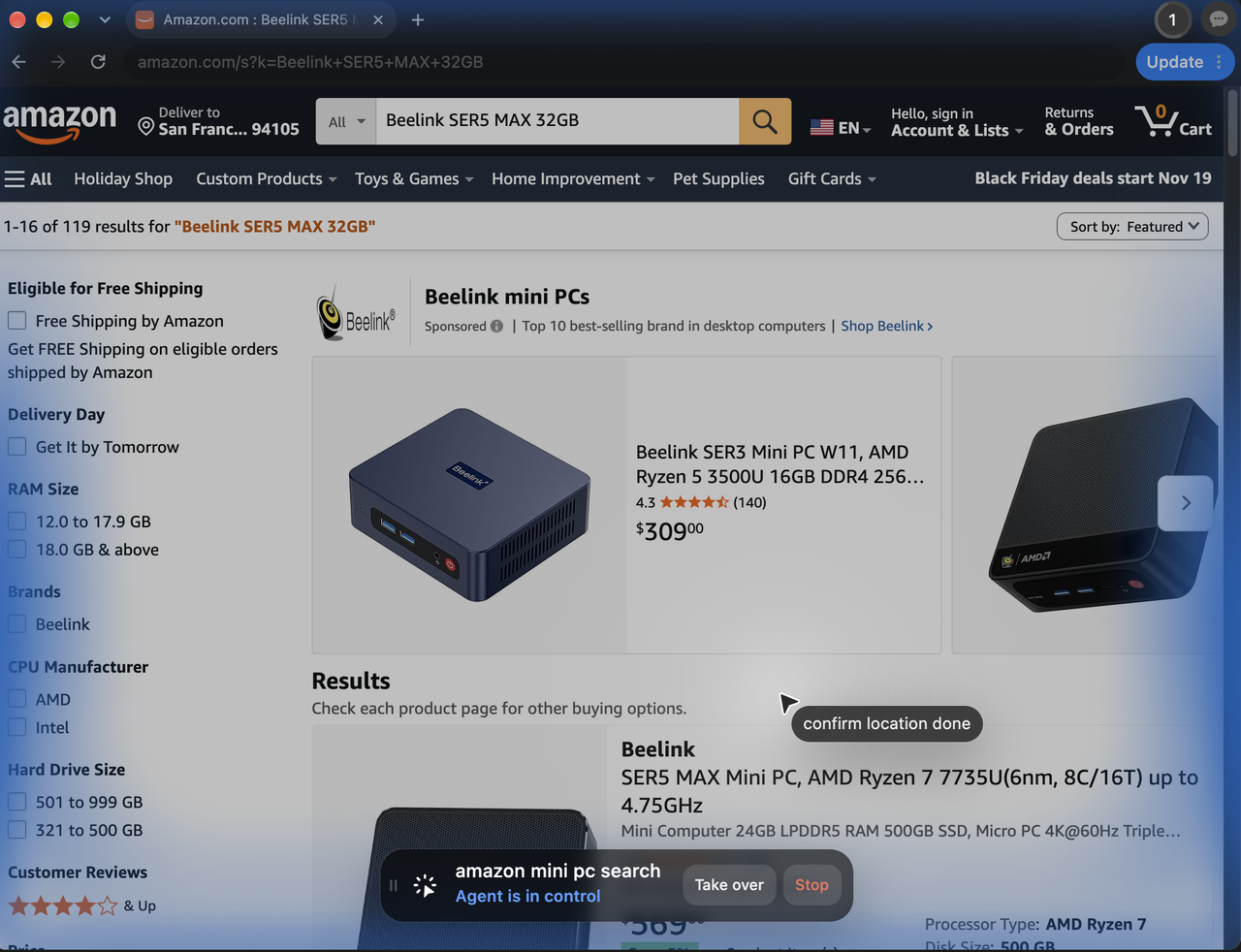
If a task runs for more than 900 seconds, it's taking too long in our dataset of daily routine jobs. Those attempts took 34% of ego-browser's spend, 53% of agent-desktop's and 74% of Cua Driver's. In one of the failed tasks, all tools hit the time limit searching and checking candidates on Amazon without adding anything to the cart. So if you give them a long job, budget for the attempts that won't finish.
How to run it
To get your own results, run the model of your choice at high reasoning effort in an agent harness, with its bash tool and a skill file for each browser tool. ego-browser comes with ego(lite) and drives it as the agent's browser. Cua Driver and agent-desktop drive Google Chrome.
FAQ
Should you use browser use or computer use for web tasks with DeepSeek-V4.1-Flash? Browser use, in our runs. DeepSeek-V4.1-Flash passed 5 of 7 tasks with the browser-use tool ego-browser, against 4 with the computer-use tool agent-desktop and 2 with Cua Driver. On the 3 tasks ego-browser and agent-desktop both passed, ego-browser took 193.5 seconds per task against 690.8 and cost $0.023 against $0.084. The gap comes from tool calls, 26.3 per task against 87.7. The tasks were job search, data extraction, web app testing and shopping, run through the same agent harness. The full setup is in How we tested.
Is DeepSeek-V4.1-Flash good enough to run a browser agent? It can do the job at a low price with the right tool. With ego-browser it passed 5 of 7 tasks at $0.063 of token spend per passed task. With agent-desktop it passed 4 at $0.174 and with Cua Driver 2 at $0.352. Spend counts all seven attempts, failed ones included, which is why a tool that fails more costs more per pass. The tasks covered job search, data extraction, web app testing and shopping. The full setup is in How we tested.
Does ego-browser take over your mouse while it runs? No. The ego(lite) site says ego-browser works in its own Space and doesn't take over your mouse or focus, and in our seven attempts the logs show no command that brought another app forward. agent-desktop brought its Chrome window forward in six of seven attempts, and Cua Driver asked for foreground delivery in two. With those tools the agent takes the screen while it works. The full setup is in How we tested.
Is ego-browser faster than agent-desktop? Yes, on every task both passed. On the 3 shared tasks ego-browser took 193.5 seconds per task against 690.8. The Hacker News task took 66 seconds against 442, and the 15-case shop test 131 against 791. It made 26.3 calls per task against 87.7. agent-desktop also passed the npm task, in 701 seconds, where ego-browser did not pass, so speed there can't be compared. The full setup is in How we tested.
Is ego-browser cheaper than Cua Driver? Yes, on the tasks both passed. On the LinkedIn job search and the 15-case shop test, ego-browser cost $0.036 per task against $0.092 and took 265.2 seconds against 634.0. It made 32.5 calls per task against 111.0, and every call re-sends the conversation. Cua Driver also spent 74% of its total on attempts that ran to the time limit. The full setup is in How we tested.
How does Cua Driver do on web tasks? It passed 2 of 7: the LinkedIn job search and the 15-case shop test, both tasks where ego-browser also passed. It ran to the time limit on the other 5, including the Hacker News and npm tasks. Its spend was $0.352 per passed task, against $0.063 for ego-browser. It made 107 and 115 calls on its two passes, against 44 and 21 for ego-browser. The tasks ran through the same agent harness and model. The full setup is in How we tested.
How does agent-desktop compare with ego-browser? agent-desktop passed 4 of 7 tasks and ego-browser 5. agent-desktop passed the npm task that ego-browser did not. It ran to the time limit on the LinkedIn search, the OpenRouter filter and the Amazon search. Where both passed it was slower, 690.8 seconds per task against 193.5, and cost $0.084 against $0.023. Most of the gap is the number of calls. The full setup is in How we tested.
What does it cost when a browser agent runs out of time? In our runs it was a large share of the bill. Every attempt that didn't pass ran to the limit, 900 seconds on most tasks. Those attempts took 34% of ego-browser's $0.315 total, 53% of agent-desktop's $0.695 and 74% of Cua Driver's $0.705. Cua Driver ran to the limit on 5 of 7 attempts, agent-desktop on 3 and ego-browser on 2. The full setup is in How we tested.
What did ego-browser not finish? Two of its seven attempts did not pass, and both ran to the 900-second limit: the Amazon search and the npm task. On the OpenRouter list it found all 36 models, with 31 of 36 input prices matching the API. The same two tasks cost agent-desktop and Cua Driver their attempts too, except npm, which agent-desktop passed. Per-task results are in Full results. The full setup is in How we tested.
Can a browser agent shop on Amazon? Not in our runs. The task set a delivery ZIP, filtered mini PCs by RAM, SSD, price and rating, checked each product's detail page, listed three and added one to the cart. ego-browser, agent-desktop and Cua Driver all set the ZIP and kept searching until the 900-second limit, and none wrote the list or reached the cart. Spend was $0.080, $0.079 and $0.122. The full setup is in How we tested.
How we tested
We ran DeepSeek-V4.1-Flash (deepseek-flash in the API) at high reasoning effort in the pi agent harness, with its read, write, edit and bash tools and a skill file for each browser tool. ego-browser drives ego(lite). Cua Driver 0.44.0 and agent-desktop 1.2.0 drive Google Chrome through the system's accessibility tree.
We ran 7 tasks with one attempt per task and tool, 21 attempts in all. Web app automation (2 tasks) covers a LinkedIn job search and an Amazon product search. Data extraction (3) covers the Hacker News hiring thread, npm packages and OpenRouter models. Web app testing (2) covers a chat demo and a shop with 15 test cases. Each attempt had a time limit of 900 seconds, or 1,200 for the two testing tasks.
A task passes when the tool writes its output and the output meets the task's checks. Hacker News needed recall and precision of at least 0.8. The shop test needed 14 of 15 verdicts right. npm needed 90% of its fields within 5% of the registry. The chat demo needed a server log that matches its replies and at least two of three planted bugs found. LinkedIn and OpenRouter passed once the tool returned the requested list, with the OpenRouter price match reported in the notes below. Success rate counts attempts. Time and cost are per-task averages over the tasks both tools passed, with cost at DeepSeek's list prices.
Full results
| Task | Type of work | ego-browser | agent-desktop | Cua Driver |
|---|---|---|---|---|
| Find and save five EU-remote Rust postings on LinkedIn, then set a job alert | Web app automation | Pass (399 s, $0.056) | Time limit (900 s, $0.131) | Pass (670 s, $0.109) |
| Pick three mini PCs on Amazon by spec and rating, add one to the cart | Web app automation | Time limit (900 s, $0.080) | Time limit (900 s, $0.079) | Time limit (900 s, $0.122) |
| Remote Rust postings in the Hacker News "Who is hiring?" thread | Data extraction | Pass (66 s, $0.018) | Pass (442 s, $0.077) | Time limit (900 s, $0.063) |
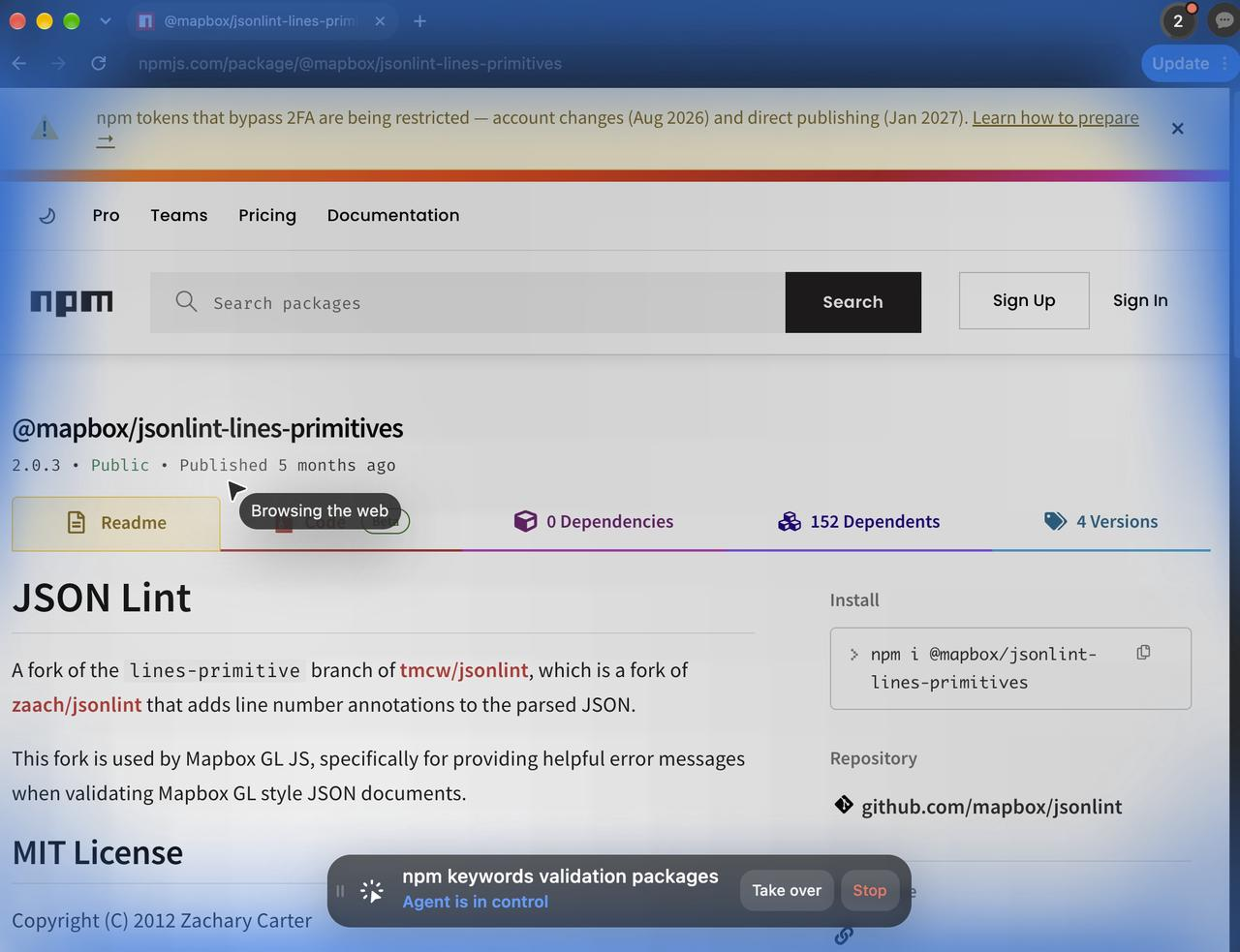
| Version, weekly downloads and license of the first 30 npm results for keywords:validation | Data extraction | Fail (900 s, $0.028) | Pass (701 s, $0.074) | Time limit (900 s, $0.078) |
| Filter OpenRouter models by context, price, tool calling and image input | Data extraction | Pass (662 s, $0.081) | Time limit (900 s, $0.160) | Time limit (900 s, $0.145) |
| Run 10 test cases against a chat demo through its web UI and report its bugs | Web app testing | Pass (383 s, $0.035) | Pass (839 s, $0.066) | Time limit (1,200 s, $0.111) |
| Run 15 test cases on a demo shop and report pass or fail | Web app testing | Pass (131 s, $0.017) | Pass (791 s, $0.109) | Pass (598 s, $0.076) |