










ego (lite) is just a browser, ego is your personal agent across devices.
Join waitlist
Instagram account lookup workflow

Instagram finder for public account lookup with your AI agent

Stop losing Instagram research when the tab closes. ego (lite) turns Codex or Claude Code into a source-linked finder: enter a username, name, or profile URL, and turn public account details into a report you can revisit, compare, and share. No password required. Private data stays private.

Download for Mac(yes, free)

Trusted by developers from

OpenAIAnthropicGoogleMetaNVIDIACursorPerplexity
SpaceXTeslaNotionFigmaStripeNetflixAirbnb

How to use an Instagram finder with ego (lite)

Run this four-step Instagram account lookup workflow with a username, full name, or profile URL. It works for creator research, account verification, campaign notes, or a batch of similar handles. The Agent uses a real browser, keeps every plausible candidate when an Instagram name lookup matches more than one account, and stops when Instagram requires a decision only you can make.

1

Install ego (lite) and choose your browser context

Download ego (lite), then import only the Chrome context you want to authorize. The lookup runs in a browser session you control, not on a viewer site asking for your password. A public profile may load without a login; if Instagram requests one, that decision stays with you.
2

Paste what you know. Find the right account.

Start with an @handle, profile URL, or just a name. ego (lite) brings the credible matches it finds and their source links into one reviewable list, flags lookalikes, and keeps your research moving—without the tab-hopping or guesswork.

What should the lookup record?

3

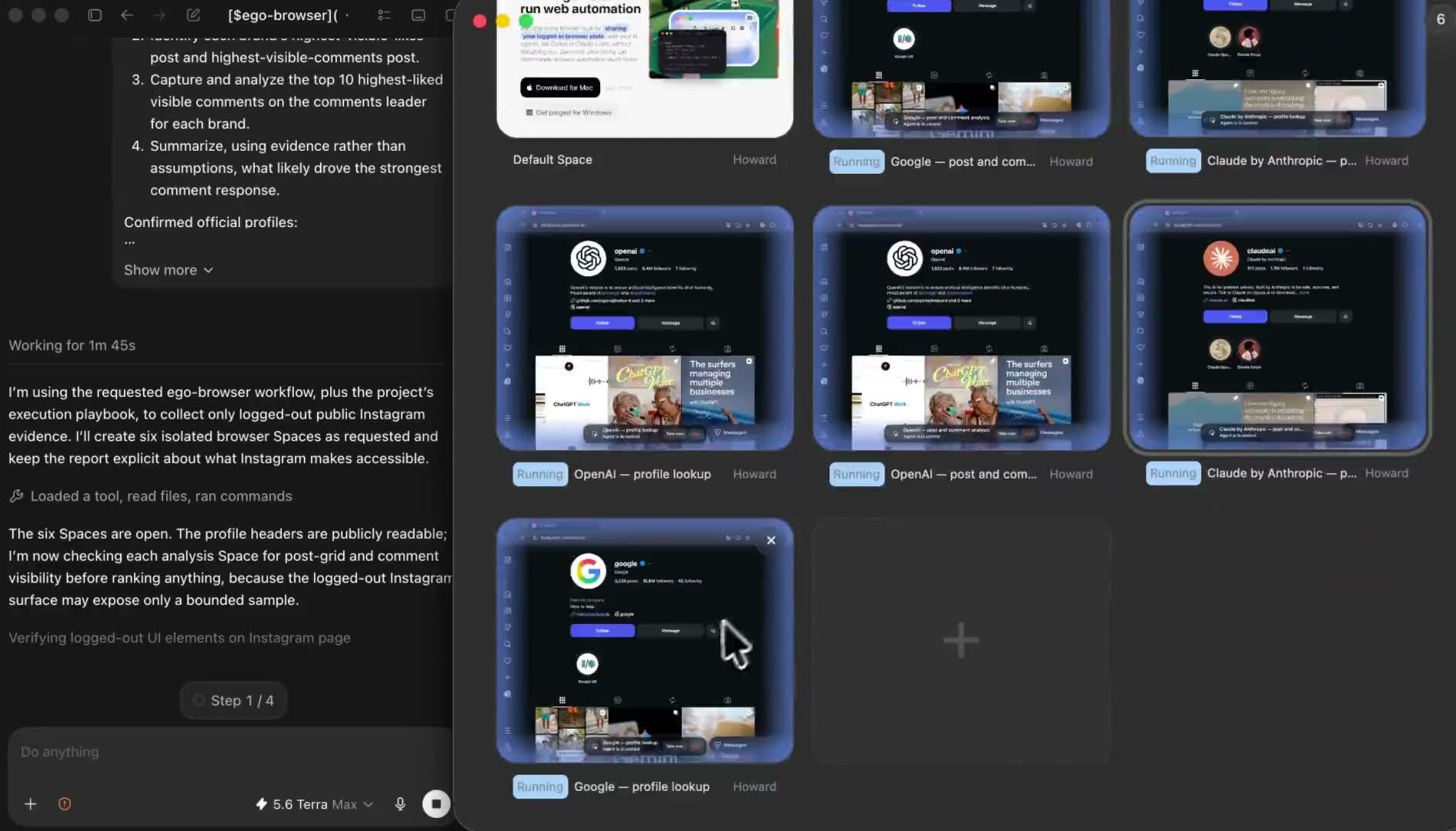
Research accounts in parallel. One Space per account.

Give every account its own ego (lite) Space. Your Agent checks them in parallel while you keep browsing, plan the next task, or get on with your day. Open any Space to see progress or take over.

4

Review and export the account lookup report

Check the resolved username, source URL, visible profile fields, any candidate notes, access status, and the time each profile was checked. Export the lookup as CSV for comparison or Markdown for a readable research note. The report outlives the tab, so you can re-check, compare, and share it later. In the demo, the same lookup is reviewed as a spreadsheet workbook.

Why use ego (lite) for Instagram account lookup?

A normal Instagram finder gives you one temporary result. ego (lite) gives your Agent a visible browser workflow, separate research Spaces, and a report that keeps its sources and flags what it could not verify. Each row keeps its profile URL, what was visible, when it was checked, and why a field was unavailable, instead of disappearing when the tab closes.

Review Instagram account information in a real browser

The Agent checks the same rendered profile page available to the authorized browser session. It records a field only when the page shows it, so a login wall, private post grid, unavailable numeric ID, or regional restriction becomes a status rather than invented data.

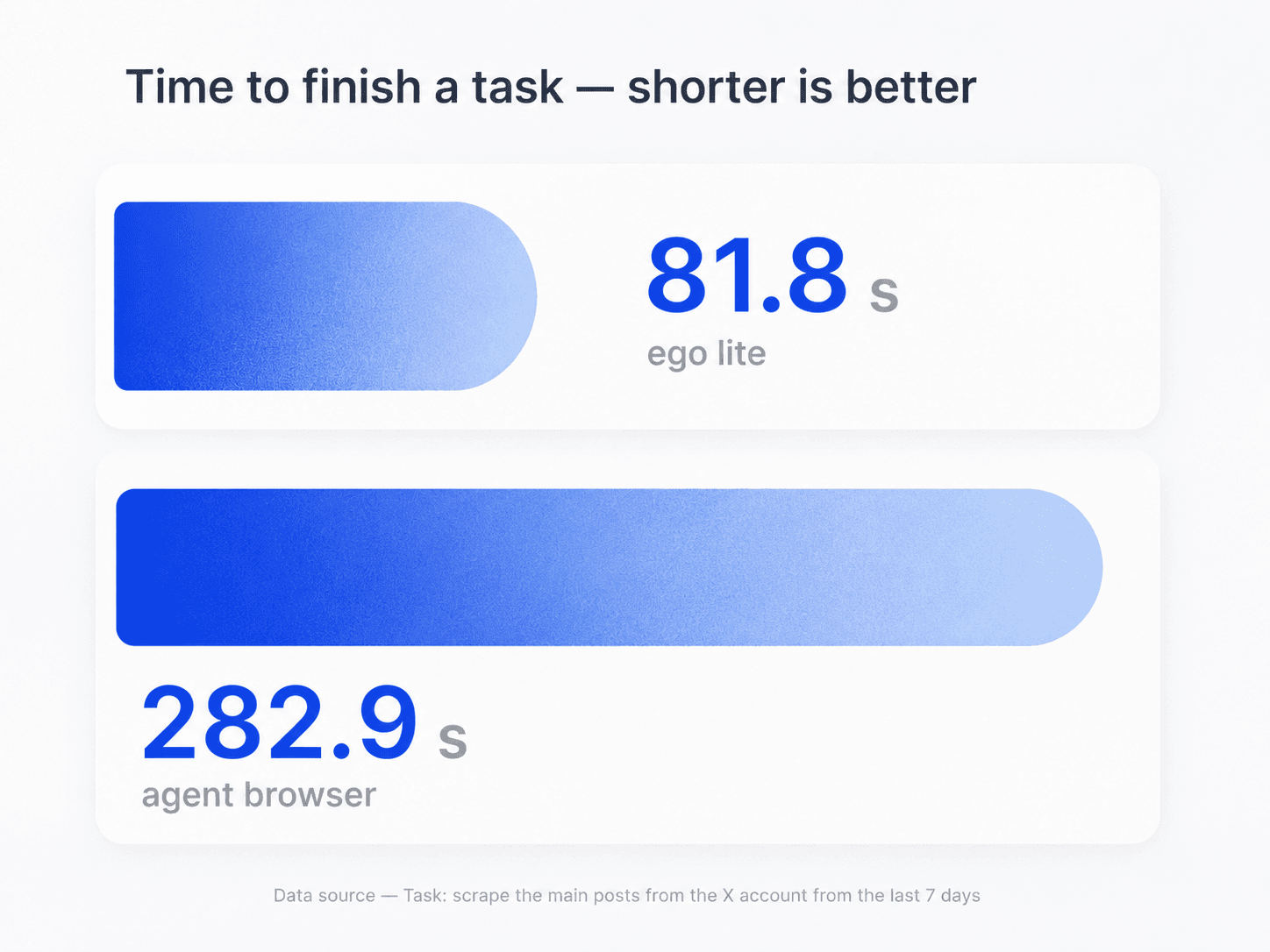
Bar chart: ego (lite) finishes a browser automation task in 81.8 seconds versus 282.9 seconds in another agent browser

Run several Instagram lookups in parallel

Open one Space per account or candidate instead of mixing profiles in a tab pile. The Spaces run at the same time, so a name search with several similar handles or a campaign list of public profiles gets checked as one batch, not one tab at a time.

Parallel ego (lite) Spaces for separate Instagram account lookup tasks

Watch the Agent and take over when Instagram needs you

Open any Space to see which profile and fields the Agent is checking, even while the other lookups keep running. If Instagram asks for login, verification, or another human decision, take over that browser yourself instead of asking the Agent to bypass it.

Reuse a browser context you are authorized to use

Import the Chrome context you choose instead of handing a password to an unknown viewer site. Instagram's login, private-account, age, region, verification, and rate-limit controls still decide what the browser can display.

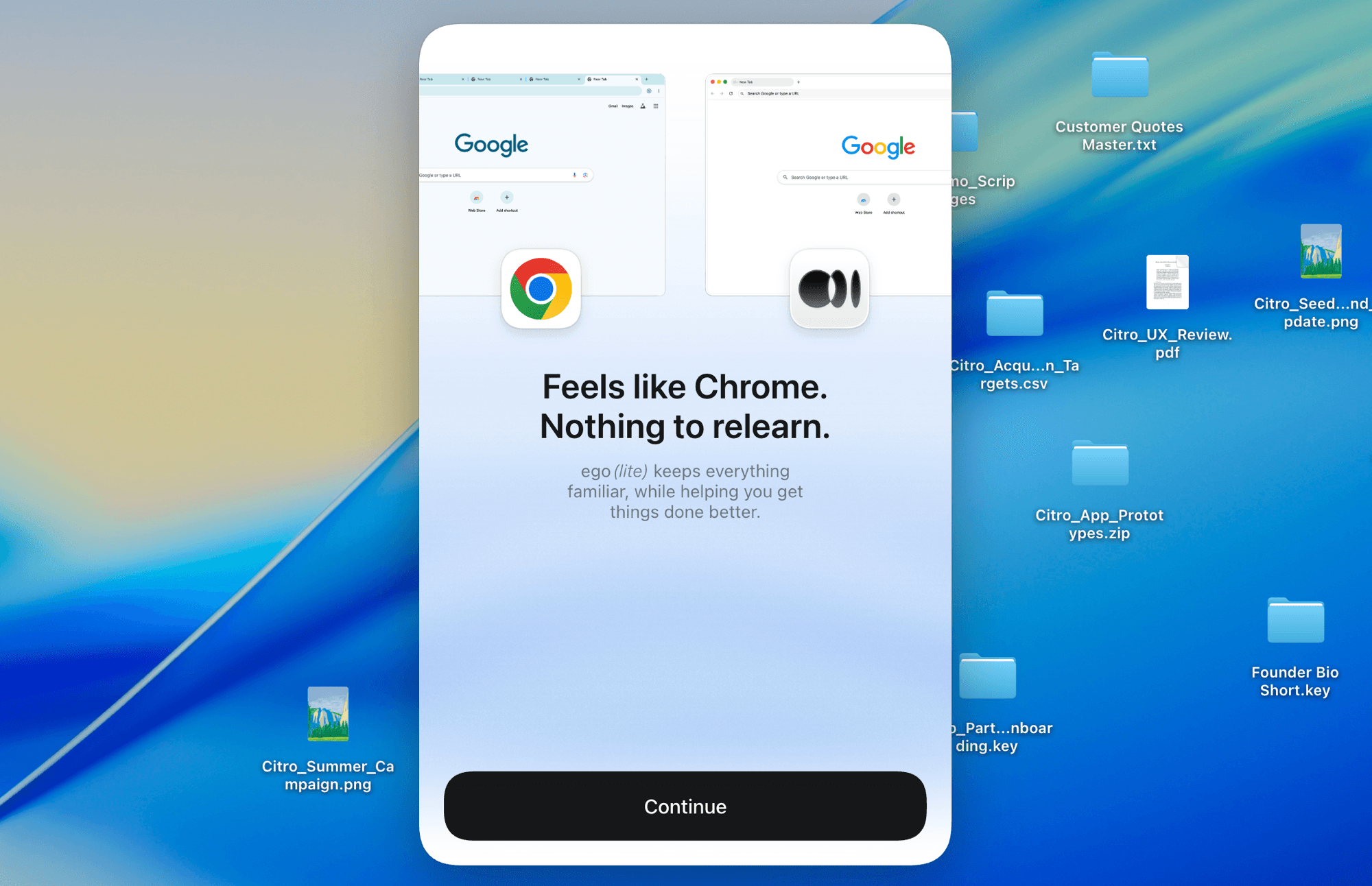
ego (lite) onboarding screen with Chrome and ego (lite) icons and the message 'Feels like Chrome. Nothing to relearn.'

What an Instagram finder can and cannot return

An Instagram finder can return the profile fields Meta says can be public: name, username, profile picture, bio, links, and follower/following counts. It cannot return private-account posts, which stay limited to approved followers. ego (lite) follows the visibility of the current browser session and records when a field is unavailable. It never asks for your Instagram password and does not claim access to private content. Treat any lookup tool that does as a red flag.

What the Agent can record

Public profile information and evidence visible in the current session.

  • Resolved username, display name, profile URL, bio, links, and profile picture presence
  • Visible follower, following, and post counts, account category, and verification state
  • Public content themes and recent-post evidence when the profile page displays them
  • Candidate matches, source URLs, checked-at time, access status, and limitations
  • A numeric Instagram user ID only when Instagram clearly exposes it

What stays unavailable or unverified

Private, hidden, or restricted content stays protected, and identity-level claims stay unverified.

  • Private posts, Close Friends content, DMs, hidden email addresses, or private phone numbers
  • Passwords, deleted content, visitor identity, or a list of people who searched for an account
  • Bypassing login, CAPTCHA, verification, follow approval, age or region controls, or rate limits
  • Proving who owns an account or that a name-search candidate is the right person
  • A complete media archive or an official export of another person's account

Read Meta's list of Instagram profile information anyone can see

Run an Instagram account lookup you can review later

Give your Agent the account names or URLs and get back the visible Instagram account information with its source and access status attached. When someone asks where a number came from, the answer is already in the report.

Download ego (lite) free and run your first lookup

Instagram account lookup FAQ

It creates a source-linked report of the Instagram account information visible in your current browser session. Depending on the profile and Instagram's current controls, that may include the resolved username, display name, profile URL, profile picture presence, bio, links, visible counts, category, verification state, and public-content observations. Every row also records its source, access status, limitations, and the time it was checked.

Give Codex or Claude Code a username, name, or profile URL and ask for a source-linked lookup report. The Agent opens each candidate in a separate ego (lite) Space, records only visible fields, and exports CSV and Markdown results. A name search can return several candidates, so the workflow keeps them separate and asks you to choose instead of claiming an identity match.

No. An exact @username or profile URL should resolve to one account when it exists. An Instagram lookup by name can return several people, brands, fan pages, or similarly spelled handles. The report marks those rows as candidates and preserves the profile URLs for human review. It does not prove which account belongs to a particular person.

Sometimes, but it is not guaranteed. A numeric ID stays stable even when a username changes, which is why developers and integrations ask for it. The workflow records an Instagram user ID only when a numeric identifier actually appears in the page you are authorized to see or in its page data. If the current page does not expose one, the Agent writes 'not available' rather than using an unrelated third-party claim or guessing.

You can download the IG profile lookup as a CSV or Markdown report containing the public fields, links, sources, and statuses the Agent recorded. That is not a complete account or media download. To export your own full Instagram information, use Instagram's official Accounts Center export. Do not download or reuse another person's media without the required rights or permission.

No. ego (lite) does not bypass private-account settings or follow approval. Some basic profile information can remain public, but private posts and other protected content stay limited to sessions Instagram has already authorized. You still get the visible fields, and the protected sections are marked unavailable in the report.

Not always. Some public profiles load without a login, but Instagram decides when to show a login wall. The specific profile, your region, or your current browser session can all trigger one. If login is required, use only an account you are authorized to access and take over the Space yourself. The Agent does not enter credentials or bypass the prompt.

ego (lite) does not promise anonymous or untraceable viewing. It uses the browser context you choose, so Instagram and the network may still receive normal request, session, and device information. What you get instead is a workflow you can watch and a result that cites its sources, not a promise that browsing leaves no trace.

The Agent stops in that Space and records the source URL, time, and visible restriction, such as login required, verification required, rate limited, unavailable, or private content. You can inspect the browser state and decide whether to complete an authorized step yourself or end the lookup. Missing fields are marked 'not available' instead of being filled in with a guess.