The short answer, before anything else: agent-browser and Chrome DevTools MCP are two different jobs (public-data speed, live-session debugging), and ego (lite) is what their strengths combine into for daily work: agent-browser's isolated programmatic control plus the real signed-in sessions auto-connect reaches for, without the shared window.
ego (lite)'s part of that split, stated up front: agents like Claude Code and Codex work in isolated Spaces that inherit your logged-in state, so tasks run without taking your window, and complex tasks finish up to 3.45x faster than agent-browser, on fewer tokens.
If you've researched agent browsing past the first blog post, you've met these three: Vercel's agent-browser, Google's Chrome DevTools MCP, and ego (lite). They get lumped together constantly. Two are different bets about what an agent needs; the third is what those bets combine into once the costs are engineered away.
Full disclosure before the comparison: we build ego (lite). Every claim below about all three tools is sourced from their official docs or published benchmarks, and ego (lite)'s shortcomings are listed with the same bluntness as everyone else's.
What are the three architectures?
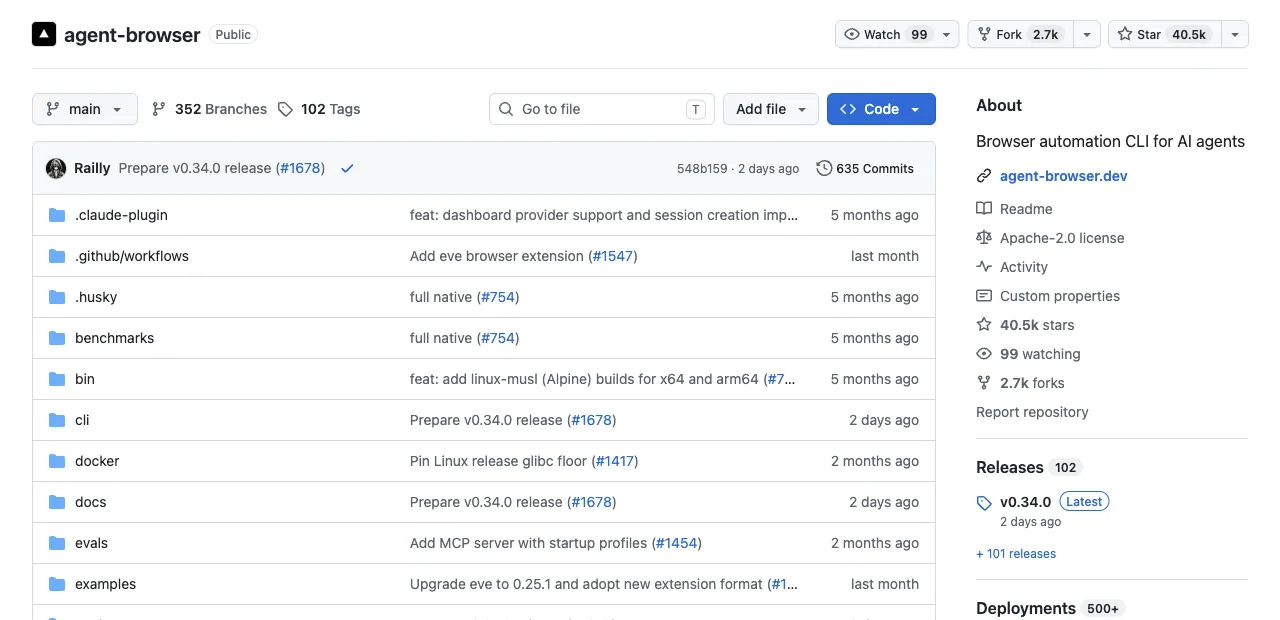
agent-browser: CLI in front, disposable browser behind.
A native Rust CLI (with a Rust daemon speaking raw CDP) that downloads Chrome for Testing and exposes a snapshot-plus-refs loop: agent-browser snapshot returns an accessibility tree with refs like @e1, then agent-browser click @e2 acts on them.
Sessions are deliberately isolated, each with its own cookies and auth state; it also connects outward to CDP endpoints and cloud browser farms like Browserbase and Browserless. The design goal is fast, deterministic automation on browsers that exist for the task and vanish after.
Chrome DevTools MCP: agent attached to your Chrome.
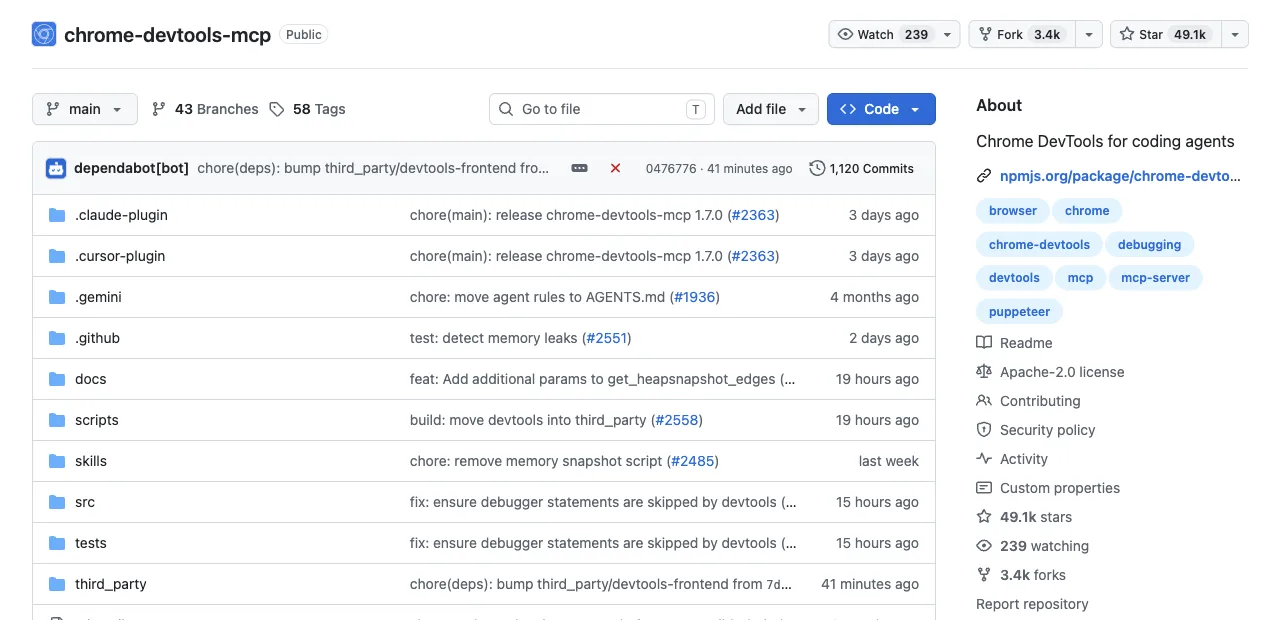
An MCP server wrapping the DevTools protocol's diagnostic surface: performance traces with Core Web Vitals, V8 heap snapshots, network inspection across navigations, device emulation. With auto-connect on Chrome 144+, it operates inside the browser you're signed into, after a permission dialog. The design goal is letting an agent see what you see, including everything behind your logins, in your window.
ego (lite): a browser built for sharing.
A free desktop browser built for sharing your logged-in browser state with AI agents, like Codex or Claude Code.
Under the hood, the ego-browser skill drives it over CDP, the same protocol agent-browser's daemon speaks, pointed at a browser built to be driven. The agent-facing surface is a CLI: any agent that can run a shell command writes JavaScript that executes as whole workflows outside the model's context, in a Space that inherits your signed-in sessions without touching the window you're using.
Two bets, and the combination they point to.
You can hear the difference in what a task looks like. agent-browser: snapshot, click @e2, fill @e3, one command per action. DevTools MCP: "start a performance trace and tell me what's delaying LCP." ego (lite): a ten-line script piped in once, and the agent reads back only the result.
That difference, measured as a comparison on the same page today: ego (lite)'s targeted extraction first, because this subsection is about ego (lite), then the Chrome DevTools MCP snapshot of the identical page.
ego (lite), targeted extraction
ego-browser nodejs <<'EOF'
const task = await egoBrowser.newTaskSpace('evidence-egobrowser-hn')
console.log({ taskSpaceId: task.id })

await task.page.goto('https://news.ycombinator.com/', { waitUntil: 'load', timeout: 20000 })
const title = await task.page.title()
const topStory = await task.page.locator('.athing .titleline > a').first().innerText()
const points = await task.page.locator('.subtext .score').first().innerText().catch(() => null)
console.log({ title, url: task.page.url(), topStory, points })
EOF

# real output
{
  "taskSpaceId": 13
}
{
  "title": "Hacker News",
  "url": "https://news.ycombinator.com/",
  "topStory": "Qwen 3.8 27B",
  "points": "412 points"
}
Chrome DevTools MCP take_snapshot, same page
# take_snapshot via chrome-devtools-mcp@latest (mcp Python SDK, stdio session), same page
navigate_page chars: 123
take_snapshot chars: 38285
## Latest page snapshot
uid=1_0 RootWebArea "Hacker News" url="https://news.ycombinator.com/"
  uid=1_1 link url="https://news.ycombinator.com/"
  uid=1_2 link "Hacker News" url="https://news.ycombinator.com/news"
    uid=1_3 StaticText "Hacker News"
  uid=1_4 link "new" url="https://news.ycombinator.com/newest"
    uid=1_5 StaticText "new"
  uid=1_6 StaticText " | "
  uid=1_7 link "past" url="https://news.ycombinator.com/front"
    uid=1_8 StaticText "past"
  uid=1_9 StaticText " | "
  uid=1_10 link "comments" url="https://news.ycombinator.com/newcomments"
    uid=1_11 StaticText "comments"
  uid=1_12 StaticText " | "
  uid=1_13 link "ask" url="https://news.ycombinator.com/ask"
...
90 characters of targeted JSON versus a 38,285-character accessibility-tree dump for the identical page: that's the shape of the difference this section is describing, measured today, not asserted.
How do they compare, dimension by dimension?
Five dimensions decide real usage. Every cell states the limit as well as the strength, because the limits are where decisions happen.
| Dimension | agent-browser | Chrome DevTools MCP | ego (lite) |
|---|---|---|---|
| Login state | Isolated sessions by design; your accounts aren't there unless you script them in | Full access via auto-connect, inside your own window | Inherited: every site you've signed into stays signed in for the agent |
| Window ownership | Its own browser; yours untouched | Shares the window you're using; turn-taking required | Its own Space; your window stays yours, tasks run in parallel |
| Speed on complex tasks | Fast per command (native Rust); one model round trip per action | Not the design goal; diagnostic depth over throughput | Up to 3.45x faster than agent-browser on complex tasks, on fewer tokens (published benchmark) |
| Debugging | Console, network interception, Web Vitals; no full trace analysis | The category's best: traces, heap snapshots, emulation | No debugging panel; not this tool's job |
| Price and license | Free, Apache-2.0 | Free, open source | Free; closed source |
Where does each one break?
Every tool's failure modes live where its design bet stops paying. Specifics, from public issue trackers and docs:
agent-browser: the login wall. Sessions are isolated on purpose, and users who tried to carry auth state anyway hit real friction: the GitHub tracker has reports of --profile sessions losing the active page and falling back to about:blank, and cross-origin iframes documented as a blocker, which takes out embedded logins like Apple ID and Google SSO flows.
There's also the setup tax of downloading Chrome for Testing before first use. None of this matters for stateless scraping; all of it matters the day your task needs an account.
Chrome DevTools MCP: the shared window. Auto-connect needs Chrome 144+, remote debugging enabled, and a per-session permission dialog, and what you get is an agent operating in the browser you're trying to use. Chrome 136+ also blocks the debug flag on default profiles, so the older port-based route needs a dedicated profile. Excellent trade for debugging sessions; wrong shape for tasks that should run while you work.
ego (lite): the jobs it doesn't do. No performance traces, heap snapshots, or Lighthouse, so diagnosis stays with DevTools MCP. It's a desktop browser, so headless CI containers are out of scope, and assertion-heavy test suites belong to Playwright. And it's closed source, which matters to some teams as policy regardless of features.
Which should you pick for your task?
Three questions sort nearly every case. Answer them in order and stop at the first match.
Is the data public and the work stateless? agent-browser. Scraping docs sites, checking prices, batch screenshots: its native-Rust speed and disposable sessions are exactly right, and login state would be dead weight.
Is the task diagnosing a page? Chrome DevTools MCP. Slow LCP, memory creep, a bug that only reproduces in your logged-in session: nothing else in this trio holds those tools.
Is it daily work behind your logins that shouldn't interrupt you? ego (lite). Dashboard pulls, form filling, list collection on sites where you have accounts, running in parallel Spaces while your own window stays yours. That's the bet it was built on, and it's free.
Plenty of setups keep two of the three: agent-browser or ego (lite) for execution depending on whether logins matter, DevTools MCP enabled for the day something needs a trace. The pairing that rarely makes sense is agent-browser plus ego (lite) for the same task: ego (lite) already keeps agent-browser's script-control model and adds the logins it excludes by design, so the login question answers it in one move.
See the full ego (lite) vs agent-browser comparison, or download ego (lite) for Mac and run one logged-in task next to your current setup.
FAQ
Is agent-browser the same as Browser Use?
No. agent-browser is Vercel Labs' CLI tool: your agent decides each step and the CLI executes it. Browser Use is an autonomous framework running its own LLM loop. Different layer of the stack entirely.
Can agent-browser use my logged-in Chrome?
It can attach to CDP endpoints (agent-browser --cdp 9222), which reaches a Chrome you've opened with a debug port, with the same caveats that route always has: Chrome 136+ profile restrictions, port security, and the agent acting in that browser's real tabs. Its own sessions stay isolated by design.
Why is ego (lite) faster than agent-browser on complex tasks?
Execution model, not engine speed. agent-browser runs one command per model round trip; ego (lite)'s agents write the whole workflow as one JavaScript program that runs to completion in the browser runtime, so a 20-step task is one round trip instead of 20. That's where up to 3.45x on complex tasks, on fewer tokens, comes from.
Do all three work with Claude Code, Cursor, and Codex?
Yes, by different mechanisms: agent-browser installs as a CLI any shell-capable agent runs (plus an optional MCP mode), DevTools MCP registers through each client's MCP config, and ego (lite) installs the /ego-browser skill into your agent during onboarding, after which you just tell the agent what you want.
Are all three actually free?
Yes: agent-browser and Chrome DevTools MCP are free open source (Apache-2.0 and Google's project respectively), and ego (lite) is free to download and use, closed source. Your only running cost in all three cases is your agent's model usage.