Copy this LinkedIn auto-apply prompt
Replace the bracketed fields, keep the daily cap small, and give the prompt to the coding agent you already use, such as Claude Code or Codex. It applies only with your answers and stops before every submission.
Apply to LinkedIn jobs for me in ego (lite), on the LinkedIn account I am already signed in to.

Target roles:
- Job titles: [job titles]
- Locations: [locations or "Remote"]
- Filters: [Easy Apply only, date posted, experience level]

My answer bank (use these answers only; never invent one):
- Work authorization: [answer]
- Notice period: [answer]
- Salary expectation: [answer, or "skip and ask me"]
- Years of experience: [answer]
- Resume: [file path, or "the resume already saved on my LinkedIn profile"]

Rules:
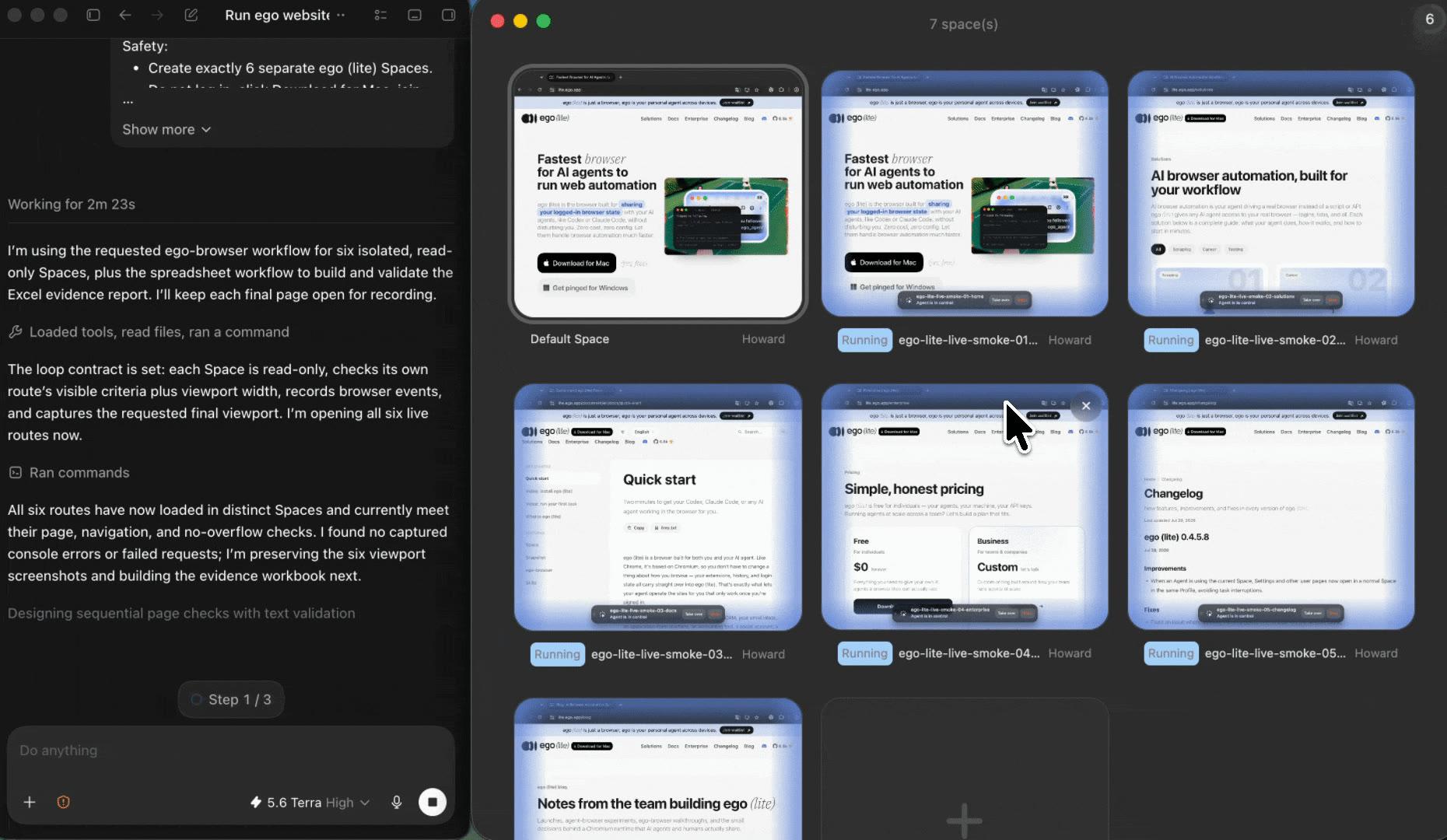
1. Open LinkedIn Jobs in its own ego (lite) Space and search with my filters.
2. Open each matching posting and skip it if it clearly does not fit my target roles.
3. Fill the application using only my answer bank. If a question is not covered, pause and ask me.
4. Before pressing Submit on any application, stop and let me confirm the completed form.
5. Stop at the first CAPTCHA, identity check, or verification screen and hand the Space to me.
6. Stop after [10] applications today, even if more matches remain.
7. Do not change my profile, send messages or connection requests, or post anything.

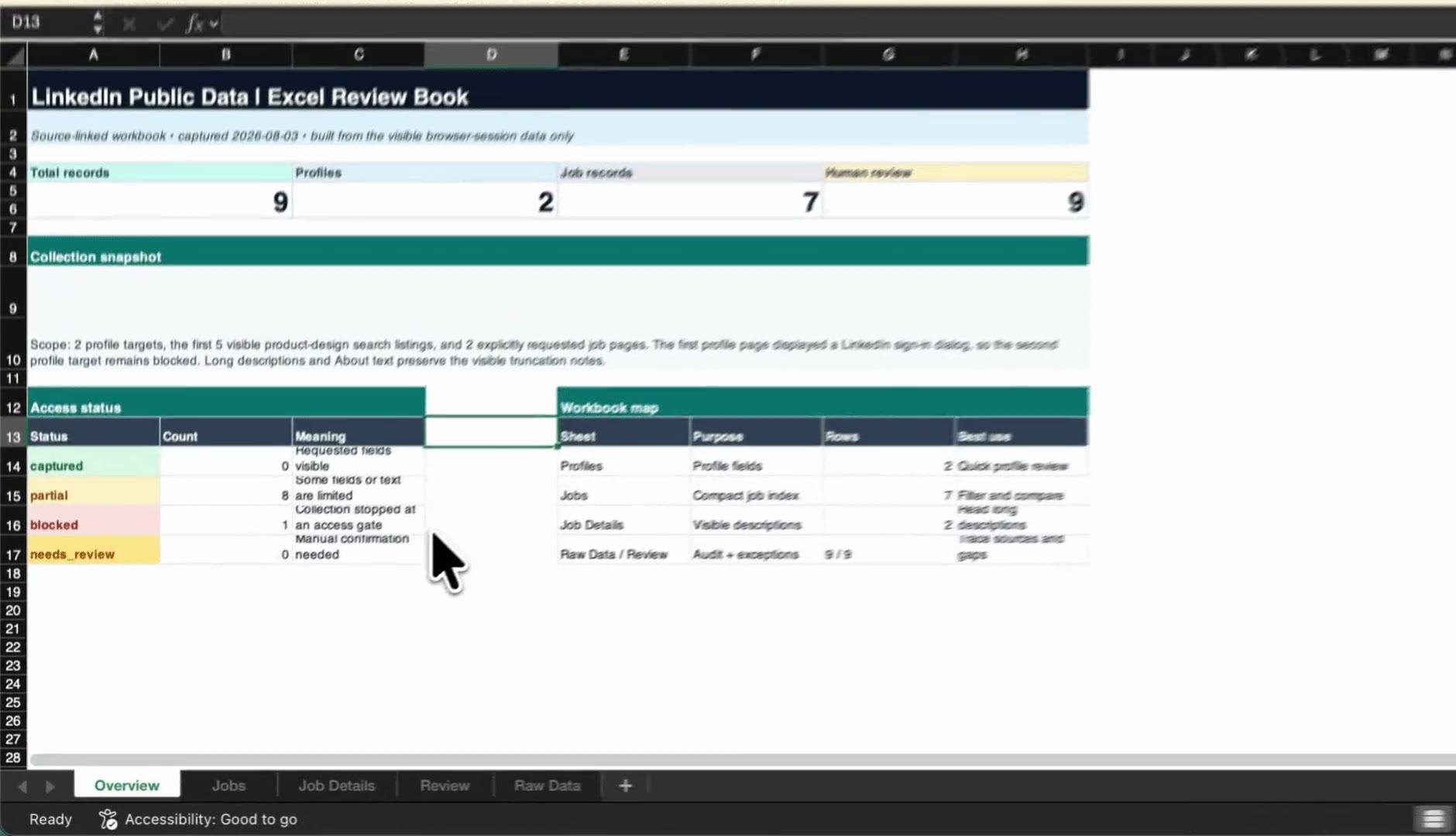
Return a Markdown log with job title, company, job URL, status (submitted, skipped, needs review), and the time of each submission.
This prompt applies on your own logged-in LinkedIn account, with answers you wrote yourself. Keep the daily cap conservative: LinkedIn limits application volume, and automated activity can conflict with its User Agreement.