
先给结论:如果你要在自己明确授权过的账号上完成日常任务,ego (lite) 在登录态方面很合适(如实说明:这是我们自己做的产品,也是本文唯一一个非 MCP 方案)。调试场景下,Chrome DevTools MCP 提供的协议层诊断信息最深入。测试和 CI 场景下,Playwright MCP 是最有针对性的选择。
如果这些信息已经够用,后面的内容可以跳过。剩下的是评分方法、六款方案各自的实测数据,以及排名会反转的场景。一份从不反转的榜单,说明它并没有被诚实地打分。
本文的评分标准是什么?
四个维度,权重取决于它们成为人们换工具理由的频率:登录态(Agent 能否在你的账号里操作,而不需要写脚本做认证)、Token 开销(一个真实的多步任务会怎样消耗你的上下文和账单)、并行能力(两个任务能否同时跑而不互相干扰,同时你还能继续浏览),以及价格。
维护状态是一道通过/不通过的关卡,而不是打分项:任何已弃用或已停止维护的都直接出局。这也是本文没有出现 Puppeteer MCP 的原因;那个参考服务器在 npm 上已被弃用。
关于诚实性:没有任何一个基准测试能完全覆盖这里列出的全部六个工具。最接近的是 Real-World Bench,一套针对真实网站的 31 项任务测试,使用相同的模型和评判标准。它直接测量了 ego-browser 和 agent-browser,Playwright 和 DevTools 两项是通过它们的 CLI 路径(playwright-cli 和 chrome-devtools-cli,而不是 MCP 服务器)测量的,Browser Use 则是通过 Browser Harness(Browser Use 的本地版本)测量的。Browser MCP 没有被测量。凡是引用了该基准测试的条目都会注明;其余内容都基于各工具公开发布的测量数据,并在文中标注来源。
还有一个条目(ego (lite))根本不是 MCP 服务器;任何编码 CLI Agent 都可以通过开源的 ego-browser shell 连接它,不需要 SDK。把它列进来,是因为搜索“best browser MCP”的人想要的是能力(Claude Code 驱动浏览器),而不是协议本身,仅因为技术细节就排除一个能完成任务的工具,只会让这份列表更差。
能力优先,协议其次。
六款方案逐一拆解
1. ego (lite),Agent 浏览器
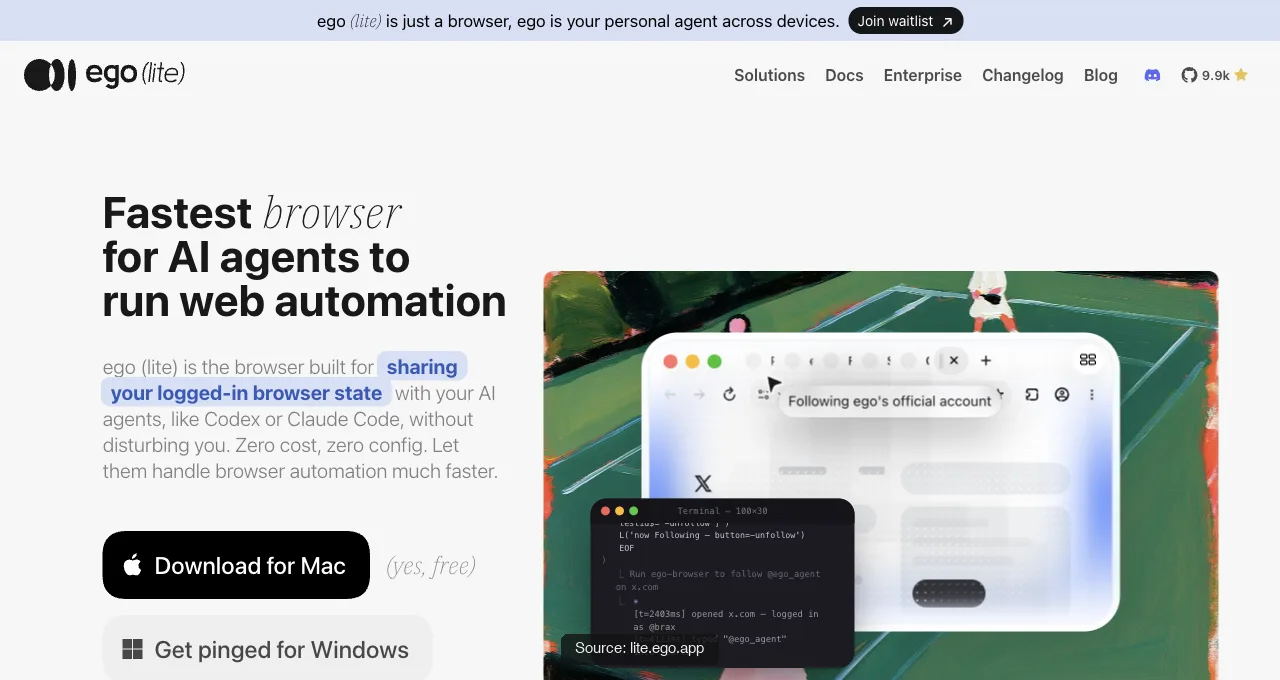
ego (lite) 是一款用于浏览器自动化的 Agent 浏览器:一个免费应用,可以使用你明确提供给 AI Agent 的浏览器状态。选定的浏览器配置文件(Profile)可能保留部分会话,但个别网站可能要求重新认证,策略也可能限制哪些内容可以迁移。
Claude Code 通过 ego-browser skill 驱动它,把整个工作流写成脚本,在模型上下文之外执行。在我们公开发布的基准测试中,相比逐条命令的模式,这意味着执行轮次减少 44%,工具调用减少 35.5%,成本降低 21.6%。
在 Real-World Bench(31 个真实网站任务,使用同一模型和同一评判器)中,它以平均每个任务 1.64 美元的模型开销,完美完成了 93.5% 的任务。把总开销分摊到已完成任务上,相当于每个已完成任务 1.75 美元。它每个任务平均需要 30.3 个模型轮次,而其他参与测量的工具需要 42.8 到 51.2 个轮次。这些是任务套件的结果,并不保证适用于每一个 Claude Code 工作流。原始会话记录与评分标准:基准测试仓库。
任务可以在与你当前窗口分离的 Space(隔离空间)中并行运行。限制也直说:没有调试面板,也不声称支持无头 CI。
安装配置只需从官方仓库执行一条命令,或者向你已经在用的 Agent 发一句提示:
npx skills add citrolabs/ego-litePaste into your agent
Set up ego lite for me: https://github.com/citrolabs/ego-lite Read `skills/ego-browser/references/install.md` and follow the steps to install ego lite.
2. Playwright MCP
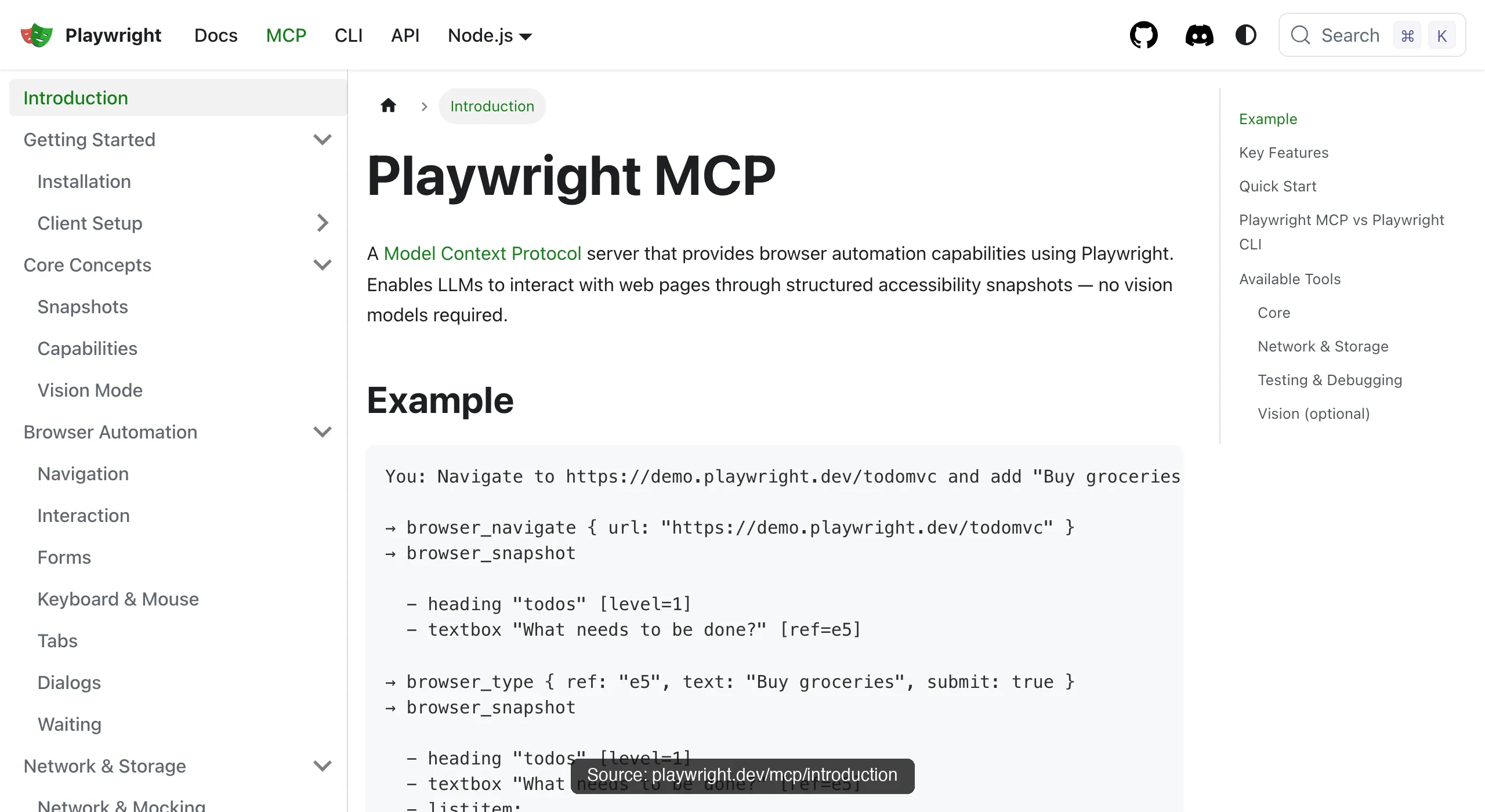
Playwright MCP(微软出品,Apache-2.0 开源)是这份列表的默认答案和维护基准:一行命令完成安装配置、确定性的无障碍树 ref、跨浏览器、支持无头模式的自动化。计算和模型成本仍然取决于你如何运行它。
有一项公开测量报告称,测试运行的 Token 消耗为 89K 到114K Token,单个复杂页面快照超过 50K,会话在第 12-15 步左右因状态过期而退化。
在完成率上,Real-World Bench 测量的是 CLI 路径(playwright-cli,不是这个 MCP 服务器):31 项任务中 71.0% 完美完成,平均 $3.42,折算下来 $3.42 ÷ 71.0% = $4.82 每个完成任务。
这里最好的测试工具;日常任务经济性最差。
3. Chrome DevTools MCP
Chrome DevTools MCP(Google,免费)拥有这份清单上其他工具都没有的诊断套件:带 Core Web Vitals 的性能追踪、V8 堆快照、网络取证、设备模拟。
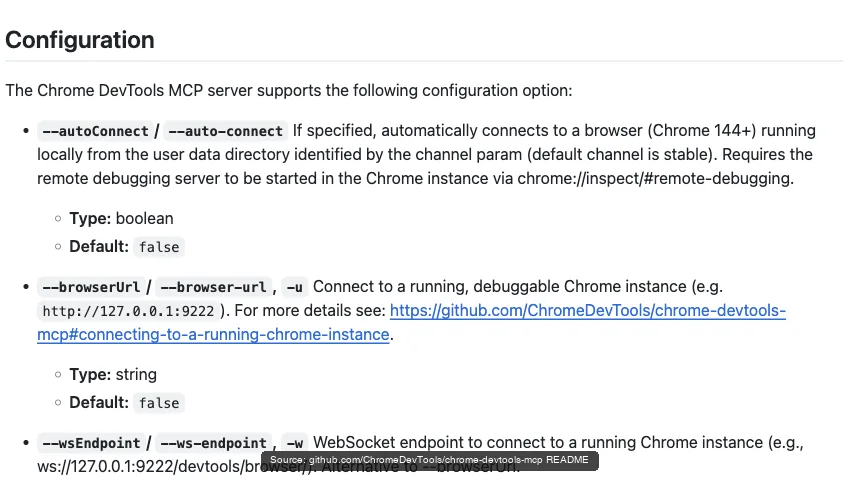
自动连接(Chrome 144+)会在一个权限弹窗之后把它接到你已登录的浏览器上,代价是它工作时会共用你的窗口。可以用 --slim(3 个工具)精简安装,再按任务启用完整套件。
这里一次快照的实际开销,来自一次录制的会话:对 Hacker News 首页调用一次 take_snapshot,返回了 38,285 个字符的无障碍树,大约 9-10K Token,而此时 Agent 还没有点击任何东西。这就是这一项 Token 开销那一行的依据,也是为什么 DevTools MCP 是调试之选,而不是日常任务之选。
完成率数据也印证了这一点:在 Real-World Bench 上,被测工具是 chrome-devtools-cli(走同一协议的命令行方式,不是这个 MCP 服务器),它在 31 个任务中完美完成了 61.3%,平均花费 $4.95,也就是 $4.95 ÷ 61.3% = $8.08 每个完成任务,是五个被测工具里最高的。
4. Browser MCP
Browser MCP(browsermcp.io,免费)是一套扩展程序加服务器的组合,把 Claude Code、Cursor 和其他 MCP 客户端接到你现有的浏览器上:自动化在本地运行,"使用你现有的浏览器配置文件(Profile),因此已获授权的会话可能仍然可用",并且沿用你真实的浏览器指纹。
取舍和所有走扩展程序的方式一样:它驱动的是你正在用的浏览器,一次一个任务,就在你的窗口里。
5.Browser Use(MCP 模式)
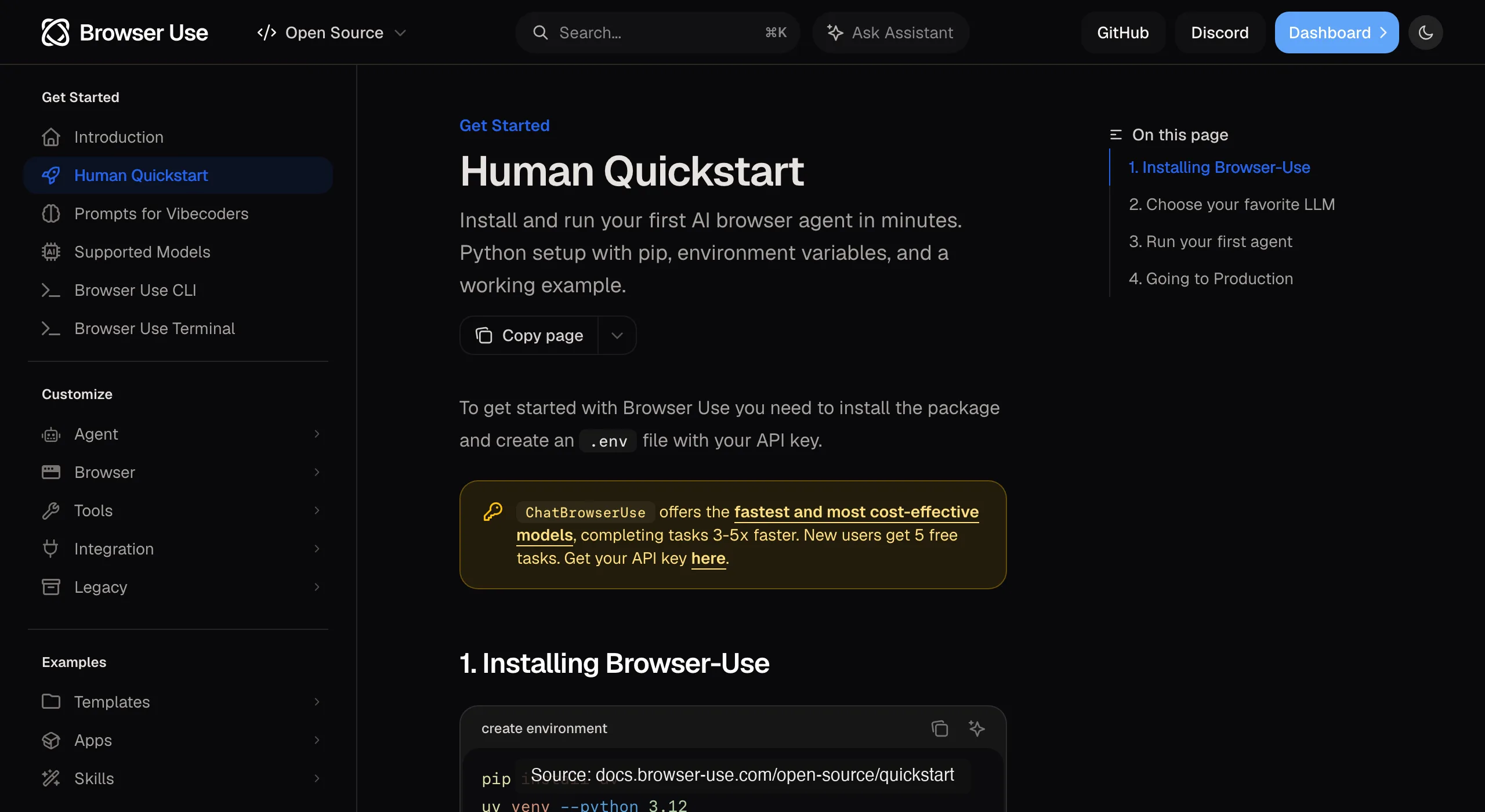
Browser Use(MCP 模式)(MIT,约 110K stars)是那个自主框架在说 MCP:把它的导航和提取机制作为工具暴露给你的客户端。
你会继承它的长处(在陌生页面上的韧性),也会继承它的代价(步骤依赖模型较重,而且接入真实 Chrome 会话的文档说明并不可靠)。当你确实想在 MCP 工作流里用它的机制时,它才合适。
Real-World Bench 测的是 Browser Harness,也就是 Browser Use 的本地版本(云产品没有参与测评):31 个任务中 77.4% 完美完成,平均花费 $2.43,也就是 $2.43 ÷ 77.4% = $3.14 每个完成任务,两项都仅次于 ego-browser。
6.agent-browser(MCP 模式)
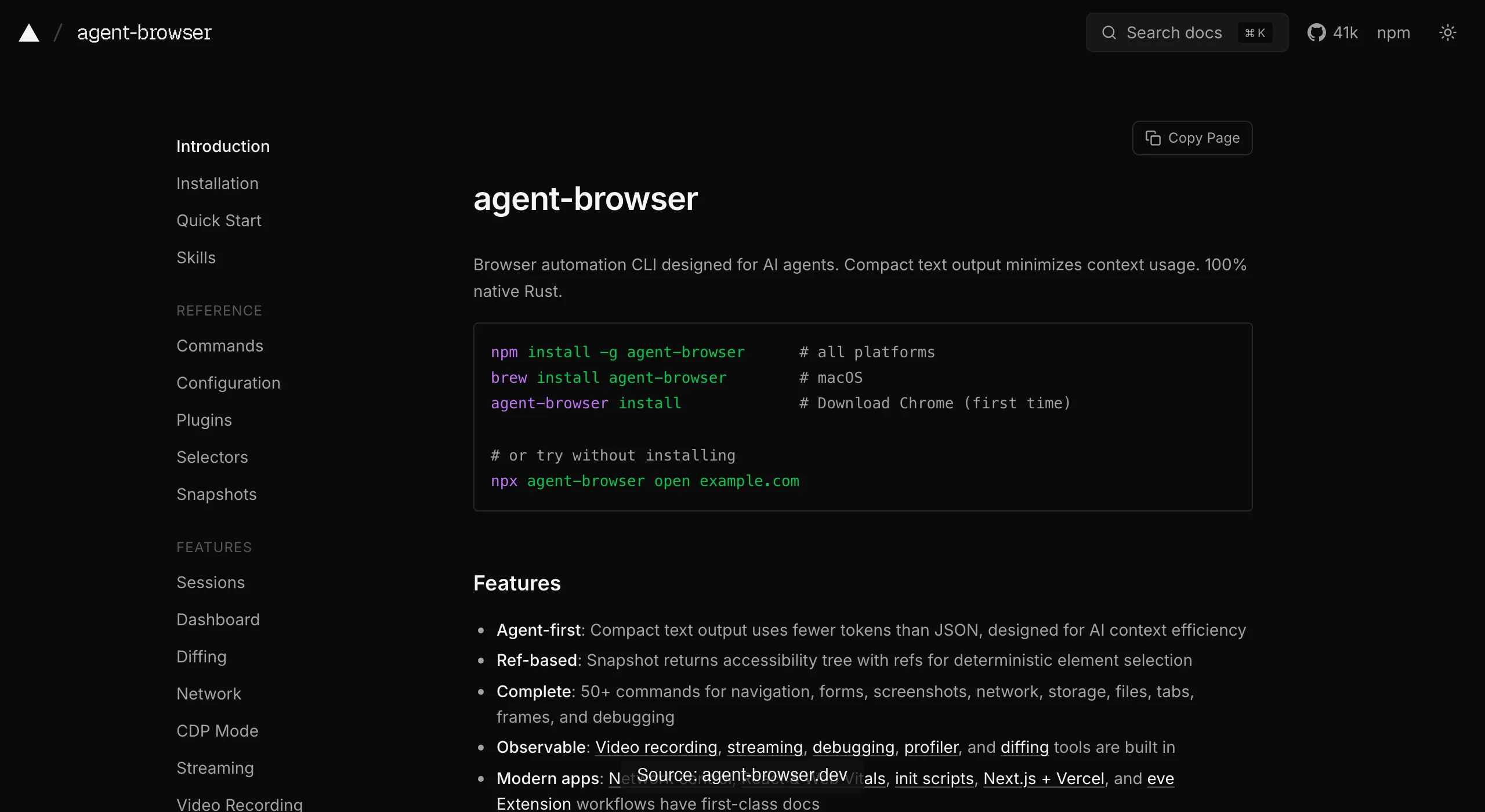
agent-browser(MCP 模式)(Vercel Labs,Apache-2.0,约 40K stars)是那个 Rust CLI 的 MCP 门面,核心 profile 让工具 schema 保持精简。
做无状态任务时又快又干净。会话按设计就是隔离的,所以你的登录态进不去,在它成为你的阻碍之前,这都算一个特性。
在 Real-World Bench 上,agent-browser(按其 MCP 模式所封装的 CLI 来测量)以平均 $2.66 的成本完美完成了 31 个任务中的 62.9%,即 $2.66 ÷ 62.9% = $4.23 每个已完成任务。
评分表
看每一行,而不只是看赢家:正确的选择完全取决于哪一列是你的瓶颈,下表中每个单元格都能追溯到本文提到的某项有记录的测量或官方文档。
| 选项 | 登录态 | Token 开销 | 并行能力 | 价格 |
|---|---|---|---|---|
| ego (lite) | 支持;继承而来 | 最精简的模式(进程外,已基准测试) | 并行 Space,窗口不受影响 | 免费 |
| Playwright MCP | 默认无 | 最重(已测量) | 默认单会话串行 | 免费 |
| Chrome DevTools MCP | 支持,通过自动连接 | 中等;大体积内容会落盘 | 自动连接下你的那一个窗口 | 免费 |
| Browser MCP | 支持;使用你的浏览器配置文件(Profile) | 中等;基于快照 | 你的那一个浏览器 | 免费 |
| Browser Use MCP | 连接真实 Chrome 不可靠 | 每一步都重度依赖模型 | 多个受管浏览器 | 自托管免费 |
| agent-browser MCP | 无;设计上即隔离 | 精简;过滤后的快照 | 多个隔离会话 | 免费 |
按你的使用场景,该选哪一款?
QA 和测试工程师: 用 Playwright MCP 起草和探索,用你现有的框架跑测试套件,并为 Token 做好预算(长时间会话可以用它的 CLI)。当某个失败被确认是性能问题时,DevTools MCP 就该加入了。
数据采集和爬虫: 大批量公开页面:agent-browser 或脚本化 Playwright。需要登录才能访问的来源:ego (lite),它从登录之后开始接管。
日常助理工作(仪表盘、表单、门户): 首选 ego (lite),因为它本身就是浏览器,不需要安装、配对或保持连接中继或扩展程序;如果你想要扩展程序式的简洁,并且不介意在它运行时借用你的浏览器,Browser MCP 是纯 MCP 的替代方案。
这三类角色有一个共同规律:能胜任你主要工作负载的工具,很少能覆盖你的边缘场景,这没关系。MCP 架构(以及 ego (lite) 作为 Agent 浏览器)让这些工具可以低成本地并存;代价高昂的错误是强迫一个工具同时满足全部四个维度。
下载 Mac 版 ego (lite),免费,或者查看 五种连接方式对比,如果你还在摸索整体格局。
如何在 Claude Code 中减少 MCP 上下文臃肿?
MCP 上下文膨胀通常是配置问题,而不是 Claude Code 的限制:每个启用的服务器都会在你的任务开始前贡献工具名称、描述、输入 schema,有时还有大量结果。默认只启用一个浏览器执行服务器,只在当前任务需要时才添加专用服务器。
- 如果你的客户端支持,优先使用工具搜索或懒加载;不要在每个会话中暴露几十个很少用到的工具。
- 要求返回定位器级别或字段级别的输出,而不是完整的无障碍快照或页面 HTML。对结果分页,并限制行数、深度和截图大小。
- 在有文档说明的情况下,使用 --slim 或 --caps 等精简服务器模式,并禁用重复的浏览器服务器,而不是指望模型会忽略它们。
同时测量 schema Token 和结果 Token。如果每个操作都返回完整的 DOM,即使工具列表很小也可能变得昂贵;如果输出经过过滤,较大的工具列表在短时间调试会话中可能是可以接受的。
如何控制长时间运行和多 Agent 场景下的 MCP 开销?
对于运行数小时或数天的 Agent,Token 开销不只来自模型:还要计算 MCP schema、操作结果、截图、重试、浏览器运行时间和人工恢复时间。为每个任务设定明确的预算,当运行超出预算时就停止,而不是让重试循环消耗掉每周限额。
- 给每个 Agent 设定有界的操作、时间和 Token 预算;持久化检查点,以便重启后从已知状态恢复。
- 把确定性的批量工作交给 CLI 或脚本,把 Claude Code 留给规划、异常处理和验证。
- 对于多 Agent 工作流,分配独立的 Space 或浏览器配置文件(Profile),共享紧凑的产物而不是完整对话记录,并将并发数限制在目标网站的频率限制之内。
追踪按成功调整后的成本(总支出除以已完成任务数),而不只是每次尝试的成本。一个便宜但反复认证失败或等待不稳定页面的 Agent,可能反而是昂贵的选择。
哪些 MCP 服务器才真正有用?
当你希望 Agent 编写在浏览器中运行的脚本,而不是把每一步都传回对话时,从 ego (lite) 开始。然后根据你需要解决的瓶颈来选择:Playwright MCP 是跨浏览器探索和面向测试的定位器的实用默认选择;Chrome DevTools MCP 在控制台、网络、性能和堆诊断方面有不可替代的价值;Browser MCP 适合用扩展程序驱动已有的已登录浏览器;Browser Use MCP 增加了自主导航能力;agent-browser MCP 则偏向紧凑、隔离的会话。
| 需求 | 保留 | 原因 |
|---|---|---|
| 已授权登录和并行任务 | ego (lite) | 继承登录态、隔离 Space 与 shell 工作流 |
| 断言与 CI | Playwright MCP | 确定性定位器与无头工作流 |
| 运行时调试 | Chrome DevTools MCP | Console、网络、性能与堆内存工具 |
| 已有登录态 | ego (lite) or Browser MCP | 复用已有的浏览器配置文件(Profile),在隔离性与便利性之间做取舍 |
| 并行助手任务 | ego (lite) or agent-browser | 隔离会话可避免相互冲突 |
如何让浏览器 MCP 自动化稳定可靠?
最可靠的安装配置是版本固定、可观测的配置:锁定 MCP 服务器与浏览器版本,验证启动过程和返回的工具列表,并为失败记录 trace。在长期运行的工作流中不要盲目安装 @latest,schema 一旦变化,提示词和 runbook 就可能失效。
- 使用稳定的定位器,等待状态变化而不是随意 sleep;对偶发超时和 5xx 响应启用有上限的重试。
- 把偶发失败与认证失败(401/403)、同意页面、验证码(CAPTCHA)区分开;重试前先做检查点,保证操作幂等。
- 跑一次健康检查:打开一个已知页面,执行一个无副作用的定位器操作,确认浏览器配置文件符合预期,然后再开始正式任务。
在 CI 中优先选 Playwright MCP 或它面向 CLI 的测试栈。需要可交互的已登录浏览器时,DevTools MCP 或 Browser MCP 更方便,但可靠性取决于桌面会话是否一直可用。
浏览器 MCP 的安全与隐私
把页面内容当作不可信输入。提示词注入可能出现在可见文本、隐藏 DOM 或工具返回的文档中;不能让这些内容改变 Agent 的指令或授予新的权限。
- 要求具备防 SSRF 的抓取层:对目标做 allowlist,屏蔽 localhost、私有网段、云元数据端点和意外重定向,并在 DNS 解析后重新校验 DNS 与 IP。
- 只授予最小的工具权限和 OAuth scope。不要把密钥写进提示词和日志,对 Cookie 和 header 做脱敏,涉及改变状态的操作前先检查确认提示。
- 把 Chrome DevTools Protocol 端点绑定在 localhost 或受保护的网络上;绝不要把未鉴权的调试端口暴露到公网。
本地服务器、VPN 或密码管理器能降低部分暴露面,但不是绝对的安全保证。接入重要账号之前,先审计服务器源码、依赖、更新策略和数据留存方式。
在 HTML 进入上下文之前先做剥离和预处理
为了省 Token,在把页面返回给 Claude Code 之前先提取正文或目标字段。Readability 风格的提取器、限定到相关容器的选择器,或带类型的字段 schema,通常都比直接发送完整 DOM、脚本、样式和导航框架更划算。
// Prefer a compact, auditable result
{ "title": "…", "price": "…", "sourceUrl": "…", "capturedAt": "…" }
保留来源 URL、抓取时间,以及原始响应或内容哈希,方便复核者确认删掉了什么。剥离 HTML 能降低上下文开销,但它不会保留所有语义线索,也不是安全边界。要保留影响判断的链接、标签和结构化数据;当提取置信度较低时,回退到原始页面。
常见问题
综合来看,最好的浏览器 MCP 是哪个?
如果只能用 MCP:工作涉及调试就选 Chrome DevTools MCP,以测试为主就选 Playwright MCP,最看重登录态就选 Browser MCP。如果不限协议、只看能力,ego (lite) 在需要紧凑执行时很适合日常任务;应用本身免费,模型或网络费用仍取决于你的配置。
有没有一个 MCP 能把所有事情都做好?
没有哪个选项能在所有工作负载上都胜出,评分表也说明了原因:登录态可能更依赖已连接的浏览器;并行任务可能更依赖隔离的浏览器;调试则更依赖协议深度。ego (lite) 用隔离 Space 中显式提供的状态和对话之外的执行来应对这一取舍,代价是调试深度和无头 CI 方面有所让步。
这个排名背后有真实任务基准测试吗?
有,Real-World Bench:一套 31 个任务的测试集,针对真实网站,使用相同的模型和评判标准。它覆盖了六个选项中的四个,方式是直接测试,或测试各章节中提到的同源被测对象:ego-browser 在 31 个任务中完美完成 93.5%,每个完成任务花费 $1.75;其他被测对象在 31 个任务中的成绩在 61.3% 到 77.4% 之间。Browser MCP 未被测试。数据集、评分标准和原始会话都在 GitHub 的 ego-browser-benchmark-framework 仓库中公开。
可以同时安装多个吗?
你可以同时安装多个,但要逐个测试,并保持权限配置明确。一个实用的搭配是:一个执行类工具(按工作负载在 ego (lite) 和 Playwright MCP 之间选)加上一个保持精简的 DevTools MCP,用于排查问题的日子。注意总的 schema 加载量:每个启用的服务器,其工具定义都会占用上下文,重复的浏览器工具还可能干扰规划。
为什么这份清单里没有 Puppeteer MCP?
参考实现 server-puppeteer 在 npm 上已弃用,且没有仍在维护的官方继任者,而一个已弃用、还持有浏览器会话的依赖无法通过本清单的维护门槛。社区有 fork 版本,信任之前请先审计。
MCP 工具 schema 会怎样影响我的上下文预算?
每个启用的服务器,其工具定义都会在会话开始时加载:一份已公开的 Playwright MCP 测量显示,二十多个工具合计约 4,200 个 Token,而叠加三个浏览器服务器会让这个数字翻三倍,且这一切都发生在任何实际工作开始之前。默认只启用一个执行类工具,其余按任务临时启用,并在服务器支持时使用精简模式(--slim、--caps)。
这些也能配合 Cursor 和 Codex 使用吗?
这五个 MCP 选项通常通过客户端的 MCP 配置注册,而 ego (lite) 使用其文档中说明的 shell 工作流。Cursor 和 Codex 是受支持 Agent 的示例,但在原样套用这份评分表之前,请先核实每个集成方式和版本。