How to put Codex and a browser in Docker without mixing three different 'remote' products


“Remote Codex browser” can describe several different setups: Codex running on another machine, Codex inside Docker, a separate browser container, or a browser you only watch through noVNC. They may all feel remote from the outside, but the code, browser, login state, and network connection can live in very different places.
For isolated or parallel work, Docker is a good fit: Codex can run in one workspace while Playwright provides a separate browser runtime over websocket or noVNC. But some tasks depend on the browser you already use, including existing logins, extensions, or a human taking over MFA. In those cases, ego(lite) keeps the browser local in a visible Chromium Space while Codex or another agent drives it, so you do not have to move your daily browser profile into a container.
This guide shows how to wire the Docker path cleanly, including where Codex and the browser run, how websocket and noVNC connect, what should persist, and which ports should stay private. If you are still choosing between local and remote browser isolation, see sandbox web browser for AI agents. The commands below follow current official and project documentation; we did not run the Docker images on this machine for this article.
Which remote Codex architecture are you building?
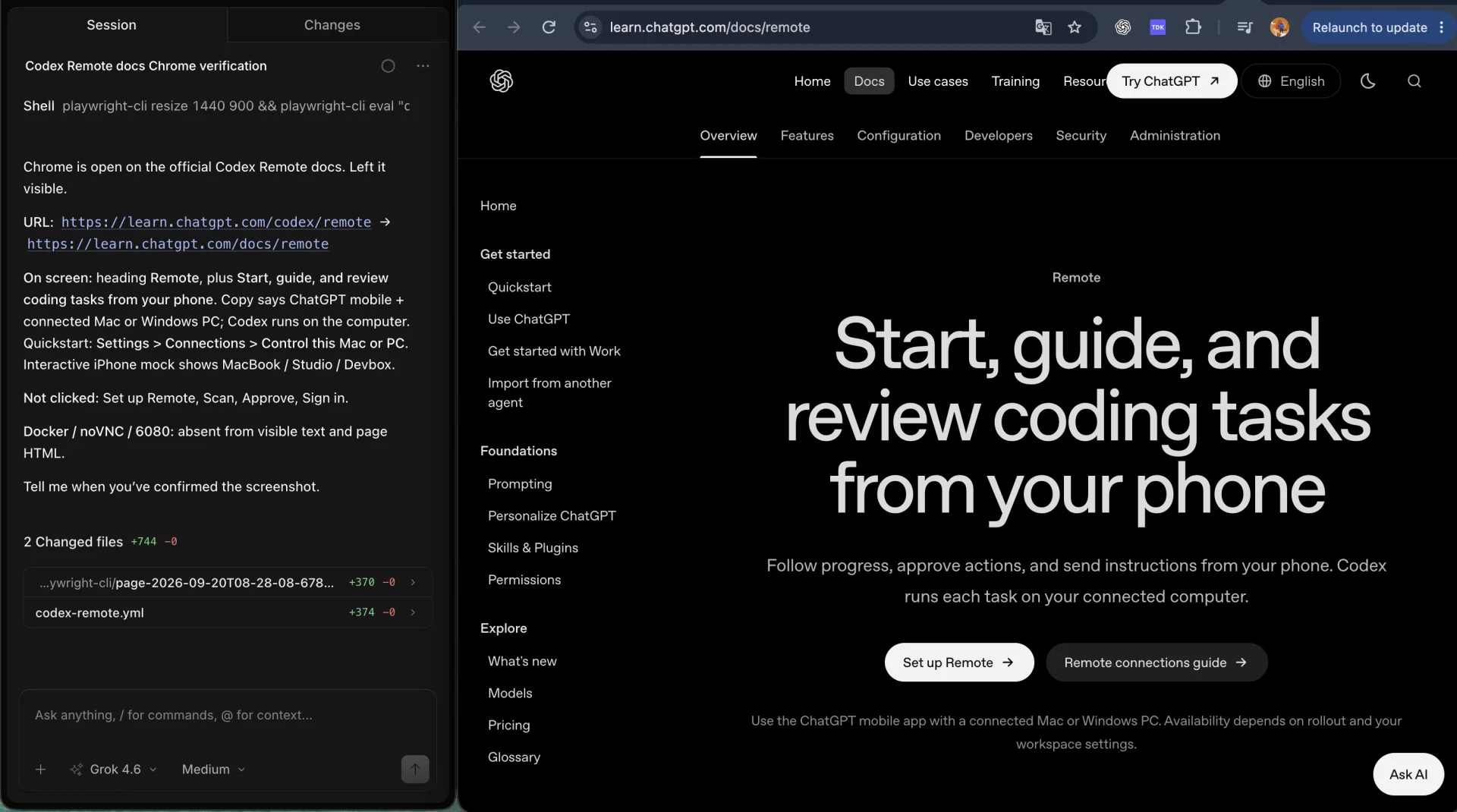
Four products answer to 'remote Codex browser,' and only one of them ships a browser. Read the table by the third column: that's the plane your task actually runs on.
| Name | What runs | Browser |
|---|---|---|
| Codex Remote | Phone or another desktop talks to ChatGPT.app on a host | The host's Chrome extension or Computer Use, if enabled |
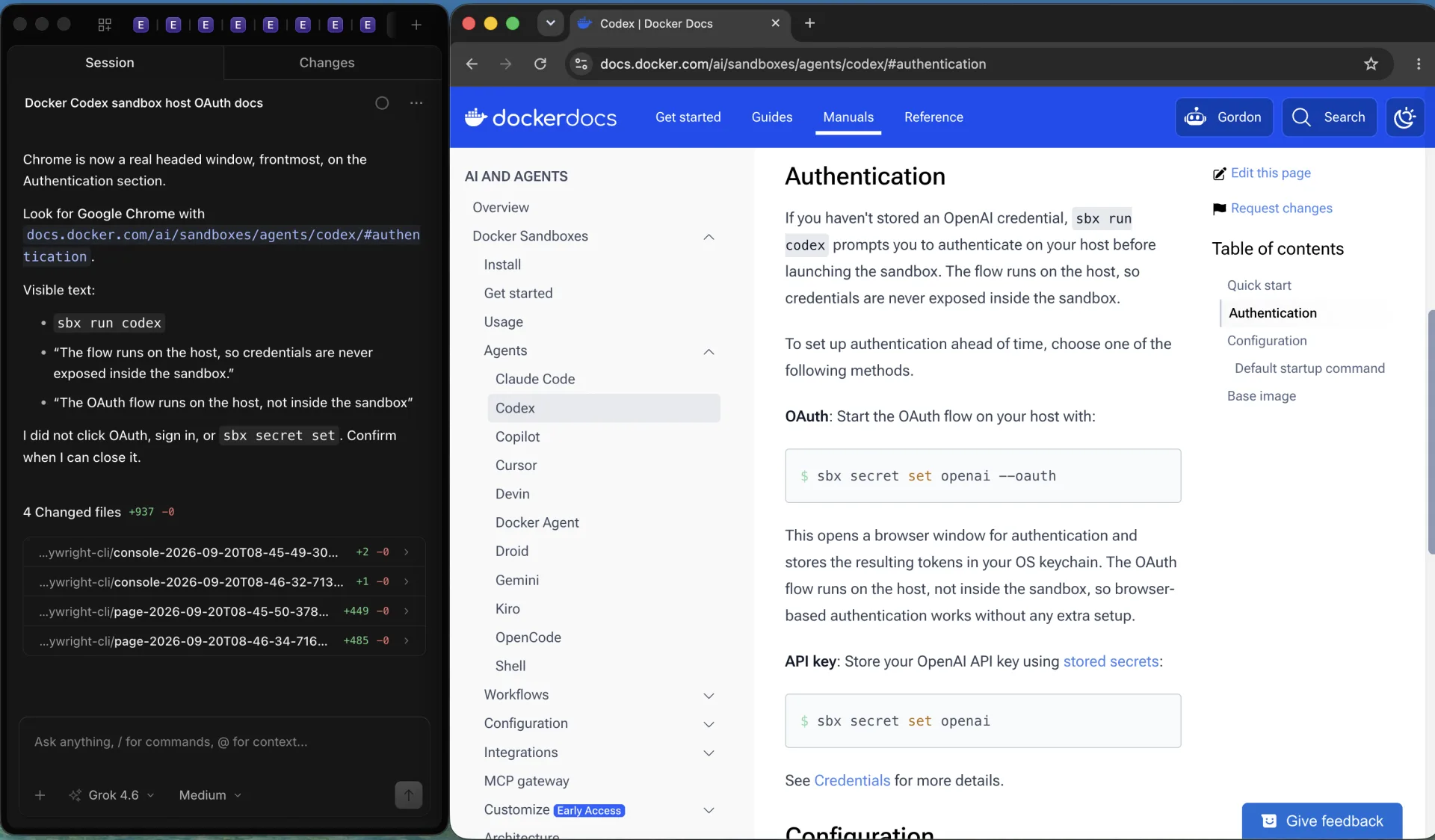
| Docker Sandboxes | sbx run codex in a sandbox template | OAuth on the host. Not a VNC browser workspace |
| CLI image | codex exec, remote-control start, app-server | None until you add a browser container |
| Playwright Docker | mcr.microsoft.com/playwright browsers | run-server websocket, optional noVNC desktop |
Official Codex Remote and remote connections start on the desktop app, not Docker. Cloud chats use cloud environments with a universal image and setup scripts. Neither is a noVNC lab. If you need Codex plus a headed browser in containers, compose a CLI container and a Playwright container on a private network. That's two containers and one private network, not a single command.
Which Docker images and containers do you need?
Docker's Codex sandbox guide is the supported one-command path: sbx run codex ~/my-project. Authentication runs on the host. The sandbox doesn't load ~/.codex from the host. That's isolation, not a missing volume.
If you want a plain image, community packaging such as icoretech/codex-docker publishes GHCR tags that mirror upstream Codex CLI releases, runs as user codex, and documents remote-control start plus an authenticated websocket app-server. Pin the tag, because latest is for trials. This is third-party packaging of upstream binaries, not an OpenAI-published browser workspace.
For the browser, Playwright's Docker guide publishes mcr.microsoft.com/playwright:v1.63.0-noble with browsers and OS deps. The Playwright npm package isn't in the image. Pin the image version to the Playwright version in your tests. Microsoft says the image is for testing and development, not for visiting untrusted sites as root.
docker pull mcr.microsoft.com/playwright:v1.63.0-noble
docker run -it --rm --ipc=host --init \
  mcr.microsoft.com/playwright:v1.63.0-noble /bin/bash
How do you attach a remote browser or noVNC?
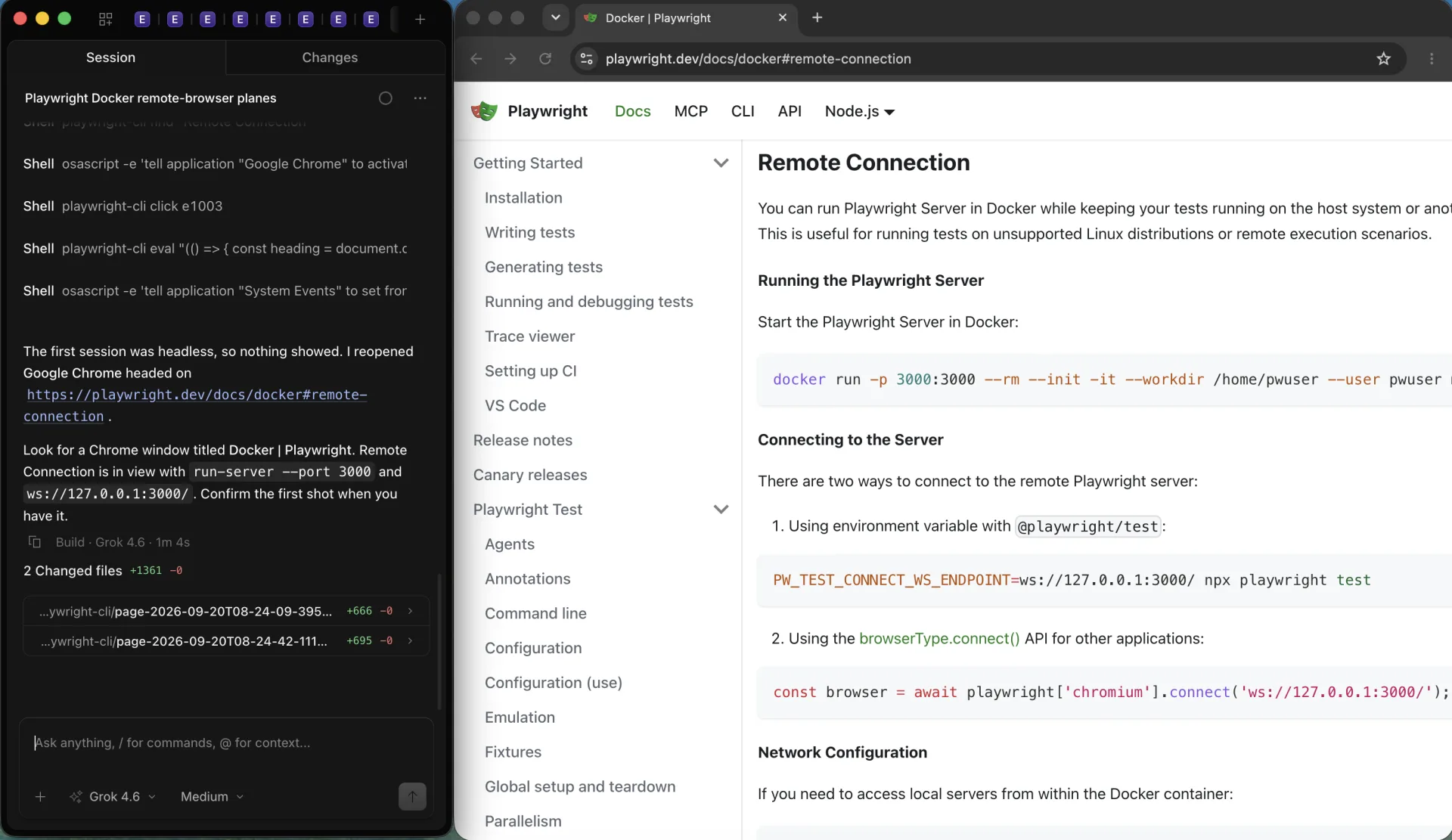
Two documented planes. The first is Playwright Server. Start it in the container, then connect from the host or from Codex with a matching Playwright version:
docker run -p 127.0.0.1:3000:3000 --rm --init --ipc=host \
  --workdir /home/pwuser --user pwuser \
  mcr.microsoft.com/playwright:v1.63.0-noble \
  /bin/sh -c "npx -y playwright@1.63.0 run-server --port 3000 --host 0.0.0.0"
Then PW_TEST_CONNECT_WS_ENDPOINT=ws://127.0.0.1:3000/ npx playwright test, or browserType.connect('ws://127.0.0.1:3000/'). Add --add-host=hostmachine:host-gateway if the container must reach servers on the host. Use hostmachine, not localhost, from inside Docker.
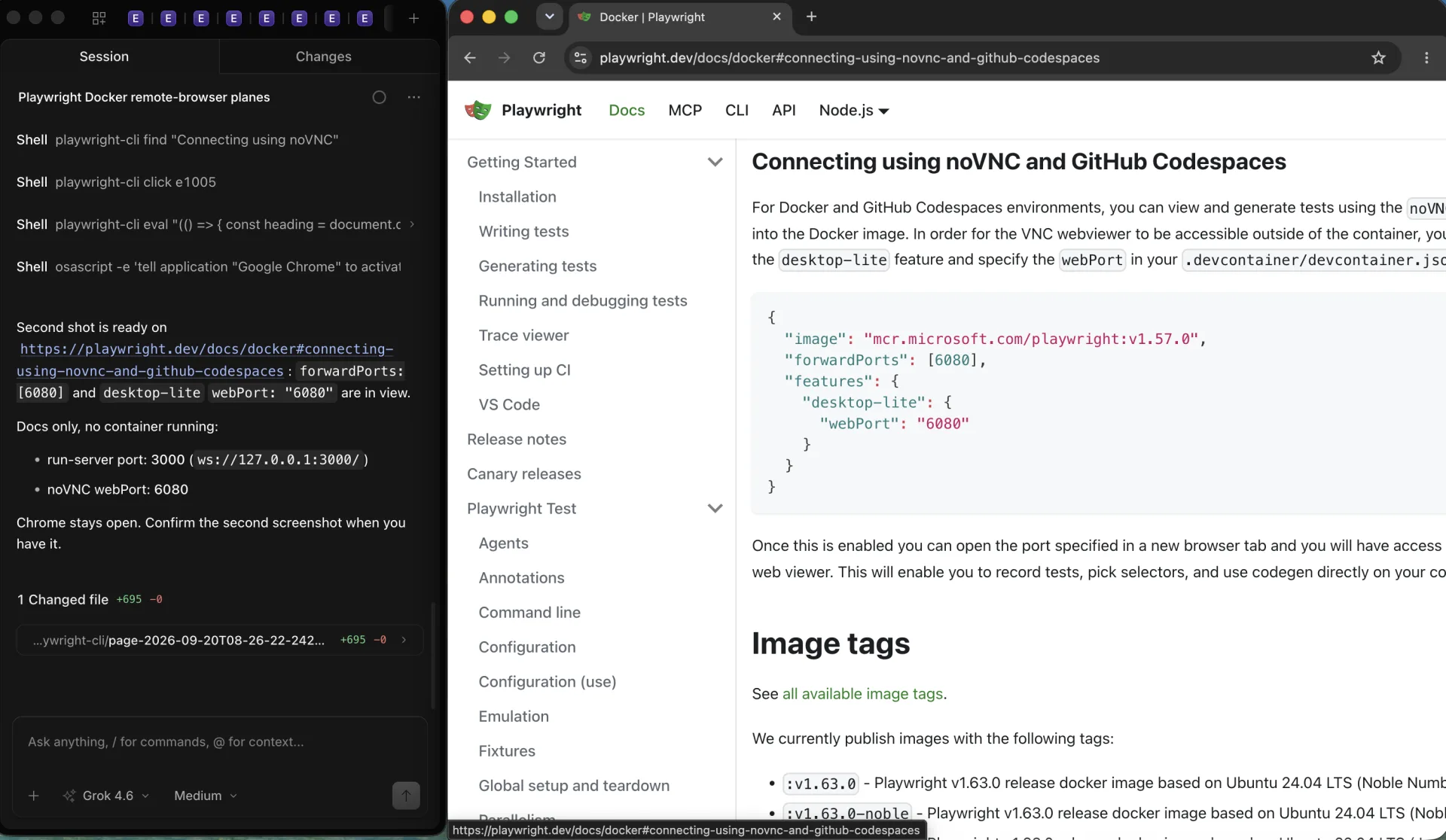
The headed path is noVNC. Playwright documents GitHub Codespaces with features.desktop-lite.webPort 6080 and forwardPorts 6080. That opens the VNC web viewer so you can watch codegen in the container. It isn't Codex Remote, and it isn't your Chrome profile.
How should ports and auth be bound?
Bind 3000 and 6080 to 127.0.0.1 on the host unless you terminate TLS at a reverse proxy you control. icoretech documents app-server --listen ws://0.0.0.0:4500 with --ws-auth capability-token and --ws-token-sha256, then a client using --remote-auth-token-env. Their remote-control start command uses a private Unix socket and doesn't publish 4500. Never expose an unauthenticated websocket on a public interface.
Docker Sandboxes keep OAuth on the host so the sandbox never sees the browser login cookie. Copy that idea: secrets stay on the host or in a dedicated secret mount, not in the image. Codex cloud secrets are stripped before the agent phase. Treat a local compose file the same way.
What should persist on volumes?
Persist the repo at /workspace and, if you must, CODEX_HOME for config and logs. Don't mount your daily Chrome profile into a container that visits random URLs. A Playwright user-data-dir volume is a test profile. It won't carry 2FA devices or password-manager OS integration. That's the privacy trade for isolation.
For multi-tenant or CI, start clean: no CODEX_HOME reuse across untrusted jobs, no shared /tmp, reset the Playwright server between customers. Local personal work can reuse a named volume. Those are opposite defaults.
How do you start, debug, and recover?
- Confirm docker run hello-world, then pull pinned Codex and Playwright tags.
- Start Playwright run-server. curl the websocket host from the host network. Version mismatch is the usual 'browser not found' error.
- Start Codex with a workspace mount. If sbx can't see ~/.codex, that's documented, not a bug.
- Open noVNC only after 6080 is forwarded. A black screen is often missing --ipc=host or the desktop-lite feature.
- If Chromium crashes, retry with --ipc=host and, locally, --cap-add=SYS_ADMIN only while debugging.
Phone Remote failing to see a Docker VM is expected. Pair Remote with a desktop app host, or use SSH from that host into the VM. The QR flow doesn't replace compose.
When should the browser stay on your Mac instead?
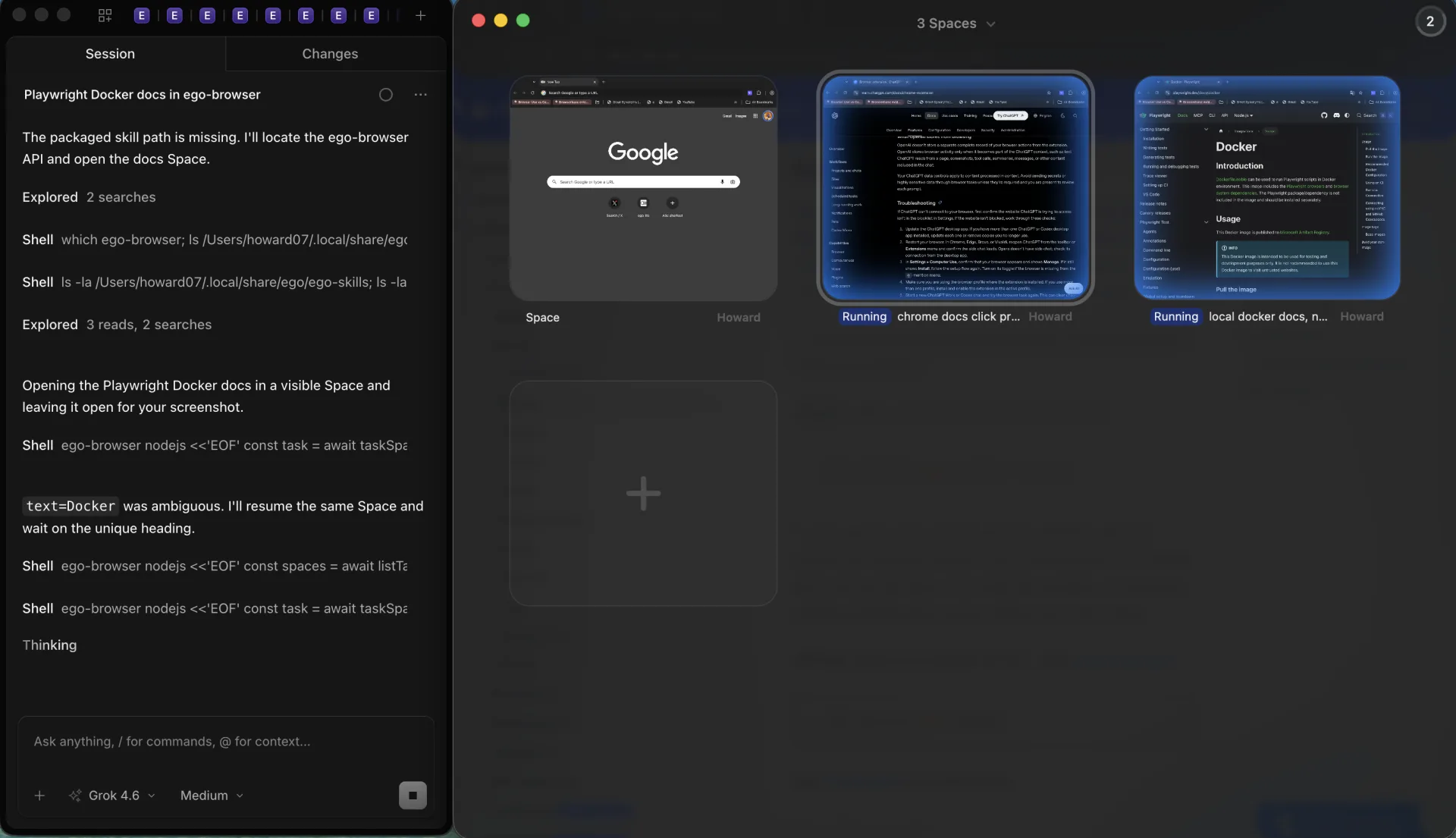
Keep a local persistent browser when the task needs an authorized daily login, an extension, or a person to take over MFA. Docker plus Playwright Server is stronger for untrusted pages, clean starts, and parallel tenants. ego(lite) 0.5.0.32, dated 2026-09-12 on the changelog, is that local path: Chromium on the Mac, a visible Space, Take over and Stop. It isn't a cloud sandbox or a VNC cluster. Setup: ego(lite) quick start.
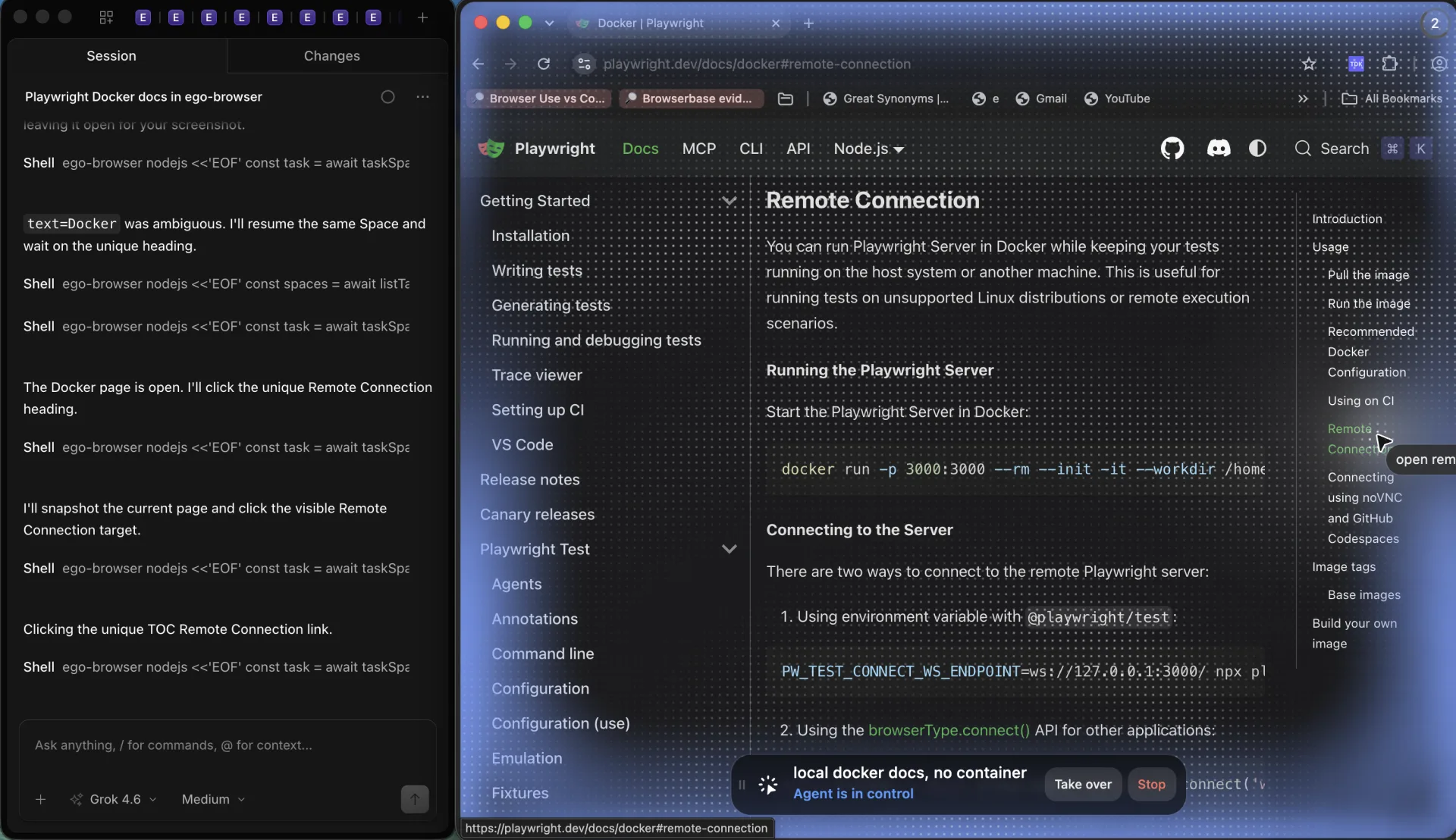
Five needs decide this, and no column wins all five. Read each row as the question you'd ask before picking a plane.
| Need | Docker browser | ego(lite) |
|---|---|---|
| Login reuse | Fresh profile unless you mount one | Import daily Chromium state |
| Isolation | Container, optional non-root + seccomp | Space, not a VM |
| Multi-tenant / concurrency | Many containers | One machine, several Spaces |
| Failure replay | Traces, volumes, VNC recording if you add it | Watch live, take over |
| Data custody | You operate the host and registry | Stays on the Mac |
Several Spaces on one Mac is that concurrency row, not a Docker tenant farm. Each Space keeps its own page and control state. It still isn't a VM and not a substitute for many containers.
FAQ
Is Codex Remote the same as Codex in Docker?
No. Remote pairs the mobile or desktop app with a Mac or Windows host. Docker runs a CLI or sandbox image. Pairing a phone to a container requires a desktop app host in the middle.
Where is noVNC in the official Codex image?
Nowhere. Playwright documents noVNC for its Docker/Codespaces image on port 6080. Add that container if you need a headed view.
Can I reuse my Chrome logins in the container?
Not by default, and you usually shouldn't. Mounting a daily profile into an untrusted crawl breaks the isolation you bought Docker for. Keep logins in ego(lite) or a dedicated test profile.
What port should Codex app-server use?
Only if you chose the websocket app-server path. Bind 127.0.0.1 and require a token. remote-control start uses a Unix socket and is the safer default on one machine.
When is a local Space better than this compose file?
When you need the account already on the Mac, visible execution, and takeover. ego(lite) is free to download for that path. Keep Docker for clean, parallel, untrusted runs.