GPT-6 Astra Computer Use: capabilities, limits, alternatives


The launch tweet said it plainly: "This is GPT-6 Astra. Anything you can do on a computer, Astra can do for you. Fast." (OpenAI on X). Within hours, early testers were calling browser use "incredible" and predicting that any stable computer workflow could be at least partially automated (alliekmiller on X).
GPT-6 Astra is a frontier AI model that perceives screens, reasons about tasks, and executes actions across applications to complete work on behalf of a user. It is not a local tool that drives your own browser, but a cloud service that operates software for you, which changes how logins, privacy, and control work.
The gap between the hype and the practical details is wide. This guide sorts official announcements from early impressions, then compares Astra's cloud computer use against local browser agents for real tasks.
What is GPT-6 Astra and why does computer use matter?
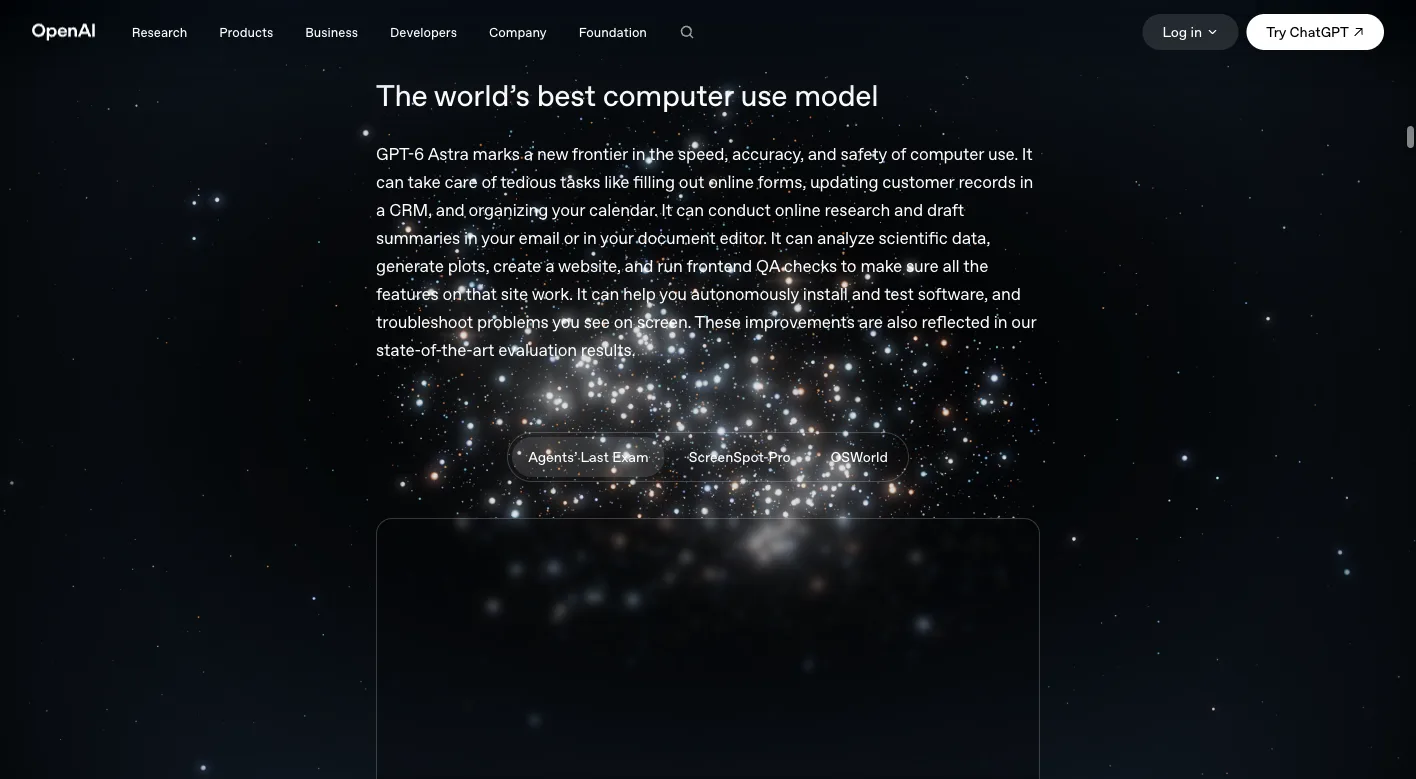
Sam Altman called it "the best model in the world for computer use, professional work, science, coding, cybersecurity, and more" (Sam Altman on X). Microsoft's blog frames it as designed "to help organizations make decisions for complex work and execute across applications" (Microsoft Azure blog).
Computer use is the capability that turns a chatbot into an operator. Instead of answering questions about a task, the model looks at a screen, decides what to click or type, and carries the work through to completion. That shift matters because most knowledge work happens inside software: dashboards, CRMs, spreadsheets, and web apps.
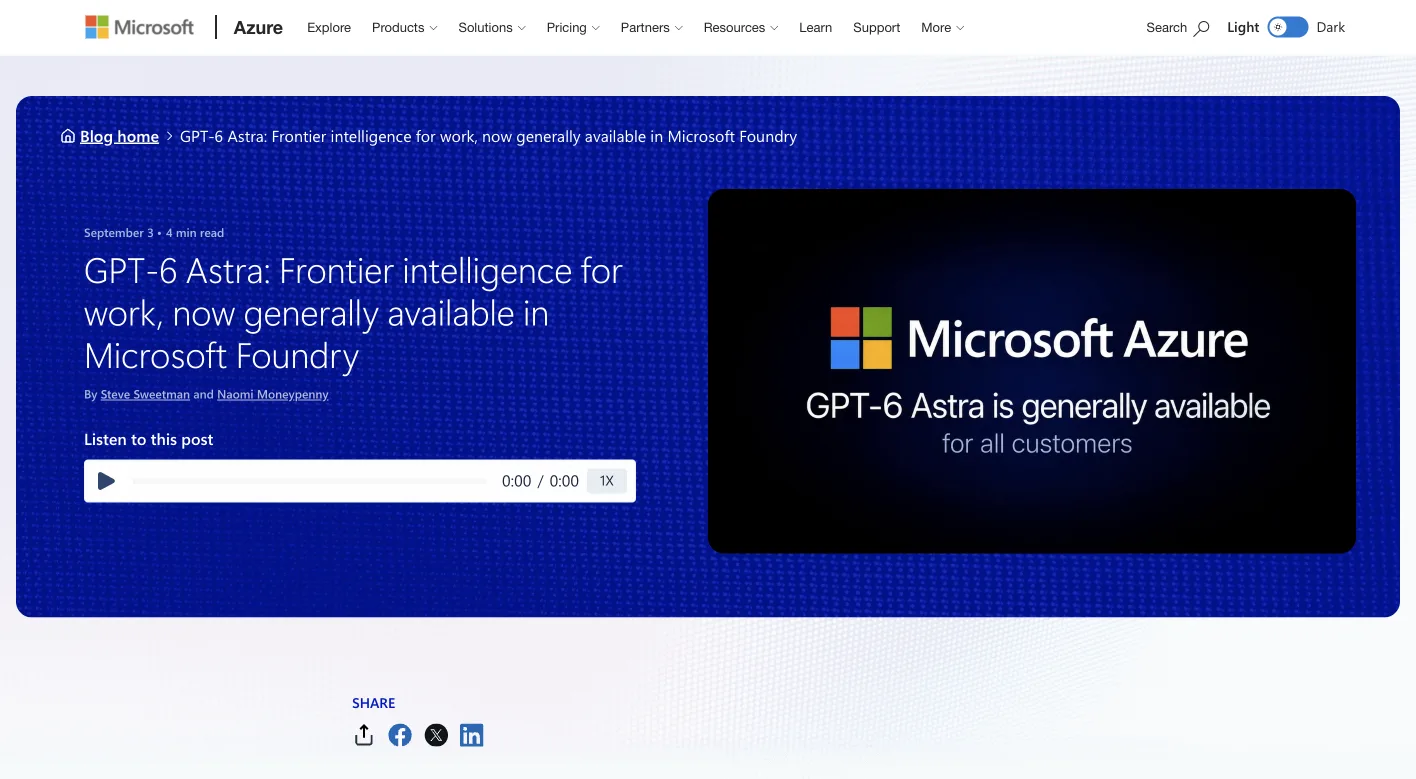
The model is now generally available for all customers in Microsoft Foundry (Microsoft Azure blog). A Reddit post describes it as "built specifically for agentic workflows, software engineering, and computer/browser automation" (Reddit).
Computer use is the bridge between AI that advises and AI that does. That bridge is why the launch matters.
How does GPT-6 Astra's computer use work according to official sources?
Microsoft's announcement includes a section titled "Computer use across applications" and mentions "Enterprise controls for agentic work" (Microsoft Azure blog). The phrasing suggests a model that moves between tools, not one pinned to a single browser tab.
The architecture appears to be cloud-based. The model runs on OpenAI's infrastructure and interacts with software in a remote environment, rather than on your local machine. That design lets it scale across many tasks without tying up your computer, but it also means your data passes through the cloud.
Perplexity's CEO confirmed this direction, tweeting that Astra is "awesome at computer use" and that they will bring it to their "cloud browser sandbox that powers all Computer usage" (Aravind Srinivas on X). The phrase "cloud browser sandbox" is telling: the computer Astra operates is not yours.
This is a fundamental architectural choice. Cloud computer use centralizes the work, while local agents distribute it to your own machine.
What are the claimed capabilities for browser use and automation?
Early testers have been enthusiastic, though their reports are impressions rather than controlled tests. One tester said, "Computer use and browser use are just incredible. I'm confident that pretty much any stable workflow done on a computer can be at least partially done by AI" (alliekmiller on X).
Another claimed, "Browser / computer use means it can use any software to build anything" (clairevo on X). Matthew Berman, who had early access, said he tested "games, code, writing, browser control, presentations and general knowledge work" and called it "the best model I've ever used" (Matthew Berman on X).
The consistent theme is breadth. Testers describe a model that handles many kinds of software, not just web pages. That matches Microsoft's "across applications" framing.
What the claims do not include is specificity. No one has published task completion rates, error counts, or time comparisons. The reviews tell you the model feels capable, not how capable it is on your particular workflow.
How does GPT-6 Astra's cloud computer use compare to local browser agents?
The core difference is where the work happens. Astra operates in the cloud on a remote computer. Local browser agents like ego(lite) run on your machine, in your browser, with your sessions.
That distinction drives everything else: authentication, privacy, cost, and control. The table below summarizes what each approach can and cannot do.
| Dimension | GPT-6 Astra (cloud computer use) | Local browser agents (ego(lite)) |
|---|---|---|
| Execution environment | Runs in a cloud sandbox. Can operate across many applications. Cannot touch your local files or local-only tools. | Runs in your local Chromium browser. Can access local files and localhost. Cannot scale beyond your machine's resources. |
| Login state | Inherits whatever session the cloud sandbox has. Cannot use your personal logged-in sessions unless you authenticate in the sandbox. | Imports your existing Chrome profile in one click. Can use your real logged-in sessions. Cannot bypass CAPTCHAs or 2FA, which remain human steps. |
| Data handling | Your data passes through the cloud for processing. Can process large volumes. Cannot guarantee data never leaves the provider's infrastructure. | Data stays on your machine. Can handle sensitive data locally. Cannot process at cloud scale without your hardware. |
| Cost model | Token-based pricing per API call. Can be expensive for long tasks. Cannot run indefinitely without accruing charges. | Free local software. Costs your machine's electricity and time. Cannot match cloud throughput for parallel tasks. |
| Control and debugging | Limited visibility into the agent's actions. Can act across apps. Cannot easily pause and inspect intermediate states. | Full visibility through a shared browser window. Can watch each step. Cannot operate outside the browser without additional tools. |
The table shows the tradeoff clearly. Cloud computer use offers reach across applications and scale. Local agents offer control, privacy, and your existing login state.
For a deeper look at the browser-native versus screen-native distinction, see our guide on browser use vs computer use.
What are the key considerations for logged-in operations and authentication?
Logged-in operations are where the two approaches diverge most sharply. Many real workflows start with a session: your company's dashboard, your email, your SaaS admin panel.
A cloud agent faces a wall here. It operates in a sandbox that does not share your cookies or session tokens. You would need to authenticate inside that sandbox, which often means entering credentials, handling CAPTCHAs, or completing 2FA. Those steps exist to keep accounts secure, and no agent legitimately bypasses them.
A local agent has a different starting point. ego(lite) imports your existing Chrome profile in one click, so the agent inherits real logged-in sessions (ego(lite) documentation). The agent works in an isolated Space with its own tabs, so it does not fight you for control of the browser.
The practical difference: a local agent can start a task already logged in, while a cloud agent must first get through the authentication wall. That wall is a human step by design, and it applies to any approach.
This matters for tasks like pulling reports from a dashboard you use daily. The local agent is already authenticated. The cloud agent needs you to log in remotely first.
What are the cost and availability details for GPT-6 Astra?
Availability is rolling out in stages. Microsoft announced general availability for all customers in Microsoft Foundry on September 3, 2026 (Microsoft Azure blog). A Reddit post adds that it is "rolling out now to Trusted Access enterprises, coming to Plus/Pro/Business/Enterprise and the API in the coming days" (Reddit).
Pricing information is less certain. The same Reddit post lists "$10/1M input & $50/1M output" tokens (Reddit). Treat that as unofficial until OpenAI publishes confirmed rates.
Token costs add up quickly for computer use. Every screenshot the model analyzes, every action it decides, every page it reads consumes tokens. A single complex task could involve thousands of tokens just for perception.
Local browser agents have a different cost profile. The software itself is free, and the agent runs on hardware you already own. The cost is your time setting up tasks and your machine's resources while they run.
What are the limitations and boundaries of GPT-6 Astra's computer use?
The official documentation is thin on specifics. OpenAI's announcement page describes the model's positioning, but detailed capability documentation is still emerging (OpenAI). Microsoft's blog emphasizes enterprise controls but does not publish task-level performance data (Microsoft Azure blog).
Early reviews are enthusiastic but subjective. They tell you the model impressed the reviewer, not how it performs on your specific workflow. No public benchmark yet measures Astra's computer use against other tools on standardized tasks.
Cloud dependency is a structural limitation. If the service has an outage or your network drops, the agent stops. You also hand over whatever data the agent processes, which may rule out sensitive or regulated information.
Authentication remains a boundary. The model cannot bypass login walls, CAPTCHAs, or 2FA any more than other tools can. Those remain human steps, whether the agent runs in the cloud or on your laptop.
The honest summary: Astra's computer use is promising and broadly capable, but the evidence base is early and the architecture has real tradeoffs.
How to choose between GPT-6 Astra and local browser agents for your tasks?
Start with the task, not the tool. Different jobs have different requirements, and the right choice depends on where your work sits.
For data scraping, consider whether the source requires login. Public pages can be scraped by either approach. Authenticated sources favor a local agent that already holds your session. Cloud agents can work, but you must authenticate them first, and the token cost of reading many pages adds up.
For form filling, the question is repetition. If you fill the same forms repeatedly with data from your systems, a local agent can handle it with your existing sessions. If the forms are part of a larger multi-application workflow, Astra's cross-application reach may help.
For agentic workflows that span many tools, Astra's design point is strong. Microsoft explicitly positions it for complex work across applications (Microsoft Azure blog). Local browser agents are more constrained to browser-based tasks.
The table below gives a decision framework.
| Task type | Choose GPT-6 Astra when | Choose a local agent when |
|---|---|---|
| Logged-in operations | You can authenticate in the cloud sandbox and want scale. Cannot use your existing local sessions directly. | You want to use your current logged-in sessions immediately. Cannot operate outside your local browser. |
| Form filling | Forms are part of a larger cross-application workflow. Cannot justify the token cost for simple repeated forms. | Forms live in systems you already use daily. Cannot automate forms in applications outside the browser. |
| Data scraping | You need to scrape at scale across many sites. Cannot avoid token costs per page read. | You scrape authenticated sources or handle sensitive data. Cannot match cloud-scale parallelism. |
| Privacy-sensitive work | The data is not sensitive enough to require local processing. Cannot guarantee data stays off the provider's infrastructure. | The data is confidential or regulated. Cannot process at cloud scale. |
For a practical look at how local agents handle these tasks, see our comparison of ego(lite) vs Browser Harness.
How to do browser automation with a local agent
If you choose the local route, the workflow looks different from prompting a cloud model. You write a script that drives your browser through the agent's API, and the agent executes it step by step.
ego(lite) exposes a small JavaScript API through the ego-browser skill. You run a heredoc of JavaScript in Node.js, and the agent operates in its own Space inside your browser (ego(lite) documentation).
Here is what a simple task looks like. Say you need to pull a report from a dashboard you are already logged into:
ego-browser nodejs <<'EOF'
const task = taskSpace('report-pull');
const page = task.page('dashboard');
await page.goto('https://app.example.com/reports');
const snap = await page.snapshot();
const downloadBtn = snap.find('@N', 'Download CSV');
await page.click(downloadBtn.ref);
EOF
The script opens the dashboard, takes a snapshot of the page, finds the download button by its stable reference, and clicks it. Because the agent inherits your logged-in session, no authentication step is needed.
This approach works with shell-capable coding agents like Claude Code, Codex, Cursor, and others through the skill (ego(lite) documentation). The agent sees the page as an accessibility-tree snapshot with stable references, not raw HTML or screenshots, which keeps its actions precise.
The contrast with cloud computer use is stark. A local script runs in seconds with no token cost. The same task through a cloud model would consume tokens for every screenshot and decision.
If you are tired of re-authenticating cloud agents for every logged-in task, consider running the agent where your sessions already live. See how ego(lite) handles browser automation.
What does this mean for your agentic workflow?
The arrival of GPT-6 Astra changes the options available, not the underlying tradeoffs. Cloud computer use and local browser agents solve overlapping problems with different architectures, and each has costs the other does not.
Astra's strength is breadth. It can reach across applications, which makes it suited for complex workflows that span multiple tools. Its weakness is distance: it operates away from your data, your sessions, and your control.
Local agents have the opposite profile. They are anchored to your machine, your browser, and your logins. That proximity makes them strong for authenticated, privacy-sensitive, or repetitive browser tasks, but it limits them to what your hardware can handle.
The practical answer is not either-or. Many teams will use both: Astra for exploratory, cross-application work, and a local agent for the daily, logged-in operations that should not leave the machine.
For a closer look at how cloud and local browser routes differ, read our analysis of ChatGPT browser use. And if you are weighing agent execution models, our comparison of Playwright MCP vs Browser Use covers the technical differences.
FAQ
What is GPT-6 Astra?
GPT-6 Astra is OpenAI's newest frontier model, announced in early September 2026 and generally available for enterprise customers through Microsoft Foundry (Microsoft Azure blog). It is positioned for agentic workflows, software engineering, and computer and browser automation.
What is computer use in GPT-6 Astra?
Computer use is the model's ability to operate software on a user's behalf, including clicking, typing, and navigating across applications. OpenAI's launch tweet describes it as doing "anything you can do on a computer" (OpenAI on X).
How does GPT-6 Astra's computer use work?
Astra operates in a cloud environment, perceiving screens and executing actions across applications rather than running on your local machine. Microsoft's announcement highlights "computer use across applications" and enterprise controls for agentic work (Microsoft Azure blog).
Is GPT-6 Astra available to everyone?
Not yet. Microsoft announced general availability for all customers in Microsoft Foundry on September 3, 2026 (Microsoft Azure blog). A Reddit post says it is rolling out to Trusted Access enterprises first, with broader availability coming later (Reddit).
What is the pricing for GPT-6 Astra?
Unofficial pricing from a Reddit post lists $10 per 1M input tokens and $50 per 1M output tokens (Reddit). OpenAI has not published official pricing, so treat these figures as unconfirmed.
Can GPT-6 Astra handle logged-in sessions?
Astra operates in a cloud sandbox, so it does not automatically inherit your personal logged-in sessions. You would need to authenticate within the sandbox, and CAPTCHAs and 2FA remain human steps that no agent legitimately bypasses.
How does GPT-6 Astra compare to local browser agents?
Astra runs in the cloud and can operate across many applications, while local agents like ego(lite) run on your machine with your existing browser sessions. Local agents offer privacy and immediate access to logged-in state, while cloud agents offer scale and cross-application reach.
What are the limitations of GPT-6 Astra's computer use?
Official documentation is still thin, and early reviews are subjective impressions rather than measured benchmarks. Cloud dependency means your data passes through the provider's infrastructure, and authentication walls still require human steps.
Is GPT-6 Astra good for data scraping?
Early testers report strong browser use, which suggests Astra can scrape web pages effectively (alliekmiller on X). For authenticated sources, a local agent with your existing session may be simpler, and token costs for large scraping jobs can add up quickly.
What tasks is GPT-6 Astra best suited for?
Astra is best suited for complex, multi-application workflows where a task spans several tools, which matches Microsoft's positioning for "complex work" across applications (Microsoft Azure blog). For simple, repetitive browser tasks, a local agent may be faster and cheaper.
The launch of GPT-6 Astra marks a real step forward for cloud-based computer use. The model's reach across applications is genuinely new, and early signals suggest it handles real work well. But the architecture still carries the costs of the cloud: your data travels, your sessions do not follow, and every action burns tokens.
Local browser agents answer a different question. They ask what work can happen where your data already lives, using the sessions you already have. For the daily, logged-in operations that make up so much knowledge work, that proximity is not a limitation. It is the point.
The best setup may be both. Let the cloud model explore and orchestrate across systems. Keep the local agent for the work that should never leave your machine. Each tool has a lane, and the lanes overlap less than the marketing suggests.