MCP vs CLI for AI agents: where extensions fit

Use MCP when an agent host needs discoverable, typed tools with a protocol-level place for capabilities and consent. Use a CLI when the task already fits commands, files, pipes, exit codes, and a controlled shell. A browser extension is usually not a third peer option: it can grant or attach browser access underneath a tool that the agent reaches through MCP or CLI.
Should an AI agent use MCP or CLI?
Start with the operating boundary, not a winner. If a host must enumerate tools, validate JSON arguments, present user approvals, and switch among servers, MCP offers a shared contract. If a coding agent already has a restricted shell and the operation is naturally represented by a command with stable stdout and an exit code, CLI is usually the simpler path.
| Need | Prefer MCP | Prefer CLI |
|---|---|---|
| Runtime discovery | Typed tool catalog | Help text or a loaded skill is enough |
| Composition | Host orchestrates structured calls | Pipes, files, scripts, and exit codes |
| Remote boundary | Protocol transport and server lifecycle | SSH, containers, jobs, or local process control |
| Output control | Schema plus tool-result contract | Command-specific raw or JSON output |
Are MCP, CLI, and extensions comparable?
Not at one level. MCP and CLI are invocation surfaces: they tell an agent host how to ask for work. A browser extension is an execution or access component inside the browser. It may attach to a user's tab, request host permissions, inject a content script, or bridge browser state to another process.
This distinction prevents false comparisons. ‘MCP supports schemas while an extension can click the page’ compares a protocol property with an implementation capability. A fair design question is: Which invocation route should expose which browser implementation, under what permissions and user-control boundary?
How do MCP and CLI differ?
An MCP client initializes a session, negotiates capabilities, lists tools, and sends structured calls to a server. The current tools specification lets servers publish names, descriptions, JSON input schemas, optional output schemas, and annotations. The host remains responsible for presenting appropriate consent and must treat tool annotations as untrusted unless the server is trusted.
A CLI process receives strings and environment state from the operating system. Its contract may be documented by --help, a man page, examples, exit codes, and optionally JSON output. The shell adds mature composition through redirects, pipes, scripts, process isolation, and standard logging, but also creates quoting, path, environment, and injection risks that the host must constrain.
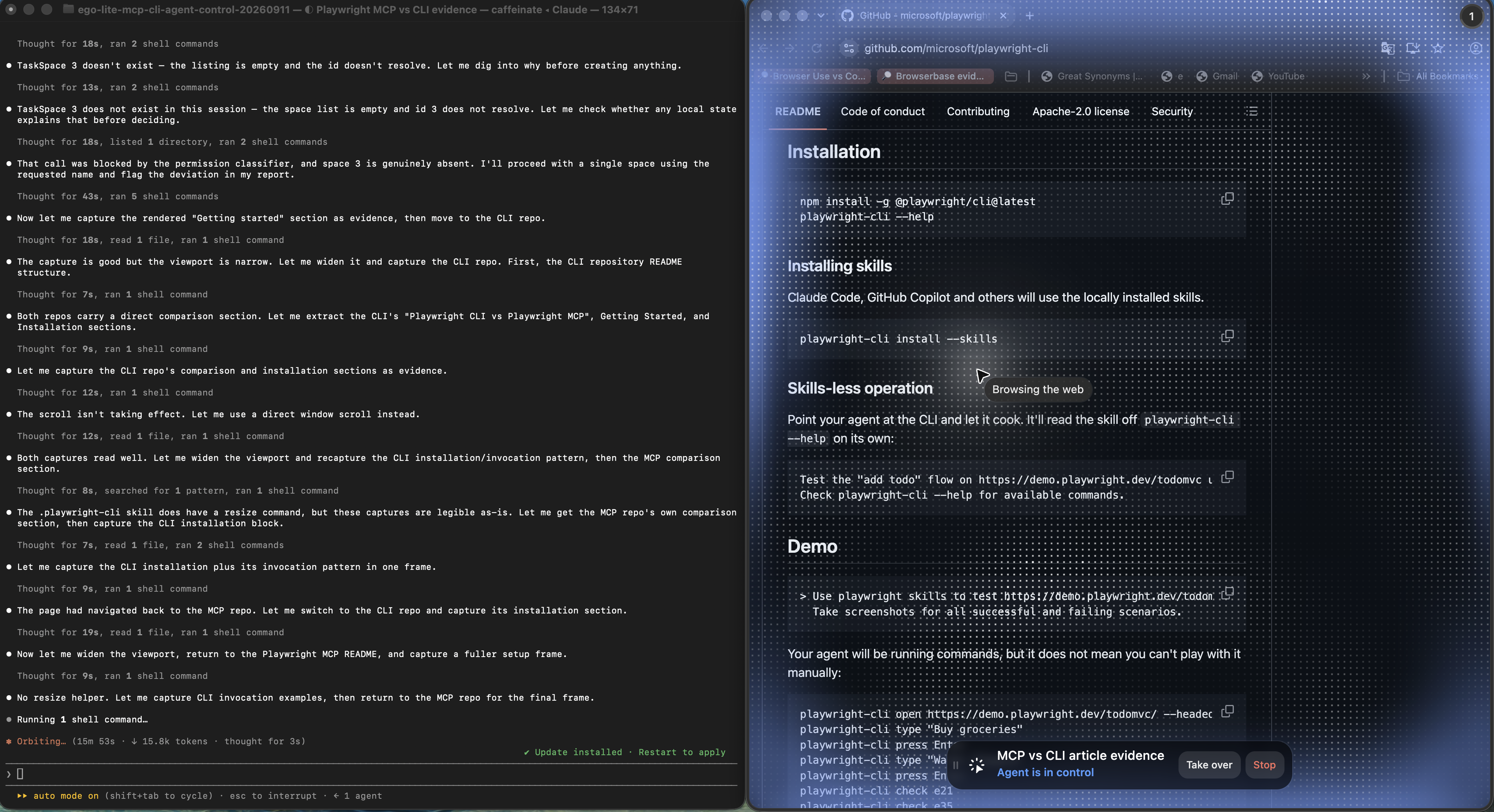
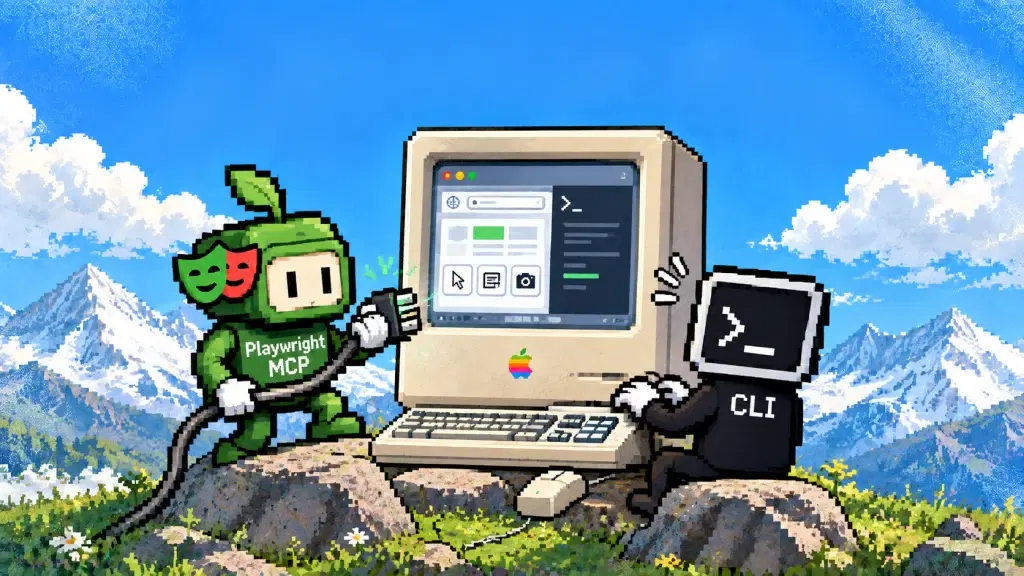
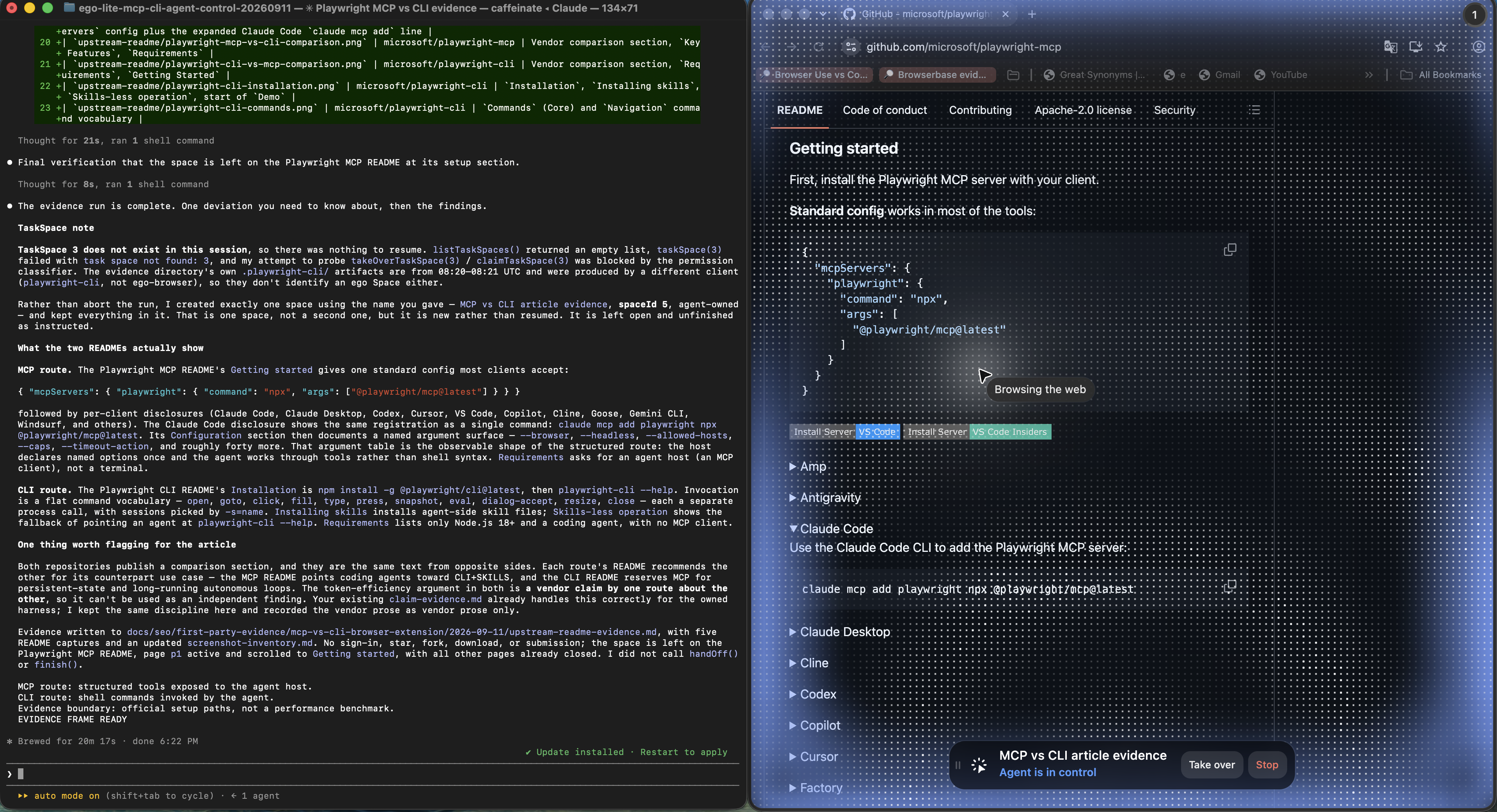
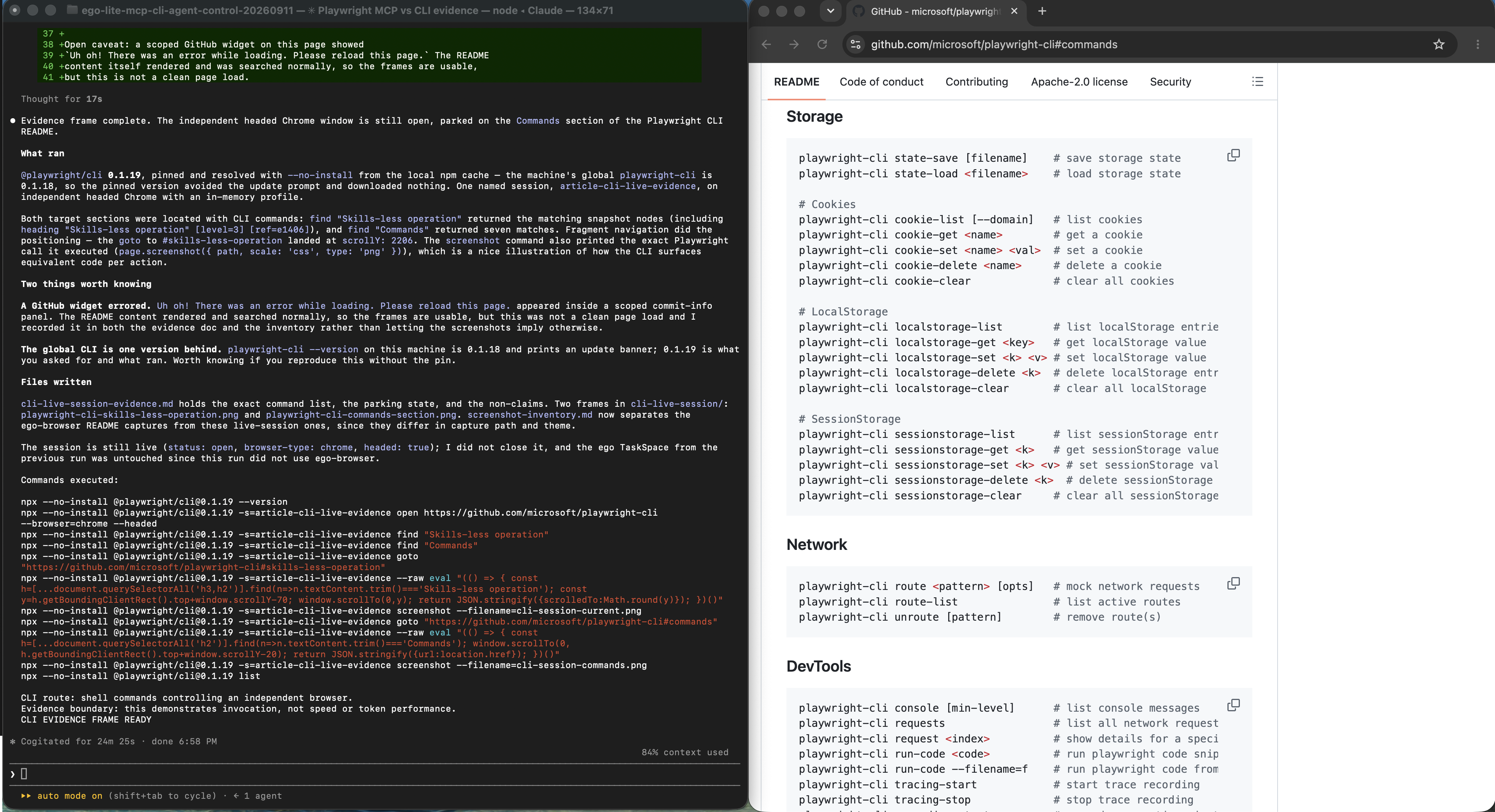
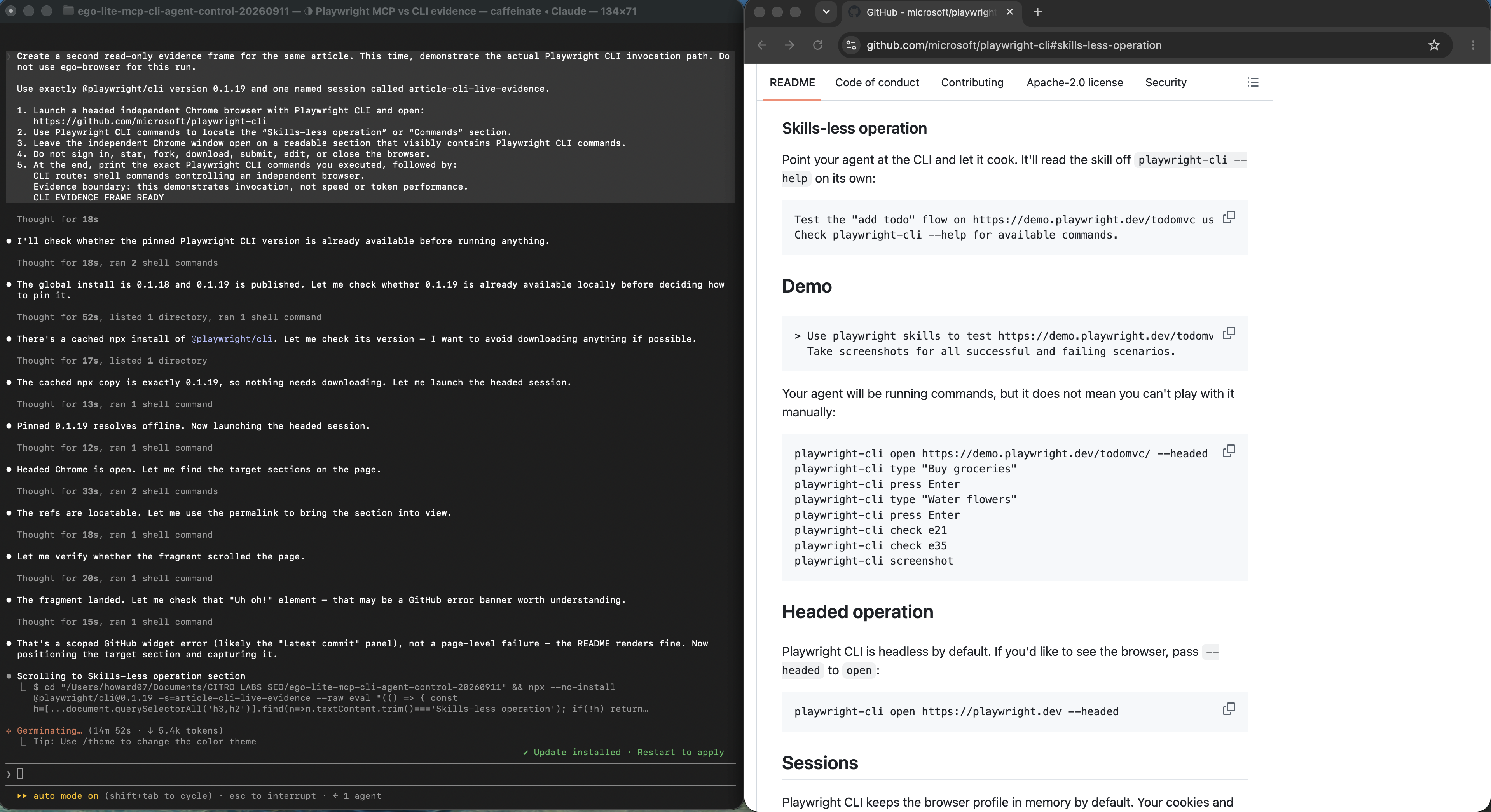
Both can wrap the same implementation. In our experiment, Playwright powered both routes. The browser task did not become more or less capable because one command crossed JSON-RPC and the other crossed a shell; the discovery, output, session, and policy surface changed.
How do discovery and context cost differ?
MCP makes discovery machine-readable. That helps a host decide what can be called and gives a model descriptions and argument shapes. The cost is that a large catalog or verbose tool results may occupy meaningful context if a client loads them eagerly. Clients can mitigate this with server selection, search, tool groups, result files, bounded snapshots, and concise outputs.
A CLI does not eliminate context. The agent still needs command names, flags, examples, and returned output. A well-designed skill can load only the relevant command recipe and ask the CLI for compact JSON or a result file. A poorly designed CLI can dump megabytes or force repeated help calls. Compare the bytes and model-visible content of the actual route, not slogans such as ‘zero-token CLI.’
Which interface is safer?
Neither interface is inherently safe. MCP can describe a tool as read-only or destructive, but the specification warns clients not to trust annotations from an untrusted server. The host still needs server trust, user consent, authentication, target restrictions, timeouts, logging, and a way to revoke credentials.
A CLI can be strongly contained with a narrow executable allowlist, fixed working directory, scrubbed environment, non-admin user, filesystem sandbox, and argument validation. It can also become dangerous if an agent receives a general shell with secrets, command substitution, broad file access, or production credentials. Avoid placing secrets directly in prompts or command arguments where process and transcript logs may retain them.
Browser extensions add their own boundary. Review requested permissions, host patterns, content-script scope, update provenance, native-messaging bridges, and whether the user can see and interrupt actions. ‘Runs in my browser’ is neither proof of safety nor proof of risk; the permission and data-flow graph decides.
How portable is each approach?
MCP can keep a stable client-facing contract while the server runs as a local process or service, but authentication, transports, filesystem paths, and server installation still vary by host. CLI tools travel well where the target operating systems, runtimes, binaries, and shells are compatible. Scripts must account for quoting, path separators, browser availability, and version pinning.
Extensions are tied to a browser's extension APIs, permission model, store or enterprise distribution, and user profile. They are useful precisely because they live close to a real browser, but that makes them less portable to headless servers or non-browser tasks.
What happened in our same-task test?
Both routes opened an owned page, filled a field, waited for delayed products, found duplicate controls, survived a DOM replacement, observed an intentional HTTP 503 and a successful request, and closed the browser. Each route used nine task calls or commands, repeated three times.
| Observed median | Playwright MCP 0.0.80 | Playwright CLI 0.1.19 |
|---|---|---|
| Task success | 3 of 3 | 3 of 3 |
| Calls/commands | 9 | 9 |
| Returned UTF-8 bytes | 22,235 | 1,737 |
| Tool catalog | 24 tools; 18,569 bytes | Not returned automatically |
| Wall time | 2,165 ms | 14,544 ms |
The wall-time result points in the opposite direction from the byte result because the CLI harness intentionally launched nine separate npx processes and reattached to a named session. A persistent wrapper or batched command can change that result. The defensible conclusion is narrower: in this configuration, MCP exposed richer discovery and returned more text; CLI returned concise output but moved discovery outside the task calls.
When should you use MCP, CLI, or both?
Prefer MCP for a host-facing capability that must be discoverable, typed, consented, and swappable across clients. Prefer CLI for deterministic local operations, existing engineering tools, build steps, repository work, or commands whose file and exit-code contracts are already strong.
Use both when the boundary earns it. A governed MCP server can expose a narrow business action while the coding agent uses CLI commands for local validation. A CLI can manage server installation and diagnostics while the active task uses MCP tools. Avoid exposing the same high-risk action through several uncontrolled routes unless authorization and audit behavior are truly equivalent.
Add a browser extension only when the task needs an existing tab, user-visible state, or browser-only APIs. Prefer a clean automation profile or direct protocol when a personal profile is unnecessary.
What are ego(lite) and the ego-browser Skill?
Separate the product from its control interface. ego(lite) is a complete local Chromium browser for people and AI agents; in product-category terms, it is an agent browser. It is not an AI agent, browser extension, MCP server, or cloud browser. A compatible agent uses ego-browser to act directly in the page, with no extension bridge to install, pair, or keep connected, and nothing competing for your current tab or window focus. The user can watch, pause, or take over. Although the Skill is launched from a shell entry point and executes JavaScript, it is not a command-at-a-time CLI workflow.
An agent writes a JavaScript program and runs it through ego-browser's shell entry point. The workflow can navigate, wait, inspect, click, and extract in one run, then return only the selected result to the model, so the model sees the outcome rather than every intermediate step.
ego-browser nodejs <<'EOF'
const task = await taskSpace("review dashboard");
const page = task.page("p1");
await page.goto("https://app.example.com/reports");
const title = await page.title();
console.log({ title });
await task.finish({ keep: [] });
EOF
This is a valid third route because the useful comparison is the execution model, not the executable's name. MCP exposes discoverable structured tools and usually returns after each tool call. A command-at-a-time CLI exposes individual shell operations. The ego-browser Skill instead executes a multi-step JavaScript workflow outside the model's context against a dedicated visible Space. The shell launches the Skill; it does not turn the Skill into the CLI category.
For a deeper explanation of why batched JavaScript changes context cost and model round trips, read our technical breakdown of the out-of-context route.
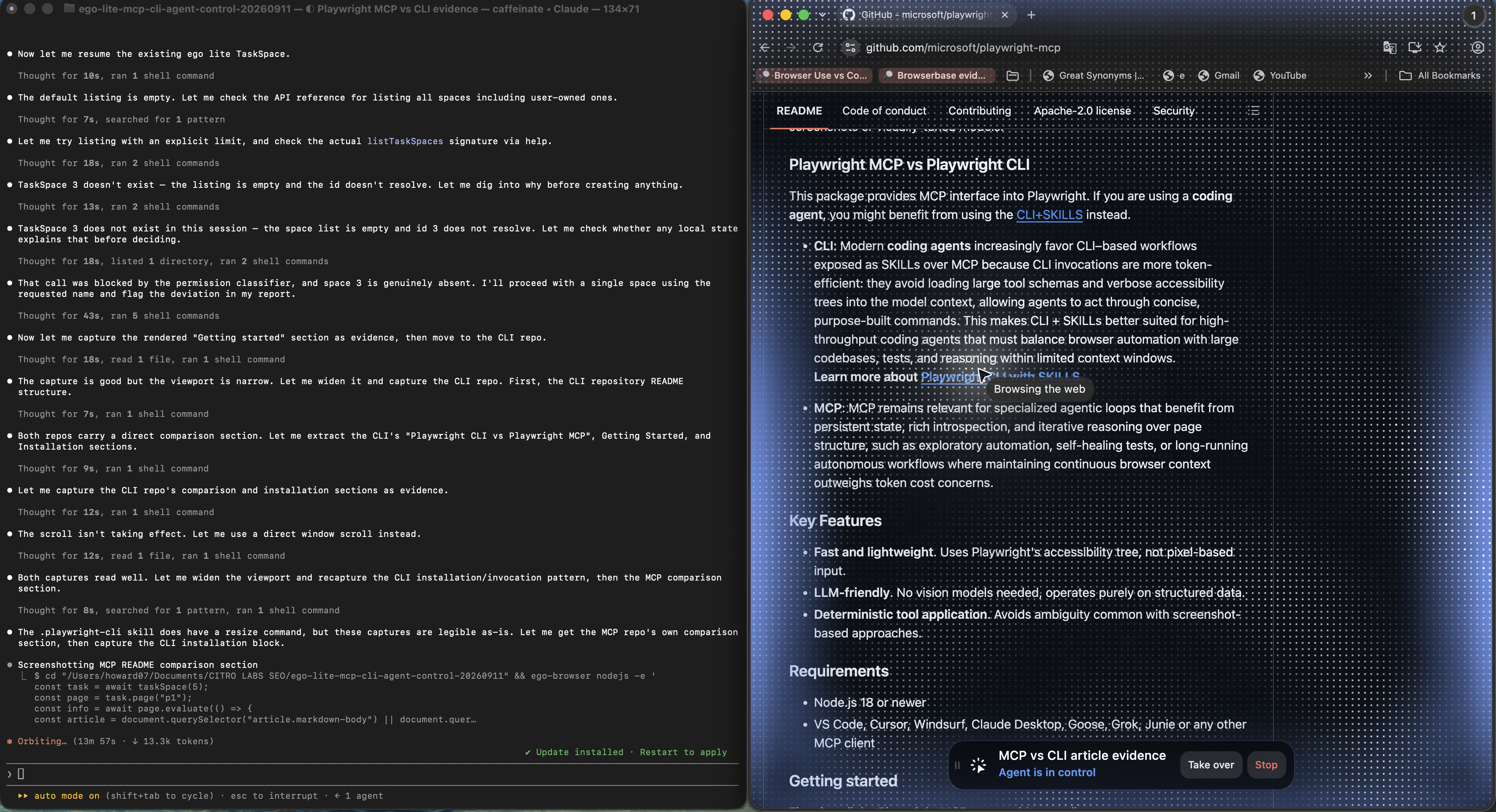
In our September 11, 2026 controlled run, ego-browser 0.5.0.31 resumed an ego(lite) Space, waited for delayed fixture data, identified two duplicate Beta controls, and opened a separately verified receipt tab, all while the user's own tabs stayed untouched.
Choose this route when an agent needs a visible, user-authorized browser Space, multi-step JavaScript should run outside the model loop, and human takeover matters. Choose MCP when the host needs standardized tool discovery and governed calls; choose CLI when the work already fits stable commands, files, pipes, and exit codes. Prefer an API, ordinary HTTP request, disposable test browser, or deterministic Playwright suite when those solve the task with a smaller trust surface.
How should you validate the choice?
- Freeze one representative task, versions, host, credentials, and stop conditions.
- Count model-visible schema and result content with a declared denominator; do not estimate tokens from character counts.
- Record invocation failures, wrong-tool choices, permission prompts, secret exposure paths, and recovery work.
- Repeat in alternating order and retain failures instead of averaging them away.
- Test the actual deployment boundary: local, remote, container, browser extension, or existing profile.
- Choose the simplest route that meets discovery, security, portability, observability, and maintenance requirements.
Which official sources define the layers?
Use the current MCP architecture specification and tools specification for the protocol claims. The tested implementations are documented in the official Playwright MCP and Playwright CLI repositories.
Treat browser access as a separate permission surface; Chrome documents its model in Declare permissions. The ego-browser example was checked against the current ego(lite) quick start on September 11, 2026.
FAQ
Does MCP use more tokens than CLI?
It can when a client loads large tool schemas or verbose results, but there is no universal percentage. CLI help and output also consume context. Measure the actual client, server, skill, and task with real telemetry.
Can a CLI be an MCP server?
Yes. An MCP server can validate a structured call and invoke an existing CLI underneath. The wrapper should preserve error semantics, restrict arguments, and avoid duplicating an unsafe general shell.
Is a browser extension safer than MCP?
Not by category. Compare exact extension permissions, host policy, credentials, update path, user visibility, and revocation. MCP describes invocation; an extension describes browser-side access.