Browser agent with local Ollama models: setup and limits

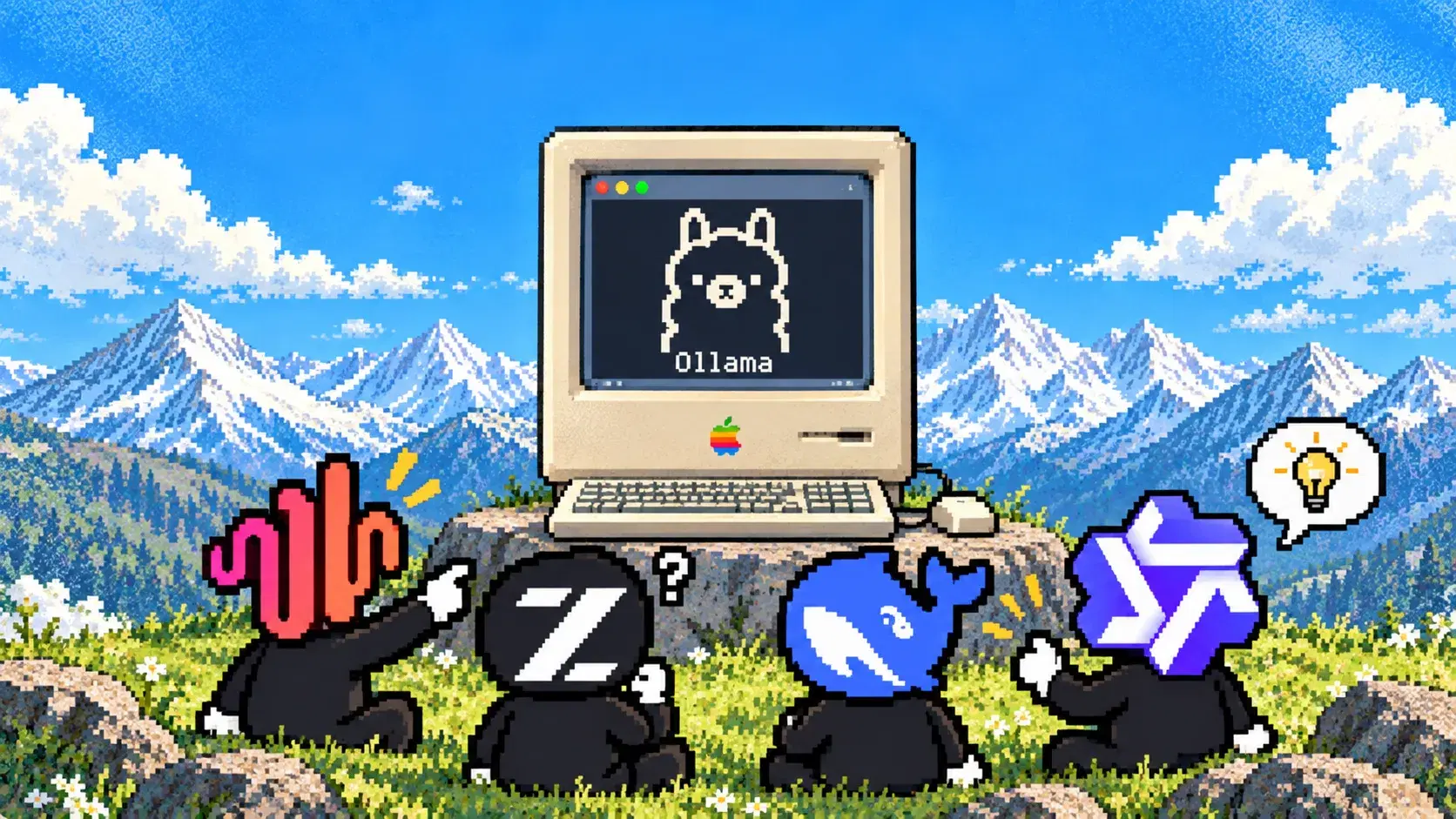
A local Ollama model can drive a real browser, but the model is only one part of the setup. You also need an agent harness that can turn tool calls into actions, a browser layer that can actually execute them, and enough context to keep the page state in memory across multiple steps. If any one of those pieces breaks, the agent may still respond normally while the browser never moves.
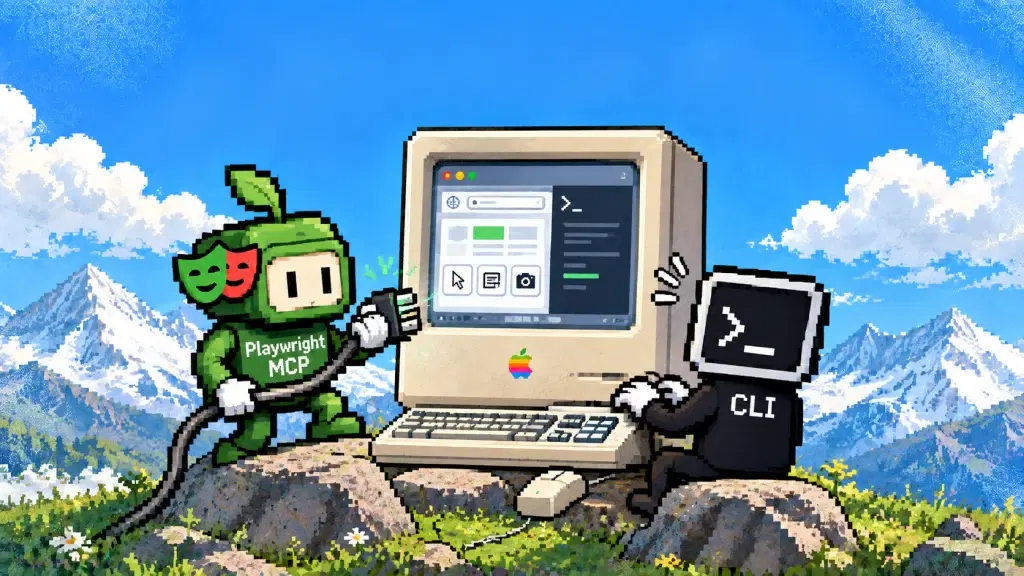
There are several ways to wire that stack. Playwright MCP exposes browser tools to an MCP client, Browser Use connects through its Ollama wrapper, and ego(lite) pairs a local model with a visible Chromium Space through the ego-browser skill. The ego(lite) route is useful when you want the model, browser session, and page data to stay on the same machine while still keeping the run visible and available for takeover. Whichever route you choose, tool-call reliability and context size usually matter more than the browser itself.
The practical limits show up quickly. Ollama can start with a context window as small as 4,000 tokens on lower-memory machines, while its own documentation recommends at least 64,000 tokens for agent workloads. Local inference removes the per-token API bill, but memory pressure, latency, and retries still determine whether a browser task actually finishes. The examples below are based on official documentation checked on September 20, 2026; this article does not present first-hand benchmark results from this machine.
Can a local Ollama model drive a browser agent?
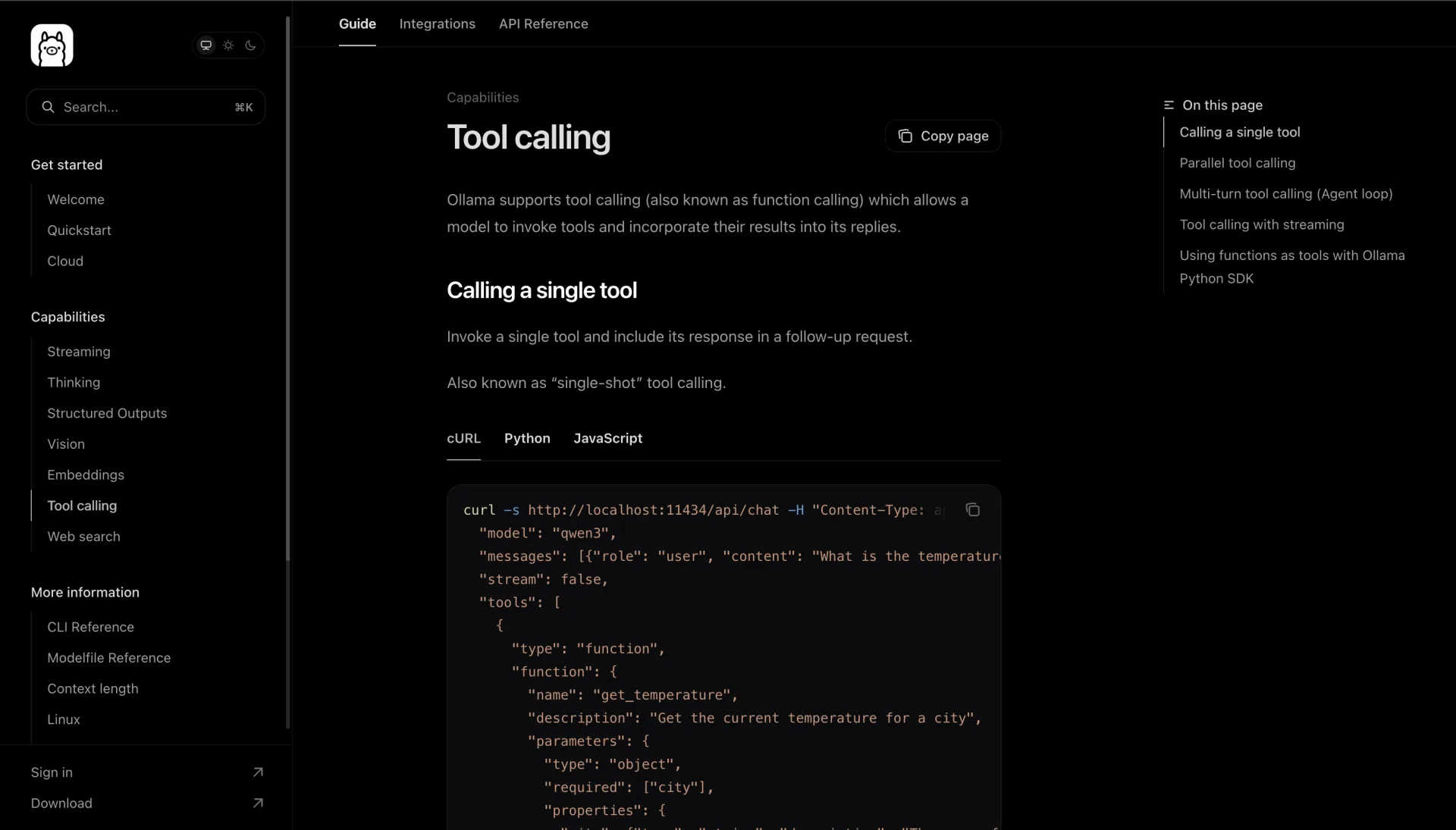
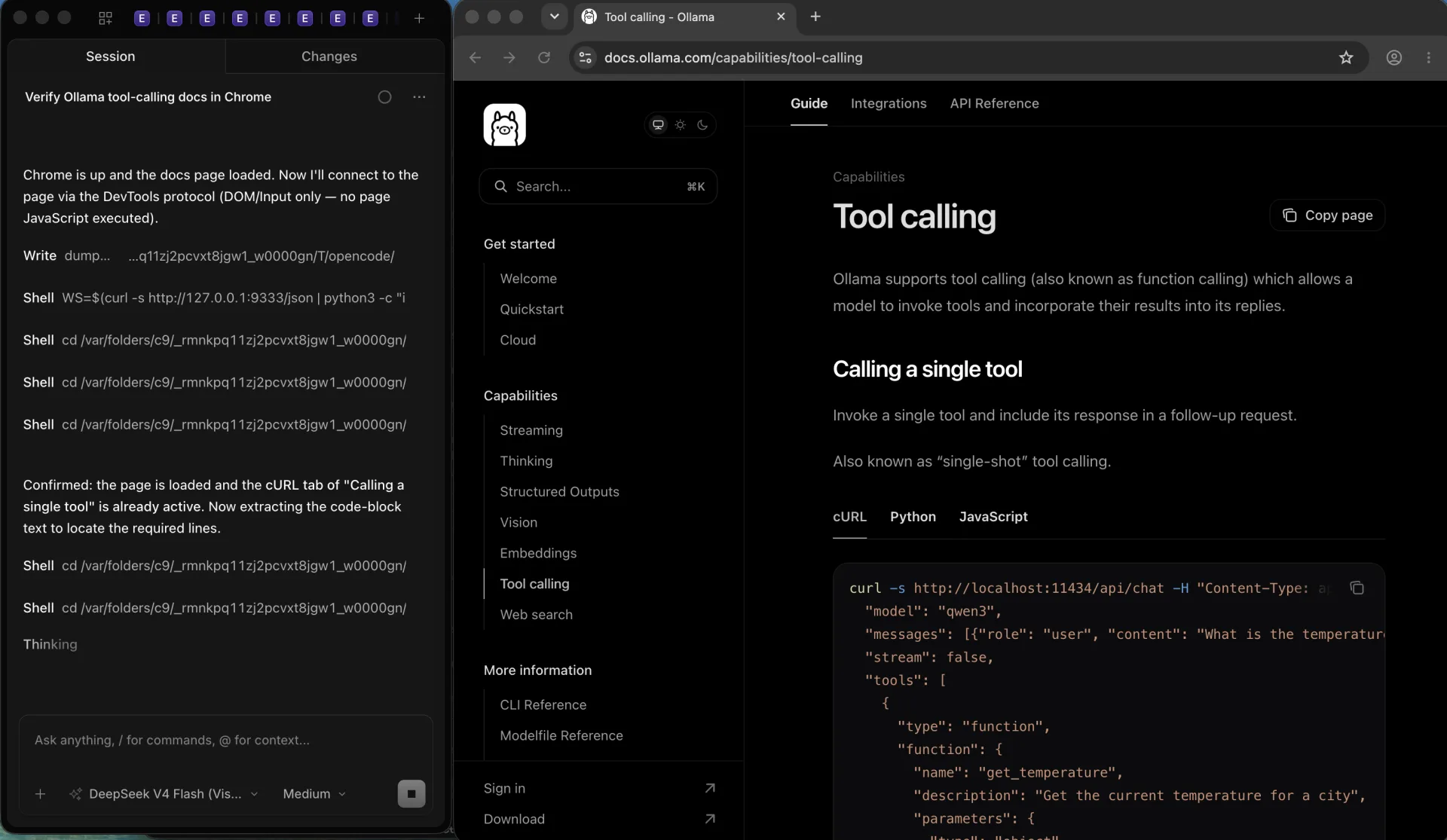
A browser agent does not need a frontier model to move a browser. It needs a model that returns a structured tool call, an agent harness that turns that call into a browser action, and enough context to hold the page state the harness returns. Ollama's documentation demonstrates a complete agent loop with qwen3, including parallel tool calls and a multi-turn loop, and its web-search example drives a search agent with the much smaller qwen3:4b.
What changes with a real browser is volume. A single page observation can run to thousands of tokens, and a workflow may need dozens of observations before it finishes. A model that calls one tool correctly in a demo can still fail on the tenth call, after the context has filled with snapshots and earlier results.
Choose the access route before the model. If a plain HTTP request or an official API already returns the data, use it: it is faster, cheaper, and easier to keep running than any browser agent. A browser is the right answer when the workflow needs a real session, such as a login an HTTP client cannot complete, content rendered after load, pagination, form filling, or multi-step verification that only works in a visible browser.
Which Ollama models can actually call browser tools?
Ollama's model library has a Tools filter, and that filter is the first honest screen: it lists models whose publishers claim tool calling, not models that have been certified for browser agents.
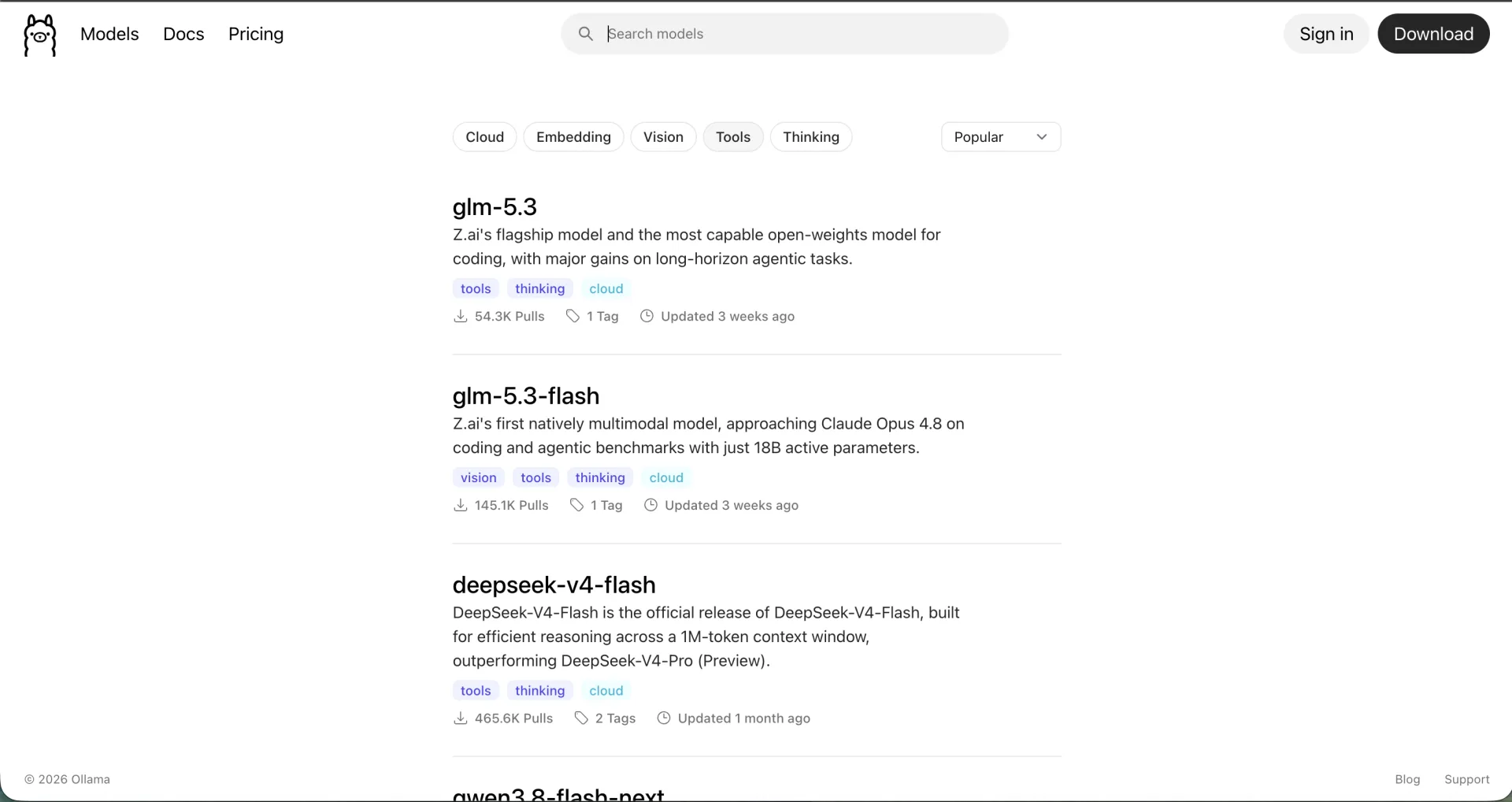
At check time the filter included local entries such as qwen3.8 27b, qwen3.6 at 27b and 35b, muse-glimmer 30B, nemotron-3.5-lightning 30B, ornith at 9b and 35b, laguna-s-2.1, and granite4.1 at 3b, 8b, and 30b. Other entries in the same list, such as glm-5.3 and deepseek-v4-flash, are cloud models and do not run on your machine. Library listings change, so open the filter and read the tags again before you download.
Two official examples set the practical floor. Ollama's tool-calling guide uses qwen3 for single, parallel, and multi-turn tool calls. Browser Use's model guide documents a local Ollama wrapper as ChatOllama with llama3.1:8b, an 8B model, while warning that some models return the browser action schema in the wrong shape and that concrete examples of the correct format belong in the prompt.
The pattern to expect: schema discipline matters more than raw size. A smaller tool-tagged model that emits valid calls will finish more browser tasks than a larger model that narrates what it would do. Test one tool call before you attempt a full workflow.
What hardware and memory does a local browser agent need?
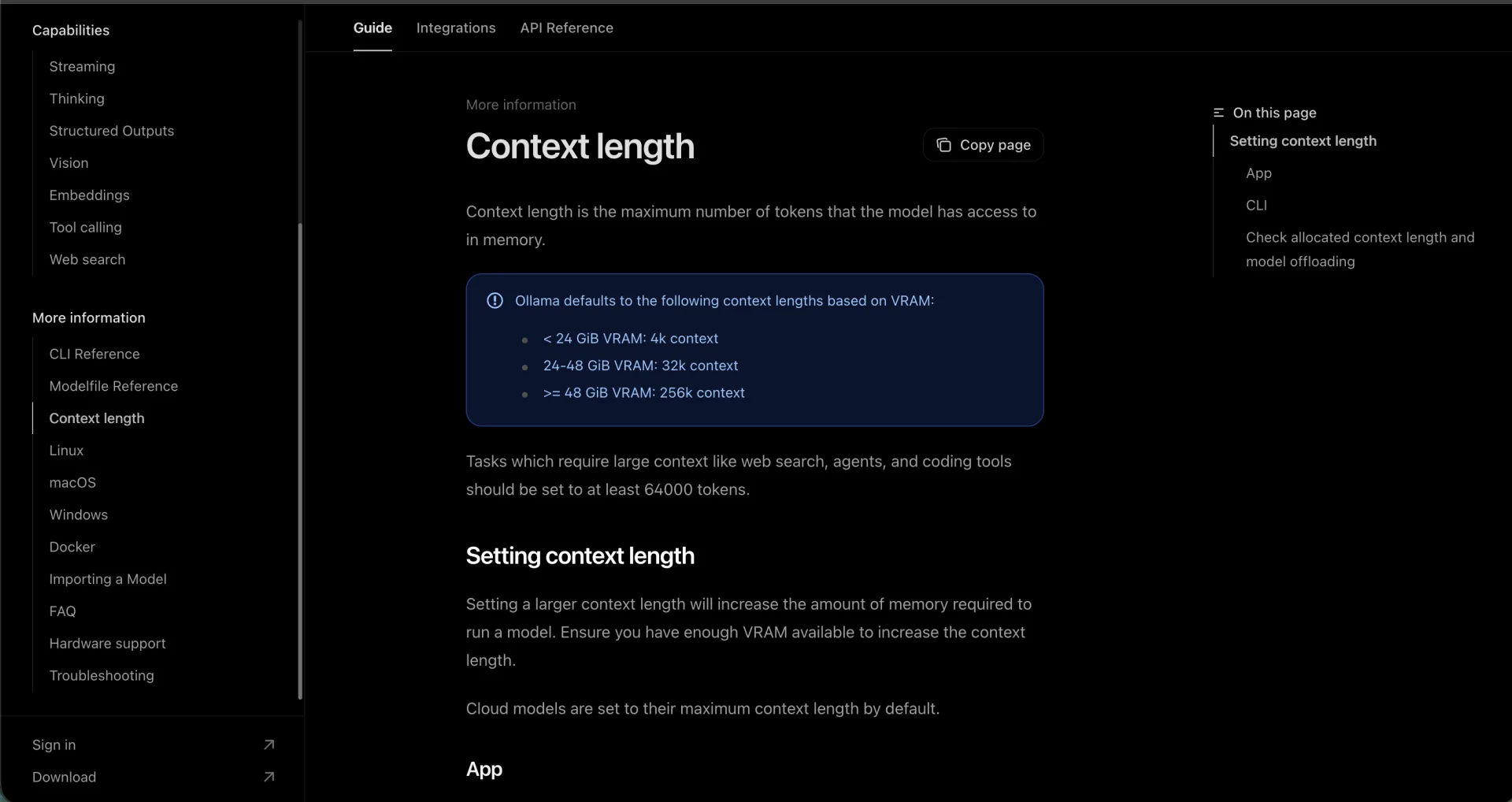
Ollama's context-length page ties the defaults to memory: under 24 GiB of VRAM the default is 4k tokens, 24 to 48 GiB defaults to 32k, and 48 GiB or more defaults to 256k. The same page recommends at least 64,000 tokens for agents, web search, and coding tools, and warns that a larger context needs more memory. The FAQ still documents a 4096-token baseline for lower-memory machines.
Two more rules matter for agents. On GPU, concurrent model loads require the model to fit entirely in VRAM. And if you raise parallel requests, Ollama's required memory scales with OLLAMA_NUM_PARALLEL multiplied by context length, so two parallel sessions can double the context memory.
Download size is not runtime memory. The ego(lite) local-model tutorial lists qwen3.8 27b as a Q4_K_M download of roughly 18 GB and notes that running it also needs memory for the context and for the other applications on the machine. Browser Use's Ollama example lists llama3.1:8b at 4.9 GB. A desktop browser, an editor, and the operating system compete for the same pool.
The ground-truth command is ollama ps, which reports the model's SIZE, the PROCESSOR split such as 100% GPU or 100% CPU, the allocated CONTEXT, and how long the model stays loaded. Models are unloaded after five minutes by default, so a browser workflow with long pauses may pay a reload each time.
How do you wire Ollama to a browser agent?
The wiring has three layers: Ollama serves the model, the agent harness plans and calls tools, and the browser executes. Only the third layer differs between routes. The minimal local setup looks like this:
# 1. Install a tool-calling model
ollama pull qwen3.8:27b
ollama list

# 2. Serve Ollama with an agent-sized context window
OLLAMA_CONTEXT_LENGTH=65536 ollama serve

# 3. Check the OpenAI-compatible endpoint your harness will call
curl -fsS http://localhost:11434/v1/models
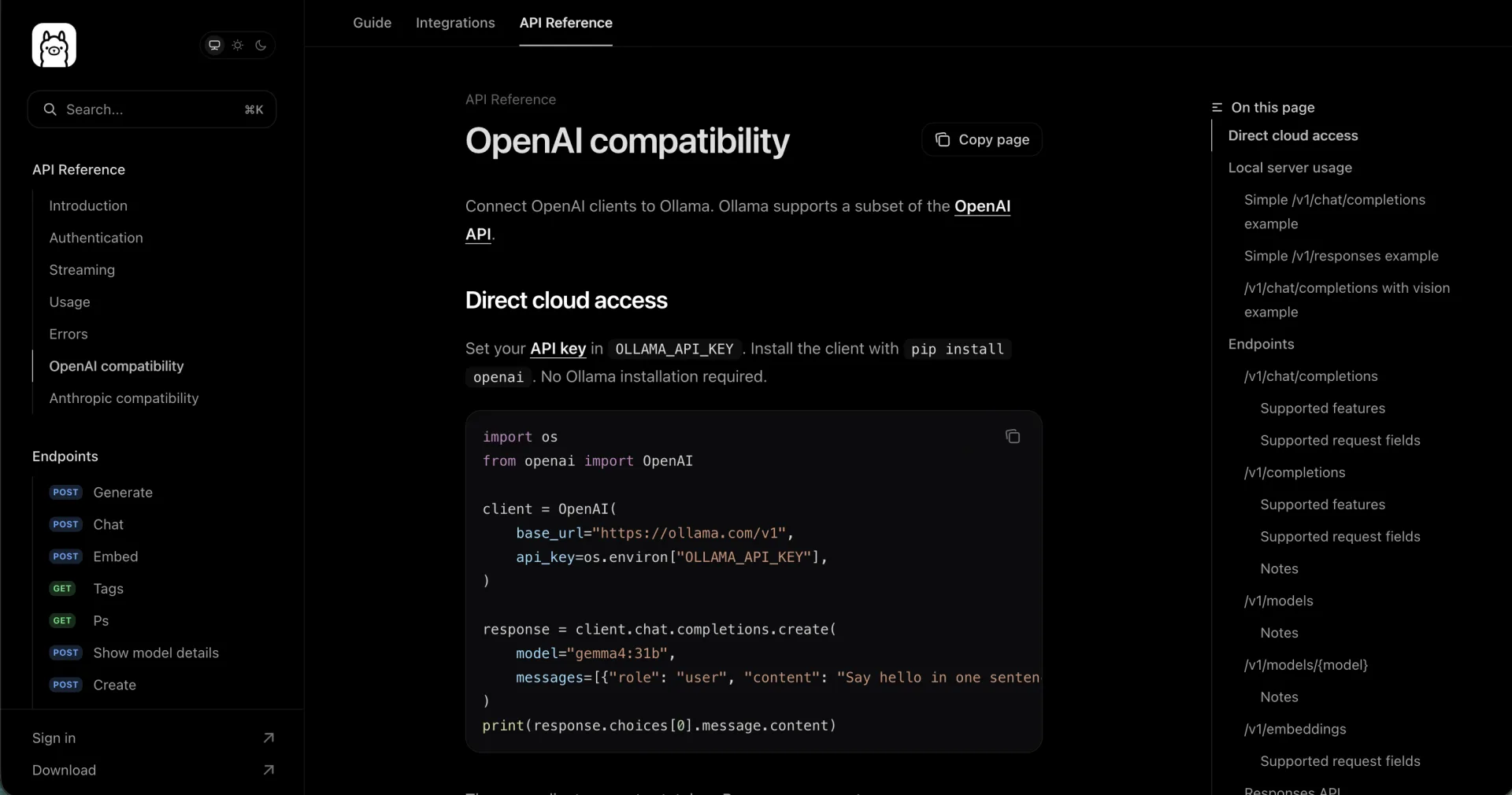
The OpenAI-compatible base URL is http://localhost:11434/v1; locally the API key value is required but ignored. If you use the Ollama app instead of the CLI, set the context length in its settings; there is no need to run both. Then pick one browser route:
| Route | What talks to the local model | What the browser is |
|---|---|---|
| OpenCode with the ego-browser skill | OpenCode runs as the agent; Ollama is configured as a provider | ego(lite) runs the visible Chromium session and the skill drives it with one Node.js script |
| Playwright MCP | The MCP client holds the model; the server exposes browser tools only | Playwright launches Chromium and returns accessibility snapshots |
| Browser Use | The Python library calls the local server through ChatOllama | A local browser or a cloud browser through the same library |
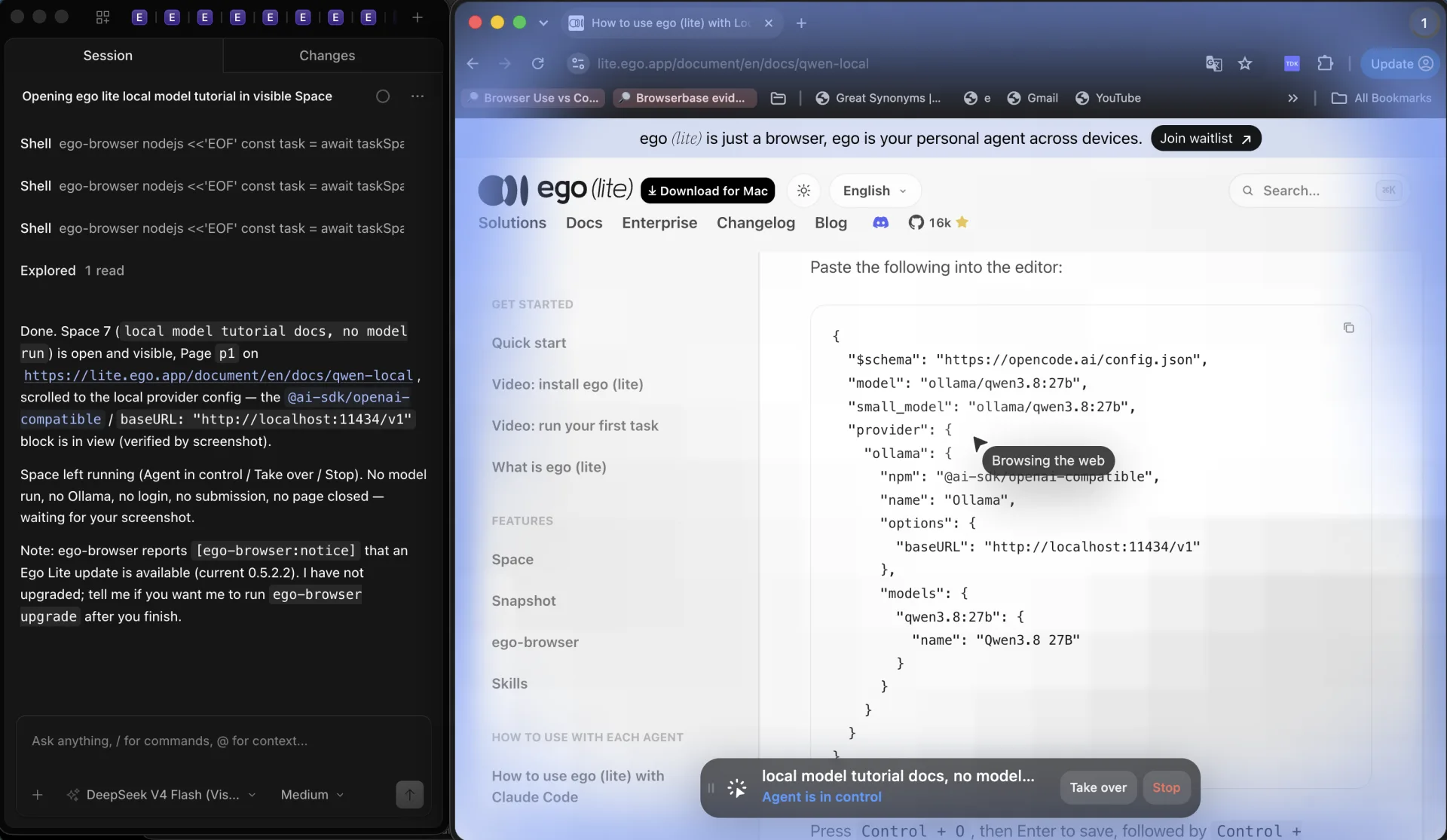
OpenCode with ego(lite) is the route with an official end-to-end local tutorial. Its opencode.json provider entry uses @ai-sdk/openai-compatible with the local base URL, and it sets qwen3.8:27b for both the main model and the small model. The tutorial then enables auto-accept permissions, loads the ego-browser skill, and starts OpenCode with the local model before asking for a first browser task.
Playwright MCP is model-agnostic in the sense that it exposes tools over the protocol and leaves the model to the client; Playwright's own documentation does not describe an Ollama integration. Expect the higher token cost the Playwright docs already attribute to MCP: tool schemas and accessibility snapshots enter the conversation. A local model with a small context window will feel that first.
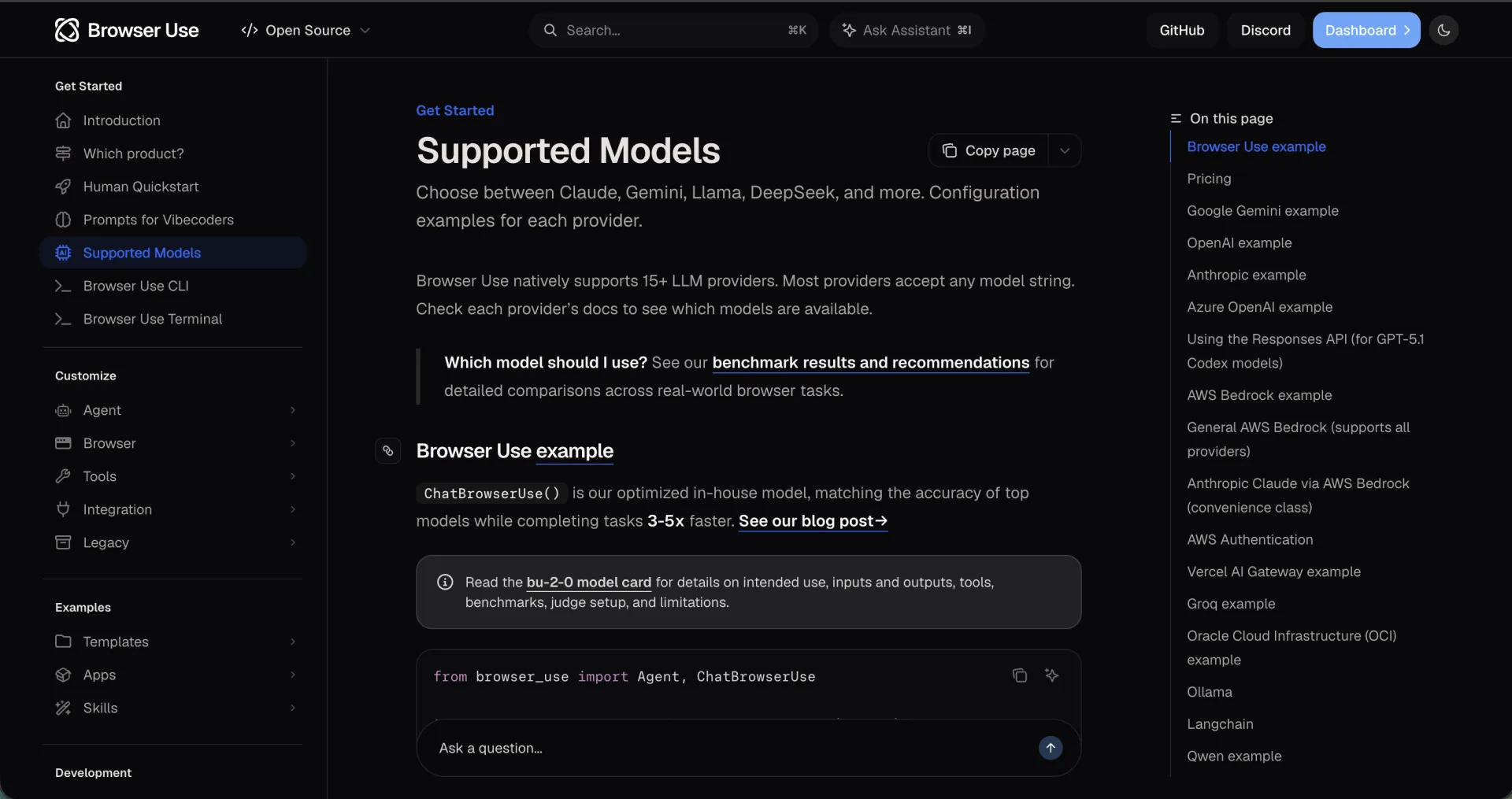
Browser Use is a Python library with a documented Ollama wrapper. The repository is MIT-licensed, and its README states that a local browser plus a local model through Ollama works subject to hardware and model requirements. Its docs point to benchmark results and recommend choosing a model by task, latency, and budget rather than assuming any model works.
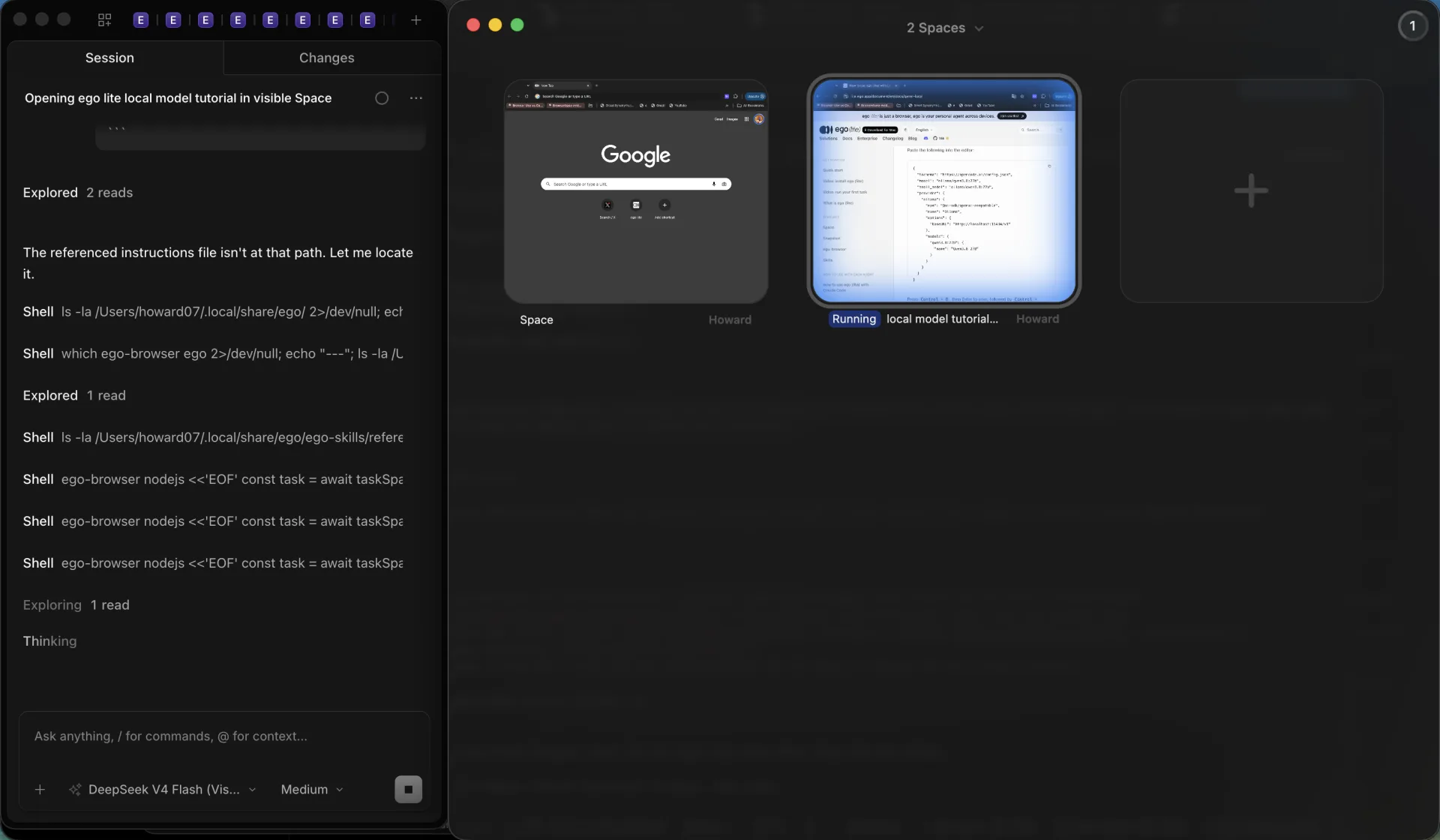
ego(lite) is the route where the browser and the model share one machine. It is a Chromium-based browser, and the agent drives it through the ego-browser skill or CLI rather than an extension or an open remote-debugging port. Onboarding writes the skill into the agent's skill directories, and a dedicated Space keeps the agent's tabs apart from yours, with the live page visible and takeover available. Use it when a plain HTTP request cannot finish the job: a login, content rendered after load, pagination, forms, or multi-step verification. The agent shows its input, works through the key steps in the Space, recovers from a failed step, and validates the result before reporting. If an HTTP request or an official API already returns what you need, that remains the cheaper route.
The honest limits: ego(lite) is not a drop-in replacement for Playwright or Puppeteer, a Space is a work-isolation boundary rather than a multi-tenant security sandbox, and a hosted model can still beat a local one on a hard task. The local advantage is that the browser session, the page data, and the model stay on your machine.
What breaks first: tool calls, context, or latency?
Tool-call reliability fails first and loudest. Browser Use's model guide documents models that return the action schema in a different shape than expected and recommends adding concrete format examples to the prompt. In the ego(lite) tutorial, the failure symptom is a model that answers in prose instead of issuing tool calls. Both are harness-level problems; neither is fixed by a bigger context window.
Context fails quietly. A snapshot-heavy page can spend thousands of tokens per observation, Playwright documents MCP as the higher-token-cost interface for exactly that reason, and Ollama's own web-search example truncates long tool output to fit. When the window runs out, earlier observations are dropped and the agent starts repeating work it already did.
Latency is the cost that stays visible. The ego(lite) tutorial states plainly that local generation speed depends on hardware, available memory, and context length, and suggests trying a smaller task when a run stalls. A model unloaded after the five-minute keep-alive adds a reload before the next step.
Debug in that order: confirm the tool call, then confirm the context window with ollama ps, then measure wall-clock time. Changing the model before checking those three hides the real cause.
When should you switch to a hosted model?
Switch when retries dominate. If the local model returns malformed calls on many steps, if the page needs long-horizon planning, or if the context window keeps filling before the task ends, a hosted model with a larger window and stronger instruction-following will finish more often than it costs.
Model choice is treated as a first-class variable by the harnesses themselves. The Browser Use repository recommends its own browser-optimized model and maintains a public benchmark for hard tasks, and its FAQ notes that the best choice depends on tasks, latency, and budget. That is a strong signal that no single local default is safe.
A split workflow is often better than a full switch: run short, sensitive, or repetitive steps locally and send the hard planning step to a hosted model. Remember the boundary: the moment a step reaches a hosted model, its prompt and page excerpt leave your machine.
Cost is not the only axis. Compare cost per completed task, not price per token, because a cheap model that needs three retries can end up more expensive than a strong model that finishes on the first attempt.
What do you gain on privacy and cost?
Ollama's FAQ states that local runs stay local: the company does not see your prompts or data when you run locally. Its cloud models are a separate service that processes prompts and responses to provide the service, without storing, logging, or training on them. The web search and web fetch APIs are also hosted and require an Ollama account and API key, so a search-enabled agent is not fully local.
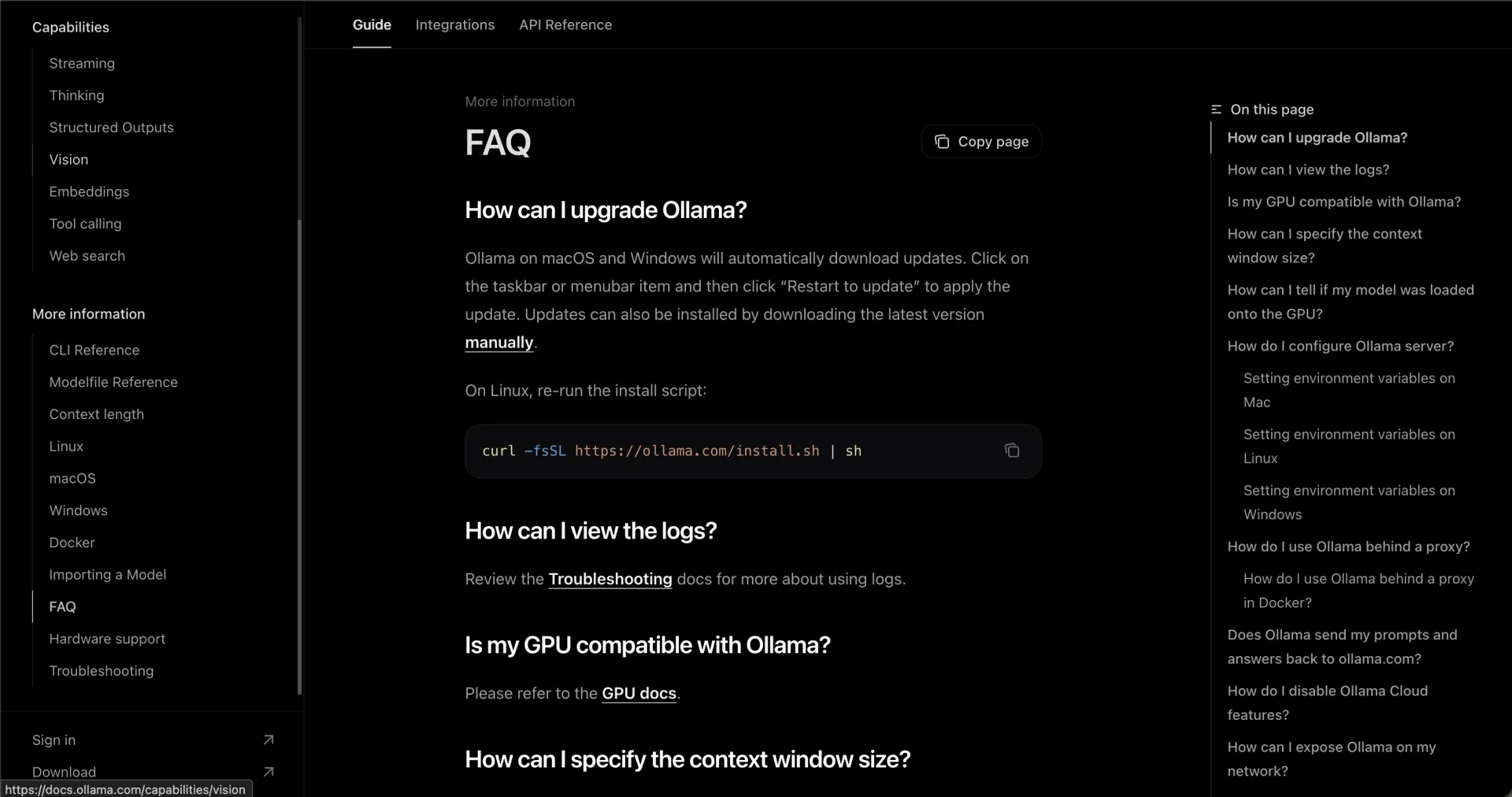
If local-only operation is the goal, Ollama documents disabling cloud features through disable_ollama_cloud in the server settings file or the OLLAMA_NO_CLOUD environment variable. The trade-off is explicit in the documentation: cloud models and web search stop working.
Cost follows the same split. Local inference has no per-token bill, but the browser agent runs on your memory, your electricity, and your time, and every retry is paid in latency rather than dollars. Hosted inference bills per token, and a hosted browser service can bill for browser time as well. Measure a full task, not one call.
For the browser layer specifically, ego(lite) runs the session on your machine: the page, the login state, and the snapshots are kept there, and page content goes to whichever model or tool the agent calls. That is the privacy argument for pairing a local model with a local browser, and it is also the argument's limit: it holds only while every step stays local.
What this guide verified, and what it did not run
This article is documentation work, not a benchmark. All facts above were read from official sources on September 20, 2026: Ollama's tool-calling, context-length, OpenAI-compatibility, web-search, and FAQ pages; the Ollama model library Tools filter; the Browser Use repository and its supported-models page; the Playwright MCP introduction; and the ego(lite) local-model, ego-browser, and changelog pages. The ego(lite) changelog listed version 0.5.0.32 as the latest entry at check time, and 0.5.0.28 added the current ego-browser skill and toolset on Chromium 152.
Nothing was executed on this machine. No model was downloaded, Ollama was not installed or run, no browser agent was started, and no latency, VRAM, token, or success-rate measurement was taken. Version-sensitive details such as context defaults, model sizes, and listing entries should be rechecked before you rely on them.
FAQ
Can a local Ollama browser agent run without a GPU?
It can run on CPU, and ollama ps will show 100% CPU, but the documentation recommends avoiding CPU offload for performance and notes that memory scales with context and parallelism. Expect slower generation and a smaller practical context window; a smaller tool-tagged model is the better starting point.
Which Ollama models handle tool calling?
Start from the model library's Tools filter rather than a fixed list, because entries change. At check time it included qwen3.8 27b, qwen3.6 27b and 35b, muse-glimmer 30B, nemotron-3.5-lightning 30B, ornith 9b and 35b, and granite4.1 3b, 8b, and 30b. The tag is a publisher claim: verify it with one real tool call.
Is Ollama's web search private?
No. Web search and web fetch are hosted APIs that require an Ollama account and API key, so queries leave the machine. Disabling cloud features also disables web search.
Does Playwright MCP officially support Ollama?
Playwright documents MCP as an interface for MCP clients, not as an Ollama integration. The model comes from the client; if that client can use a local Ollama model that calls tools, the MCP server does not need to know about it.
Why does my local agent say it clicked but nothing changed?
The harness did not receive a tool call, or the tool call did not reach the browser. The ego(lite) tutorial's fix is to confirm the browser skill is loaded and that the model emits tool calls instead of describing actions; the Browser Use guide's fix is to check the action schema and give the model concrete format examples.
Is ego(lite) a replacement for Playwright?
No. ego(lite) is a browser that an agent drives through its own skill and CLI, and its documentation states that the runtime is not a replacement for Playwright or Puppeteer. It fits local, visible, logged-in workflows; Playwright remains the better tool for repeatable headless tests and CI.
How much VRAM does a local browser agent need?
No official total exists, because weights, context, parallelism, and the rest of the desktop all share the same memory. The useful rule from the docs: keep the model fully in VRAM for best performance, set at least 64,000 tokens of context for agent work, then read SIZE, PROCESSOR, and CONTEXT from ollama ps.
A local Ollama browser agent is a real option for short, private, repetitive workflows on a machine with enough memory, and a painful one when the task demands long-horizon planning beyond a small context window. Wire one route, verify one tool call, read ollama ps, and let the measurements decide when a hosted model earns its bill.