












ego (lite) is just a browser, ego is your personal agent across devices.
Join waitlist
Airbnb web scraping for public listing data

Free Airbnb scraper with your AI agent

Use ego (lite) as a free Airbnb scraper for public listing data. Give your AI agent a search URL or list of listings, and it collects the prices, ratings, dates, and source links in a clean CSV or Markdown report.

Download for Mac(yes, free)

Trusted by developers from

OpenAIAnthropicGoogleMetaNVIDIACursorPerplexity
SpaceXTeslaNotionFigmaStripeNetflixAirbnb

How to scrape Airbnb data in 5 steps

Give your Agent a bounded set of Airbnb search or listing URLs, the fields you need, and a clear output contract. ego (lite) supplies the visible browser, a separate Space per task, and the takeover point for anything Airbnb wants a human to decide.

1

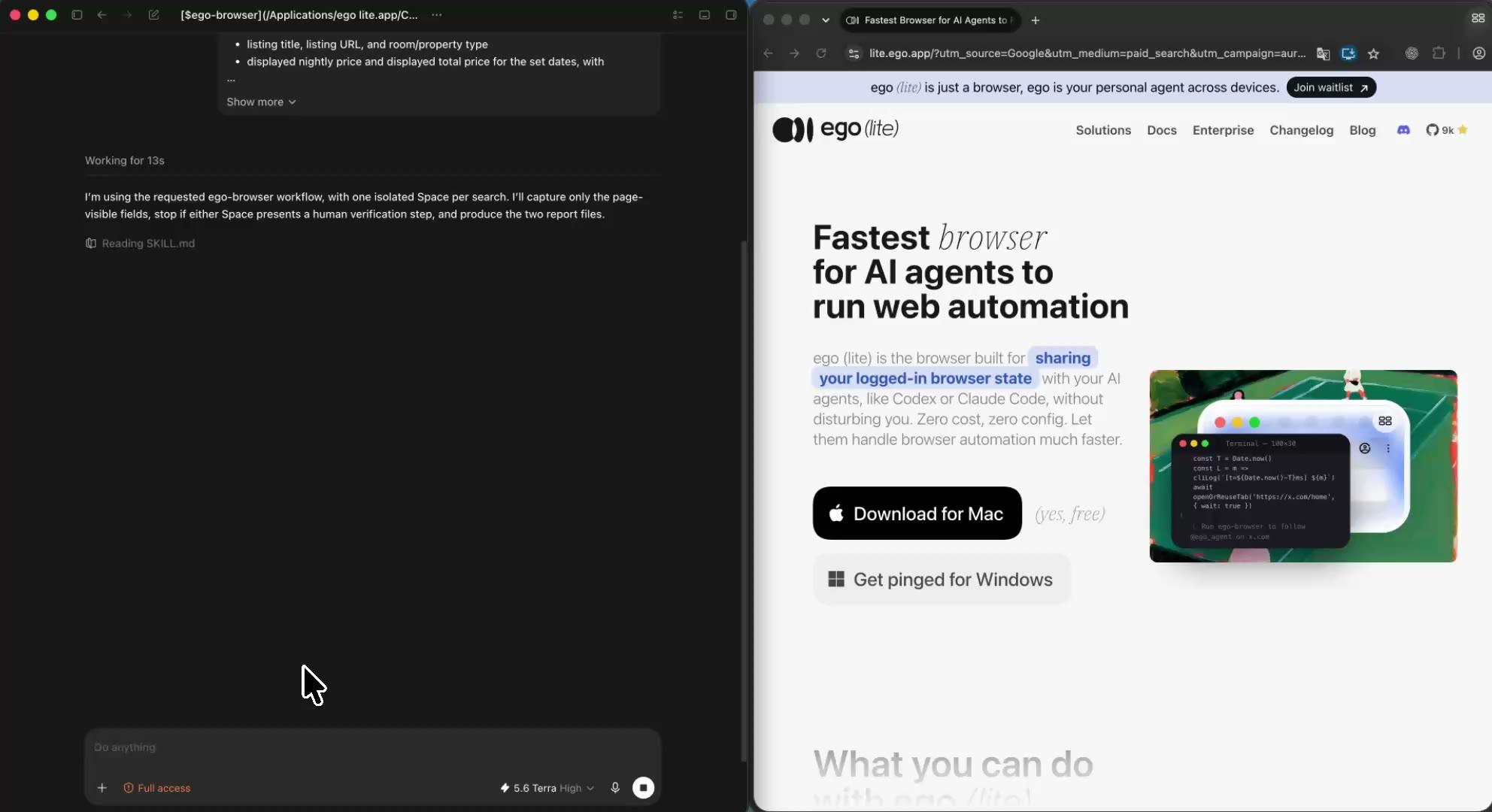
Install ego (lite) and choose an authorized browser context

Download ego (lite) for Mac, then import only the Chrome context you are authorized to use. Airbnb shows search results and listing pages to a signed-out browser, but what they display still depends on the session: currency, language, and region all shape the page. The Agent works inside the context you choose and never enters credentials or works around a check.
2

Send the Airbnb scraping prompt to your AI agent

Give your Agent a short prompt: the search URL with your dates and guest count already set, or the listing URLs, plus the fields you need and CSV or Markdown as the output format. Keep the rule that the Agent stops when Airbnb shows a CAPTCHA, a verification check, a login wall, or another human decision.

3

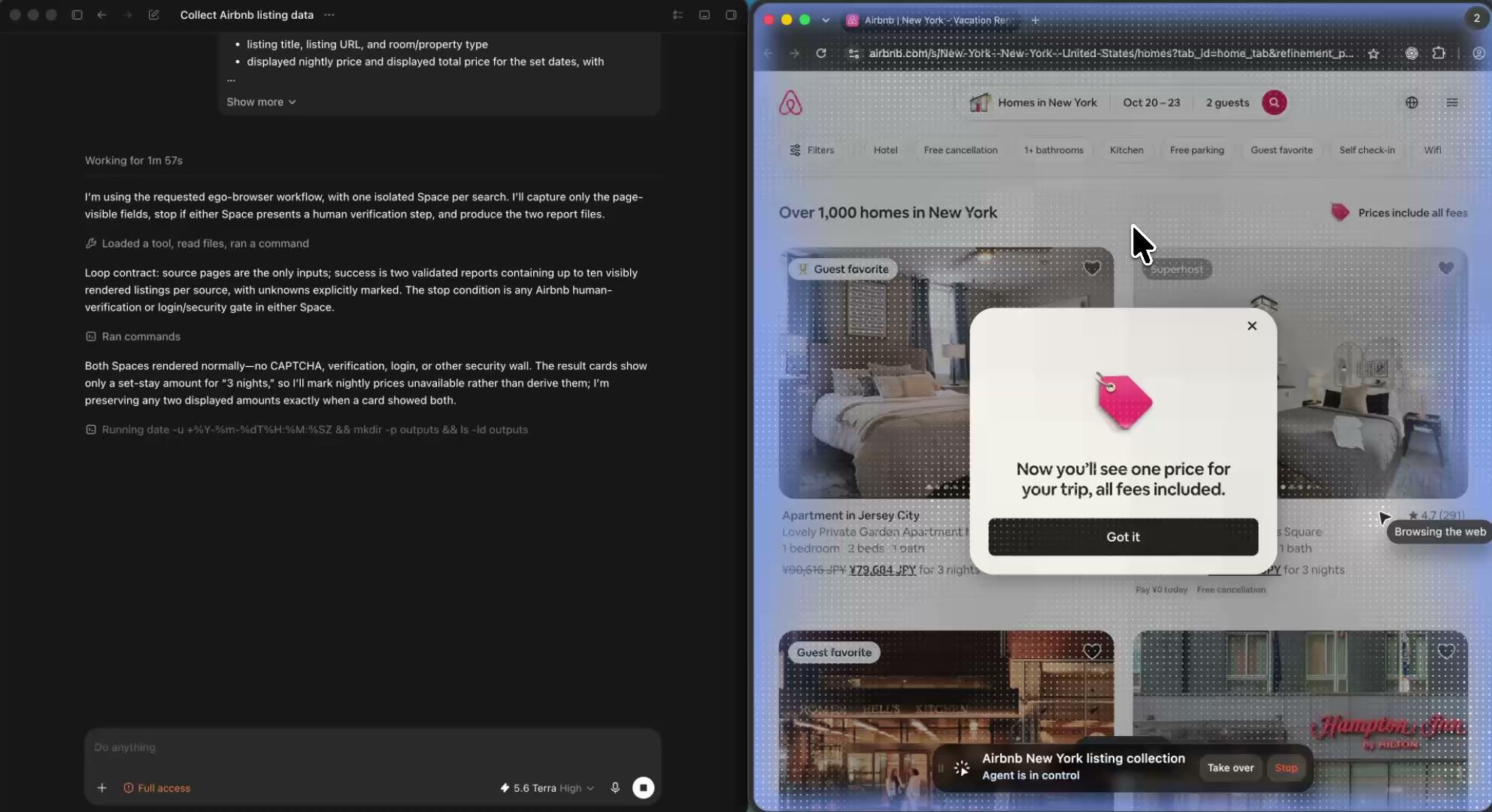
Watch each listing being read on screen

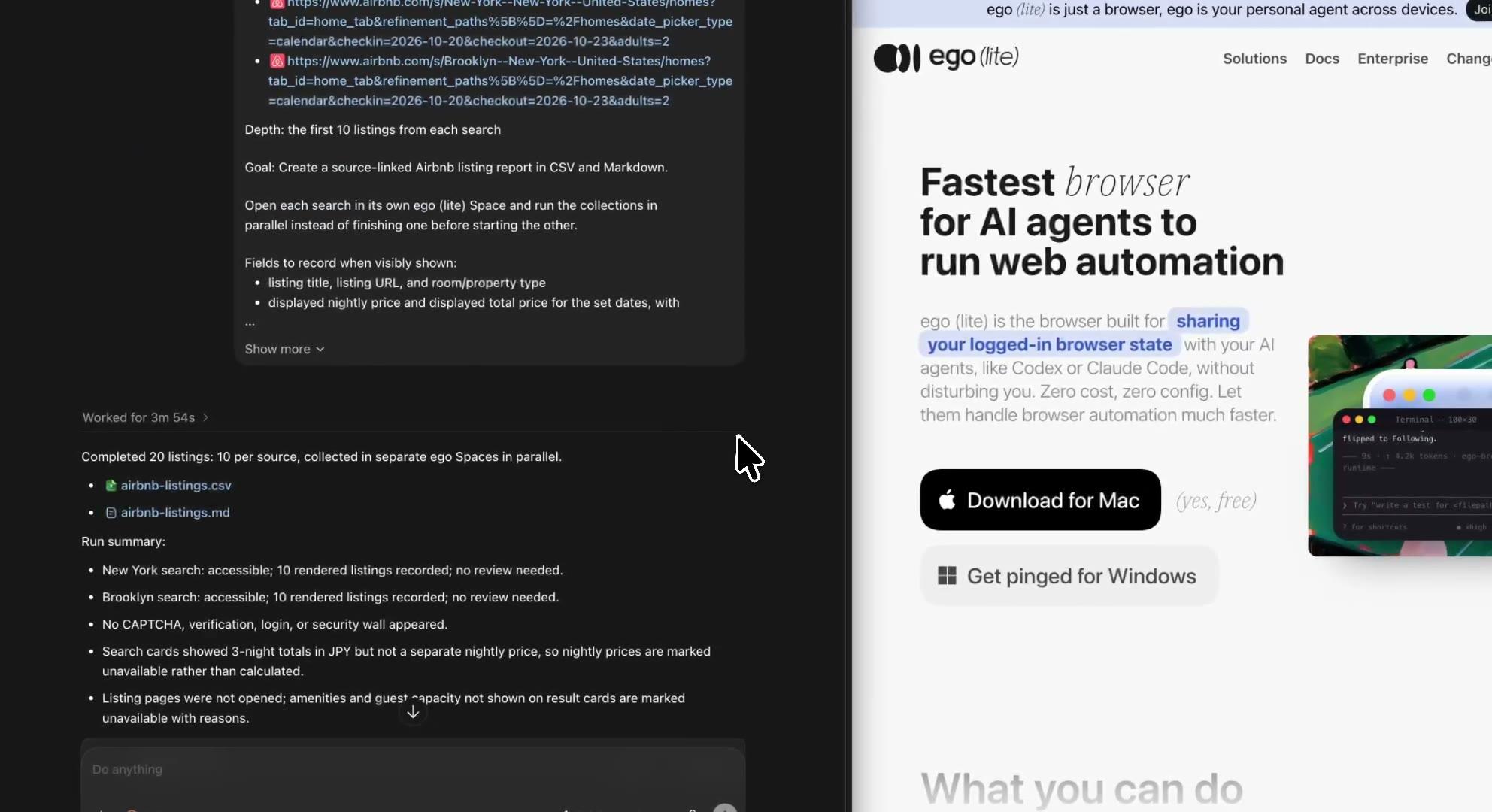
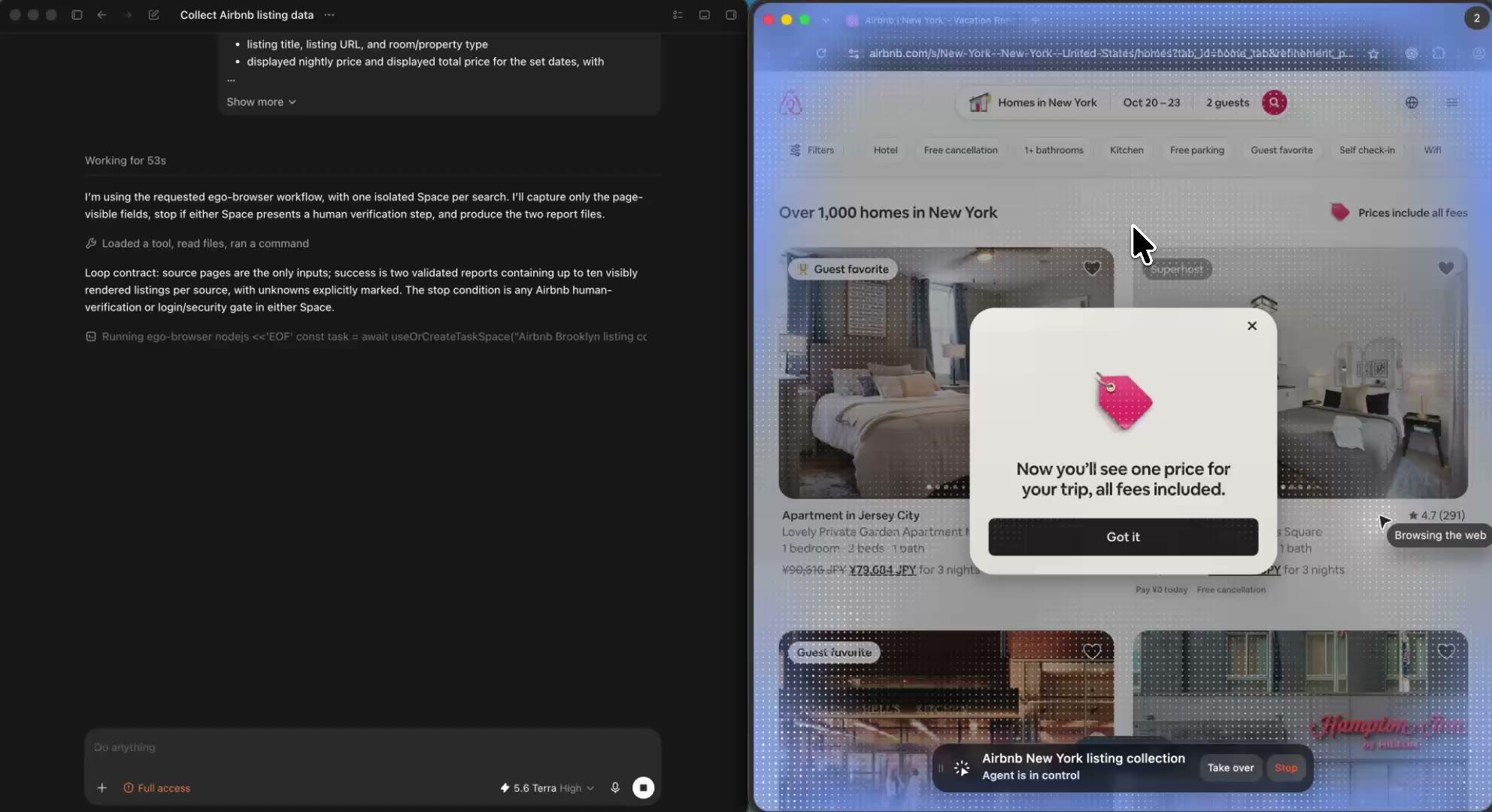
Your Agent works through the search results in its own ego (lite) Space and records the title, room type, displayed price, rating, and review count each card shows, then opens listings for the detail fields you asked for. Nothing happens off screen: open the Space at any point and you can see exactly which page a row came from.

4

Run several searches or areas in parallel Spaces

Give each neighborhood, date range, or listing set its own Space and let the collections run side by side without mixing browser state. Comparing two areas becomes part of the run instead of a second job, and your own tabs stay untouched while the Agent works.

5

Review the source-linked Airbnb report and flag anything odd

The Agent returns a CSV or Markdown report where every row keeps its listing URL, the search dates and guest count, the displayed currency, the checked-at time, and an access status. Fields a page did not display stay marked unavailable, and any page that hit a CAPTCHA, login wall, or removed listing is listed for your review.

Why use ego (lite) as your Airbnb scraper?

Most Airbnb scrapers are credit-metered cloud services whose answer to Airbnb's bot detection is proxy rotation you pay for, and the do-it-yourself scripts fight a JavaScript application they cannot render. ego (lite) keeps the browser visible, the searches separate, and the report tied to its sources. It also stops at Airbnb's checks instead of pretending they do not exist.

Finish this browser task 3.5× faster with ego (lite)

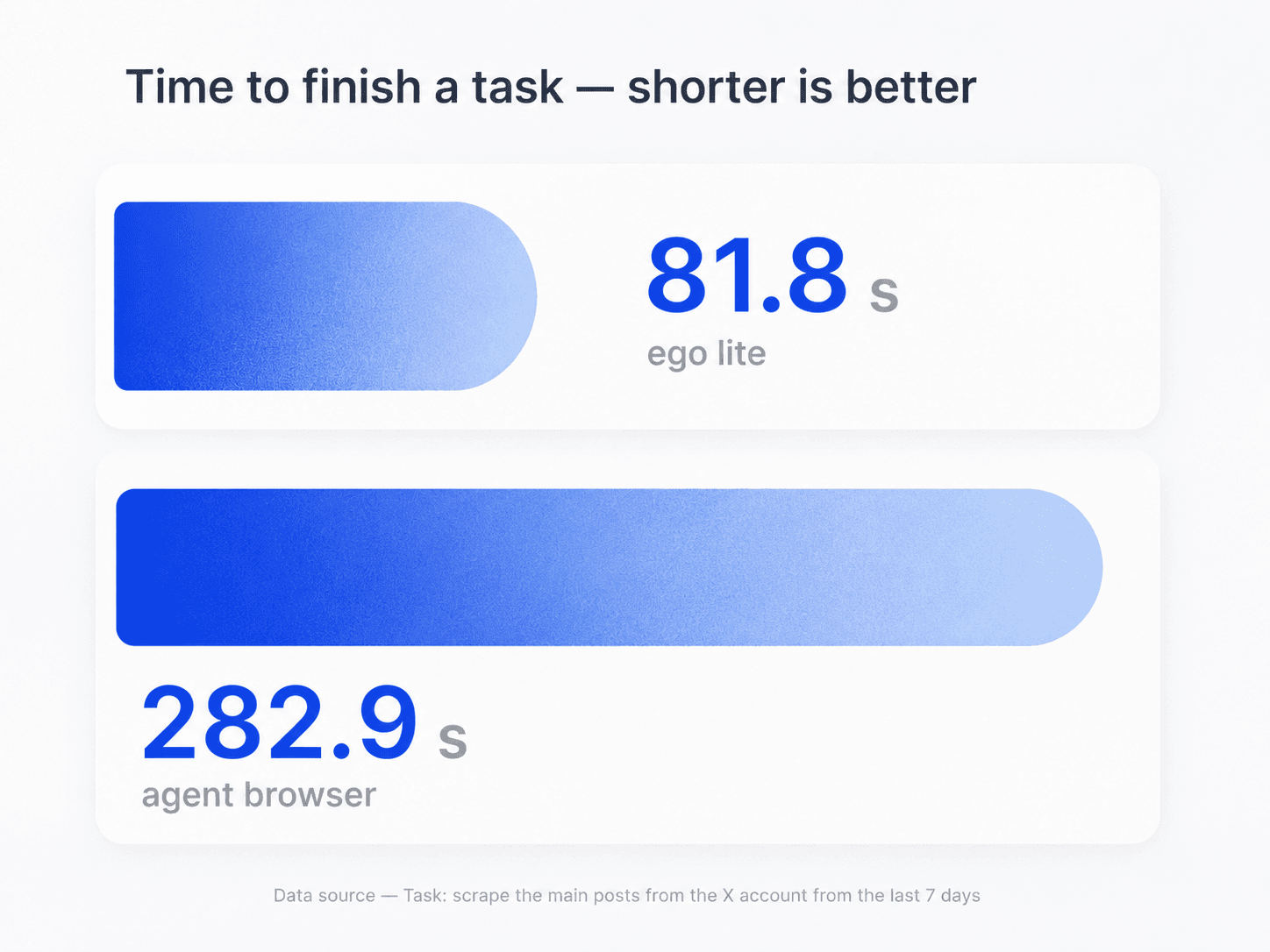
Use the same coding Agent for the collection and the analysis that follows. It reads each listing in a real browser and returns one source-linked report you can hand to a teammate. In the task shown here, ego (lite) finished in 81.8 seconds, compared with 282.9 seconds for an agent browser. Actual timing varies by website, workflow, and network conditions.

Task-time comparison for ego (lite) and an agent browser during listing research

Compare areas and date ranges side by side

Give each neighborhood, city, or date range its own ego (lite) Space and run the same field list on all of them at once. The collections progress in parallel without mixing browser state, and the report shows how the areas differ using rows you can trace back to live pages.

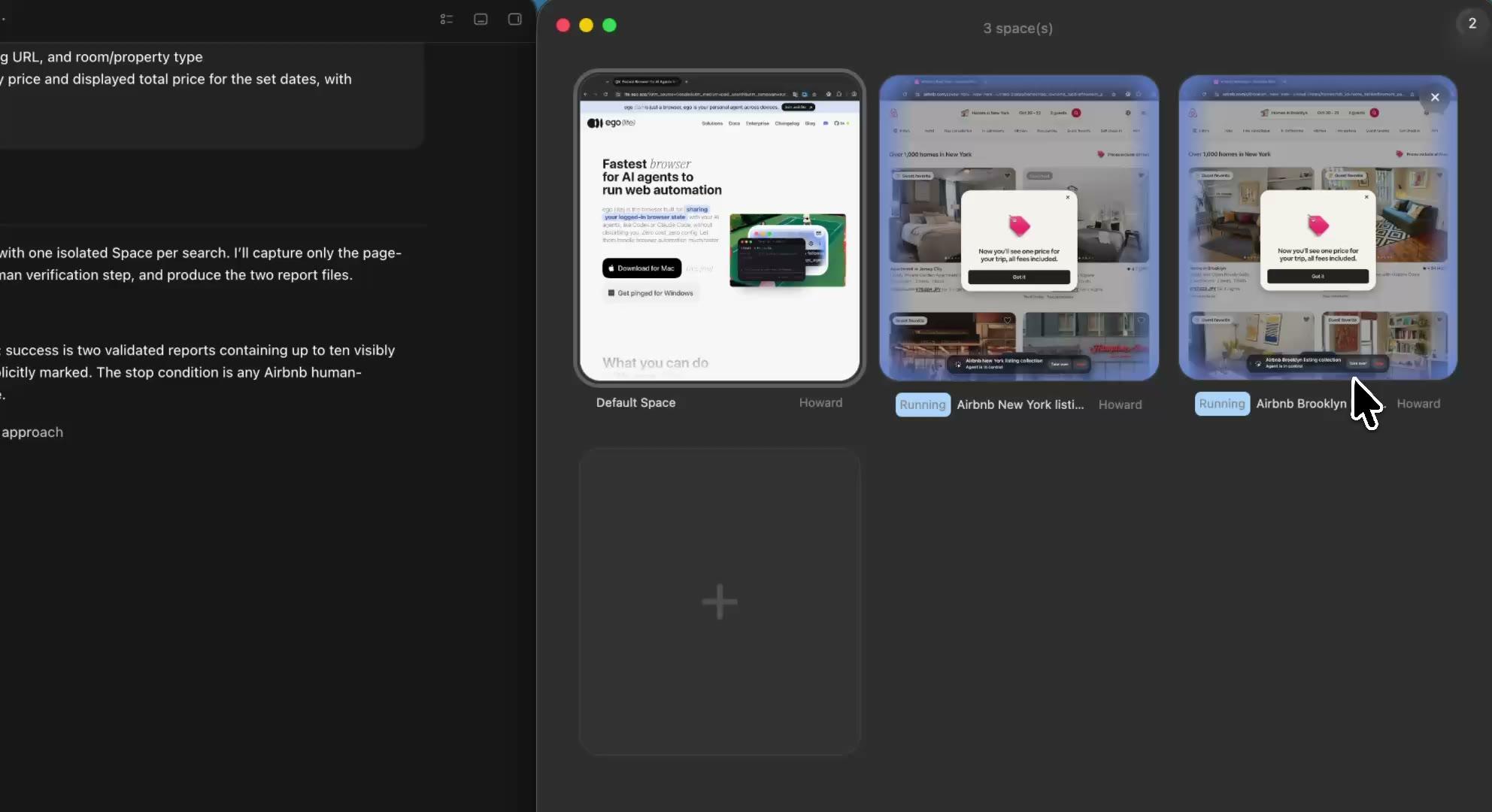
Parallel ego (lite) Spaces for separate Airbnb area and date-range collection tasks

Keep multitasking while your Spaces work

Run several searches in parallel, each in its own visible Space. Keep working in your own tabs, or open any Space whenever you want a progress check. If one run reaches a CAPTCHA, verification check, or login wall, the Agent pauses only that Space and hands it back to you — without interrupting the rest.

Use only a browser context you authorize

Import the Chrome context you choose instead of renting a proxy pool. The listings the Agent records are the listings a real user in that session would see, shaped by its currency, language, and region, and the report says so instead of selling you a synthetic neutral market view.

ego (lite) Chrome context import for an authorized Airbnb browsing session

What this Airbnb scraper can and cannot collect

Airbnb's Terms of Service prohibit using bots, crawlers, scrapers, or other automated means to access or collect data from the platform, and this workflow does not change what Airbnb permits. It stays deliberately small by using a bounded URL list, your own authorized session, and only what each page visibly displays. It organizes listing research; it does not unlock scale. For city-wide market datasets, Inside Airbnb's open data is the honest starting point.

What your Agent can record

Public listing data the current authorized session visibly displays.

  • Search result cards: listing title, URL, room type, displayed nightly and total price for your set dates, rating, review count, and labels like Superhost, in the order the page displays them
  • Listing page fields: capacity, bedrooms and baths, displayed amenities, and the rating and review count the page shows
  • Several areas or date ranges in the same run, each search in its own Space, for side-by-side comparison
  • A source-linked CSV or Markdown report with search dates, guest count, currency, checked-at time, and access status on every row

What stays out of scope

No bypass, no estimates, no host contact data, no industrial crawls.

  • Occupancy rates, revenue, ADR, or RevPAR, because Airbnb pages do not display them; tools advertising those numbers are selling modeled estimates
  • Bypassing CAPTCHA, verification checks, login walls, bot detection, or rate limits, or rotating proxies and identities
  • Host contact details, guest identities, or anything behind a login or in a private conversation
  • Booking actions of any kind: no reservation requests, no wishlist saves, no messages to hosts
  • City-wide crawls of thousands of listings on a schedule, since each run stays bounded to the list you provide and moves at a supervised pace; use Inside Airbnb's open datasets for market-level research

Read Airbnb's Terms of Service on automated access

Scrape Airbnb listings you can verify later

Give your Agent the searches and the fields you need. ego (lite) turns the run into a source-linked report with visible collection, a Space per search, the dates and currency on every row, and a stopping point at every check Airbnb puts up.

Try the free Airbnb scraper

Airbnb scraper FAQ

An Airbnb scraper is a tool or workflow that collects data from Airbnb pages, such as listing titles, nightly prices, ratings, and review counts, into a structured file like a CSV. Most Airbnb scrapers are hosted cloud services that fetch pages through proxy networks you never see. With ego (lite), your own coding Agent opens each page in a visible browser on your Mac, records only what the page displays in your session, and keeps the search context, source URL, and check time beside every row.

Install ego (lite), then give your Agent a prompt with an Airbnb search URL that already has your location, dates, and guest count set, plus the fields you need and the rule to stop at any CAPTCHA or verification check. The Agent works through the results in its own ego (lite) Space, records the visible title, price, rating, and review count for as many listings as you asked for, and returns a CSV or Markdown report. You can watch the Space while it works and take over whenever Airbnb asks for a human decision.

Web scraping Airbnb with a plain HTTP script stopped working because Airbnb is a JavaScript application: the page loads a React shell first and fills in listing data afterwards, so a requests-plus-BeautifulSoup script receives an almost empty page instead of listings. Airbnb also runs enterprise bot detection that blocks datacenter traffic quickly. ego (lite) is unaffected by the rendering problem because the Agent works in a real Chromium browser, and it answers the bot-detection problem by staying small and supervised instead of buying evasion.

Not one you can sign up for. Airbnb retired its public affiliate API years ago, and the remaining official routes are the invite-only Partner API and professional-host tools that only expose your own listings. That absence is why the Airbnb scraping category exists. For market-level research, Inside Airbnb publishes free periodic open-data snapshots for many major cities, which is the honest alternative to crawling at scale.

Airbnb's Terms of Service prohibit using bots, crawlers, scrapers, or other automated means to access or collect data from the platform. Separately, U.S. courts have declined to treat viewing public web data as computer intrusion in cases like hiQ v. LinkedIn, but such rulings do not erase Airbnb's terms, and consequences can include blocked sessions or account action. This is not legal advice: keep collection small, supervised, and bounded, and you are responsible for how you use what you collect.

What a public page visibly displays in your session: listing titles and URLs, room type, the nightly and total price shown for your chosen dates and guest count with its currency, ratings, review counts, labels like Superhost, and on listing pages the capacity and amenities. Fields a page does not display stay marked unavailable. It does not collect host contact details, anything behind a login, or metrics Airbnb never shows, such as occupancy or revenue.

No, and this page will not pretend otherwise. Airbnb pages do not display occupancy rates, ADR, or revenue, so this workflow cannot record them; services advertising those numbers are selling modeled estimates built from calendar snapshots, not displayed facts. What you get instead is verifiable raw material: displayed prices for the exact dates you chose, ratings, and review counts, each traceable to a live page and a check time.

Airbnb prices depend on the dates, the guest count, the currency, and sometimes the session viewing the page, and they change as hosts adjust pricing. That is why every row in this workflow records the search dates, guest count, displayed currency, and checked-at time next to the price. When two people see different numbers, the report shows which page state produced each one, and you can reopen the source URL in the same session to check a row.

No. A run is bounded by the list you provide: think a few searches producing tens to a few hundred source-linked rows in a supervised session, not a city-wide crawl refreshed on a schedule. Airbnb also caps how many results one search returns, so serious market-level analysis needs a different source anyway. For that, start with Inside Airbnb's open datasets; this workflow is for bounded research you can read, check, and stand behind.

It can. Airbnb runs bot detection and shows CAPTCHAs or verification checks when traffic looks automated. This workflow lowers the odds by moving at a visible, supervised pace on a small bounded list, but it cannot promise a check never appears, and it will not bypass one. When a check appears, the Agent stops in that Space, records the status, and hands the browser to you to decide what happens next.

No. ego (lite) is a local Mac app, not a hosted API. There are no endpoints, credits, or per-thousand-request billing. If you need Airbnb data flowing into production software at volume, commercial rental-data providers are that category, and Airbnb's terms on automated access apply to them just as they do here. ego (lite) fits the other job: personal-scale research where you want to see the browser doing the work and verify every row.

ego (lite) is free to download for Mac, and the work is done by the coding Agent you already use, so the only cost is your Agent's tokens. There are no scraping credits, per-row charges, or sign-up walls in this workflow. The trade-off is scale: it is built for bounded, supervised collection with a source trail, not industrial crawling.