1
Open ego (lite) and connect your Agent
Download ego (lite) for Mac, connect the coding Agent you already use, and choose your Chrome context. Your research browser and Agent are now ready to work side by side.
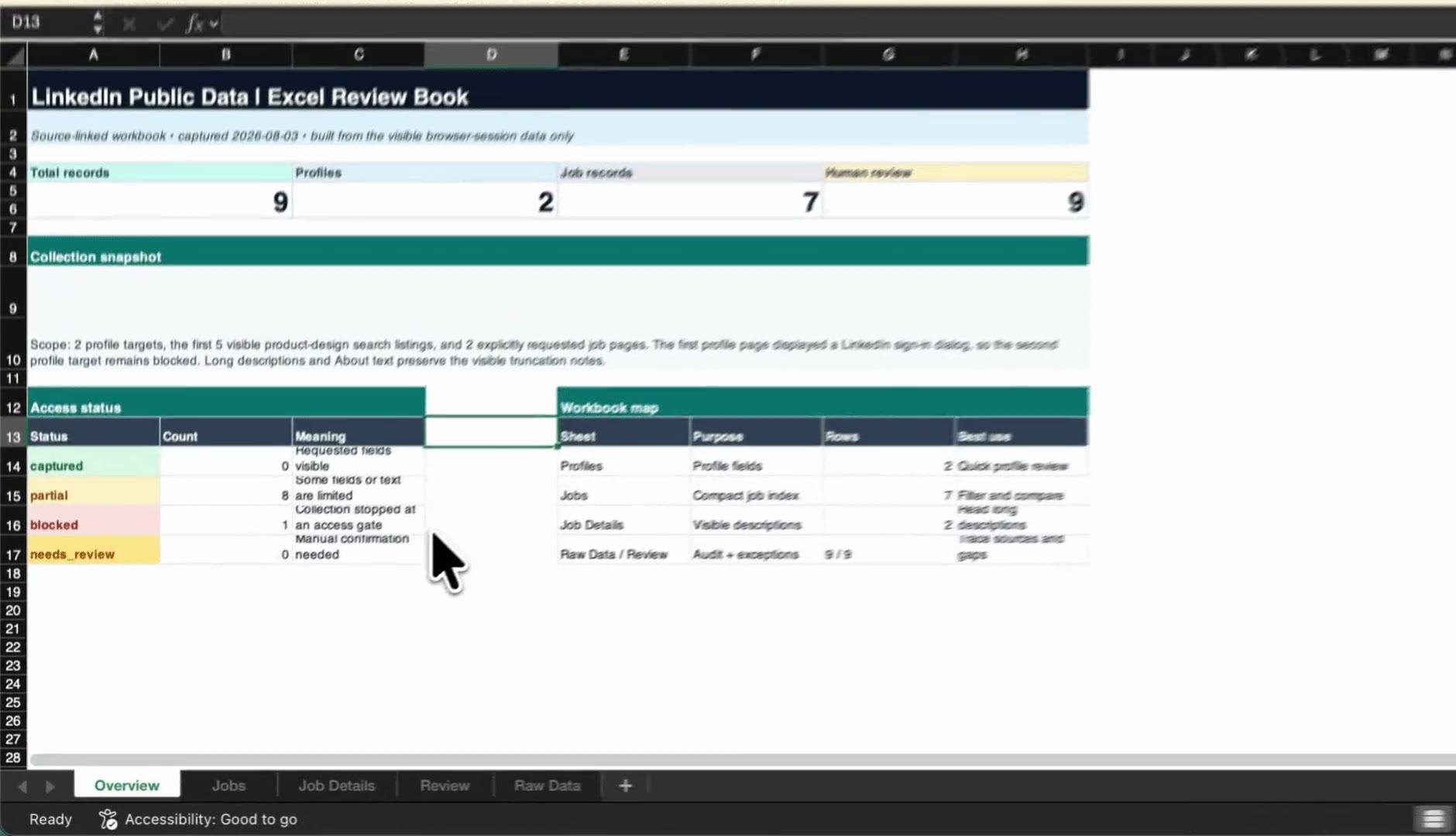
Give your coding Agent the Zillow URLs and fields you need. ego (lite) reads the live listing pages in your browser and turns prices, beds, baths, square footage, and source links into CSV or Markdown.
Trusted by developers from













No Python scraper or API plumbing to maintain. Give your Agent a focused brief, let it work through the live pages in ego (lite), and export a structured file you can check row by row.
Download ego (lite) for Mac, connect the coding Agent you already use, and choose your Chrome context. Your research browser and Agent are now ready to work side by side.
Paste your Zillow search or listing URLs, name the active filters, set a row limit, and list the columns. Start with address, price, status, beds, baths, square footage, property type, source URL, and checked-at time.
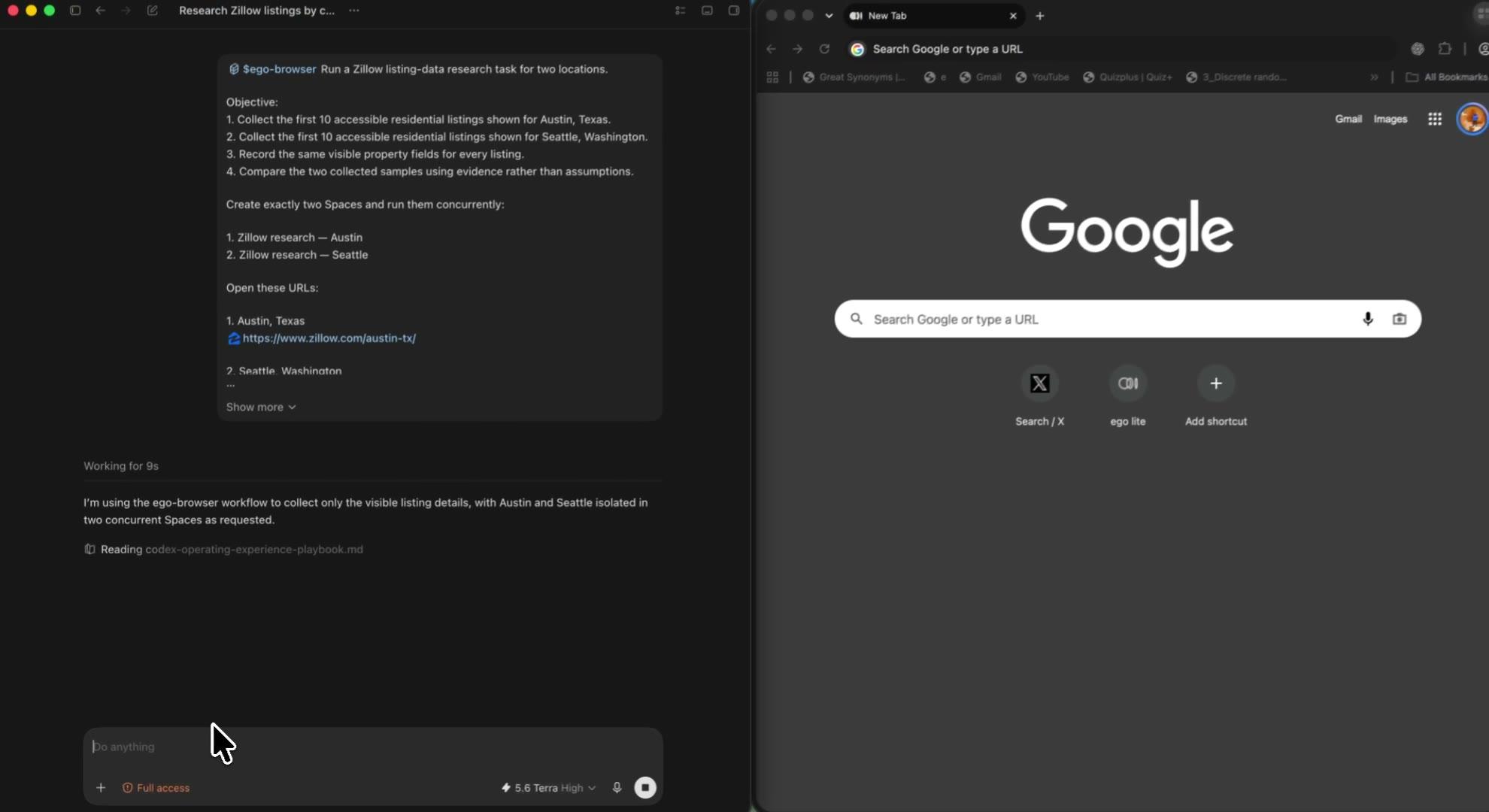
The Agent opens each URL and records what the page shows. Prices, beds, baths, square footage, property type, and Zestimate values go into the table; anything missing stays clearly marked instead of being guessed.
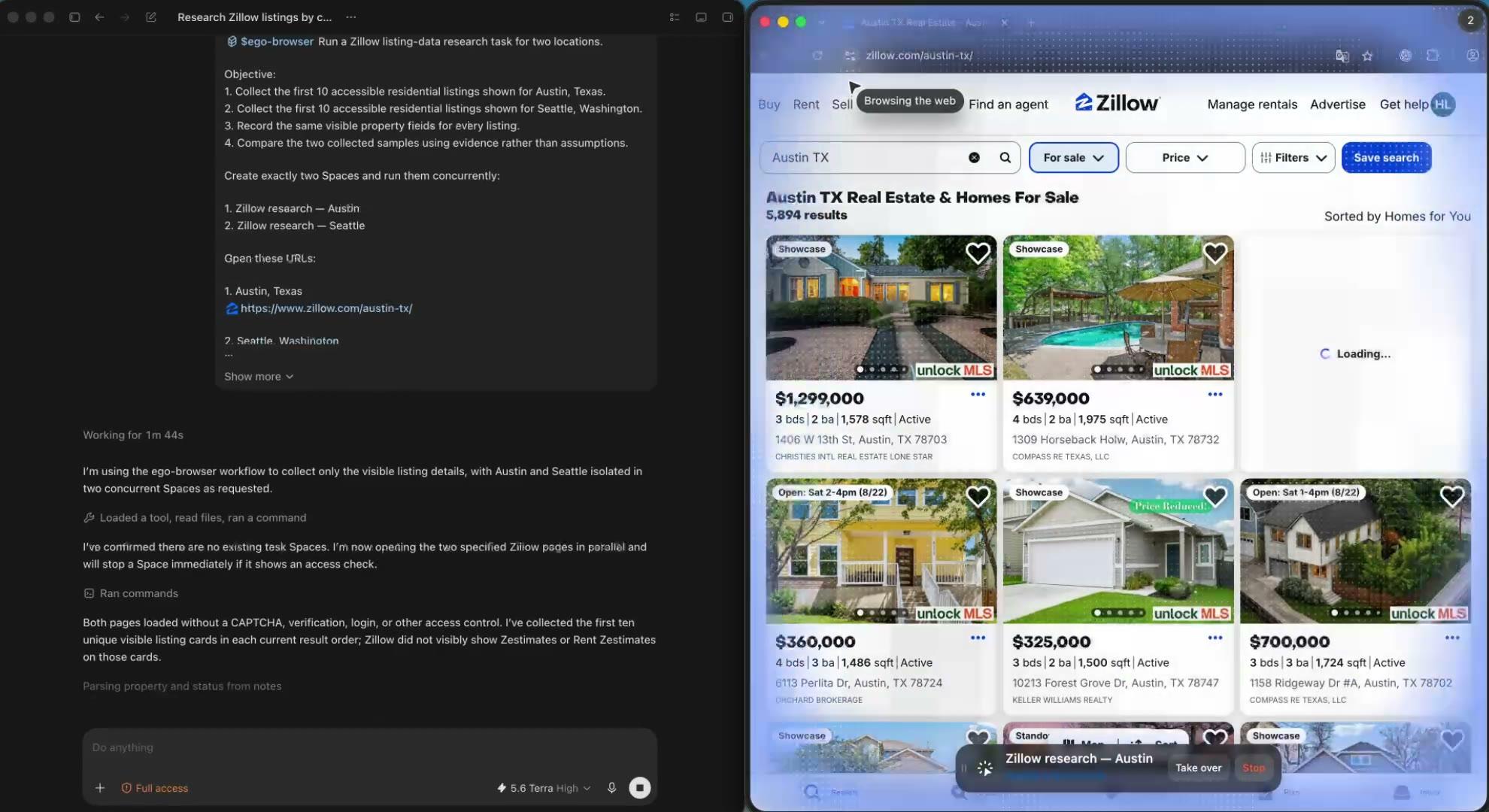
Give Austin, Seattle, or any other search its own Space. The Agent can work on them side by side without mixing locations or filters. If a page asks for verification, that Space pauses so you can see what happened.
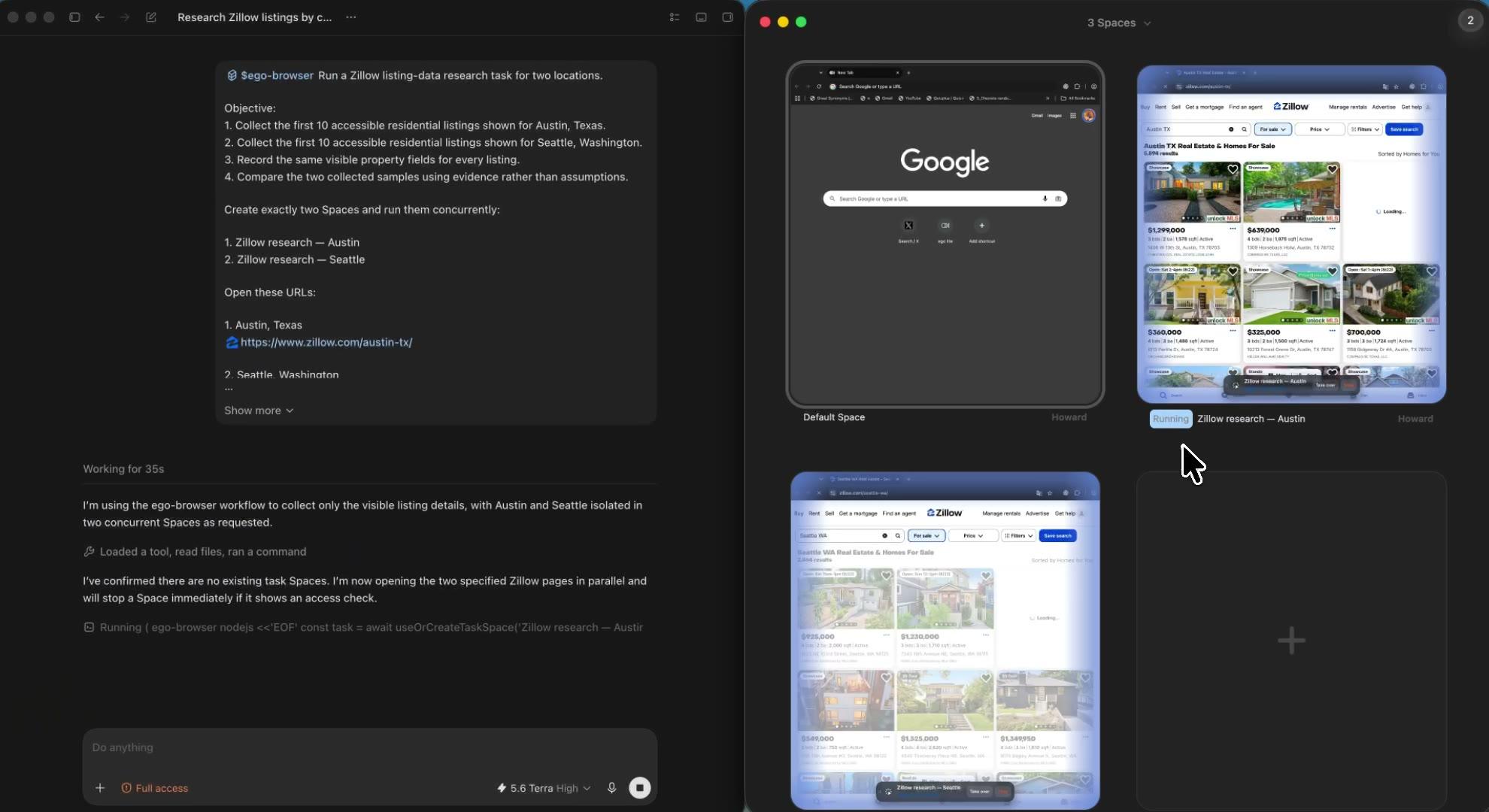
Get one structured table with the listing fields, original URL, search context, checked-at time, and any missing-field notes. Open it in your spreadsheet or hand it straight to the next step of your research.
Because you should not have to trust a black box. ego (lite) shows the browser, keeps every market in its own Space, and returns data with enough context to check later.
Keep the source URL, active filters, and check time beside each listing. When a price or status changes, you can trace the row back to the page instead of wondering where the number came from.
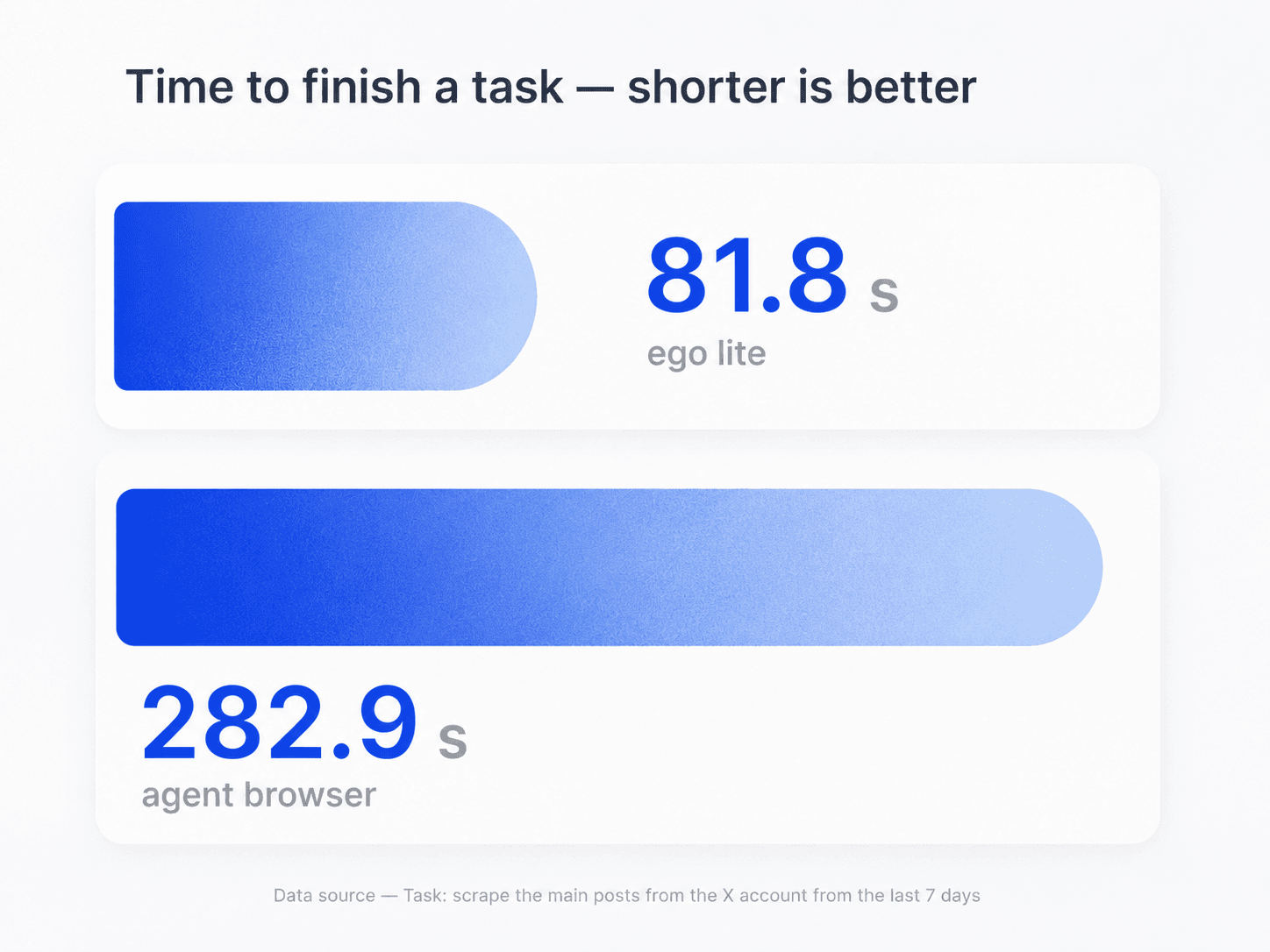
Use one Space per city, ZIP code, or filter set. Austin stays Austin, Seattle stays Seattle, and a for-sale search never inherits the context from another tab.
If a page hits a CAPTCHA, verification screen, or rate limit, you see it in the Space. The Agent records the URL and stops there, so a blocked page never quietly turns into a blank or misleading row.
The Agent works inside the Chrome context you choose. You do not need to upload browser cookies or account credentials to a hosted Zillow web scraper just to run a focused research task.
ego (lite) is made for focused, hands-on property research—not anonymous bulk crawling. You choose the sources, watch the run, and decide what happens when a page needs attention.
A practical fit when you know the pages and fields you need.
Use the right data product when your project needs scale.
Give your Agent the URLs and columns once. ego (lite) handles the repetitive browser work and returns a clean spreadsheet with every source still attached.
Download ego (lite) freeA Zillow scraper turns property information from Zillow pages into structured data such as CSV, Markdown, or JSON. Common fields include address, price, listing status, beds, baths, square footage, property type, Zestimate, and source URL. ego (lite) does this through your coding Agent in a browser you can watch.
Open ego (lite), give your coding Agent the Zillow URLs, active filters, row limit, and columns you want, then assign each market to its own Space. The Agent reads the live pages and returns CSV or Markdown with the property fields, source URL, check time, and missing-field notes kept together.
Zillow's current Terms of Use prohibit automated queries, including screen and database scraping, robots, crawlers, and CAPTCHA bypasses. Use ego (lite) only when you have permission that covers the task. For ongoing or large-scale data needs, use a licensed Zillow product, MLS or RESO feed, county open data source, or commercial provider.
No. ego (lite) is a Mac app that lets your coding Agent work inside a browser you can see. There is no hosted Zillow scraper API, proxy bill, or per-row charge. If your product needs a high-volume property feed, choose a licensed Zillow, MLS, RESO, or commercial real estate data provider.
The Agent can record fields shown on the page, including address, listing status, price, beds, baths, square footage, property type, days on Zillow, and Zestimate or Rent Zestimate. It can also keep the source URL, filters, check time, and missing-field notes beside each row. Unseen values stay blank instead of being invented.
Zillow renders parts of its pages dynamically, layouts change, and not every listing shows every field. A raw HTTP scraper can therefore miss data that appears in the browser. ego (lite) works from the rendered page, marks missing values clearly, and shows you when a CAPTCHA, verification screen, or rate limit interrupts the run.
Yes, when the page displays a Zestimate or Rent Zestimate and your use is permitted. Save the value with its property URL and check time so later snapshots remain comparable. Treat it as Zillow's displayed estimate, not an appraisal or guaranteed market value.
This setup is best for focused, supervised research rather than unattended crawling across thousands of listings. For large market studies, recurring monitoring, or production applications, use a licensed Zillow product, MLS or RESO feed, assessor dataset, or commercial real estate provider built for that volume.
Yes. ego (lite) is free to download for Mac and does not charge per row or require a scraper API key. Your coding Agent may still have its usual token or provider costs. The same source permissions and platform rules apply whether the tool is free or paid.
Tell the Agent to return JSON with a fixed schema such as address, price, status, beds, baths, square feet, property type, source URL, filters, checked_at, and access_status. Keep missing fields null rather than guessed, validate the JSON before sending it to another system, and remember that the page's terms and your authorization still govern collection.
For permitted data, export a source-linked CSV or JSON and map it through your CRM's documented import or API. Preserve the listing URL, check time, market/filter context, and a deduplication key. Bulk MLS or production CRM sync should use a licensed Zillow, MLS, RESO, or commercial feed rather than an ad-hoc browser batch.
Save an authorized, bounded list of listing URLs and rerun the same field extraction on an approved schedule. Compare the current displayed price with the prior snapshot, include checked_at and source URL, and notify only after reviewing the change. Respect Zillow's terms and rate limits; for continuous market monitoring, use a licensed feed.
If Zillow's browser UI exposes the drawn boundary or map-filter URL to your authorized session, give that URL and filter state to the Agent and record the exact boundary description with each row. The workflow does not invent an unsupported polygon API or bypass a map restriction; use a licensed property-data API when custom geometry must be reliable at scale.
A 403 can indicate a block, rate limit, missing permission, or a page that expects a normal browser session. Record the status and stop; do not rotate proxies, spoof fingerprints, or bypass verification. Use an official data product, an MLS/RESO feed, or a human-approved access path if the research is legitimate.
It can compare authorized, source-linked rows by fields such as location, price, beds, baths, and status, then draft a shortlist or alert for your review. Keep the original URLs and timestamps, label stale or blocked listings, and do not present an AI match as a valuation or guarantee of availability.