Best Manus alternatives in 2026: browser automation tools


Manus already covers a lot of ground. It is a hosted general-purpose agent, and Browser Operator can work inside your existing browser with the logins and tabs you already use. When people look for a Manus alternative, the reason is often less about finding a “smarter” agent and more about changing how the browser workflow is owned: where it runs, where session data stays, whether you can watch or take over, how much can run in parallel, and who maintains the workflow when a site changes.
That is why the alternatives fall into very different categories. ego(lite), for example, keeps the browser local in a visible Chromium Space, carries over the login state you already use, and lets you take over during the run. Playwright-based agents focus more on workflows you can encode and repeat. Browser Use provides an agent library with both local and hosted paths. OpenClaw offers managed browser control with an option to attach to an existing Chrome session, while platforms such as Browserbase provide cloud browser infrastructure for scale and isolation.
The useful comparison, then, is about fit rather than a single winner. This guide looks at five routes through the same questions: where the browser runs, how login state is handled, how tasks are isolated, what can run in parallel, where session data goes, and how much maintenance each workflow leaves with you. The strengths and limits below come from each product's own documentation, checked on September 20, 2026; we did not run a side-by-side benchmark for this article.
What is Manus good at, and what do people look for instead?
Manus is a hosted agent product with web, mobile, and desktop apps, a team plan, and an API surface. Its browser feature is an extension called Manus Browser Operator, and the way Manus documents it is specific: the task executes inside your browser context, using your existing logins and active tabs, from your local network, and you grant access before the agent takes over. For signed-in work on sites you already use, that is a real capability, and it removes the usual export-a-cookie-file step.
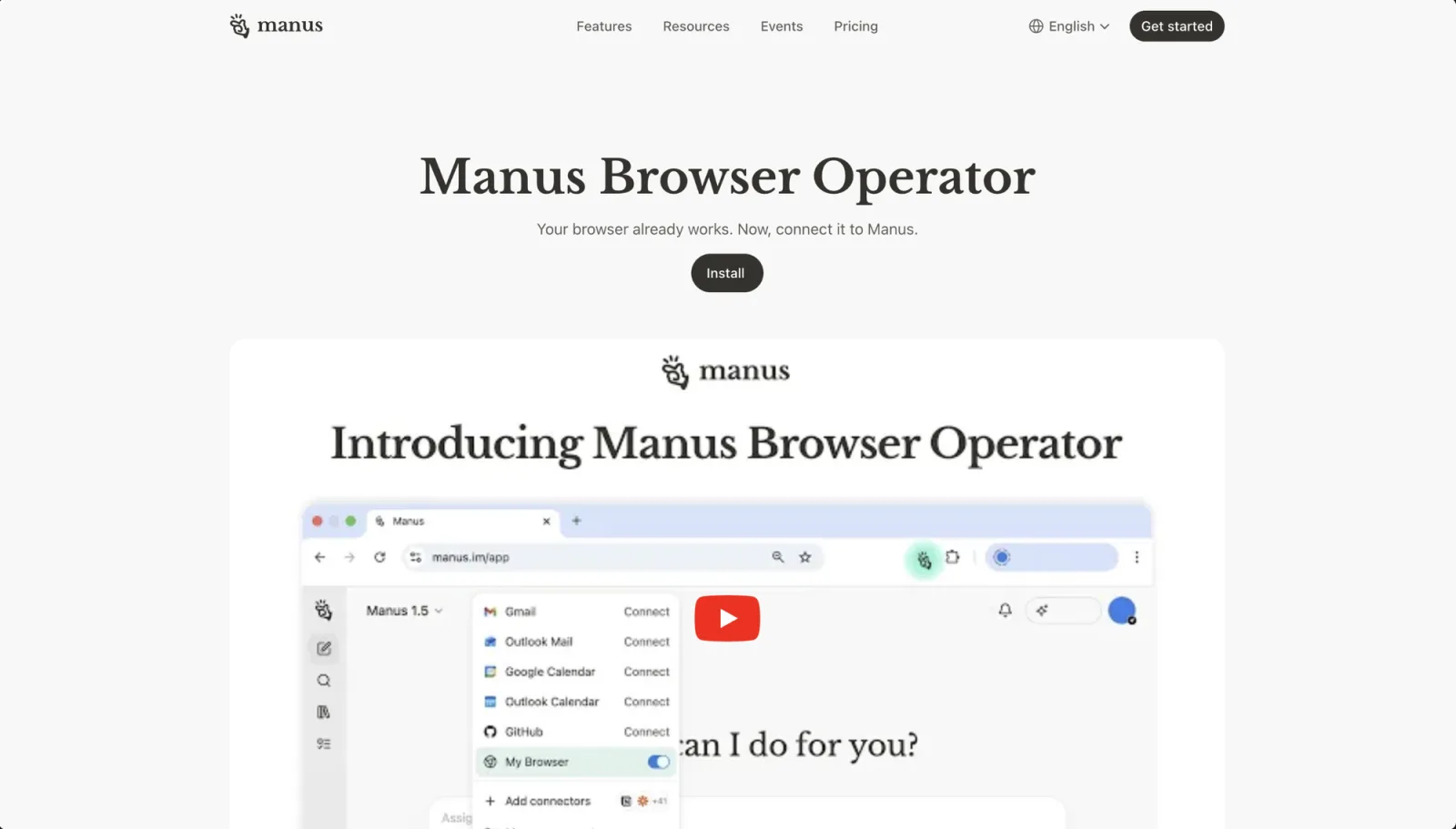
What that architecture does not give you is control over the agent itself. The planning and execution remain Manus's hosted product, the browser extension is a bridge rather than a browser you own, and the pricing model is published on Manus's pricing page rather than in this article, because plans and rates change. If your reason for looking elsewhere is bring-your-own-model, keep-everything-local, run-it-inside-my-own-CI, or watch-every-step-and-take-over, then the alternatives below are organized around exactly those reasons.
It is also worth naming the tasks for which none of this matters. If the job is a one-off research summary or a document edit, a hosted agent is the right instrument and a browser automation stack is overkill. The comparison below starts to matter when a task depends on a browser session, runs repeatedly, or needs to be reviewed while it runs.
The five Manus alternatives, and what each one is good at
Each entry states the job the tool is documented to do. The limits come from the same documentation, not from opinion.
1. A local visible browser with human takeover: ego(lite)
ego(lite) is a Chromium-based browser built for a person and their agent to share. Per its documentation, your extensions, history, and login state carry over, and the agent works in its own Space, an isolated workspace inside the same browser, so it does not hijack the tabs you are using. You can see which Space is running, take over, or stop it. A coding agent drives it through the ego-browser skill, which the installer writes into the agent's skill directory. The quick start documents the stopping points: it pulls you in for logging in or verification, a job application waits for your confirmation before the final submit, and a booking flow runs up to the payment page and stops there.
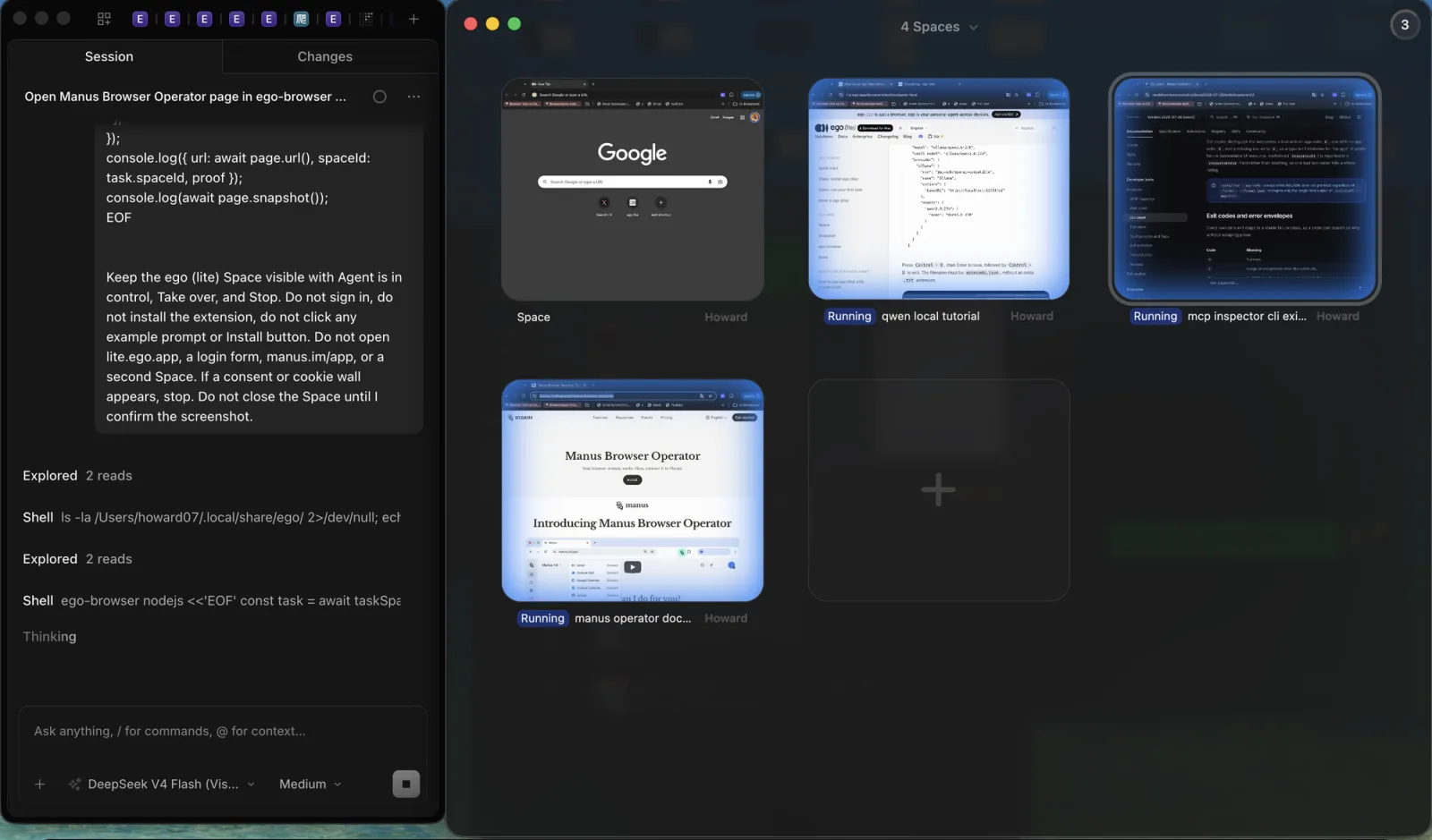
The honest limits come from the same sources. The browser is a macOS download today, with Windows and Linux on the repository's roadmap. It runs on your machine, so it is a single local environment rather than a fleet, and parallel work means parallel Spaces inside one browser rather than parallel machines. An agent run is exploratory by nature: it produces a result, not a repeatable regression test, which is the same boundary we describe in our guide to selectors breaking. Use it for signed-in, watchable tasks; keep a deterministic framework for stable paths you need to protect.
2. Playwright-based agents
Playwright MCP is Microsoft's official MCP server for driving a browser with Playwright. It works from the accessibility tree rather than screenshots, installs with a one-line command, runs headed by default, supports isolated sessions and storage-state files, and can connect to an existing browser through its extension. It also generates code, which is what makes it a bridge between an ad-hoc agent run and a test you can keep. Microsoft's own README notes that coding agents may prefer the CLI plus skills variant for token efficiency, so the MCP and CLI routes are both first-party.
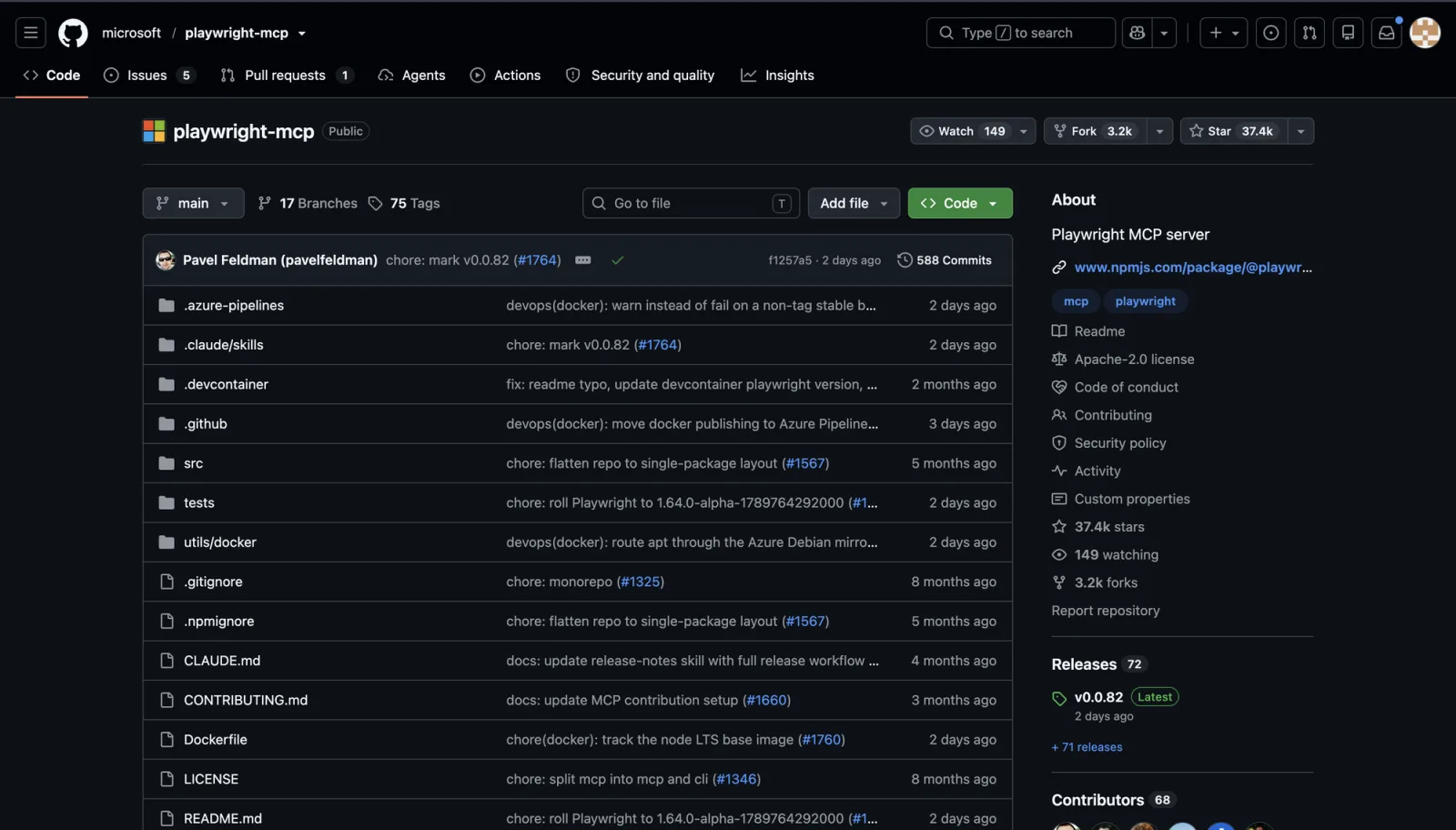
The documented sharp edges matter more than the feature list. A persistent profile can only be used by one browser instance at a time, so concurrent clients sharing a workspace conflict unless each uses an isolated profile or a distinct user-data directory. The Docker image supports only headless Chromium. And the README states plainly that Playwright MCP is not a security boundary, which is the right way to read every automation tool in this article: you are responsible for what the agent can reach. For the maintenance side of this route, our UI-change survival guide covers what breaks and why.
Choose this route when the workflow is stable enough to encode, when you want scripts or tests as the artifact, and when your coding agent is already the thing driving the work. Do not choose it for a site whose flow is still changing every week, because the maintenance lands on your locators. Our Playwright MCP versus CLI comparison covers that trade directly.
3. Browser Use
Browser Use is an open-source Python library with a hosted cloud alongside it. The open-source quick start installs it as a package, wires in a model provider of your choice, and runs a task through an Agent object. The cloud side launches managed browsers or runs hosted agent tasks over API. That combination is genuinely flexible: you can start locally, then move the same idea to hosted browsers when you need scale.
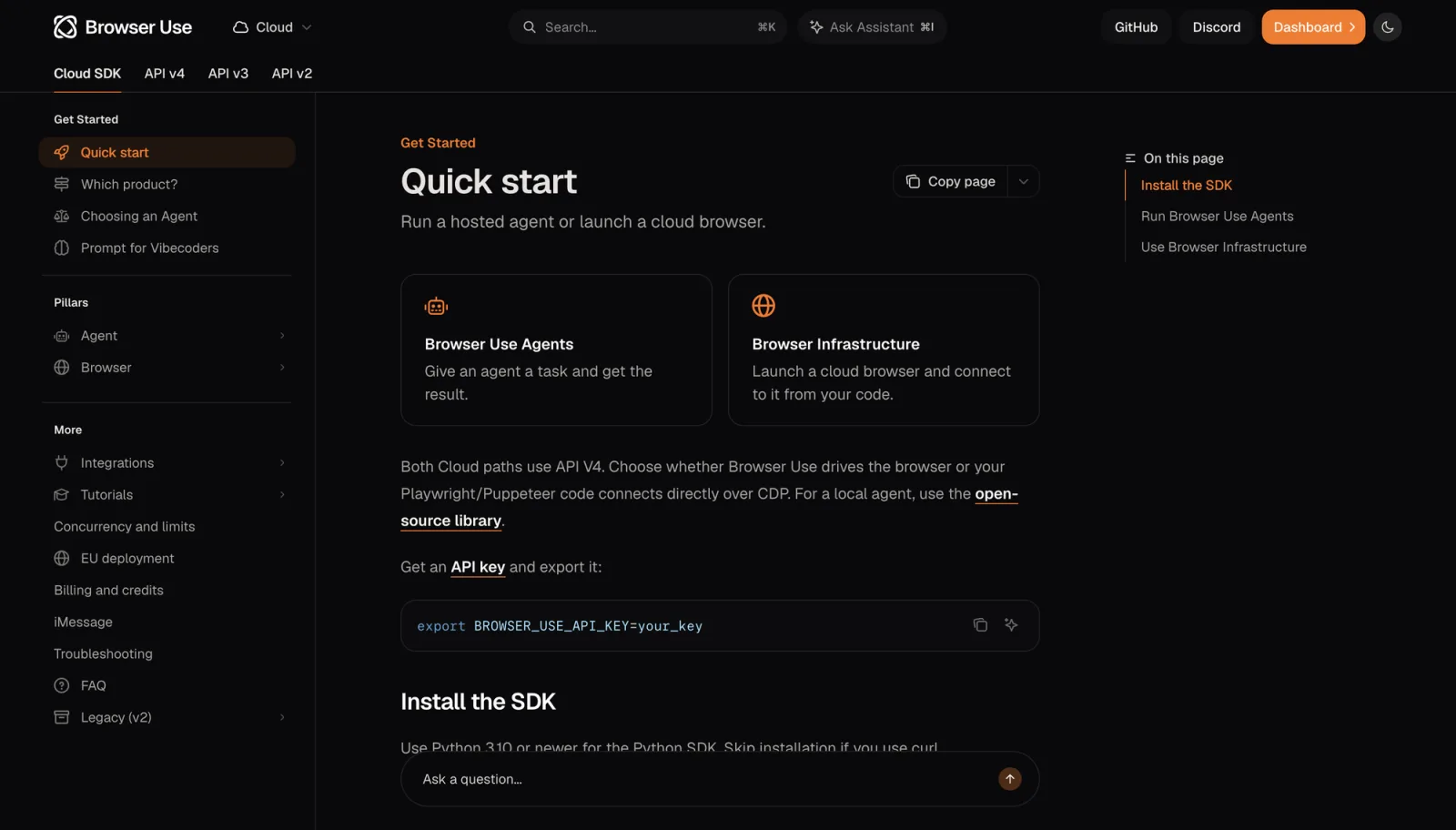
Two documented caveats deserve a place next to the pitch. First, the open-source library and the hosted SDK are different APIs, so a snippet from one does not move to the other unchanged. Second, the documentation says that a completion flag reports only that the agent stopped, while the success flag is the agent's own report, and important external actions should be verified independently. Cloud usage is pay as you go by the same documentation, and rates live on its pricing page. For how it stacks up against other agent stacks, see Browser Use vs Stagehand vs ego(lite) and Browser Use vs Browserbase.
4. OpenClaw
OpenClaw treats the browser as a first-class agent tool with two distinct modes. Its managed profile is a dedicated Chromium-based browser, isolated from your personal profile, controlled through a local loopback service, with deterministic tab control and page snapshots. Its existing-session mode attaches to your real signed-in Chrome through Chrome DevTools MCP, so the agent reuses the tabs and login state already open in that browser. The first mode is the safe default; the second is the one people want when a task lives behind a login.
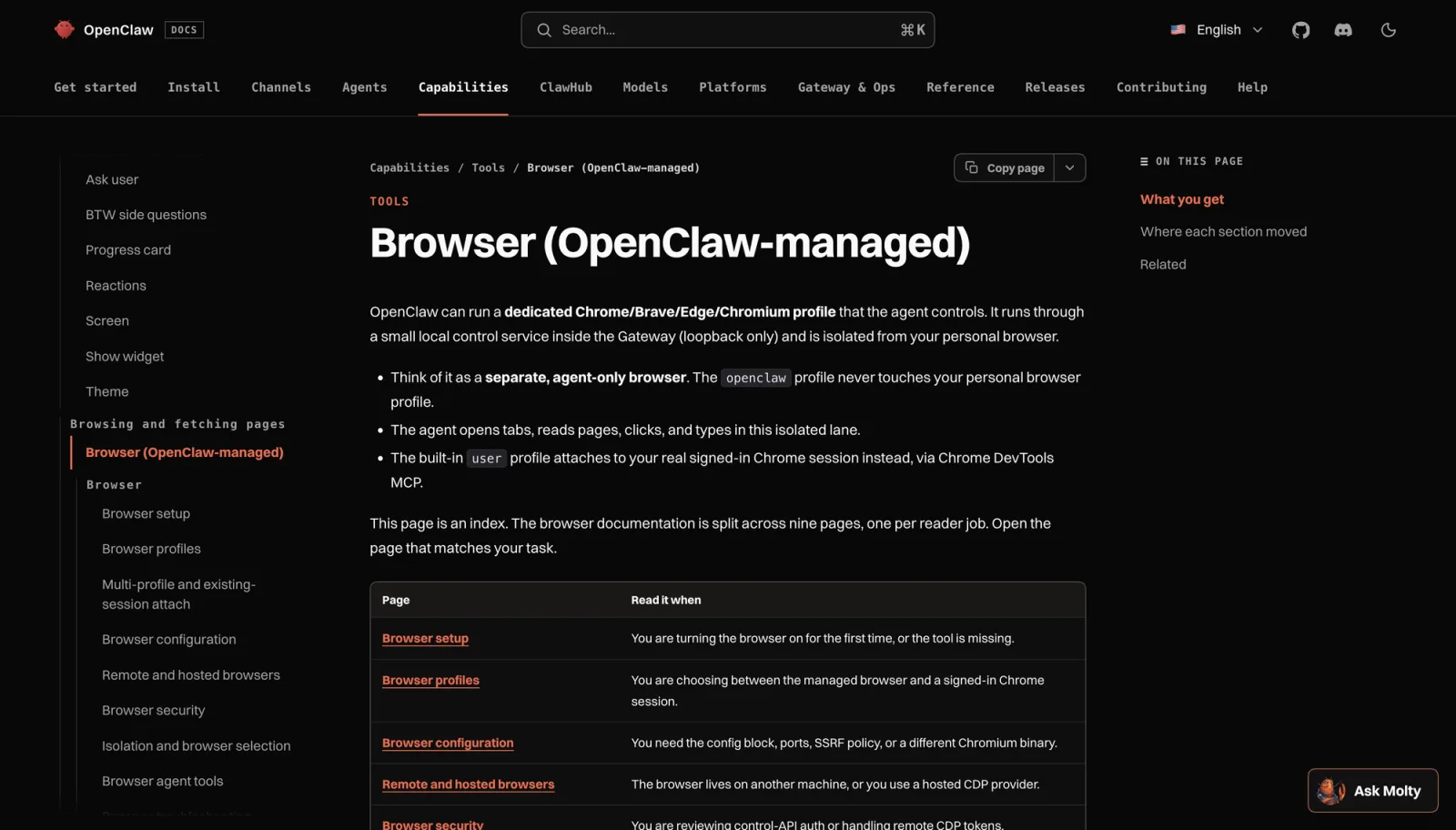
The second mode is also the one with the most documented friction. The target browser must be version 144 or newer, remote debugging has to be enabled from the browser's own inspect page, and a person has to approve the attach prompt, so it is not an unattended path. Once attached, the existing-session profile is more constrained than the managed one: actions work from snapshot references rather than CSS selectors, batch actions are unsupported, and features such as PDF export require a Playwright-backed managed profile. OpenClaw also documents that this path is higher-risk because it acts inside your signed-in session. Our OpenClaw browser control guide walks through the setup, and the relay guide covers the connection layer.
5. Cloud sandbox platforms
Browserbase is the clearest example of the category: a platform whose documentation promises cloud browsers, web search, page fetching, and a sandbox runtime behind one API key, with sessions you create, control, and observe programmatically, plus Playwright, Puppeteer, and Selenium quick starts. This is the route for running many browser agents without owning the machines, and for scheduled work that should not depend on your laptop being open.
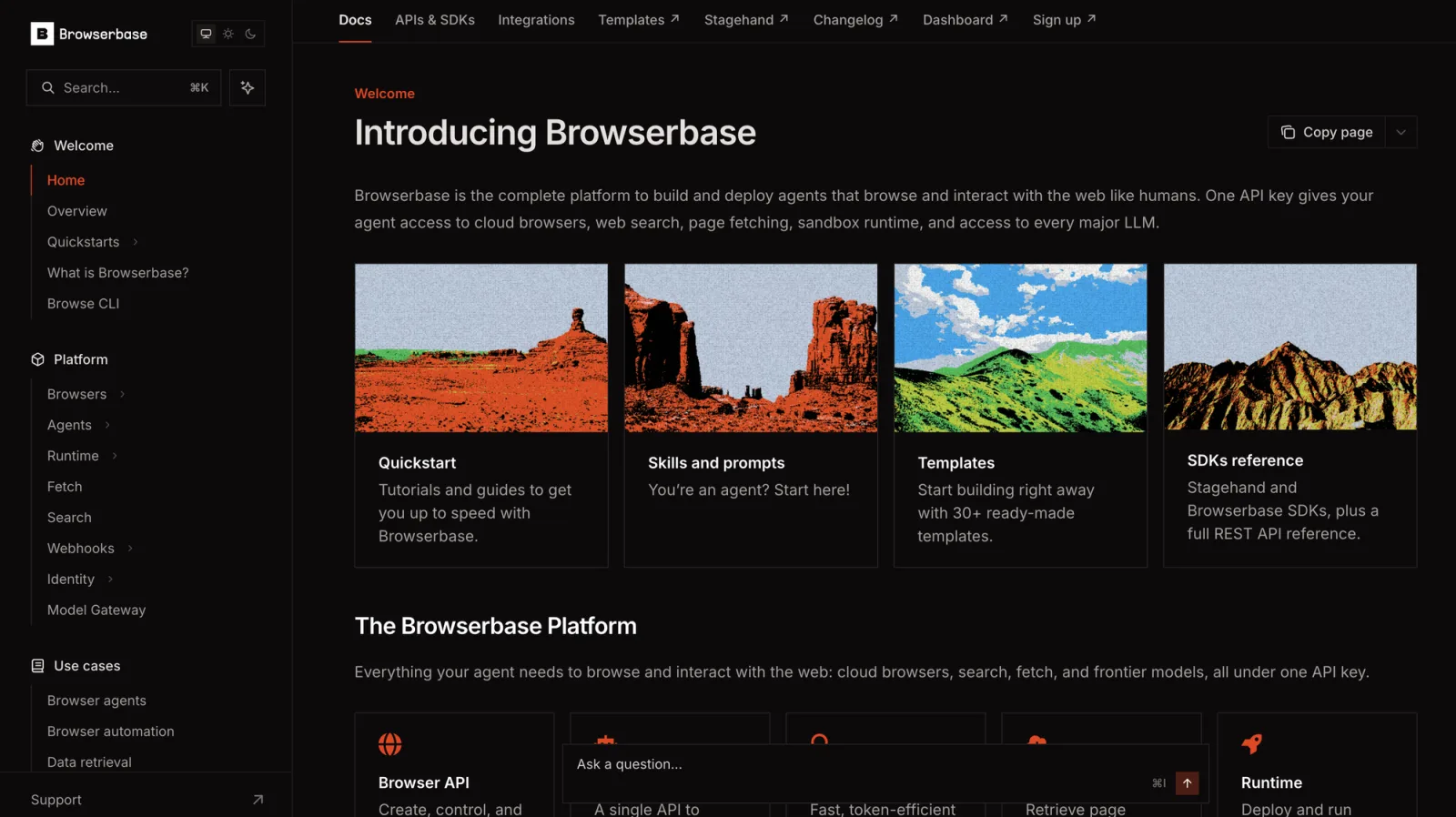
The trade is structural, not a flaw. A cloud platform means session data and page content pass through someone else's environment, concurrency and lifecycle are platform features with plan limits, and the cost scales with usage. It is also the wrong home for a personal login you borrowed from your daily browser, unless you have deliberately configured that separation. For that category's design questions, see sandboxed web browsers for AI agents and headless vs. real browsers.
How do the Manus alternatives compare?
Read the table by row, not by column. Each route is good at a different job, and each one's documented limit is the reason the next route exists.
| Route | Where the run happens | Login state | Documented limit |
|---|---|---|---|
| Manus Browser Operator | Your browser context, driven by Manus's hosted agent | Existing logins and active tabs, with the agent running from your local network | The agent itself is Manus's hosted product; plans and rates live on its pricing page |
| ego(lite) | A Chromium browser on your machine, with each task in its own Space | Extensions, history, and login state carry over; you can take over mid-run | macOS today, local machine only, and an agent run is not a regression test |
| Playwright MCP | A browser your coding agent starts, headed by default or headless on request | Persistent profile, isolated mode with a storage-state file, or the extension for an existing browser | One persistent profile per browser instance; Docker is headless Chromium only; not a security boundary |
| Browser Use | Your machine through the open-source library, or hosted browsers through the cloud API | Depends on how you configure the browser and cloud profile | Library and hosted SDK are different APIs; agent-reported success needs independent verification |
| OpenClaw | A managed local profile, or an attach to your running signed-in browser | Managed profiles stay isolated; existing-session attach reuses your real Chrome session | Existing-session needs Chrome 144+, remote debugging, and a person to approve; it is higher-risk and more constrained |
| Browserbase | Cloud browsers you create, control, and observe over an API | Configured in the cloud session, separate from your daily browser | Session data moves through a third-party environment, and usage is billed by the platform |
How do you choose a Manus alternative?
Six questions decide it, and only two of them are about features. Answer them in order, and the shortlist usually collapses to one route.
- Where does the login state come from? If the task needs the session you already have, your options are a browser that inherits it, a storage-state file, or an attach to a running browser. If a test account is acceptable, this question disappears.
- How isolated does each task need to be? Spaces, isolated contexts, managed profiles, and cloud sessions all isolate work differently. One task on your own account needs almost none of it; parallel accounts on shared sites need it on day one.
- How much runs in parallel? A handful of tasks fits a local browser with parallel workspaces. Dozens of concurrent sessions with no local dependency points at a cloud platform. Check the documented concurrency caveats either way.
- What are you paying for? Local open-source routes shift cost to your machine and your model usage; hosted routes bill usage or subscription. Compare pricing pages on the workload you actually have, not on the free tier.
- Where can the session data go? A browser that keeps cookies on your device, a cloud profile that syncs them, and a third-party sandbox are three different privacy postures. Pick the one your data policy allows before you pick the features.
- Who fixes it when the site changes? A deterministic script breaks loudly and needs a person to repair it. An agent replans, which survives change but produces a result rather than a guarantee. Decide which failure mode you can live with.
When does ego(lite) fit the task?
Only when the task needs a real logged-in state, a visible run, or a human takeover. That is a narrower claim than it sounds, and a more useful one. It is not the answer for a large public crawl, a scheduled fleet, or a regression suite.
A reproducible example makes the fit concrete. The task: in a CRM you are already signed into, find the three oldest open tickets assigned to you, and write each ticket's company, subject, and age into a local Markdown file. The inputs are the task sentence, the existing login, and the ego-browser skill. The agent opens its own Space, snapshots the ticket list, opens each ticket as a page rather than trusting the list row, and writes the file. The decision point is the interesting part: if a step reaches a login prompt, a verification code, or a payment page, the run stops and asks you to take over in the visible browser instead of guessing. Validation is a person comparing the Markdown against the pages the agent actually opened, which is the only check that proves the values came from the right elements.
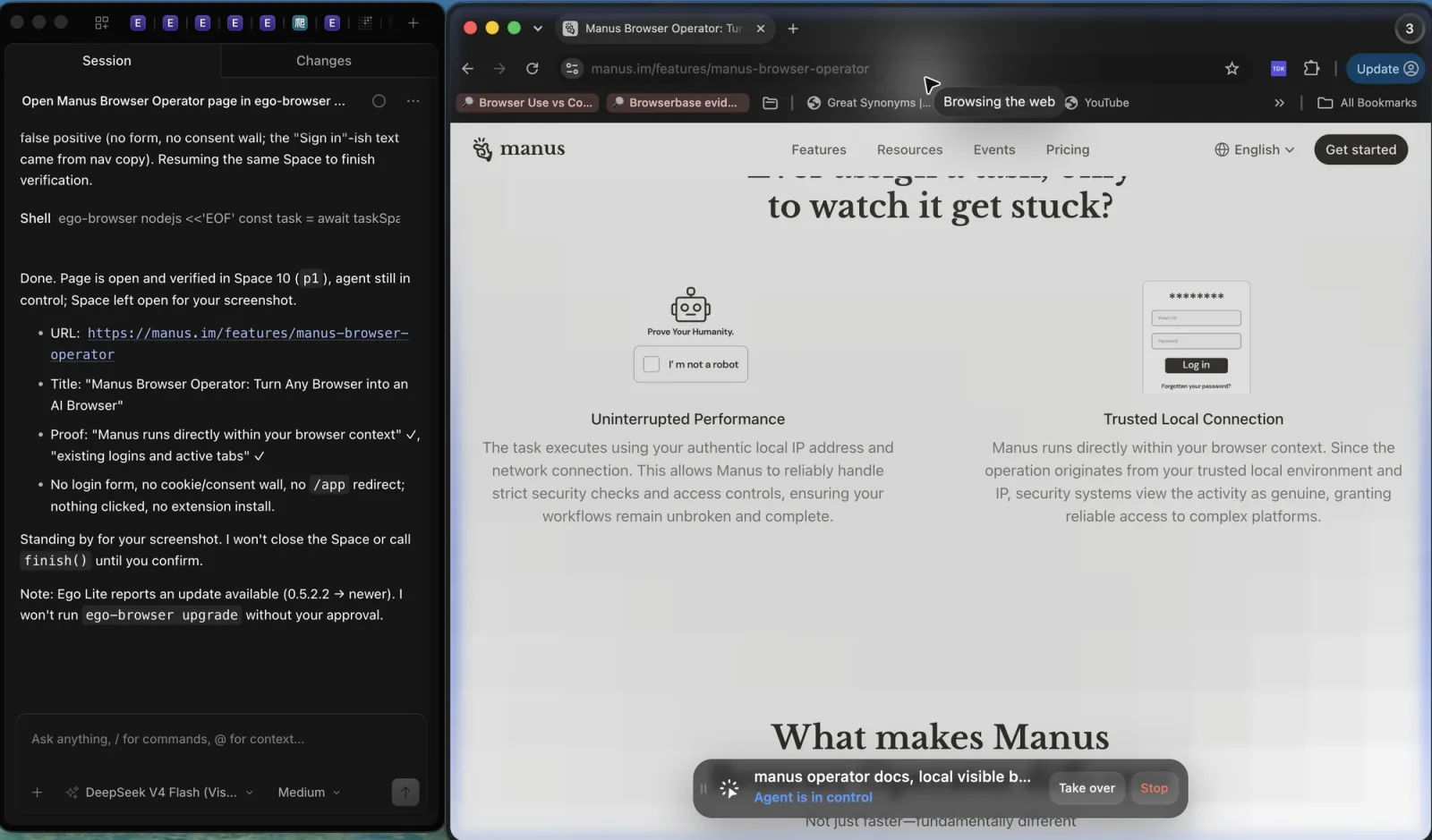
Set the role and the limits in the same breath. ego(lite) is the local visible browser layer for signed-in, watchable work, and it does not replace Manus's hosted agent or a cloud sandbox platform: it is one machine, one browser, and parallel Spaces rather than parallel infrastructure. The quick start and the source repository document the install path and the stopping behavior quoted above. For keeping a signed-in session usable across runs, the mechanics are covered in persistent browser sessions.
What we verified, and what we did not
Verified for this article: each named product's behavior described above traces to its official documentation, linked with a checked date in the source notes at the end of this page. That includes Manus Browser Operator's local-session behavior, Playwright MCP's profile and concurrency caveats, Browser Use's library-versus-cloud split and its success-flag warning, OpenClaw's attach requirements and existing-session constraints, Browserbase's platform scope, and ego(lite)'s login carry-over, Space isolation, and documented stopping points.
Not verified: we did not benchmark any of these tools, so no comparison table here contains a speed, cost, or success-rate claim, and no vendor performance number is repeated. Manus's pricing page loads its plan table client-side, so plan names and rates are not recorded in this article. We also did not run the OpenClaw attach flow, the Browser Use cloud, or a Browserbase session, which means the failure modes we describe come from documentation and not from our own reproduction. Treat every limit above as the vendor's own statement of scope, and test your one real task on the candidate before committing a budget or a workflow to it.
FAQ
What is the best Manus alternative in 2026?
There is no single winner, because the options solve different problems. For signed-in tasks on your own accounts that benefit from a visible run and a human takeover, a local browser such as ego(lite) fits. For stable workflows you want to encode, Playwright-based agents fit. For scriptable agent loops, Browser Use fits. For a managed agent profile with an optional attach to your signed-in browser, OpenClaw fits. For parallel or scheduled work with no local dependency, a cloud sandbox platform fits.
Is there a free Manus alternative?
Several of these routes have a free starting point: ego(lite) is a free download for macOS and Windows, Playwright MCP is open source, and Browser Use publishes an open-source library. Free does not mean costless in every dimension: model usage, cloud browsers, and hosted plans are billed separately, and the time you spend maintaining a workflow is real. Check each pricing page for the part you would actually pay for.
Can a Manus alternative reuse my existing browser logins?
Some can, in different ways. Manus Browser Operator itself uses existing logins and active tabs by design. ego(lite) carries over login state from the browser you migrate. Playwright MCP supports a persistent profile, a storage-state file, and an extension that connects to an existing browser. OpenClaw can attach to a signed-in Chrome through Chrome DevTools MCP with the documented requirements. Browser Use cloud profiles are configured separately, so plan that path deliberately.
Which option works headless or in CI?
Playwright MCP runs headed by default and supports a headless flag, though its Docker image is documented as headless Chromium only. Cloud sandbox platforms are built for runners without a visible desktop. ego(lite) and OpenClaw's existing-session mode are visible-browser routes, so they belong where a person can watch or approve rather than in an unattended pipeline.
Do I need a cloud sandbox at all?
Only when scale, isolation from your machine, or scheduling demands it. If the job is a handful of signed-in tasks that a person reviews, a local visible browser is simpler and keeps the session data local. If the job is dozens of concurrent sessions, a cloud platform is the honest answer, and the local route is not a substitute for it.
How should I verify a browser automation tool before committing?
Run one real task from your own backlog, not a demo, and check three things: whether it could use the login state you need, whether you could see and interrupt the run, and whether the output matched the page it came from. If a vendor publishes performance numbers without the task set, hardware, and conditions, treat them as unverified. That is the standard we applied to this guide.