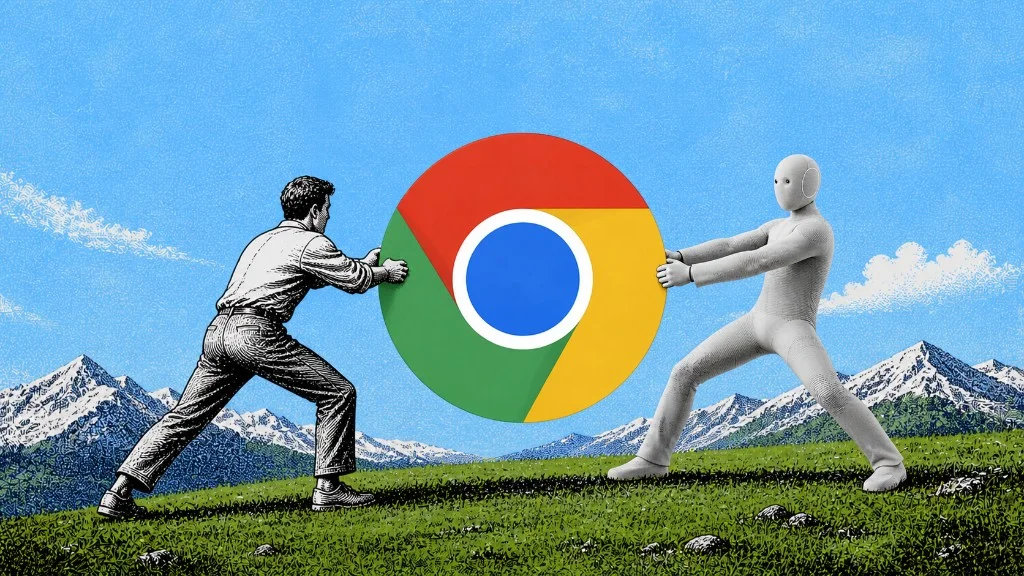
The core conclusion first: whether the agent moves into your browser or gets its own decides who owns your window during every task it ever runs. Vendor extensions (Claude for Chrome, Codex for Chrome, Browser MCP) put the agent in the browser you're using; a shared agent browser gives it its own window with your logins. For daily and parallel work, the shared-browser architecture wins.
ego (lite) is the shared agent browser architecture shipped for browser automation: sessions inherited from Chrome import, the agent working in its own Space, driven by any agent through the ego-browser skill, free.
Every vendor demo of a browser agent shows the same magic moment: the agent, in your browser, doing your task in your accounts. What the demo never shows is you, during those ninety seconds, doing nothing.
This article names the two architectures, walks one task through each, and shows the five places the difference bites in a normal week. By the end, "which browser agent should I use" should feel like the second question, downstream of the architectural one.
What are the two architectures?
The vendor extension architecture installs the agent into your daily browser. Claude for Chrome and Codex for Chrome are the flagship implementations, Browser MCP the protocol-flavored one; all three act on your real tabs with your real sessions, guarded by permission prompts.
Its genuine strengths: nothing to configure, sessions already present, and the agent sees exactly what you see. Its structural property: the browser executing agent tasks is the one you're trying to use, and no setting changes that.
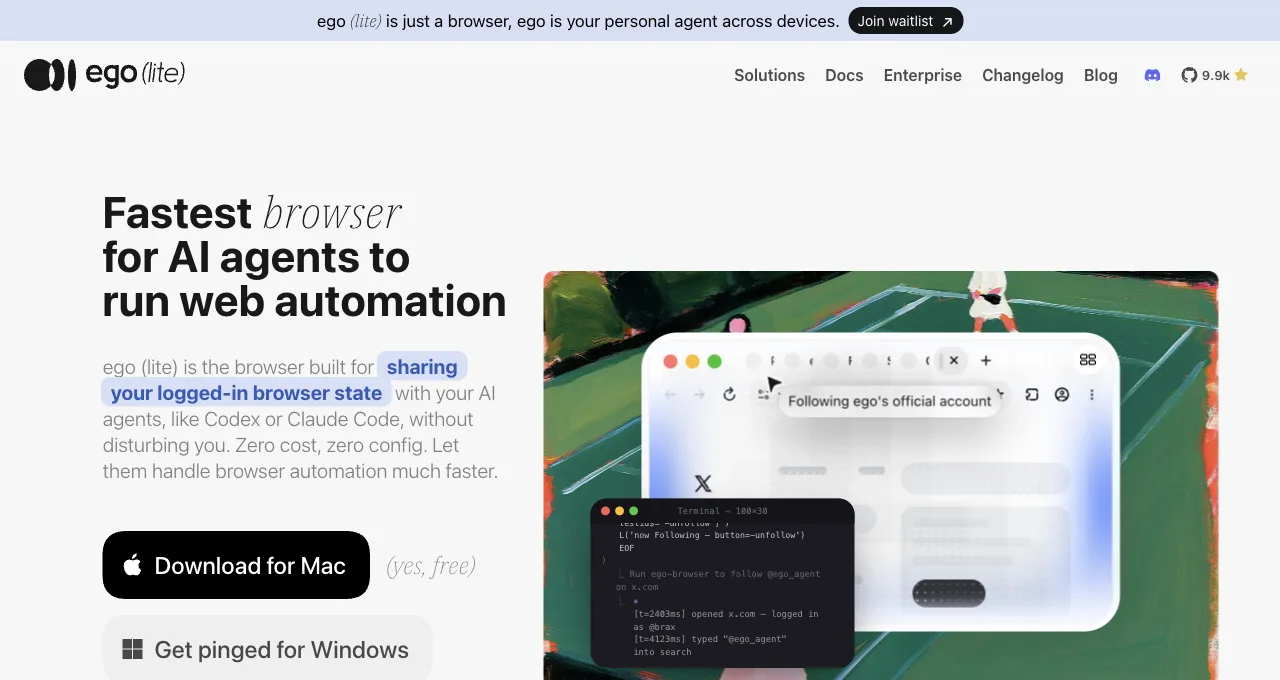
The shared agent browser architecture gives the agent a separate browser that carries your logged-in state without being your window. ego (lite) implements it: import from Chrome once, and every site you've signed into stays signed in; the agent then works in a Space, an isolated workspace with its own tabs, driven by any agent that can run a shell command through the ego-browser skill.
Its structural property: an extra browser exists, and your own never gets borrowed.
Note what's not the difference: login access. Both architectures solve that. The difference is purely who owns the window while the work happens.
"Any agent that can run a shell command" shouldn't be taken on faith either. Here's a real ego-browser session from today: a shell heredoc opening a task space, driving the page, and handing back exactly the four fields asked for, not a window, not a tab, not your attention.
ego-browser nodejs <<'EOF'
const task = await egoBrowser.newTaskSpace('evidence-egobrowser-hn')
console.log({ taskSpaceId: task.id })

await task.page.goto('https://news.ycombinator.com/', { waitUntil: 'load', timeout: 20000 })
const title = await task.page.title()
const topStory = await task.page.locator('.athing .titleline > a').first().innerText()
const points = await task.page.locator('.subtext .score').first().innerText().catch(() => null)
console.log({ title, url: task.page.url(), topStory, points })
EOF
{
"taskSpaceId": 13
}
{
"title": "Hacker News",
"url": "https://news.ycombinator.com/",
"topStory": "Qwen 3.8 27B",
"points": "412 points"
}A hybrid exists and clarifies the spectrum: DevTools-style auto-connect attaches an external agent to your live Chrome. It behaves like architecture 1 for our purposes (your window, occupied) while installing like architecture 2, which is why debugging guides love it and daily-task guides don't. The window question, not the install mechanism, is the load-bearing one.
What happens to your browser during one task, each way?
Take one ordinary task: "pull this month's invoices from our three vendor portals into a summary."
Extension architecture, from your chair: the agent opens the first portal in your browser; your tabs shift; you watch it navigate, or switch to another app and lose sight of what it's approving; a permission prompt lands mid-task and waits for you; nine minutes later your browser is yours again, with a few new tabs to close. The task succeeded. You were also, functionally, its supervisor for nine minutes.
Shared-browser architecture, same task: the agent opens a Space in its own browser, walks the three portals with your inherited sessions, and your browser never moves; you keep reading, writing, or browsing. If the task needs you (a 2FA challenge), it hands that one page over and takes back when you're done. Nine minutes later a summary arrives. Your window's role in the story: none.
Same task, same sessions, one hostage situation fewer. Multiply by every task you'll ever delegate, and the architectures stop looking interchangeable.
Where do the daily collisions happen?
Five recurring moments where architecture 1 charges its rent. Score your own week against them; two or more hits means the architecture, not any particular product, is your bottleneck.
The mid-email hijack: you're writing in one tab while the agent navigates in another, and a focus steal or tab switch drops your cursor mid-sentence.
The two-task queue: you want the agent checking prices while also filing a form, but one browser means one task; the second waits. The watching tax: because it's acting in your real profile, you feel obliged to watch, converting delegation back into supervision.
The interrupted handback: you grab your browser for something urgent mid-task, and the agent's run breaks or pauses; resuming costs more than the task saved. And the end-of-day tab archaeology: agent-opened tabs mixed into your own, in whatever state the last task left them.
None of these is a bug, and vendors mitigate at the margins (tab groups bundle the mess; permission prompts formalize the watching). The architecture guarantees the category; mitigation only shrinks instances. The tell is what users request: BrowserOS's community publicly asked for a "detached mode for assistant", agent working while the human keeps browsing, which is users of architecture 1 asking for architecture 2 by name.
How do you decide, concretely?
Four questions, honest answers on both sides. How often do agent browser tasks run: a few times weekly favors the extension (its zero setup amortizes poorly-used installs), daily favors the shared browser (collision costs compound).
Do tasks run while you work, or instead of you working: parallel means architecture 2, sequential supervision means either. Is more than one agent or task ever active: extensions serialize on your one browser; Spaces parallelize.
And who are you setting this up for: a non-technical user gets real value from the extension's install-and-go, while anyone running a coding agent already has the shell the shared browser needs.
And the disclosure that colors this piece, stated plainly: we build ego (lite), the shared-browser side of this argument. The argument stands on the scenarios; check them against your own week rather than taking our word. If your week contains none of the five collisions, the extensions are genuinely fine, and this article was a taxonomy rather than a pitch.
Download ego (lite) for Mac, free, or compare it against the flagship extensions: Claude for Chrome and Codex for Chrome.
FAQ
Is the Claude Chrome plugin the same as Claude for Chrome?
Yes; "plugin," "extension," and "Claude in Chrome" all name Anthropic's browser extension, installed from the Chrome Web Store on paid plans. It's the flagship of the vendor-extension architecture this article describes.
The extension says site-level permissions are disabled for this site. What now?
That message means the site is excluded from agent actions under your current permission settings: some categories are restricted by the vendor's policy (sensitive and financial sites), others by your own site-level choices.
Review the extension's permission settings for that site; if it's policy-restricted, that's the guardrail working as designed, and the task belongs on a surface you supervise directly. What it isn't: a bug to work around, or a reason to grant allow-all.
My extension disconnected from the app. Quick fixes?
Extension-to-app pairings (both vendors use a desktop-app bridge) recover with the boring sequence: confirm the desktop app is running and current, restart the browser so the native-host connection re-establishes, and re-approve the pairing prompt if one appears. Persistent failures usually trace to the app having updated while the browser stayed open.
Is a shared agent browser the same as a multi-profile or antidetect browser?
No; different goals entirely. Multi-profile browsers exist to run many separate identities; a shared agent browser exists to give an agent your one real identity's sessions in a workspace that isn't your window. The isolation in Spaces is about tasks not colliding with each other or with you, not about disguising anything.
Doesn't a second browser waste memory?
It costs what a browser costs, and buys back the window you work in. For a few tasks a week, that trade can reasonably go either way; for daily parallel work, the five collisions above cost more attention than a browser process costs RAM. Also worth naming: the extension route runs its tasks in your browser's memory footprint anyway.